
Free Subscription Plan Pricing Table Template for PowerPoint & Google Slides
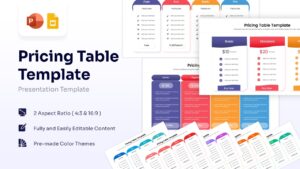
Service Tier Comparison Presentation Template
Download this Free Pricing Table Template to present your product costs and service tiers with absolute clarity. When proposing a new contract or showcasing subscription options, confusion is the enemy of a sale. This comparison table template helps you organize complex pricing structures into a clean, easy-to-read format, ensuring your potential clients understand exactly what they are paying for and the value they receive in return. It is designed to make the decision-making process smoother for your audience while making you look prepared and professional.
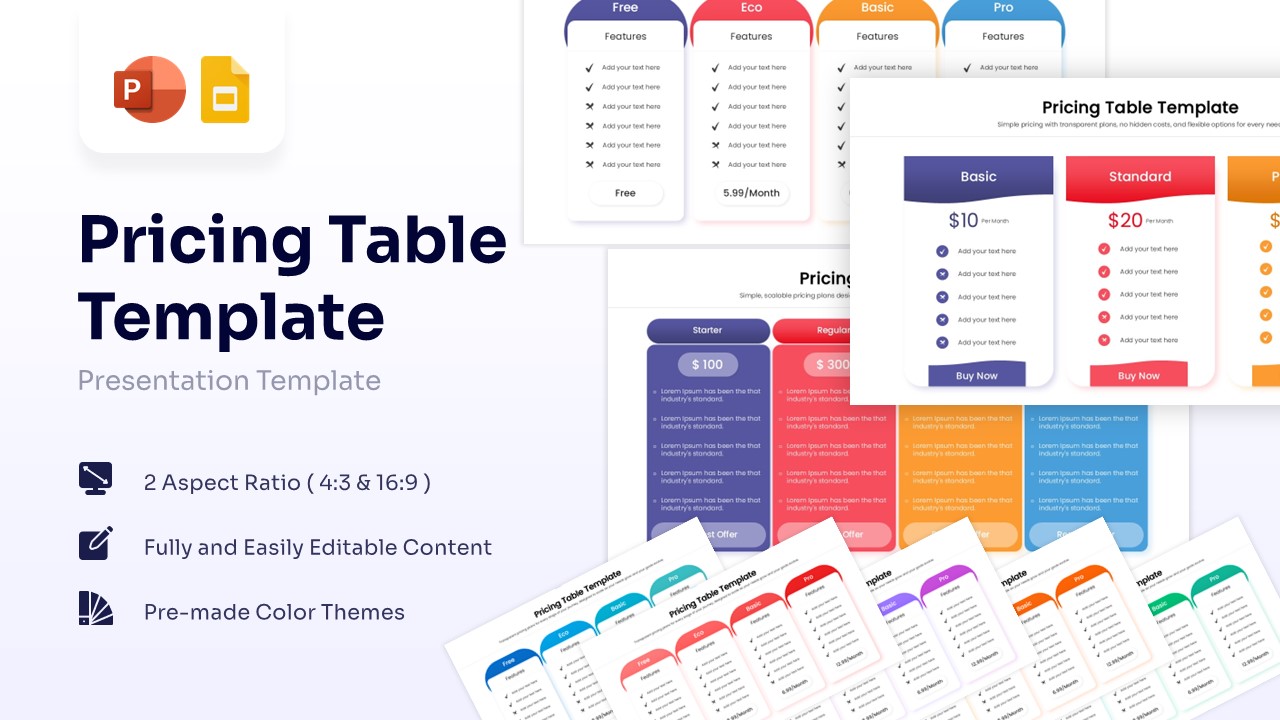
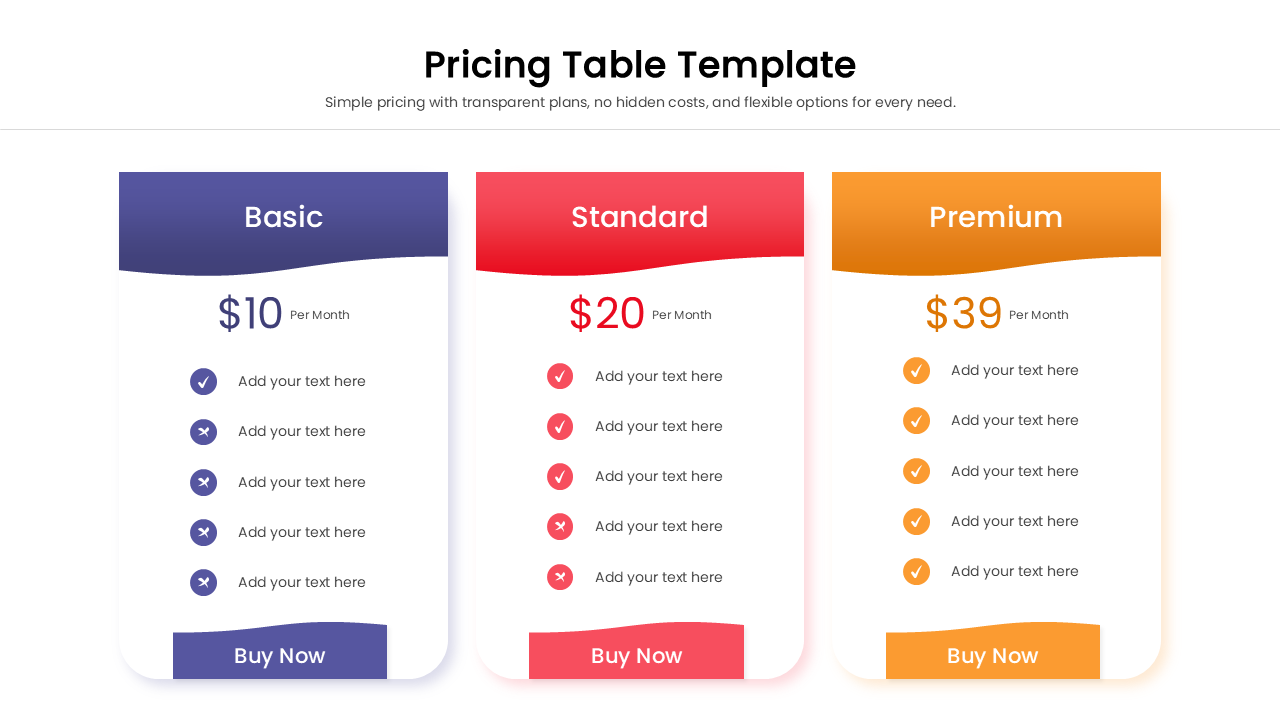
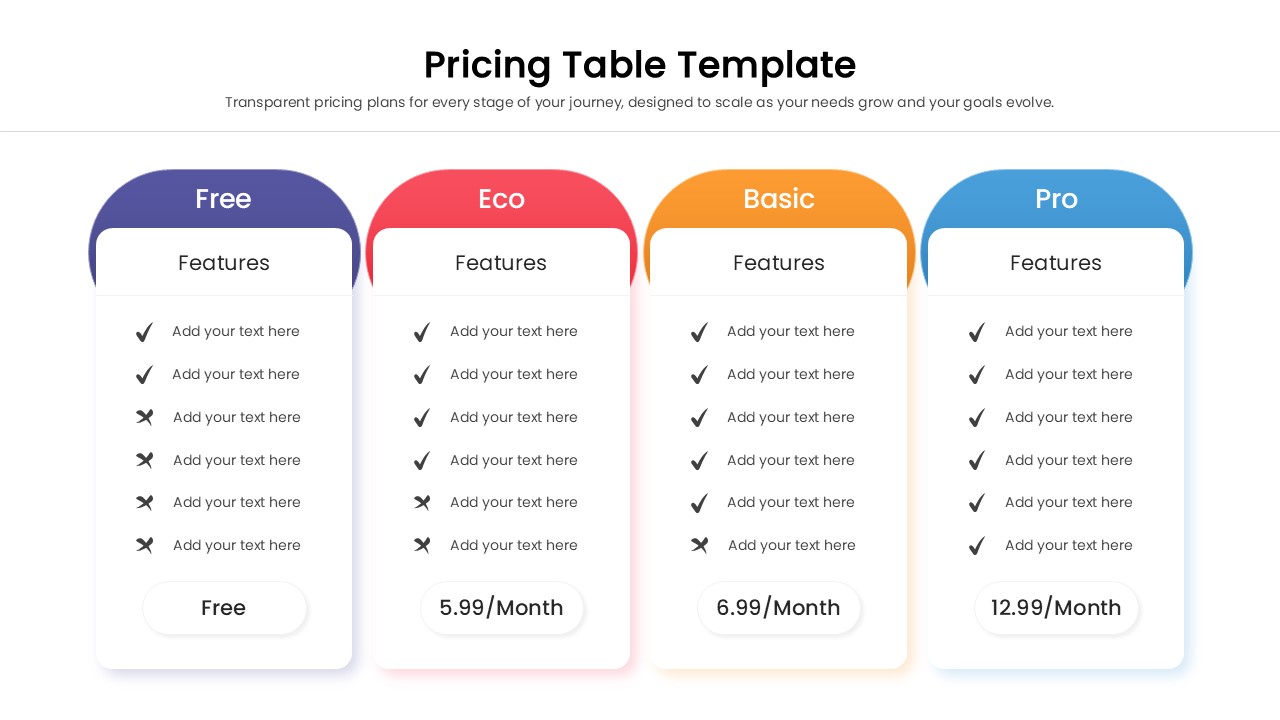
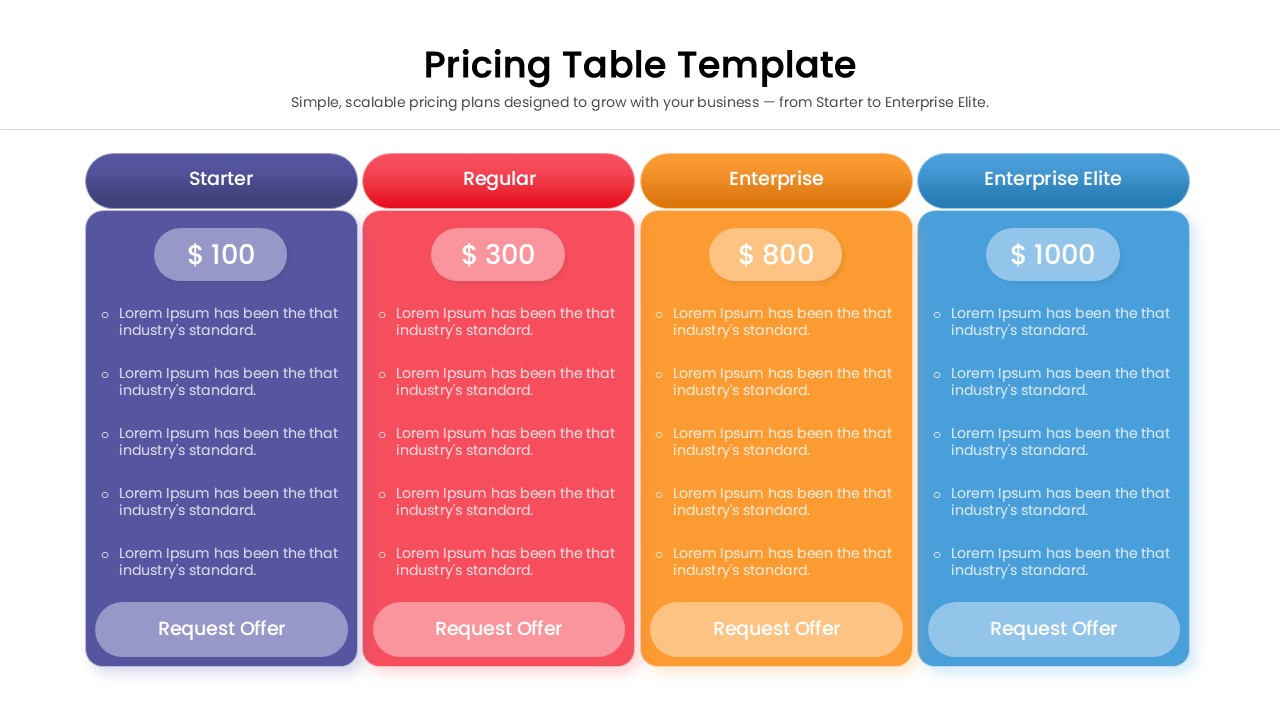
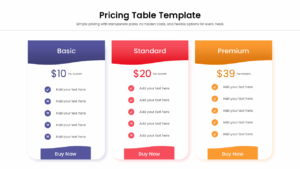
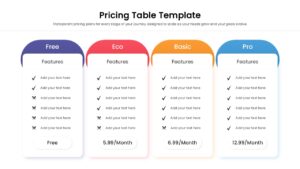
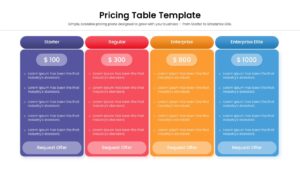
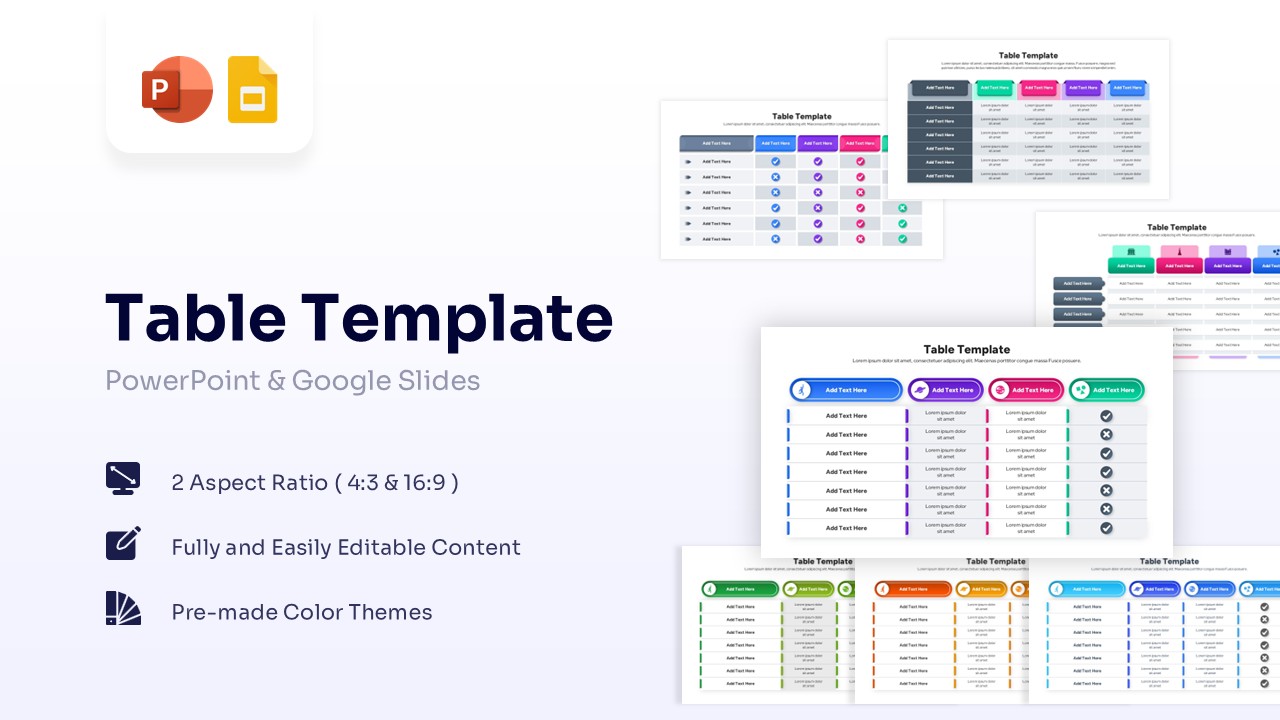
This pricing comparison table asset features a modern price comparison chart layout available in both three-column and four-column variations. Each column represents a specific tier—such as Free, Basic, Standard, or Premium—distinguished by distinct header colors like bold blue, soft red, vibrant orange, and deep purple. The slides include clear sections for pricing, billing frequency, and detailed feature lists using intuitive checkmark and cross icons to highlight inclusions and exclusions. The design utilizes rounded corners and ample whitespace, creating a polished look that focuses the viewer’s eye on the critical data without visual clutter.
These pricing table slides are incredibly versatile and can be used across various business contexts. A software company can use them to display SaaS subscription levels, while a marketing agency might use them to outline retainer packages in a pitch deck. Freelancers can utilize this layout to present project bids with different scope options. Whether you are conducting an internal strategy meeting to determine future pricing models or presenting a final proposal to a prospective client, this PowerPoint table template adapts to your specific needs.
Why Use this Pricing Template
- Simplifies Decisions: Helps your audience quickly compare options side-by-side to find the best fit.
- Enhances Professionalism: Replaces messy spreadsheets with a sleek, design-forward layout.
- Saves Time: Pre-formatted structures mean you only need to update text and prices, not design from scratch.
- Fully Customizable: Easily adjust colors and fonts to align perfectly with your company’s branding guidelines.
Who Should Download this Pricing List Template
- Sales Managers: presenting tier options to potential clients during final negotiations.
- Startup Founders: showcasing revenue models and subscription plans in investor pitch decks.
- Marketing Agencies: outlining service packages and deliverables in client proposals.
- Consultants: offering different levels of strategic support or project scopes.
Key Features
- 100% Vector-Based Graphics
- Fully Layered & Organized
- Multi-Platform Support
- Theme Color & Theme Font
Frequently Asked Questions
- Can I add or remove columns in this pricing table?
- Yes, the elements are fully editable. You can group and resize existing columns to fit more options or delete a column if you only have three tiers.
- Are the currency symbols and icons editable?
- Absolutely. You can change the dollar sign to any currency symbol and swap the checkmarks or crosses for other icons using the built-in icon libraries in PowerPoint or Google Slides.
- Does this template support distinct brand colors?
- Yes, the template is linked to theme colors, so changing your presentation\'s color palette will automatically update the column headers to match your brand.
Related Templates
-
-
 $2.99
$2.99 -
 $2.99
$2.99 -
 $2.99
$2.99