
Background Presentation Template - PowerPoint & Google Slides
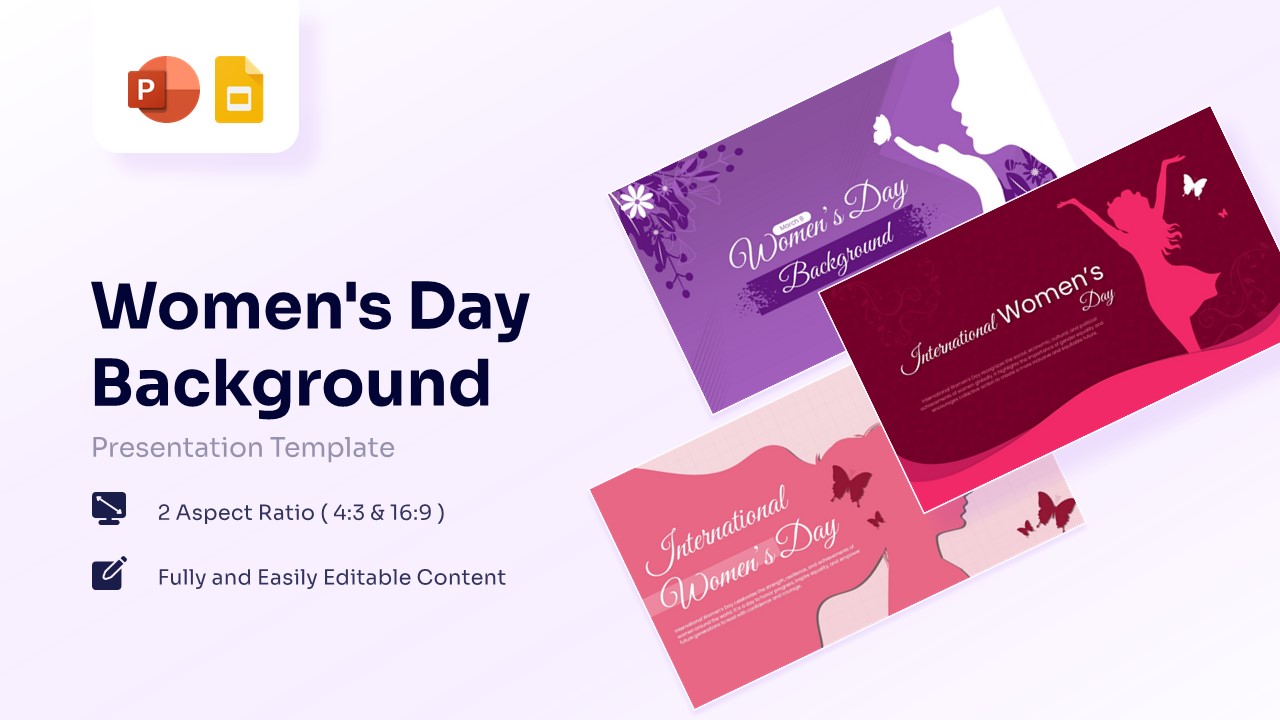
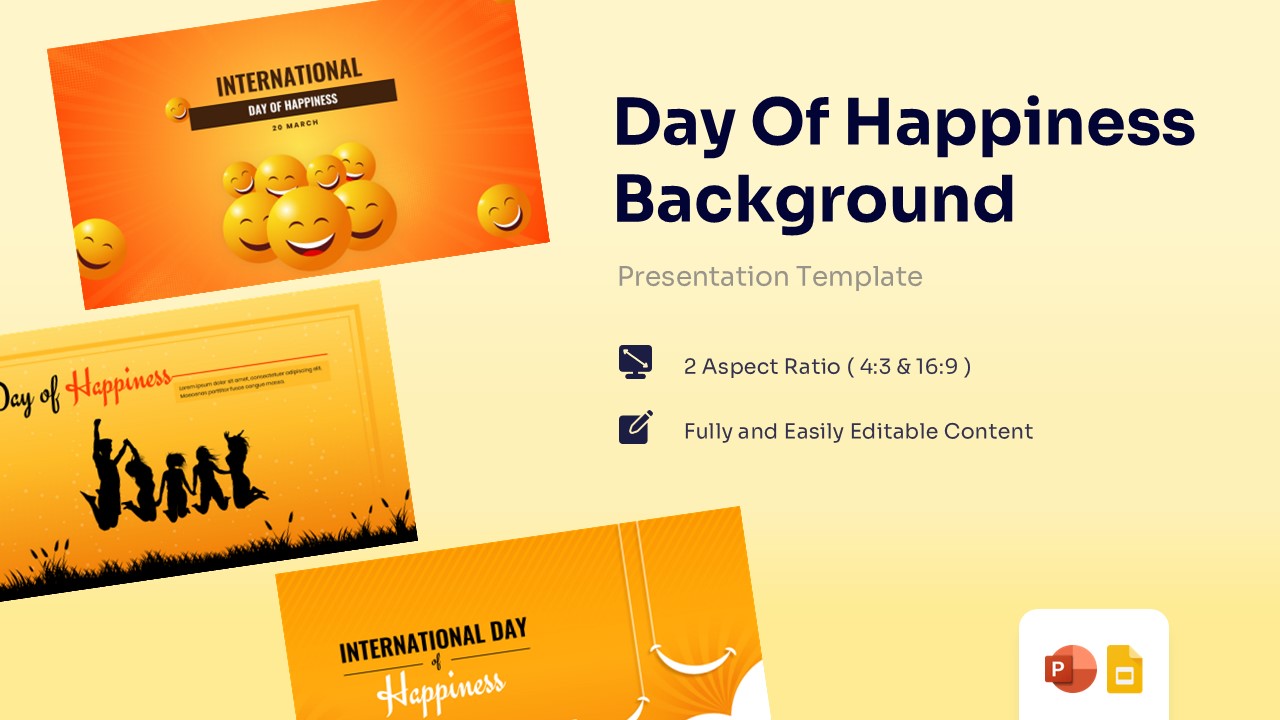
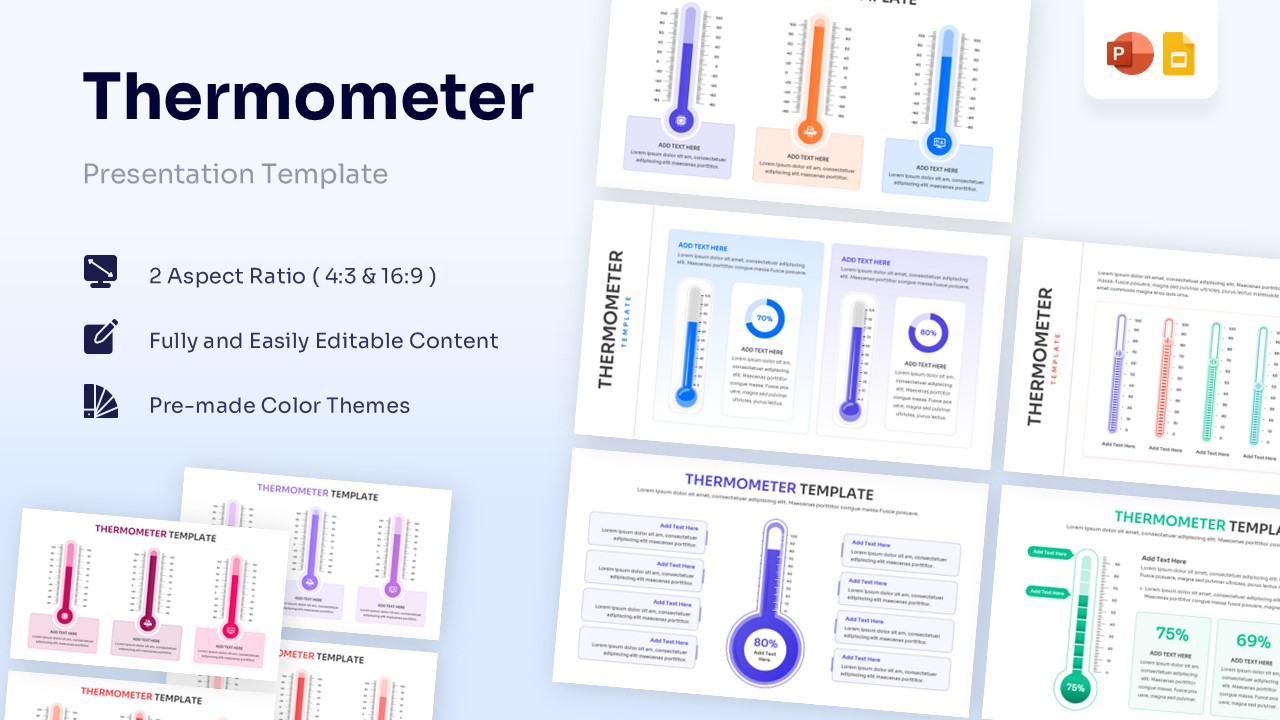
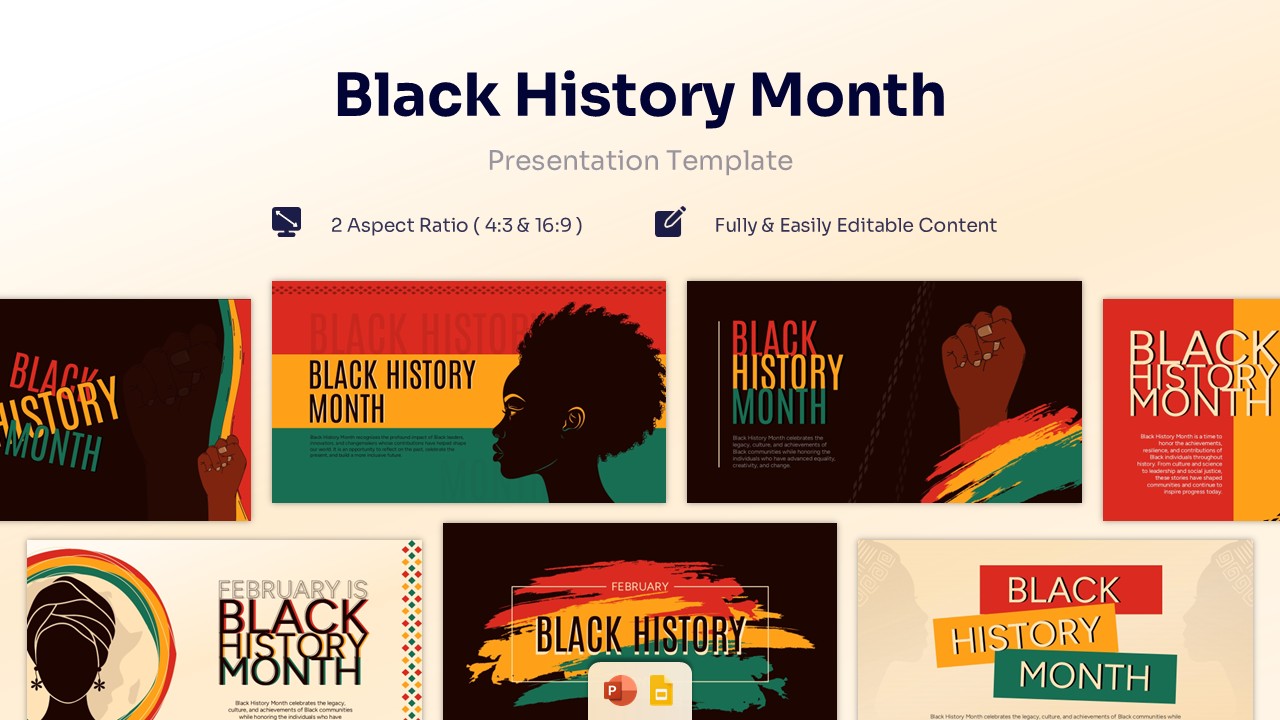
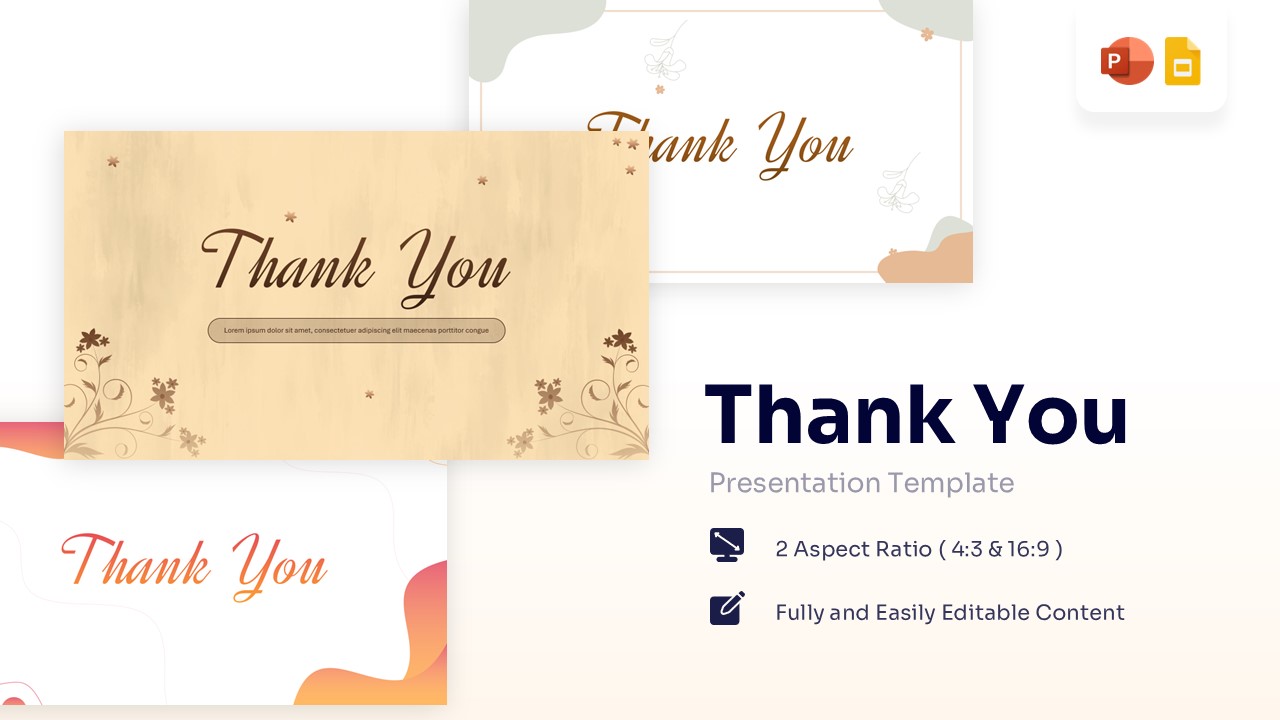
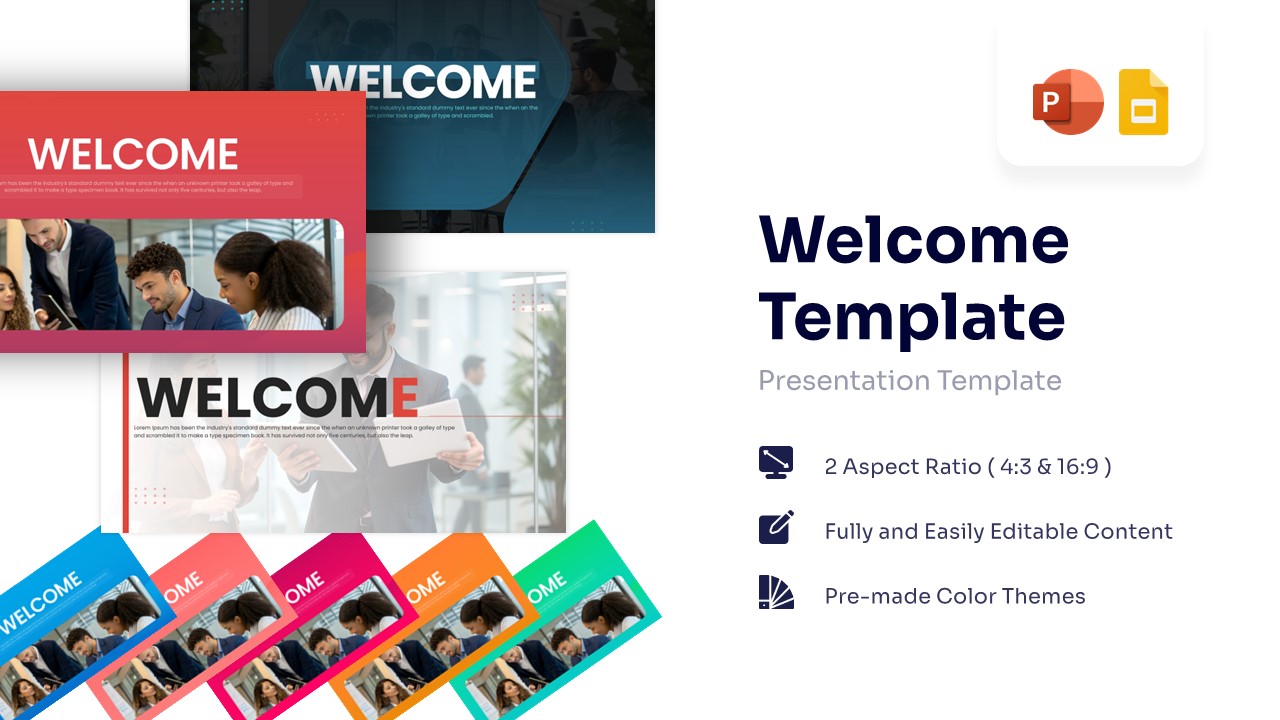
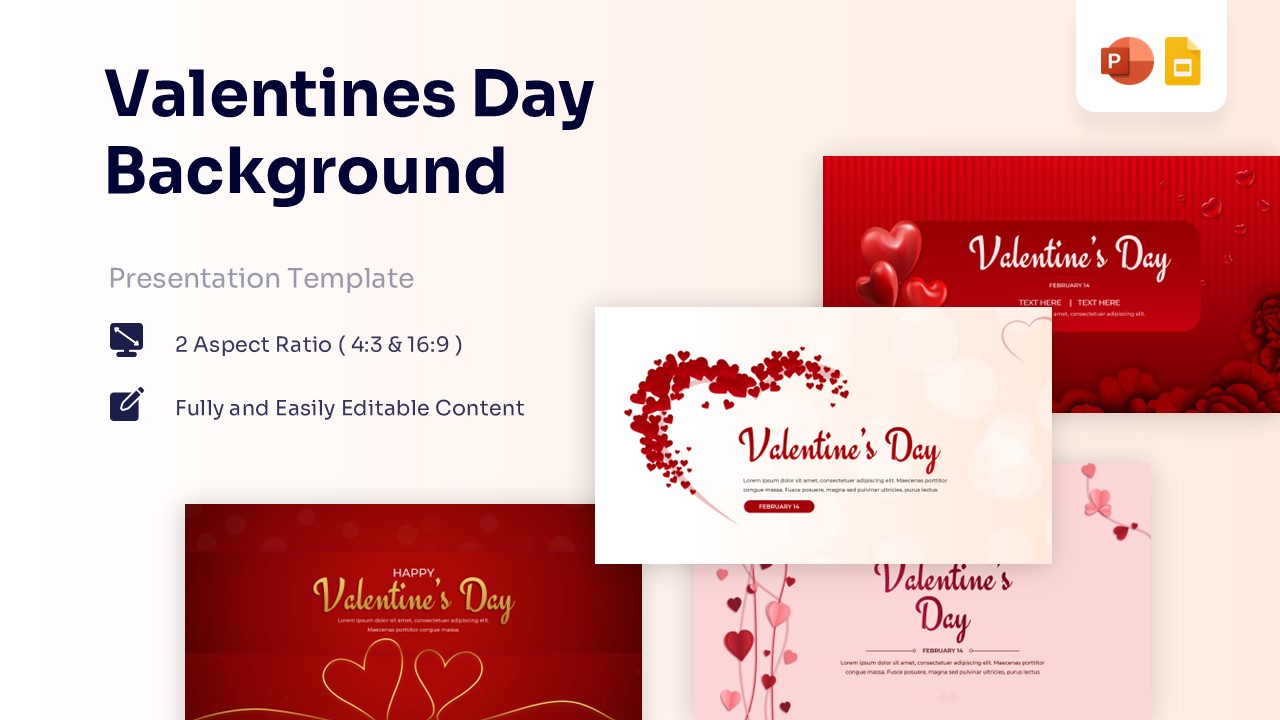
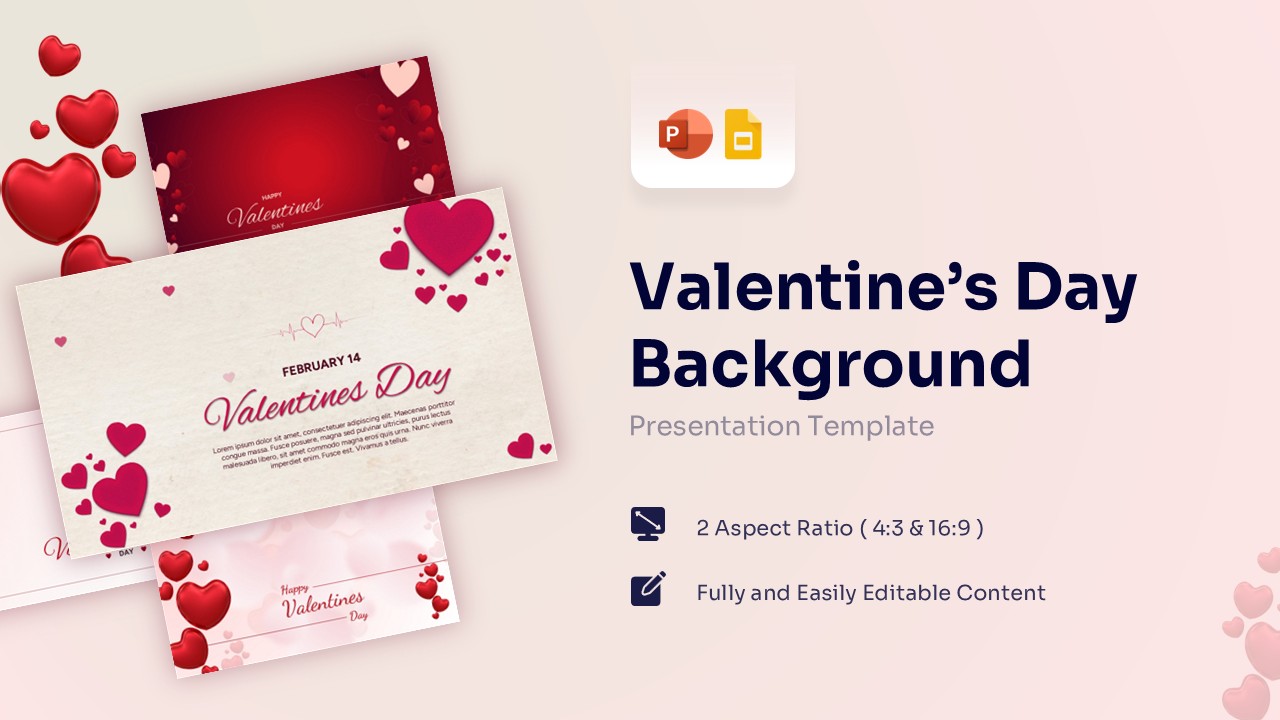
Set the right tone for your presentation with these professional backgrounds. These background presentation templates gives clean, organized look so your audience stays focused on your ideas.
Sort by
-
-
 Free
Free -
-
 Free
Free -
 Free
Free -
-
 $4.99
$4.99 -
-
-
-
-
-

-
-
 Free
Free -
Frequently Asked Questions
How do I apply these backgrounds to my presentation?
Applying our backgrounds is simple. For PowerPoint, you can right-click any slide, select "Format Background," and choose "Picture or texture fill" to insert the downloaded image. Alternatively, you can insert the background directly into your Slide Master so it automatically applies to every new slide you create without having to copy and paste it manually.
Are these background templates compatible with Google Slides?
Yes, absolutely. All of our background graphics can be easily uploaded to Google Slides. Just open your Google presentation, click "Background" on the top toolbar, select "Choose Image," and upload the file you downloaded from our library.
Are the backgrounds high-resolution (HD)?
Yes. Every background in our collection is designed in high resolution (typically 16:9 widescreen format) to ensure it looks crisp and professional. Whether you are presenting on a standard laptop screen, a massive projector, or a 4K monitor, your background will not look pixelated or stretched.
Will these backgrounds make my text hard to read?
We design our backgrounds specifically for presentations, which means readability is a top priority. Many of our designs feature strategic "white space," subtle gradients, or dark overlays that ensure your text and data charts stand out clearly against the background.