Value Complexity Matrix Template for PowerPoint & Google Slides
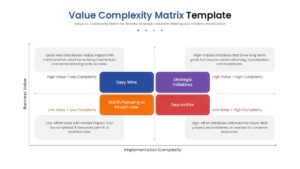
Strategic Value vs Complexity Prioritization Presentation Template
Download this Value Complexity Matrix to bring clarity and focus to your strategic decision-making process. This matrix template is an essential tool for project managers and business leaders who need to prioritize initiatives based on their potential impact and required effort. By visually mapping out tasks, you can ensure your team concentrates on high-value activities while avoiding time-consuming projects that offer little return. Whether you are defining a product roadmap, managing a portfolio of projects, or conducting a sprint review, using a Value Complexity Matrix helps you allocate resources where they matter most.
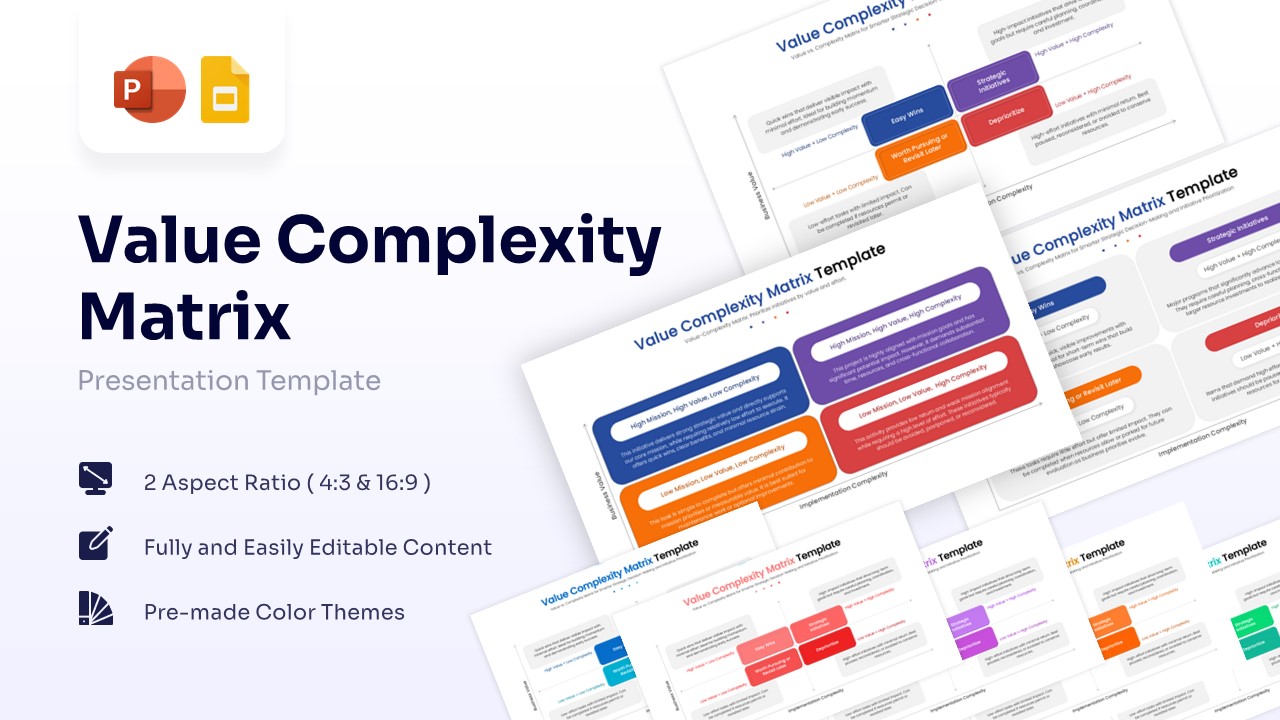
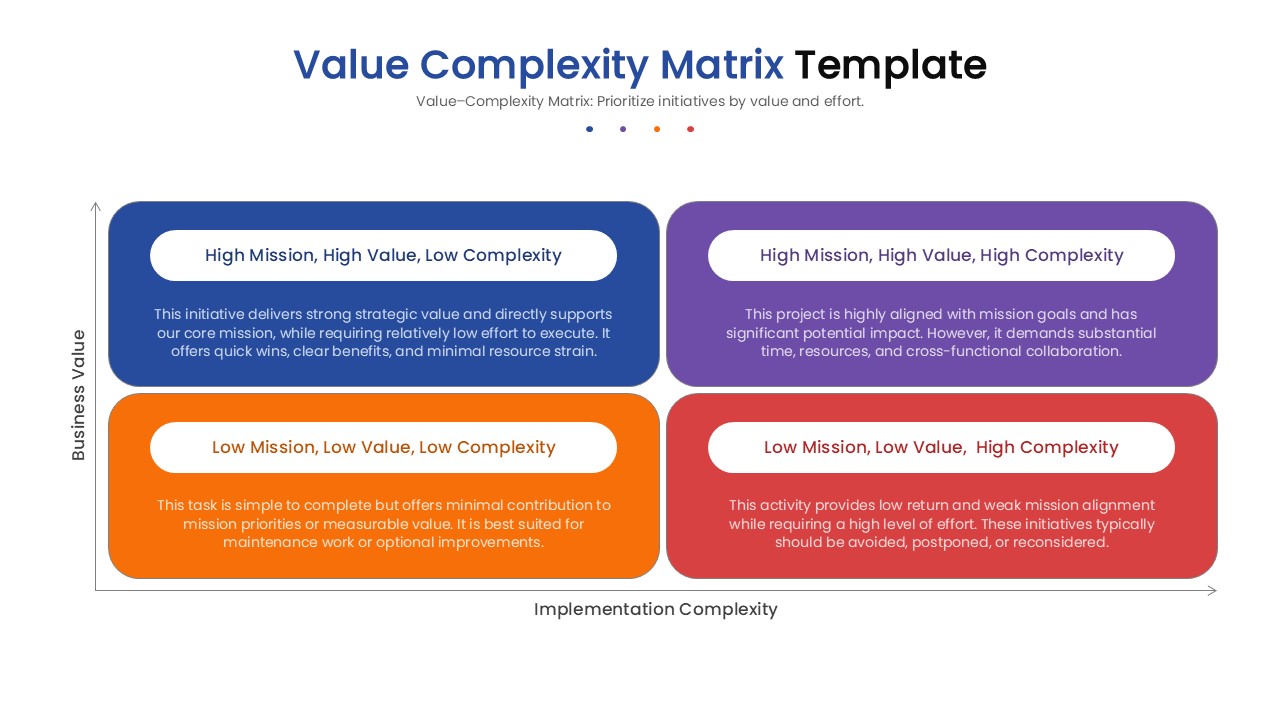
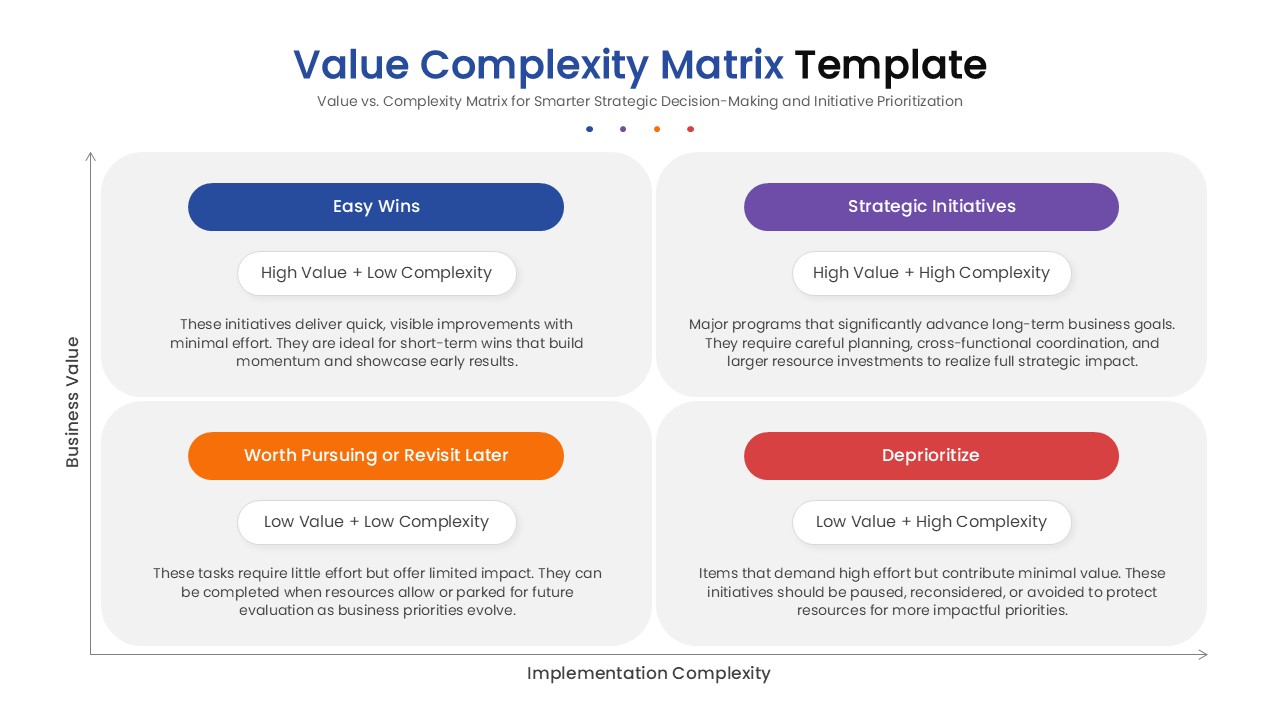
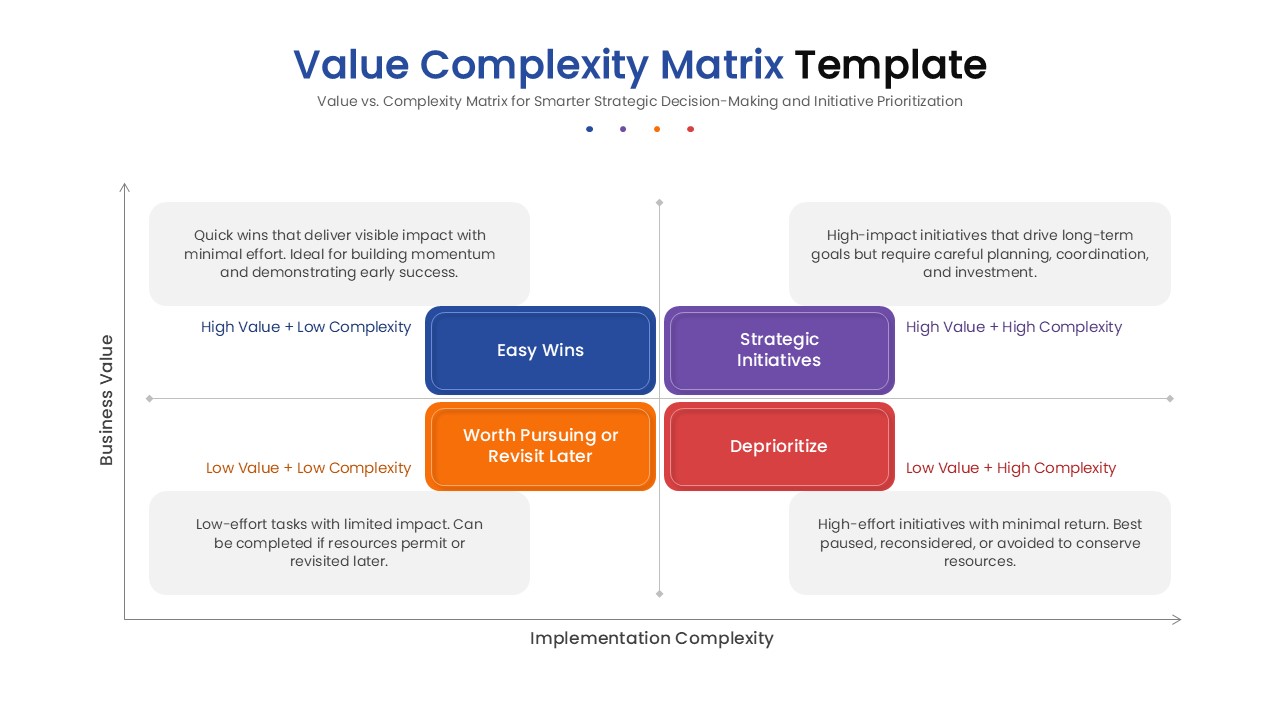
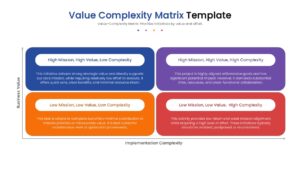
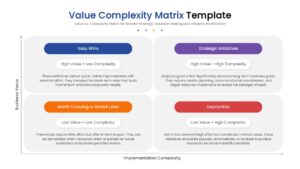
This value complexity matrix diagram features a clean, professional 2×2 grid that segments tasks into four distinct quadrants based on Business Value and Implementation Complexity. The layout clearly identifies “Easy Wins” (High Value, Low Complexity) that build momentum, “Strategic Initiatives” (High Value, High Complexity) that drive long-term growth, and tasks that should be deprioritized. Each quadrant is color-coded—using clear shades of blue, purple, orange, and red—to make the data instantly readable during presentations. The slide includes pre-formatted text placeholders for descriptions, allowing you to easily add details about specific projects without worrying about design alignment or formatting consistency.
This value chain complexity infographic is versatile enough to be used in a wide range of professional scenarios, from executive strategy sessions to agile team workshops. It facilitates data-driven discussions by forcing a structured evaluation of every proposed idea. You can use it to justify resource allocation to stakeholders, filter out distractions, or simply organize a brainstorming session into an actionable plan. By presenting complex trade-offs in this simple visual format, you empower your team to make smarter decisions faster and move forward with confidence.
Why use this template
- Simplifies the prioritization process by visualizing trade-offs between effort and value.
- Helps teams quickly identify “low hanging fruit” to demonstrate early success.
- Prevents resource waste on high-effort, low-value tasks that should be deprioritized.
- Facilitates alignment among stakeholders by providing a clear, objective framework.
- Saves preparation time with a polished, professional design ready for immediate use.
Who is it for
- Project Managers and Product Owners planning roadmaps.
- Business Strategists and Consultants facilitating workshops.
- Team Leads and Department Heads managing resource allocation.
- Executives looking for a clear overview of portfolio priorities.
- Marketing Teams deciding on campaign initiatives.
Key Features
- 100% Vector-Based Graphics for distortion-free resizing.
- Fully Layered & Organized elements for easy editing.
- Multi-Platform Support (PowerPoint & Google Slides).
- Theme Color & Theme Font integration for brand consistency.
- 2 Aspect Ratios (4:3 & 16:9) to suit different screens.
Frequently Asked Questions
- Can I change the colors to match my brand?
- Yes, all shapes and text are fully editable, allowing you to apply your own color palette easily.
- Is this compatible with Keynote?
- While designed for PowerPoint and Google Slides, the elements can often be imported into Keynote with minimal adjustment.
- How do I edit the text in the quadrants?
- Simply click on the text placeholders and type your content; the formatting will adjust automatically.
Related Templates
-
-
-
 $3.99
$3.99 -