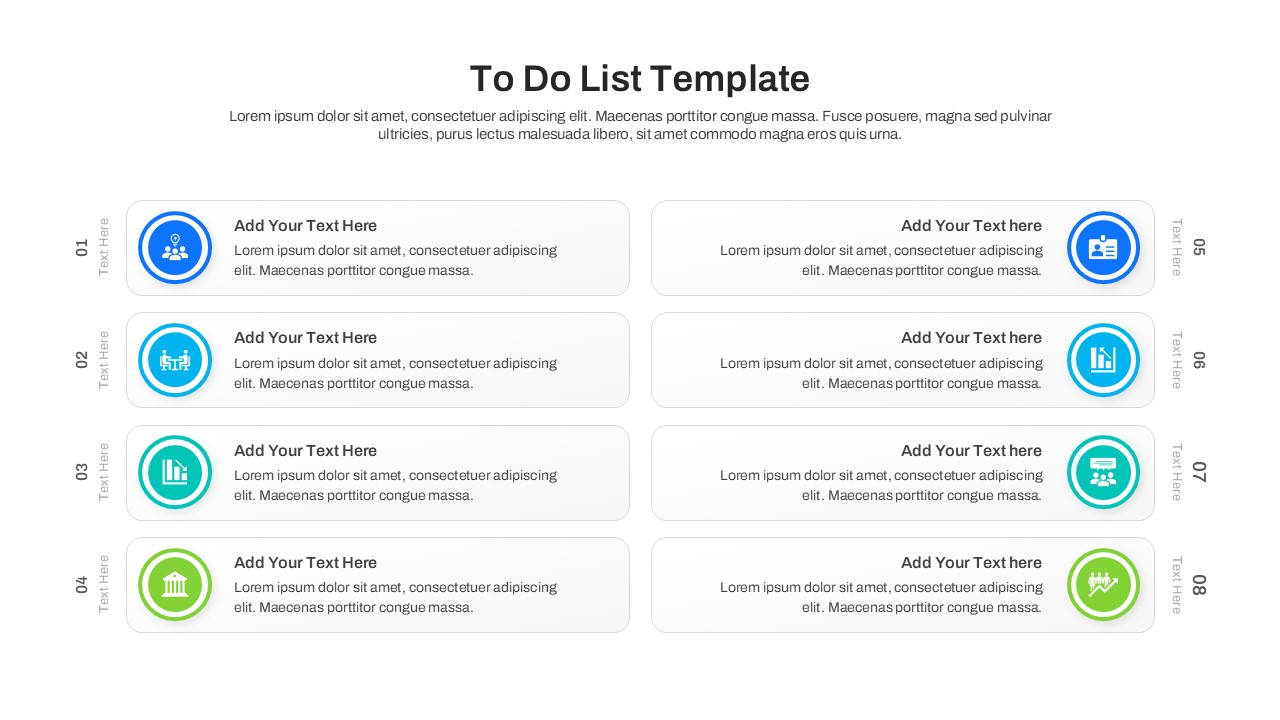
Numbered Task List Slide Layout
This template is part of a deck featuring multiple slides. To check out all slides.
See All
Professional Task Management Presentation Template
Download this To Do List Template for PowerPoint & Google Slides to streamline your workflow and keep your team aligned on key objectives. Organizing daily tasks and long-term projects is essential for success, and this simple list infographic template provides a clear, visual structure to help you manage priorities effectively. Whether you are leading a team meeting or planning your personal schedule, these slides ensure nothing falls through the cracks.
This daily to do list template features a variety of practical layouts, including standard checklists with status indicators, detailed data tables for tracking task remarks, and segmented blocks for categorizing "Today’s Priorities" versus "Next Steps." The design is clean and modern, utilizing a fresh palette of blues and greens to highlight progress without clutter. You can easily edit text, swap icons, and adjust the colors to match your organization's branding, making it a versatile tool for any professional setting.
Use these to do list table slides during weekly team huddles to review action items, or in project kickoff meetings to assign responsibilities. The table layout is perfect for tracking detailed status updates, while the numbered lists help outline step-by-step action plans. By visually distinguishing between completed items and pending tasks, you provide your audience with an instant snapshot of project health.
Why Use this To Do List Template
- Improves Clarity – visualizes tasks so teams understand responsibilities instantly.
- Saves Time – pre-designed structures let you focus on content rather than formatting.
- Enhances Professionalism – delivers a polished look for status reports and agendas.
- Facilitates Tracking – easy-to-update status columns keep everyone on the same page.
Who Should Download this Monthly To Do List Template
- Project Managers – tracking deliverables and sprint progress.
- Team Leaders – assigning weekly tasks and reviewing performance.
- Educators & Students – organizing lesson plans or study schedules.
- Administrators – managing daily agendas and office operations.