
Project Budget Template for PowerPoint & Google Slides
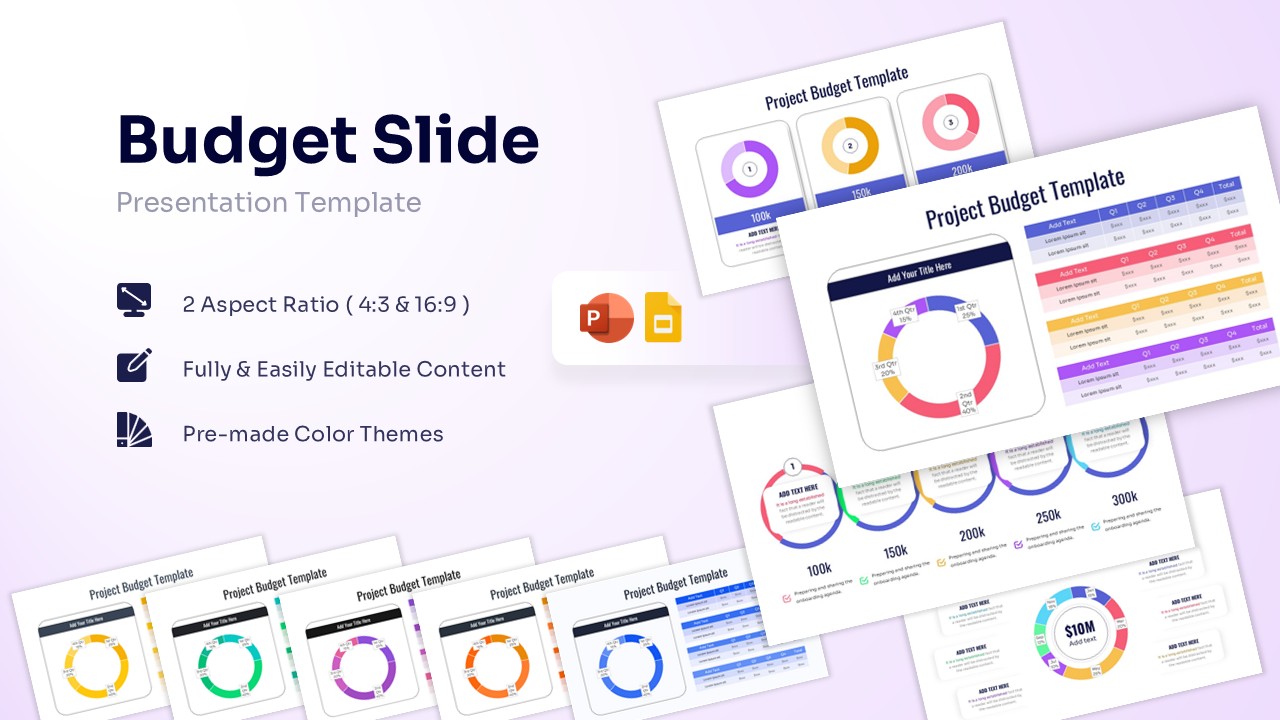
Financial Plan Presentation Template
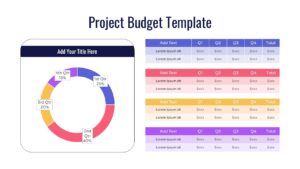
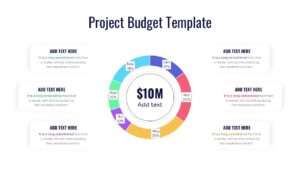
Download this Project Budget Template to clearly outline your financial roadmap and resource allocation. Whether you are proposing a new initiative or reviewing quarterly costs, this annual report template helps you present the numbers with confidence. It allows you to break down complex expenses into simple, visual segments that your team and stakeholders can easily understand.
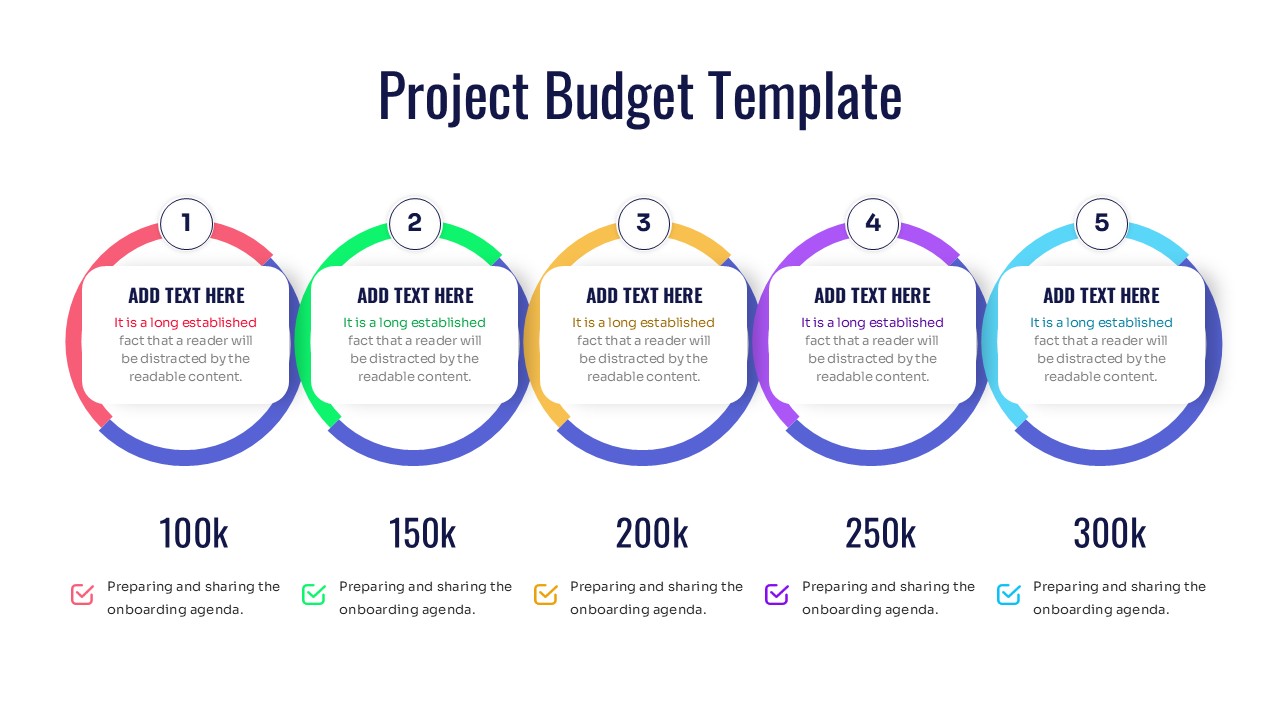
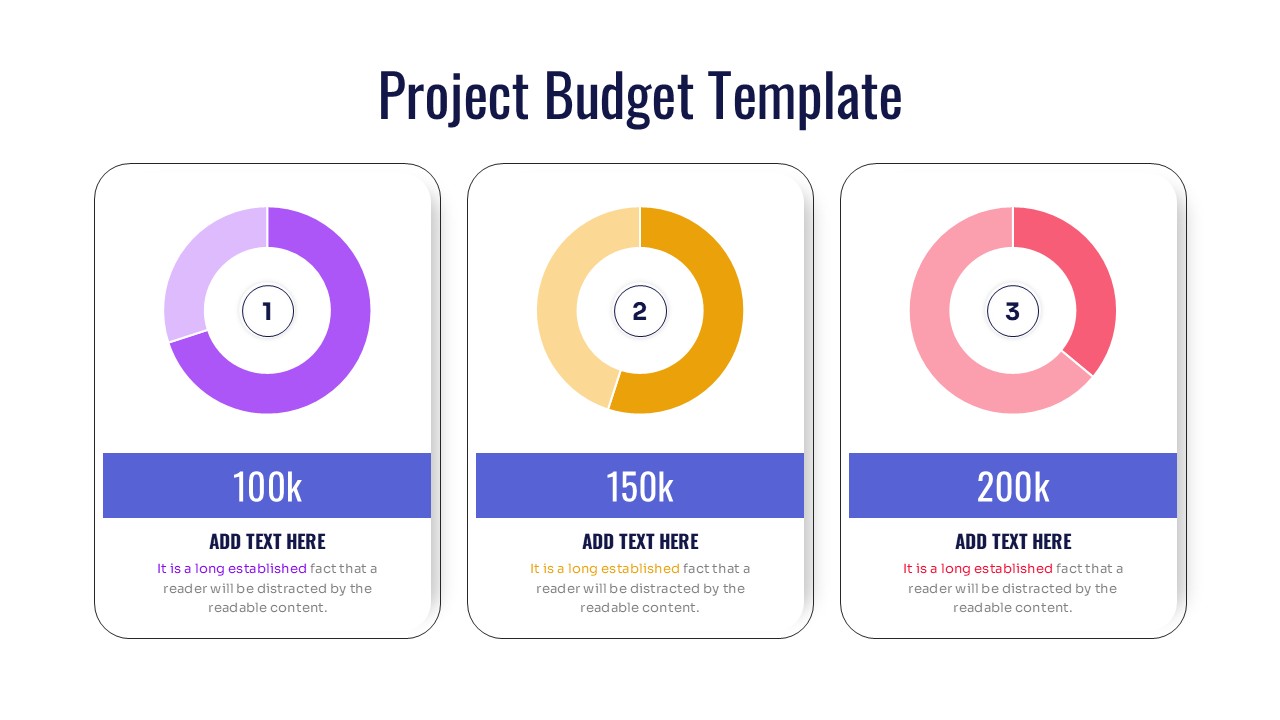
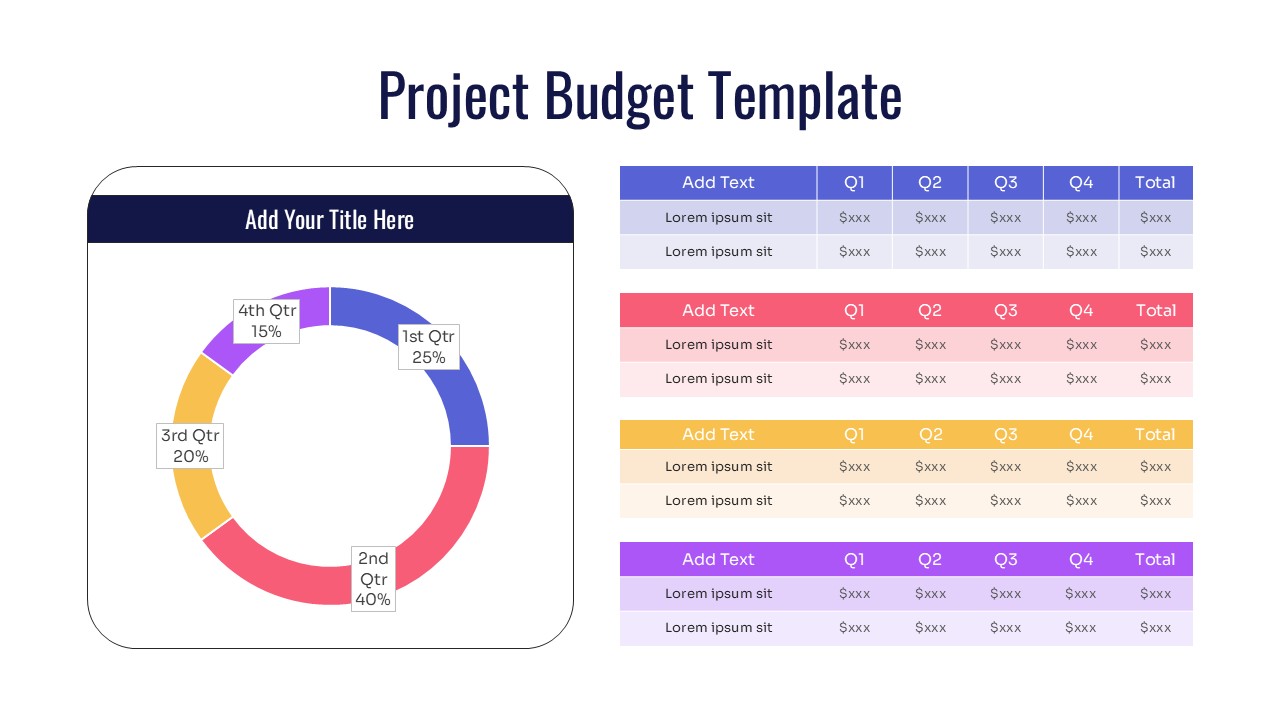
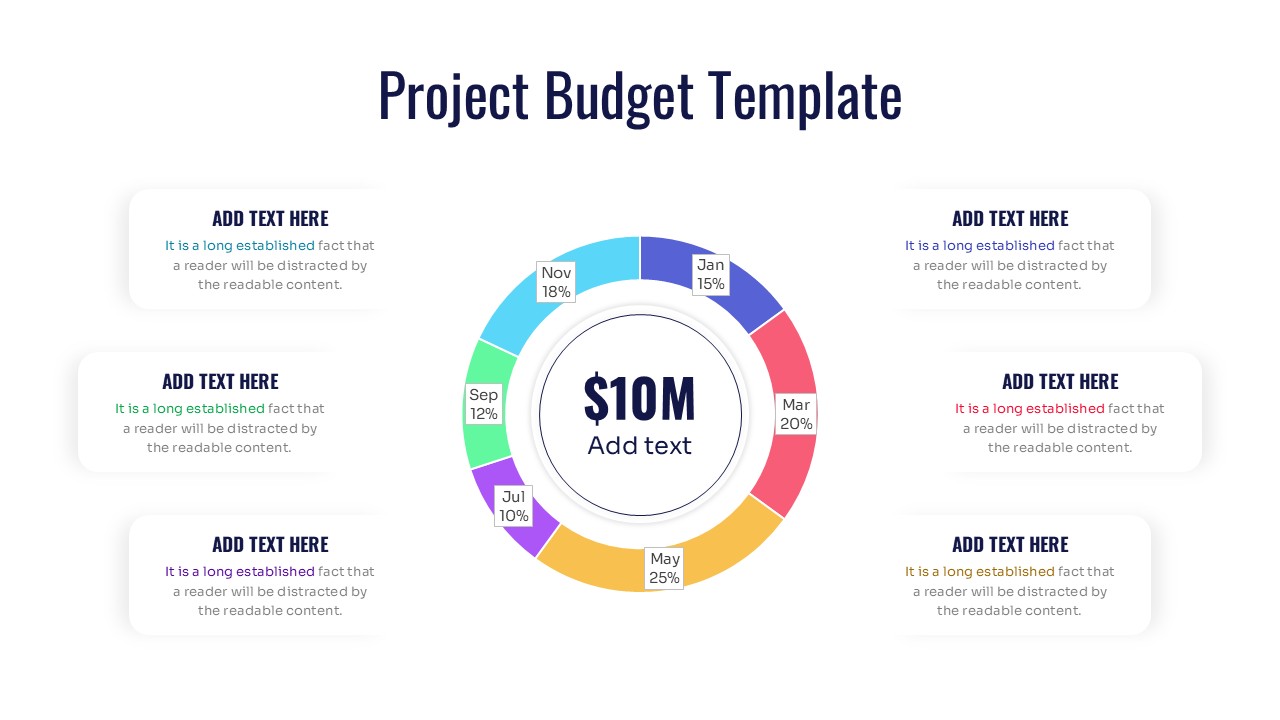
The Project Budget Report template features clean data visualizations, including donut charts for percentage breakdowns, linear timelines for funding milestones, and detailed tables for precise figures. You can easily edit the financial budget slides to match your specific fiscal year or project scope. The layout is designed to be scannable, ensuring your audience grasps the bottom line immediately without getting lost in spreadsheets.
Use Statistical Infographic Template for grant proposals, annual department reviews, startup seed funding pitches, or monthly expense tracking. The mix of high-level summaries and granular data tables makes it adaptable for both executive overviews and deep-dive financial meetings. You can also use it to compare projected costs against actual spending across different quarters.
Why Use this Project Budget Template
- Simplifies complex financial data into easy-to-read visuals.
- Helps stakeholders understand cost distribution at a glance.
- Saves time on formatting so you can focus on the analysis.
- Ensures a consistent, professional look for all financial reports.
Who Should Download this Project Budgeting Template
- Project Managers tracking project costs and resources.
- Financial Analysts preparing quarterly reports.
- Startup Founders presenting burn rates and funding needs to investors.
- Department Heads managing annual operating budgets.
Key Features
- 100% Vector-Based Graphics
- Fully Layered & Organized
- Multi-Platform Support
- Theme Color & Theme Font
- 16:9 & 4:3 Aspect Ratios
Frequently Asked Questions
- Can I change the currency symbols?
- Yes, all text fields, including currency symbols and values, are fully editable to match your local currency.
- Is the data linked to Excel?
- These slides use PowerPoint\'s native charting and vector shapes, allowing you to update data directly on the slide easily.
- Does it support dark mode?
- Yes, the vector elements can be recolored to fit any background, including dark themes.
Related Templates
-
 $2.99
$2.99 -
-
 $2.99
$2.99 -
 $3.99
$3.99