Project Schedule Gantt Chart Template for PowerPoint & Google Slides
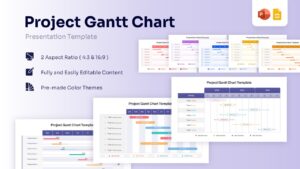
Project Timeline Management Presentation Template
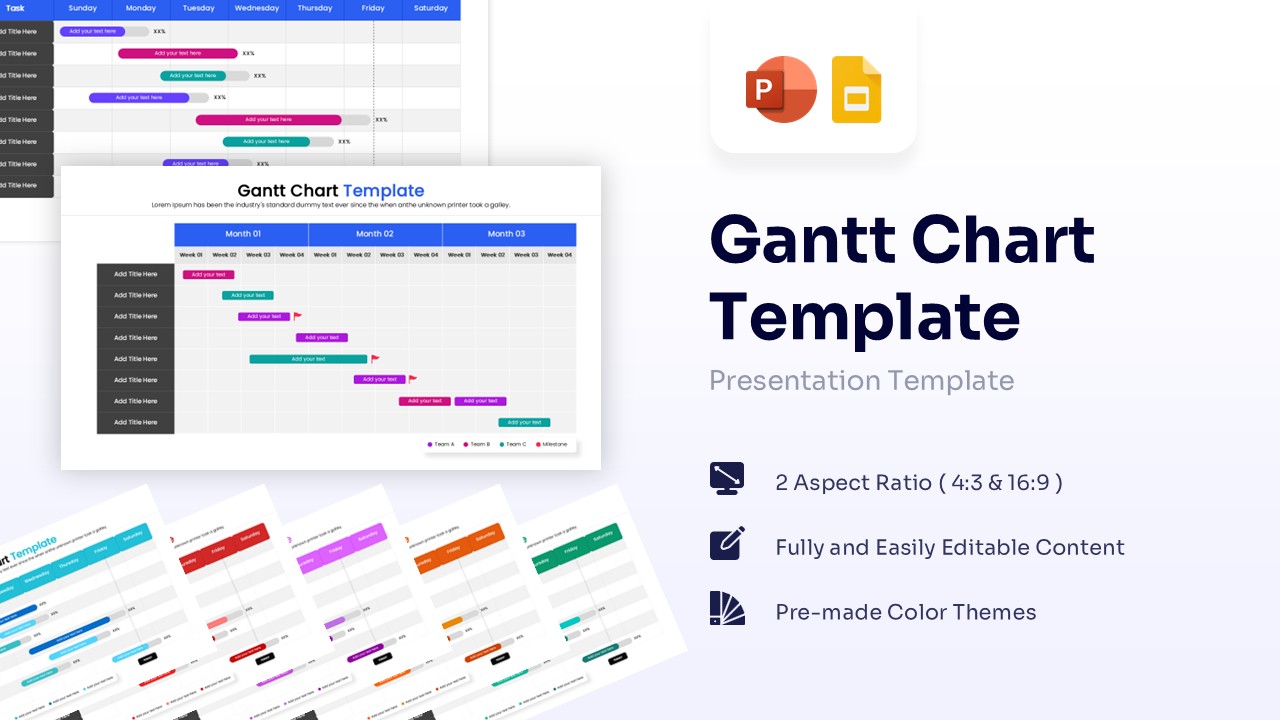
Download this Project Gantt Chart to visualize your project schedule effortlessly. Whether you are managing a small team or a complex product launch, this tool helps you stay on track. It provides a clear, organized view of tasks, durations, and dependencies, ensuring every stakeholder understands the timeline and what needs to happen next.
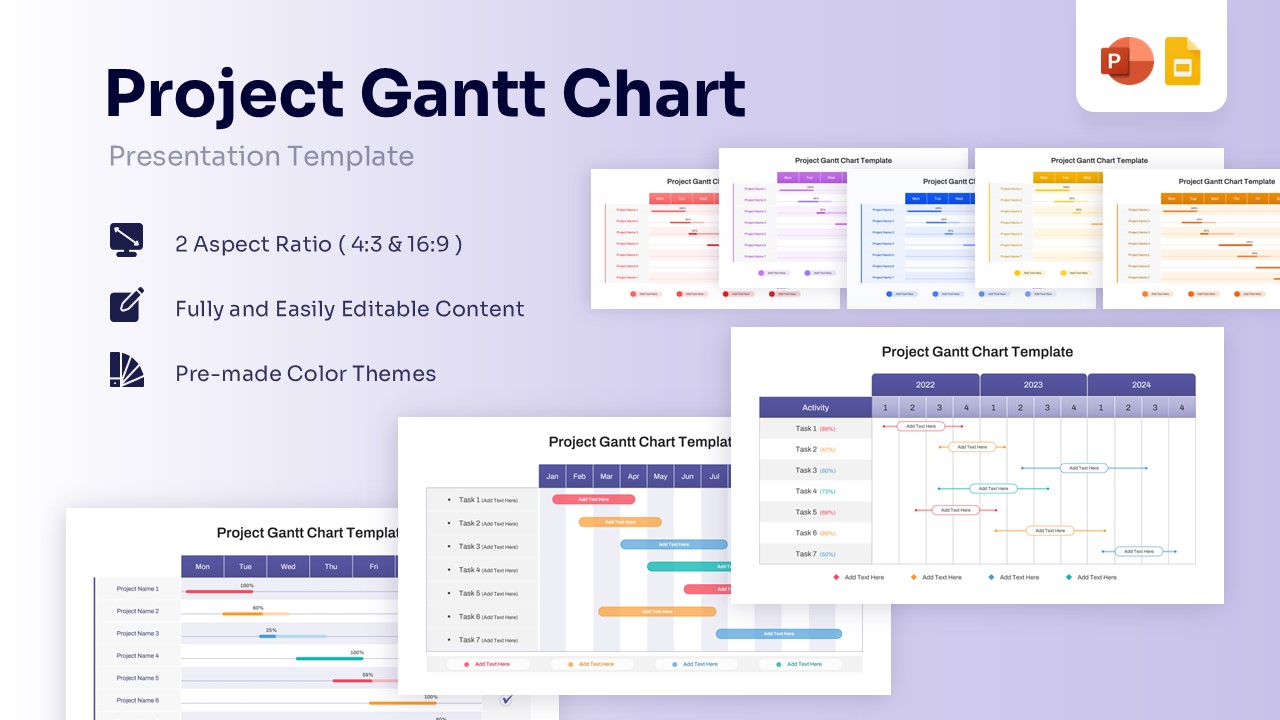
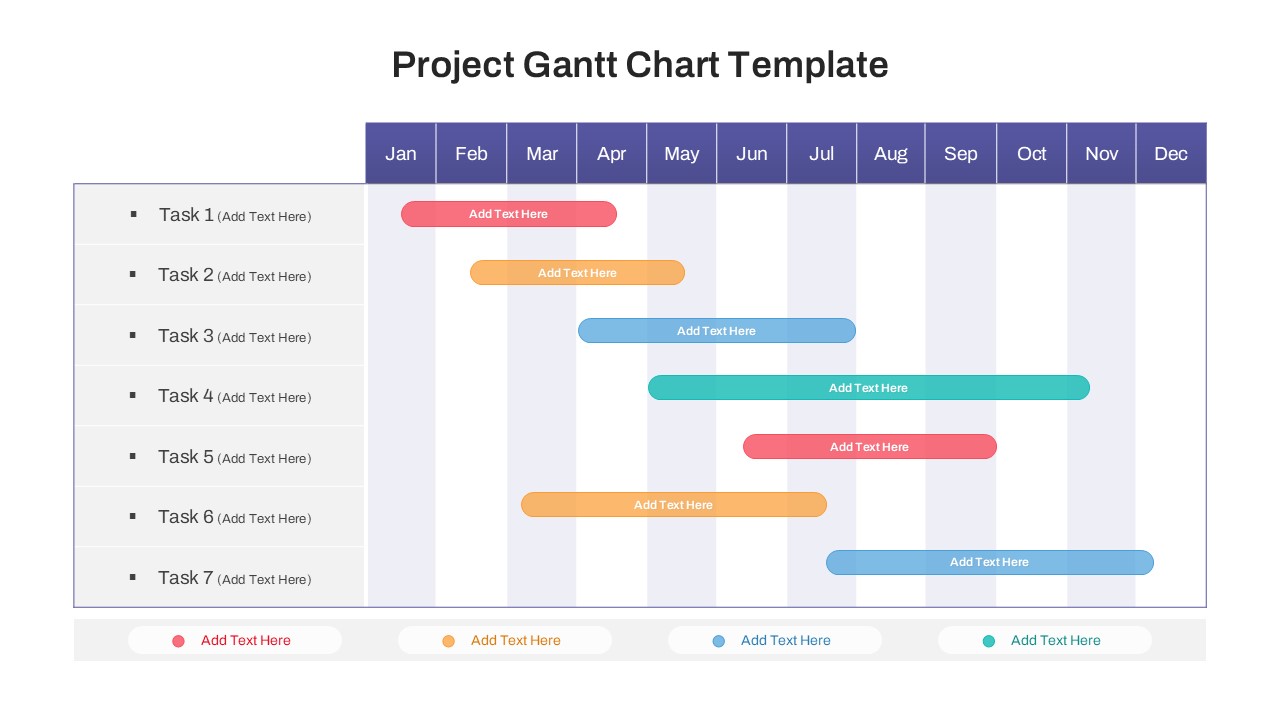
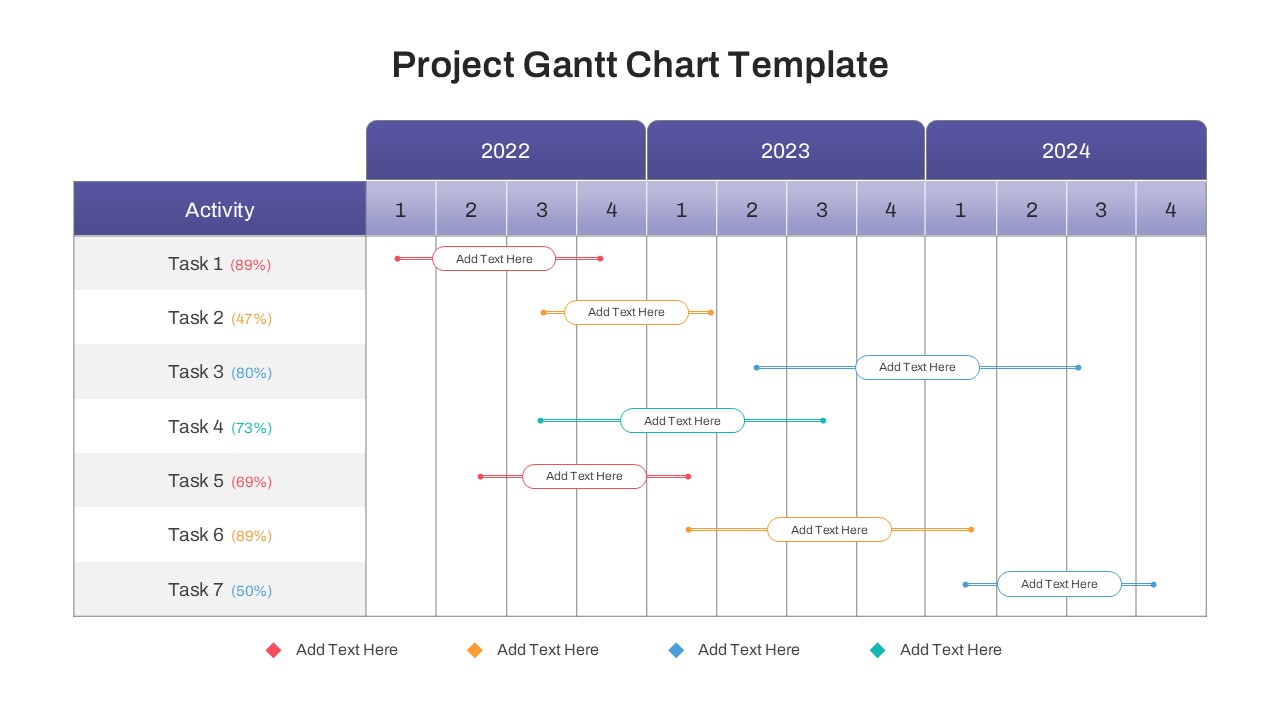
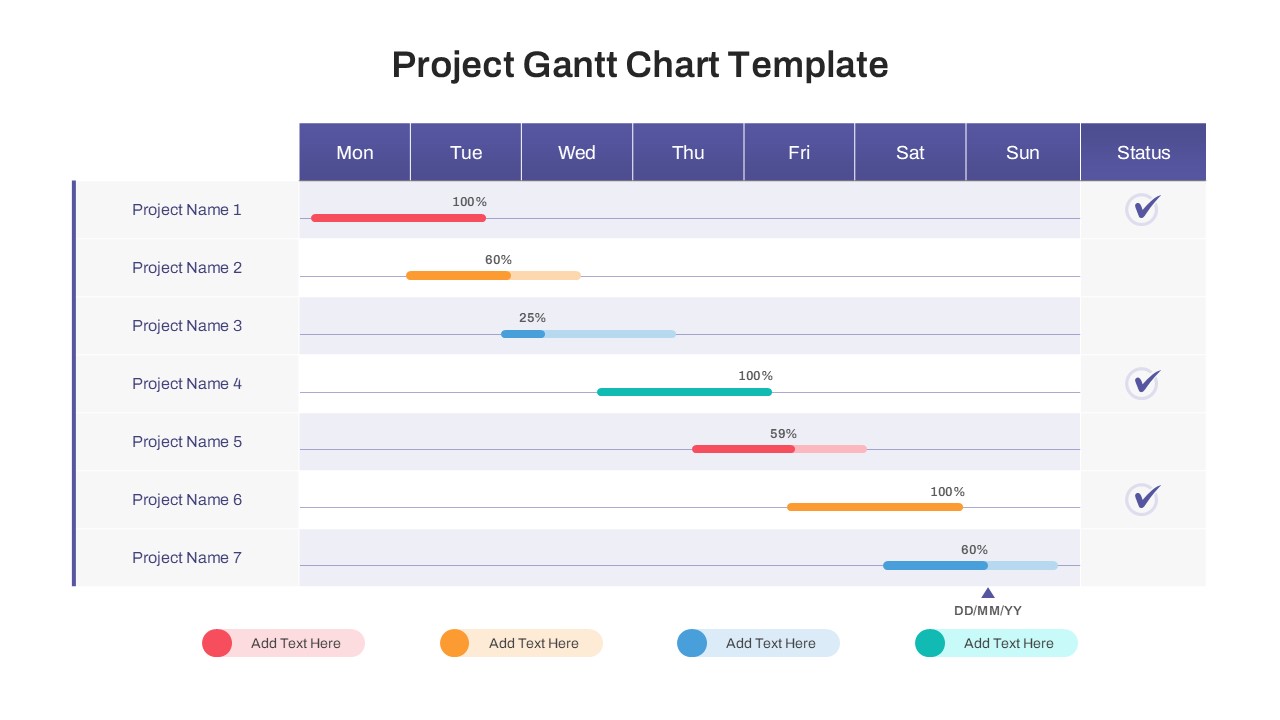
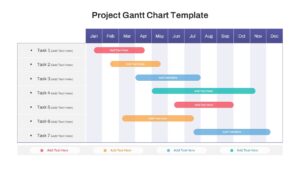
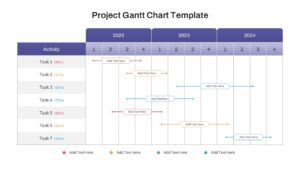
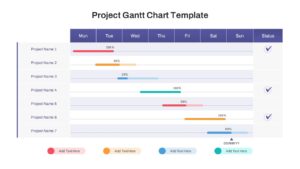
This chart and graph template features versatile layouts, including weekly, monthly, and yearly views to suit your project timeline needs. The design includes intuitive progress bars, percentage indicators, and status icons to highlight task completion at a glance. With fully editable text and colors, you can easily adapt the roadmap to fit your branding and specific project requirements without starting from scratch.
Use Gantt Chart Templates for project kickoff meetings, regular status updates, or quarterly stakeholder reviews. It is perfect for breaking down phases, assigning responsibilities, and identifying potential bottlenecks early. From software development cycles to marketing campaigns, this visual aid keeps your team aligned and focused on the deadline.
Why Use this template Gantt Chart Template
- Simplifies complex schedules into easy-to-read visuals.
- Improves team alignment regarding deadlines and responsibilities.
- Saves hours of formatting time compared to building charts from scratch.
- Helps you present a polished, professional plan to stakeholders.
Who Should Download this Gantt Chart Template
- Project Managers who need to visualize project progress and manage strict deadlines.
- Team Leads responsible for assigning tasks and monitoring weekly schedules.
- Consultants creating professional implementation roadmaps for client proposals.
- Operations Directors overseeing resource allocation and long-term strategic planning.
- Contractors needing to clearly outline the scope of work and timeline milestones.
Key Features
- Weekly, monthly, and yearly timeline views for flexible planning.
- Editable progress bars with percentage text to show accurate growth.
- Status indicators and checkmarks for quick visual updates.
- Clean, professional layout with ample space for task descriptions.
- 100% vector-based graphics for sharp scaling.
Frequently Asked Questions
- Can I change the dates and timeframes?
- Yes, all text and dates are fully editable so you can adjust the timeline to your specific project duration.
- Is this template compatible with Google Slides?
- Yes, this template is designed to work seamlessly in both PowerPoint and Google Slides.
- Can I change the colors of the progress bars?
- Absolutely. You can change the colors to match your company branding or to color-code specific tasks.