
Table of Contents
- Best Ways to Start a Presentation to Captivate Your Audience
- Why the First 60 Seconds Make or Break Your Great Presentation
- 7 Killer Ways to Start Your Presentation (With Examples)
- Mistakes That Kill Your Opening – Avoid These to Make Public Speaking Better
- Visuals That Wow: Essential Templates for a Strong Start
- Conclusion
How to Start a Presentation: 7 Powerful Ways to Hook Your Audience Instantly



Best Ways to Start a Presentation to Captivate Your Audience
You have exactly 60 seconds to prove to your audience that you are worth listening to. In the high-stakes world of public speaking, the moment you step on stage, the clock starts ticking. If you don’t grab their attention immediately, they will mentally check out—reaching for their phones to check emails—before you even click to your second slide.
Yet, 90% of presenters waste this critical moment with the same tired line: “Good morning, my name is [Name], and today I’m going to talk about…”
This is the death of engagement. It signals to the audience that this will be just another average, forgettable meeting.
You might be thinking, so ”How do i start presenting?”
It doesn’t have to be this way. By using specific psychological triggers—like curiosity, shock, or empathy—you can command attention from the very first word.
So without loosing interest lets explore 7 proven strategies on how to start a presentation with impact. Plus, we’ll show you how to pair your opening hook with the perfect WinSlides introductory template to ensure your visuals are just as captivating as your words.
Why the First 60 Seconds Make or Break Your Great Presentation
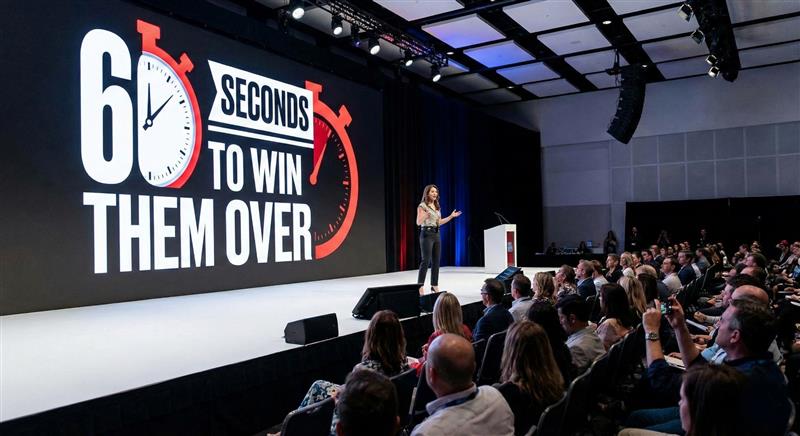
Many presenters believe the “meat” of their presentation—the data, the results, the strategy—is the most important part. They view the introduction as merely a warm-up exercise. This is a dangerous misconception.
The beginning of your presentation isn’t just about saying hello; it is about establishing authority. In those opening moments, your audience is subconsciously answering three questions: Do I like this person? Can I trust them? Is this information useful to me? If the answer to any of these is “no” within the first minute, winning them back is nearly impossible.
The “Primacy Effect” Explained
There is a psychological reason why introductions are so critical, known as the Primacy Effect.
This cognitive bias states that people recall the beginning (Primacy) and the end (Recency) of a sequence far better than the middle. When you look back at a lecture, a movie, or a business pitch, your brain retains the opening scene most vividly.
If you start with low energy or a disorganized slide, that negative impression becomes the “anchor” for how the audience perceives the rest of your talk. Even if your data in the middle is revolutionary, a weak opening acts as a filter, dulling the impact of everything that follows.
Overcoming the “Smartphone Reflex”
In 2026, your biggest competitor is not another speaker—it is the notification bell in your audience’s pocket.
We live in an attention economy. The moment a brain detects boredom or lack of novelty, the modern “Smartphone Reflex” kicks in. It is an automatic, almost unconscious habit: Boring sentence -> Hand reaches for phone -> Open Email/Instagram.
Once a prospect or colleague looks down at their screen, you have lost them. The dopamine hit from a new message is stronger than a mediocre slide. To overcome this, your opening needs to be a Pattern Interrupt—something that breaks the expected social norm of a boring meeting and forces them to look up, lock eyes, and stay engaged.
7 Killer Ways to Start Your Presentation (With Examples)
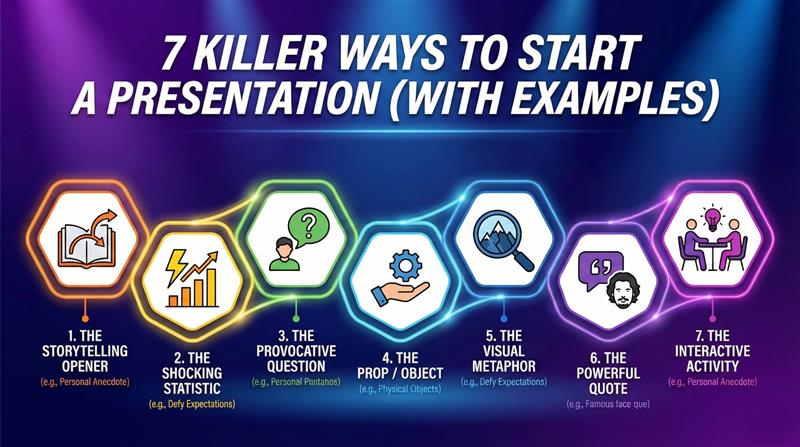
You know you need to hook them, but how? You don’t need to be a TED Talk veteran to command the room. Here are 7 proven opening strategies you can use for your next meeting, pitch, or speech.
1. The Storytelling Opener – Strong Opening
Stories are 22 times more memorable than facts alone. But don’t start with “Once upon a time.” Start in media res—right in the middle of the action. Drop the audience into a specific moment in time.
- The Old Way: “I want to tell you about a client we helped last year…”
- The Better Way: “It was 11:00 PM on a Tuesday. The server had just crashed, and the CEO was screaming on the phone. We had 20 minutes to save the company’s data…”
- Why it works: It triggers immediate curiosity. The audience needs to know how the story ends.
2. The Shocking Statistic
Numbers cut through the noise, but only if they challenge common beliefs. Start with a stat that highlights the severity of the problem you are solving.
- The Script: “Did you know that 70% of digital transformation projects fail?”
- Why it works: It creates a sense of danger or urgency.
WinSlides Pro Tip: A shocking number loses its impact if it’s just 12-point font on a white slide. Use the WinSlides “Big Data” Template to place that single number in massive, bold typography against a high-contrast background. Make the number the hero of the slide.
3. The Provocative Question – Ask the Audience to Make Presentation Interesting
Instead of broadcasting information, invite the audience to think. Ask a rhetorical question that forces them to look inward or evaluate their current situation.
- The Script: “Raises of hands—how many of you are completely satisfied with your current sales process?”
- The Script: “What would you do if you lost your biggest client tomorrow?”
- Why it works: It turns a passive audience into active participants.
4. The “What If” Scenario – Ask Audience to Imagine
This technique invites the audience to imagine a better future—a future that your product or idea can help them achieve. It shifts their mindset from “problems” to “possibilities.”
- The Script: “Imagine a world where your customer support tickets were answered automatically, with zero human intervention, in under 5 seconds. What would your team do with all that free time?”
- Why it works: It paints a vision of success before you even introduce the product.
5. The Visual Metaphor
Sometimes, the best opening line is no line at all. Open with a powerful, full-screen image that represents the theme of your talk.
- The Example: If you are talking about “Business Agility,” don’t use a bullet point list. Open with a high-resolution photo of a cheetah chasing a gazelle.
- The Script: “This is speed. In our market, you are either the cheetah, or you are lunch.”
WinSlides Pro Tip: Finding high-quality, royalty-free images is a pain. Browse the WinSlides “Creative Collection” for access to hundreds of cinematic, full-bleed image slides designed to set the mood instantly.
6. The Prop / Physical Object
Bring a physical object onto the stage. It creates a 3D experience in a 2D presentation world. It builds mystery—the audience will stare at the object, wondering, “Why is he holding that?”
- The Example: Holding up an old Nokia phone while talking about the danger of not innovating. “This used to be the most popular device on earth. Now, it’s a paperweight.”
7. The “Silence” Technique
This takes confidence, but it is incredibly powerful. Walk on stage, stand firmly, make eye contact, and… wait. Wait for 3-5 seconds. The room will go quiet. The shuffling will stop. The audience will lean in, wondering if something is wrong. Once you have absolute silence, deliver your first sentence with conviction.
- Why it works: Silence signals authority. It shows you are in total control of the room.
Mistakes That Kill Your Opening – Avoid These to Make Public Speaking Better
Just as there are powerful ways to start, there are also sure-fire ways to ruin your credibility before you even begin. These common habits signal to the audience that you are unprepared, nervous, or self-absorbed. If you find yourself doing these, stop immediately.
1. The “Tech Check” Start
- The Line: “Can everyone hear me? Is this thing on? Can you see my screen?”
- Why it fails: It kills the magic. Imagine if a movie started with the director walking on screen to adjust the camera lens. It breaks the immersion.
- The Fix: Do your sound and visual checks before the presentation starts. When you walk on stage or unmute your Zoom, your first words should be your hook, not a technical question.
2. The Apology
- The Line: “Sorry, I’m a bit jet-lagged today…” or “I threw these slides together last night, so bear with me…”
- Why it fails: You are lowering your status. You are telling the audience, “Expect a bad performance.” Even if you are tired or underprepared, never admit it. Fake the confidence. The audience likely won’t notice the flaws unless you point them out.
3. The Long Bio
- The Line: “Before we begin, let me tell you about my 15 years of experience, my college degree, and my awards…”
- Why it fails: To be blunt: Nobody cares yet.
- The Fix: Your audience is asking, “What’s in it for me?” not “Who are you?” Earn their interest with a great hook first. You can weave your credentials into the presentation later, once you have established that you have a solution to their problem.
Visuals That Wow: Essential Templates for a Strong Start
You have your opening hook script ready. Now, you need the visuals to back it up. If your words are professional but your slides look like they were made in 1999, you lose credibility instantly. Here are the four specific WinSlides templates you need to nail the first 5 minutes of your presentation.
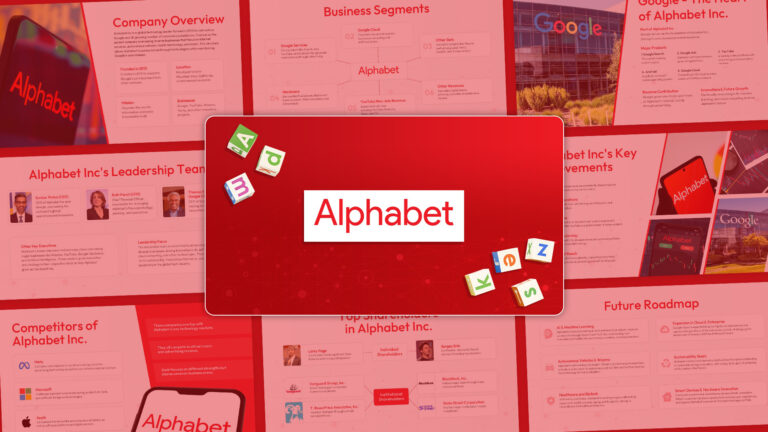
1. Alphabet INC Deck Template
View: Alphabet INC Pitch Deck Template
Your title slide is the very first thing the audience sees, often before you even step on stage. It sets the subconscious expectation for quality. The Alphabet INC Deck Template is designed for high-stakes corporate environments where professionalism is non-negotiable. With its clean typography and minimalist layout, it signals to your audience immediately that this is a serious business discussion, not just a casual chat. It provides the perfect, distraction-free backdrop for your opening hook.
2. Decision Tree Flowchart Infographic
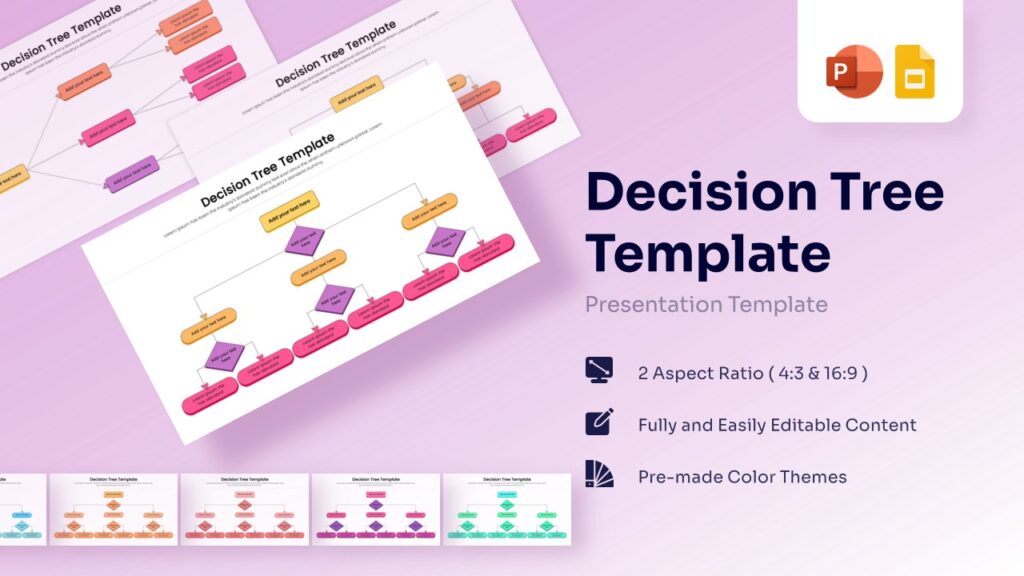
View: Decision Tree Template
A powerful way to start a presentation is to present the audience with a choice or a dilemma. The Decision Tree Flowchart is the perfect visual tool for this strategy. Instead of listing bullet points, use this template to visually map out the “If This, Then That” scenarios your company is facing. It engages the audience’s analytical brain right from the start, forcing them to follow your logic path as you guide them toward your proposed solution.
3. Customer Journey Stages Template
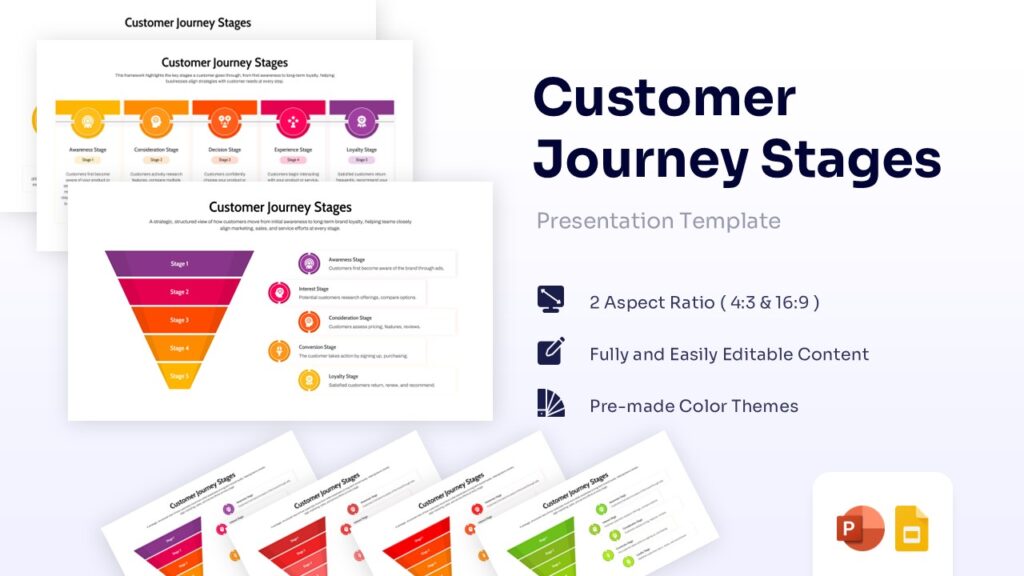
View: Customer Journey Stages Map
If you are using the “Storytelling” opening technique, you need to visualize the character’s path. The Customer Journey Stages Template allows you to map out exactly where the client is today (The Problem) and where they could be tomorrow (The Solution). By displaying this roadmap early in your talk, you confirm that you understand their full lifecycle. It builds immediate empathy and trust, showing that you see the big picture beyond just a quick sale.
4. Minutes of Meeting Template
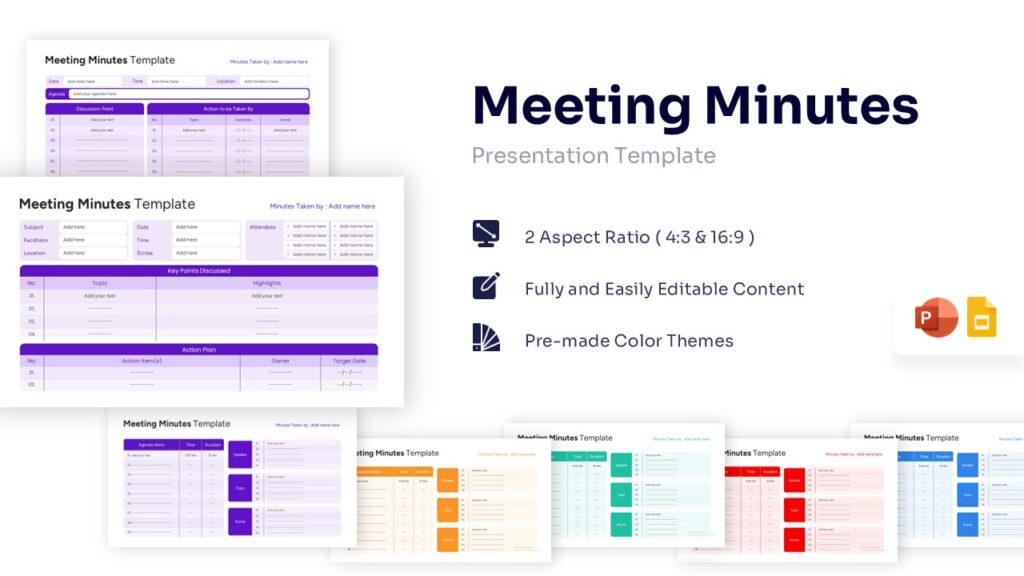
View: Minutes of Meeting Template
A professional presenter commands the room by showing they are focused on action. While most people think of “Minutes” as a post-meeting task, opening your session with the Minutes of Meeting Template visible on screen (or printed out) sets a powerful tone. It tells the audience, “We are here to make decisions, not just to talk.” It frames the start of the meeting as a productive, results-driven session, which instantly grabs the attention of senior executives.
Conclusion
How to start a presentation? It’s simple: Break the pattern. Don’t start with your name. Start with a story, a shock, or a question. And most importantly, back up your bold words with bold design.
You don’t get a second chance to make a first impression. Ready to upgrade your opening? Download the Alphabet INC Deck and our complete collection of storytelling infographics at WinSlides today.
Related Blogs
-

What is a Sales Presentation? The Ultimate Guide to Create Perfect Sales Presentation That Close Deals
How to Create a Sales Presentation – Improve your Sales Presentation Did you know that 41% of decision-makers admit to multitasking or losing focus during a sales pitch? In today’s competitive market, you have less than seven seconds to grab a prospect’s attention before they mentally check out. If your slides are cluttered or your…
-
10 Proven Public Speaking Tips to Crush Your Next Presentation
The Ultimate Guide to Become a Better Public Speaker We often look at leaders like Steve Jobs or Brené Brown and think, “I could never speak like them.” This is the biggest myth. Public speaking isn’t a talent; it is a muscle. Like any muscle, it can be strengthened with the right exercises. The difference…