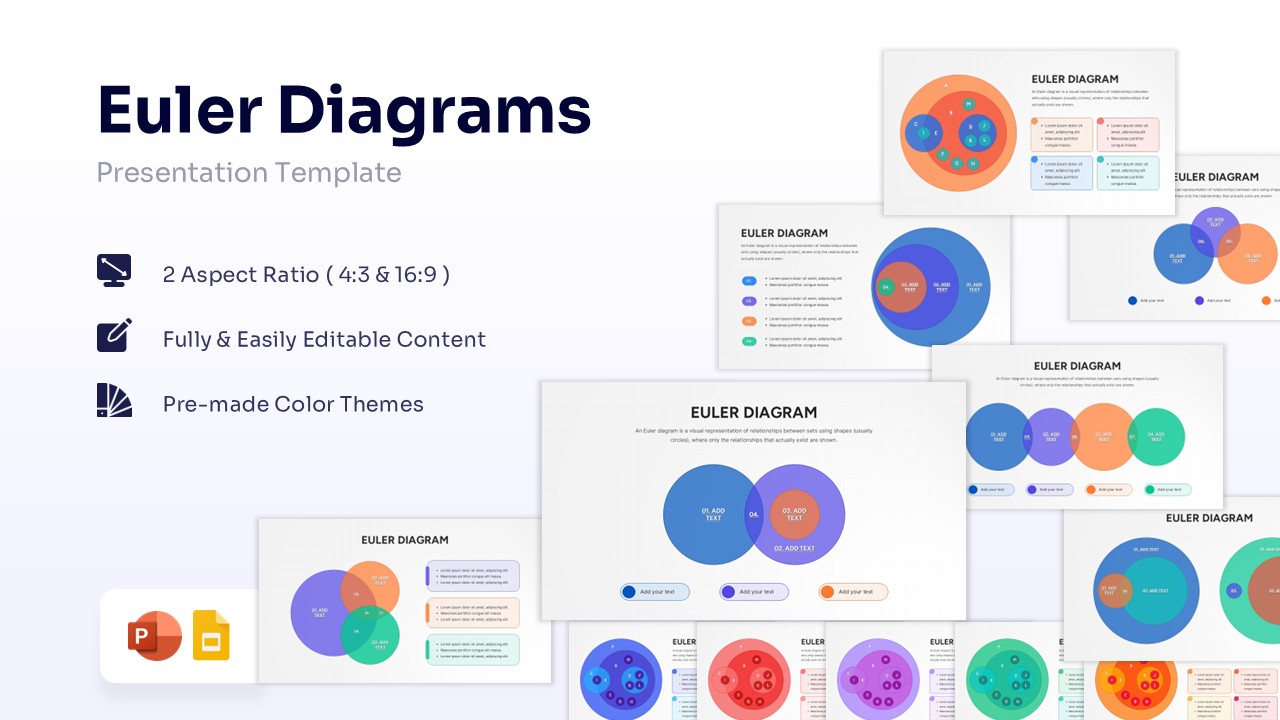
Colorful Puzzle Diagram Template for PowerPoint & Google Slides
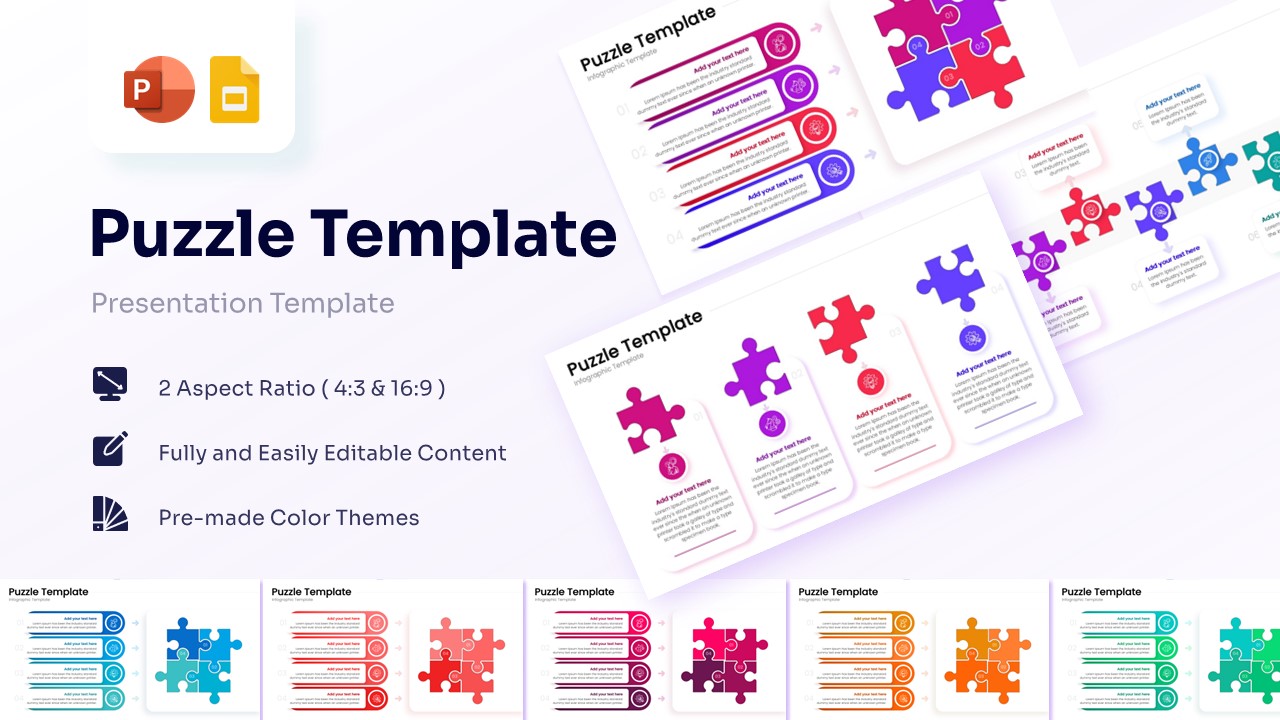
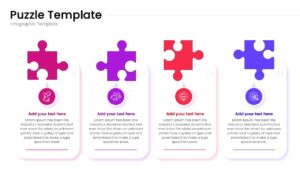
Puzzle Infographic Process Presentation Template
Download this Puzzle Diagram Template for PowerPoint & Google Slides to visualize complex ideas as interconnected pieces. This versatile puzzle diagram is perfect for showing how different departments, steps, or concepts fit together to form a complete solution. Whether you are explaining a business model, a project workflow, or a strategic plan, these puzzle shapes help your audience grasp the “big picture” while focusing on the individual components that make it successful.
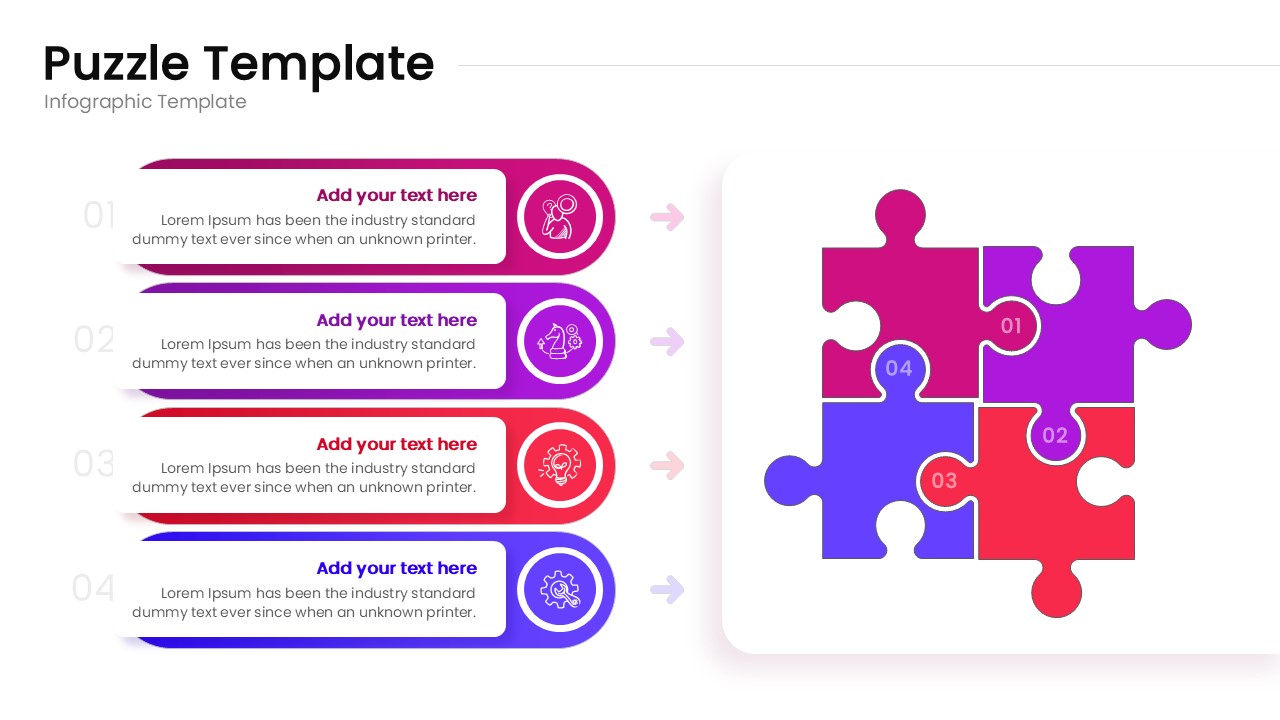
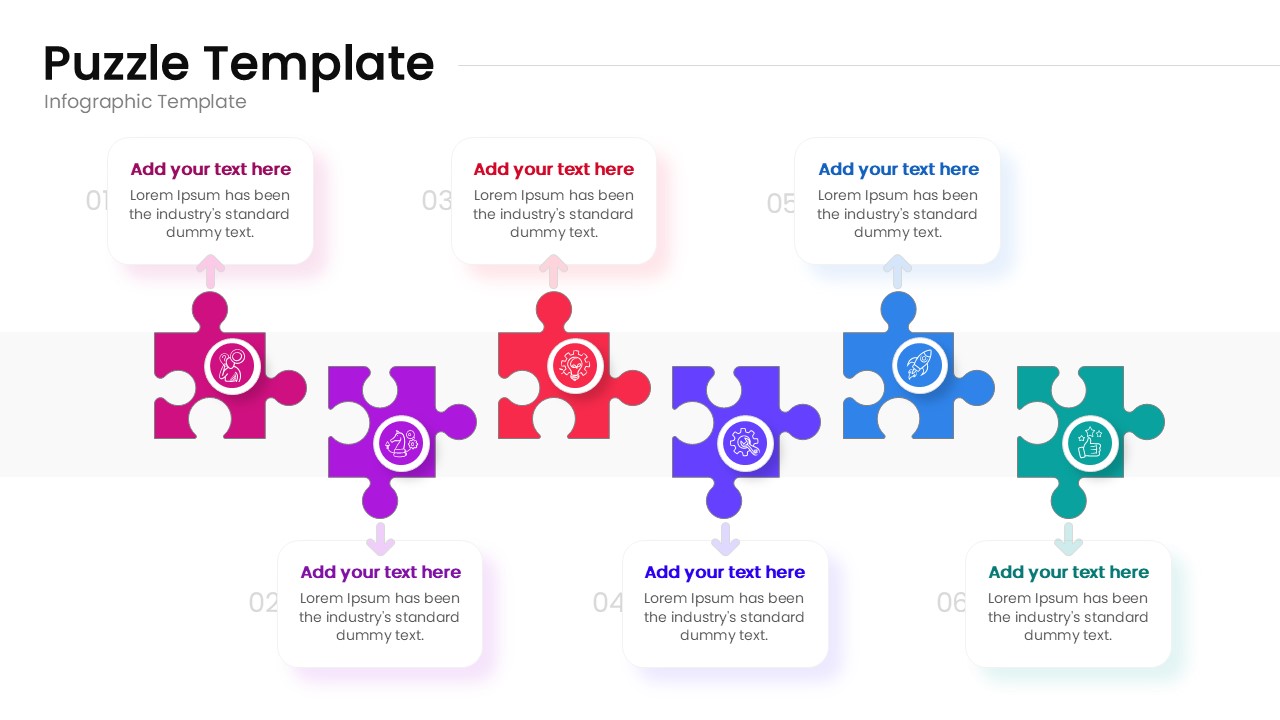
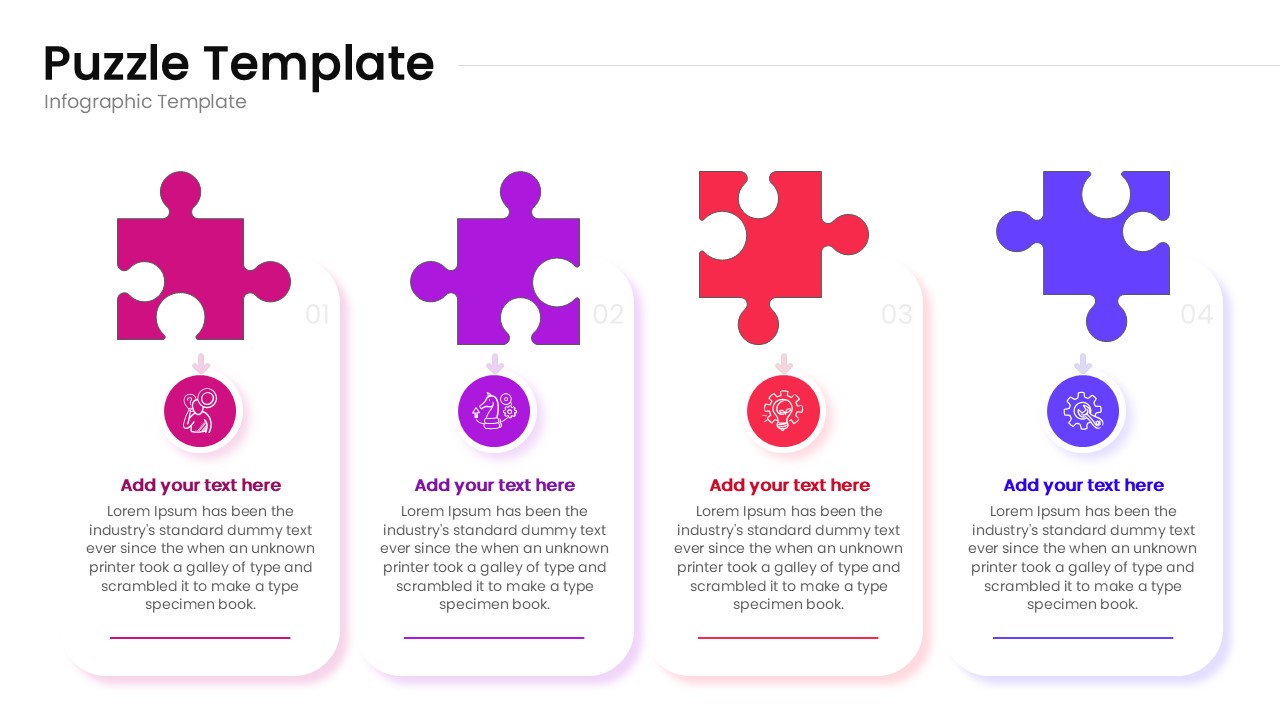
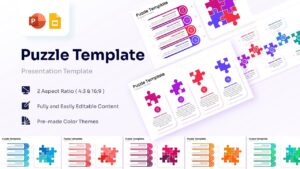
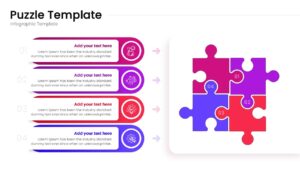
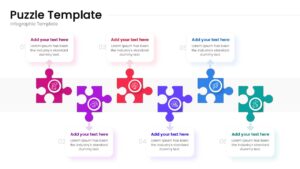
This Puzzle Infographic Template is designed set features a variety of layouts, including 4-piece square configurations and linear puzzle flows with up to 6 steps. The clean, modern aesthetic uses vibrant color gradients and intuitive icons to guide the eye across the slide. Each puzzle piece is a high-quality vector graphic, meaning you can resize or recolor them without losing clarity. It’s built to help you look polished and prepared in minutes, reducing the stress of slide design so you can focus on your message.
In a professional setting, clarity is everything. You can use these professional infographic slides for team brainstorming sessions, client proposals, or educational workshops. For instance, a marketing manager might use the 4-piece puzzle to show the synergy between social media, SEO, email, and content marketing. A project lead might use the horizontal puzzle flow to map out a product development roadmap. Because it works seamlessly across platforms, you won’t have to worry about formatting issues when switching between devices.
Why Use these Puzzle Pieces Template
- Simplifies complex systems by breaking them down into logical, interlocking parts.
- Saves hours of design time with pre-made, professional layouts.
- Increases audience engagement through familiar, high-impact visual metaphors.
- Ensures a cohesive look across your entire presentation deck.
Who Should Download this Puzzle Template
- Business analysts and strategists mapping out organizational structures or market segments.
- Project managers illustrating step-by-step processes or implementation phases.
- Educators and trainers explaining how different theories or facts connect.
- Consultants presenting integrated solutions to stakeholders and investors.
Key Features
- 100% Vector-Based Graphics: Crisp visuals at any size.
- Fully Layered & Organized: Easy to navigate and edit.
- Multi-Platform Support: Works perfectly in PowerPoint and Google Slides.
- Theme Color & Theme Font: Automatically adapts to your brand settings.
- Two Aspect Ratios: Available in 4:3 and 16:9 widescreen formats.
Frequently Asked Questions
- How do I change the colors of the puzzle pieces?
- Since these are vector shapes, simply click on a piece and use the \"Shape Fill\" tool in PowerPoint or \"Fill Color\" in Google Slides to match your brand.
- Can I add more pieces to the puzzle?
- Yes, the pieces are modular. You can duplicate existing shapes and snap them together to expand your diagram as needed.
- Are the icons included with the download?
- Yes, the template comes with a set of professional icons that you can swap out or edit to fit your specific topic.
Related Templates
-
 $2.99
$2.99 -
-
 $3.99
$3.99 -