
2026 Monthly Planner Template for PowerPoint and Google Slides
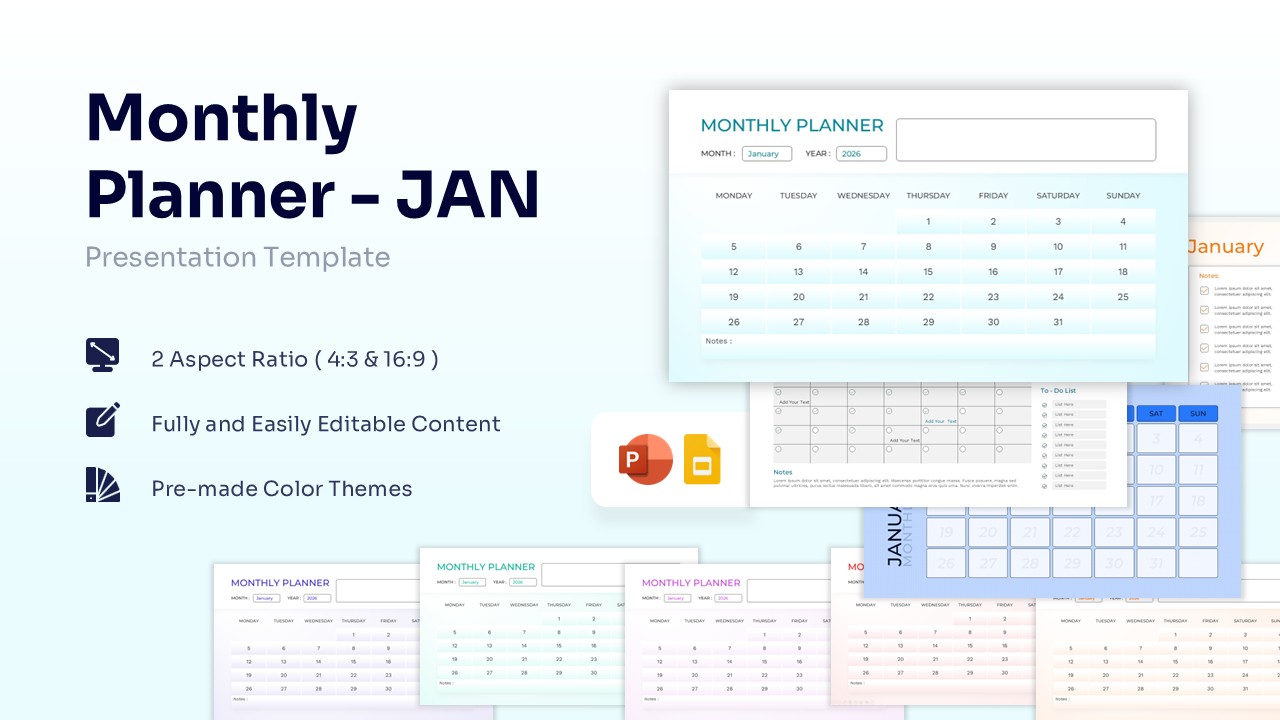
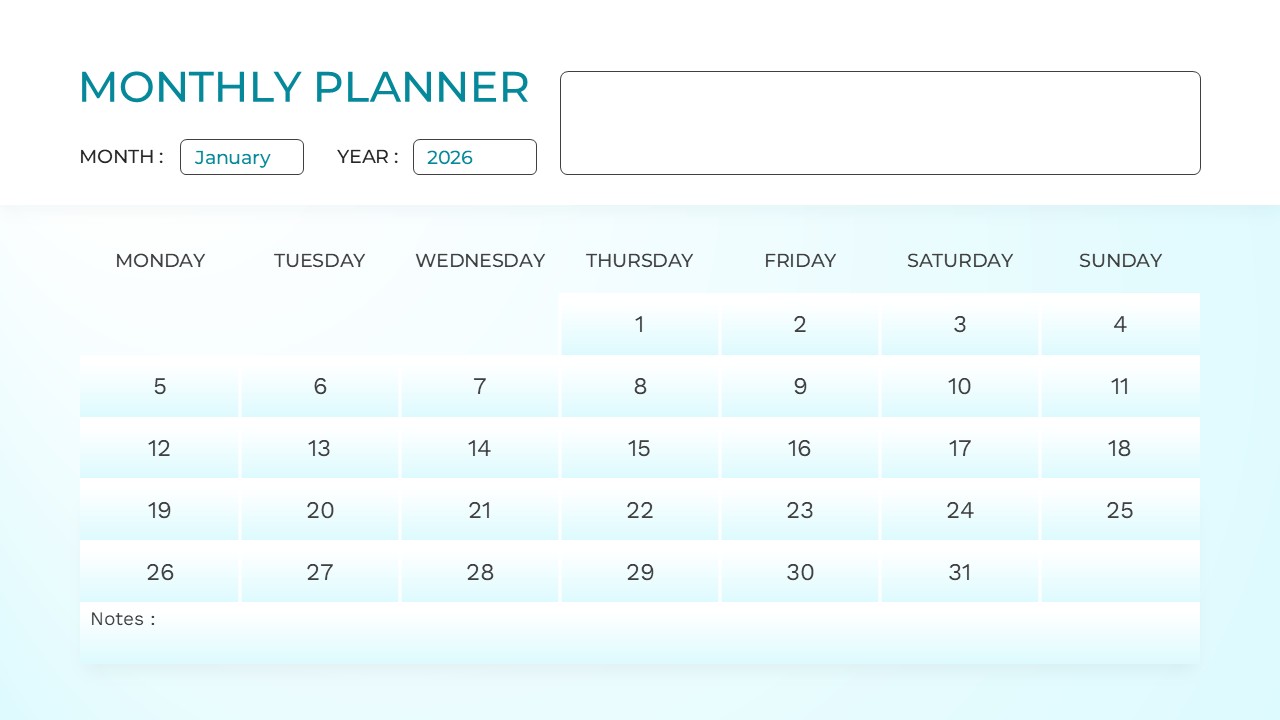
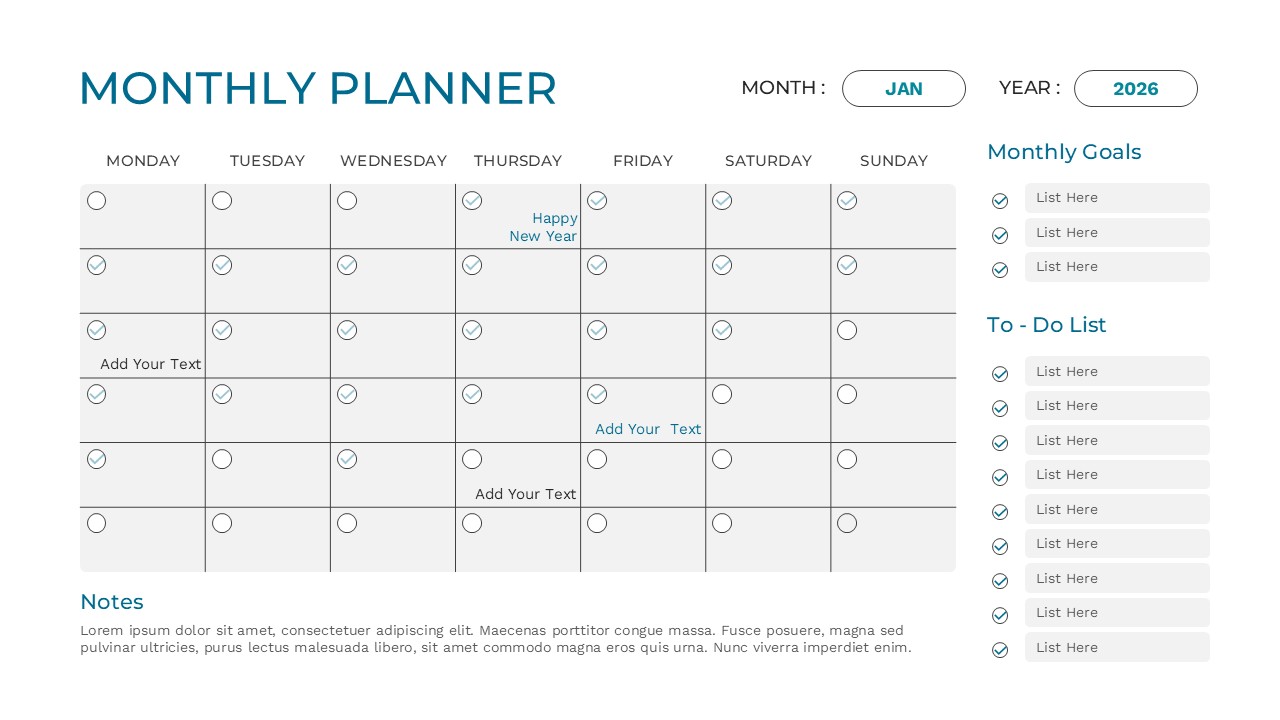
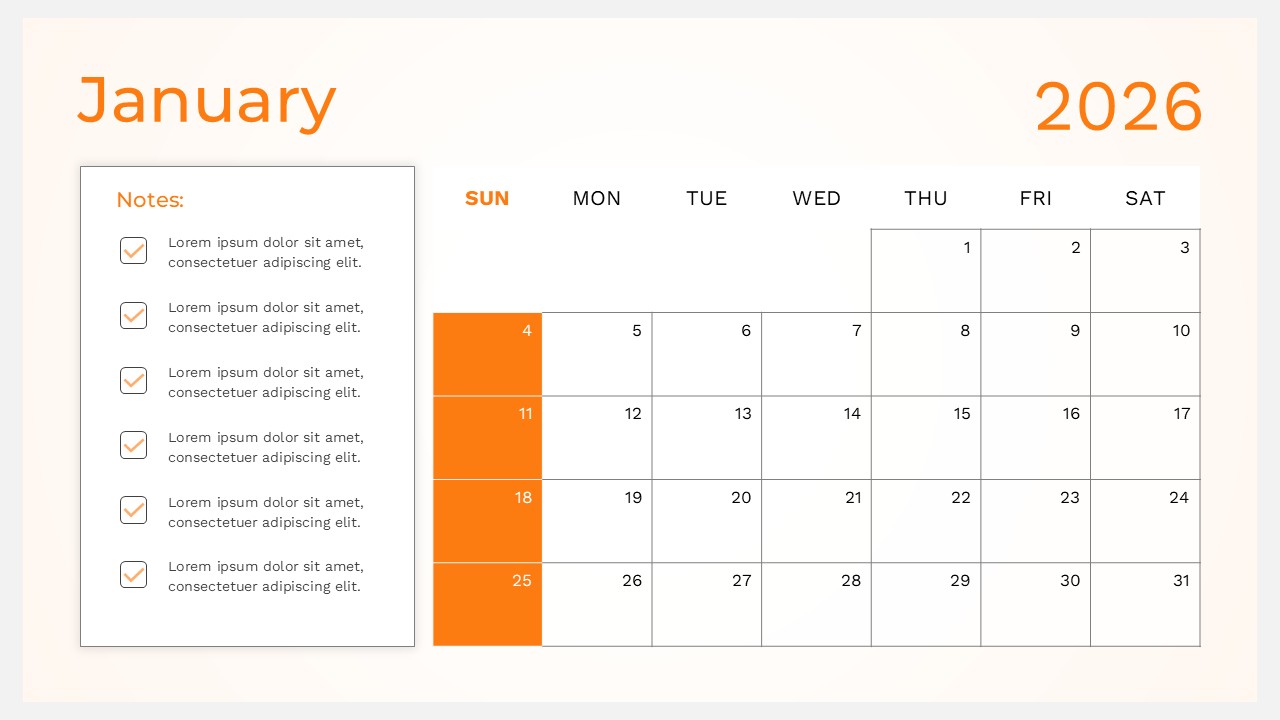
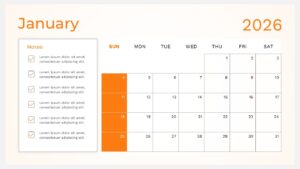
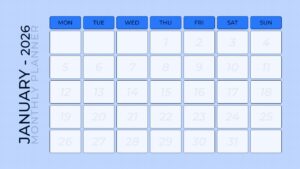
Monthly Planner Presentation Template
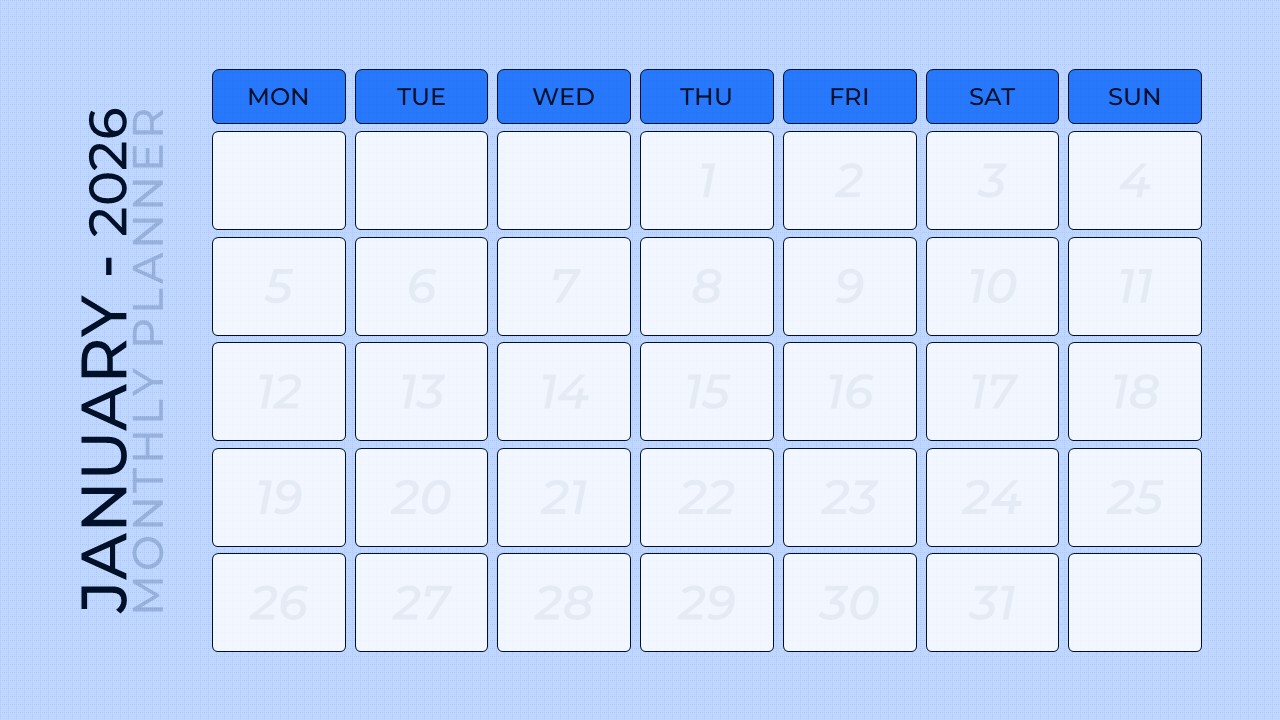
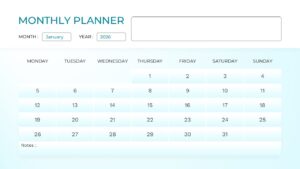
Download this 2026 Monthly Planner January Template for PowerPoint & Google Slides to organize your schedule, set clear objectives, and stay on top of your professional tasks. Whether you are managing a team project or tracking personal milestones, this planner table template provides a structured layout to help you visualize your entire month at a glance. By using this January 2026 monthly calendar, you can ensure no deadline is missed and every meeting is accounted for, allowing you to present your timeline with confidence and clarity.
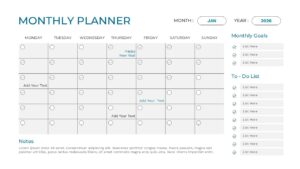
This Monthly Planner 2026 features a clean, professional design tailored for corporate and personal use. The template includes multiple layout variations, such as traditional grid views, checklist-focused designs, and minimalist layouts. With integrated sections for monthly goals, to-do lists, and additional notes, you can customize each slide to reflect your specific workflow. The secondary keywords like “monthly schedule” and “digital planner” are reflected in the functional design, ensuring that your data is not just recorded but effectively communicated to your audience.
These Planner Calendar Template can be used in various professional settings, from kick-off meetings and project status updates to academic planning and personal productivity tracking. In a business context, use the grid view to mark key project phases or use the goal-tracking slide to align your department on January’s primary targets. For educators or students, it serves as an excellent tool for lesson planning or assignment tracking. The flexibility of the design makes it easy to incorporate into any existing deck without disrupting your visual brand.
Why Use these 2026 Monthly Planner Template
- Helps you maintain a professional and organized appearance in every meeting.
- Reduces preparation time with pre-built layouts that are ready for data entry.
- Improves team alignment by providing a clear, shared visual of the month’s priorities.
- Ensures high readability on large screens or during virtual calls.
Who Should Download this Monthly Planner Template
- Project managers needing to track January milestones and deliverables.
- Executive assistants managing complex schedules and reminders for leadership.
- Marketing teams planning content calendars and campaign launch dates.
- Teachers and students organizing academic schedules and holiday breaks.
Key Features
- 100% Vector-Based Graphics
- Fully Layered & Organized
- Multi-Platform Support
- Theme Color & Theme Font
- 2 Aspect Ratios (4:3 & 16:9)
Frequently Asked Questions
- Can I change the colors of the January 2026 planner?
- Yes, the template uses theme colors, allowing you to change the entire color scheme with just a few clicks to match your brand.
- Is this template compatible with both PowerPoint and Google Slides?
- Absolutely. The file is optimized to work seamlessly across both platforms without losing any formatting or layout integrity.
- Can I add more rows to the to-do list section?
- Yes, the text boxes and lists are fully editable, so you can add, remove, or resize items to fit your specific needs.
- Is this template compatible with both PowerPoint and Google Slides?
- Absolutely. The file is optimized to work seamlessly across both platforms without losing any formatting or layout integrity.
Related Templates
-
-
 $2.99
$2.99 -
-
 $3.99
$3.99