Professional About Me Presentation Template for PowerPoint & Google Slides
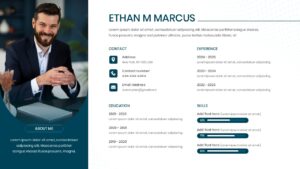
Personal Profile and Skills Introduction Template
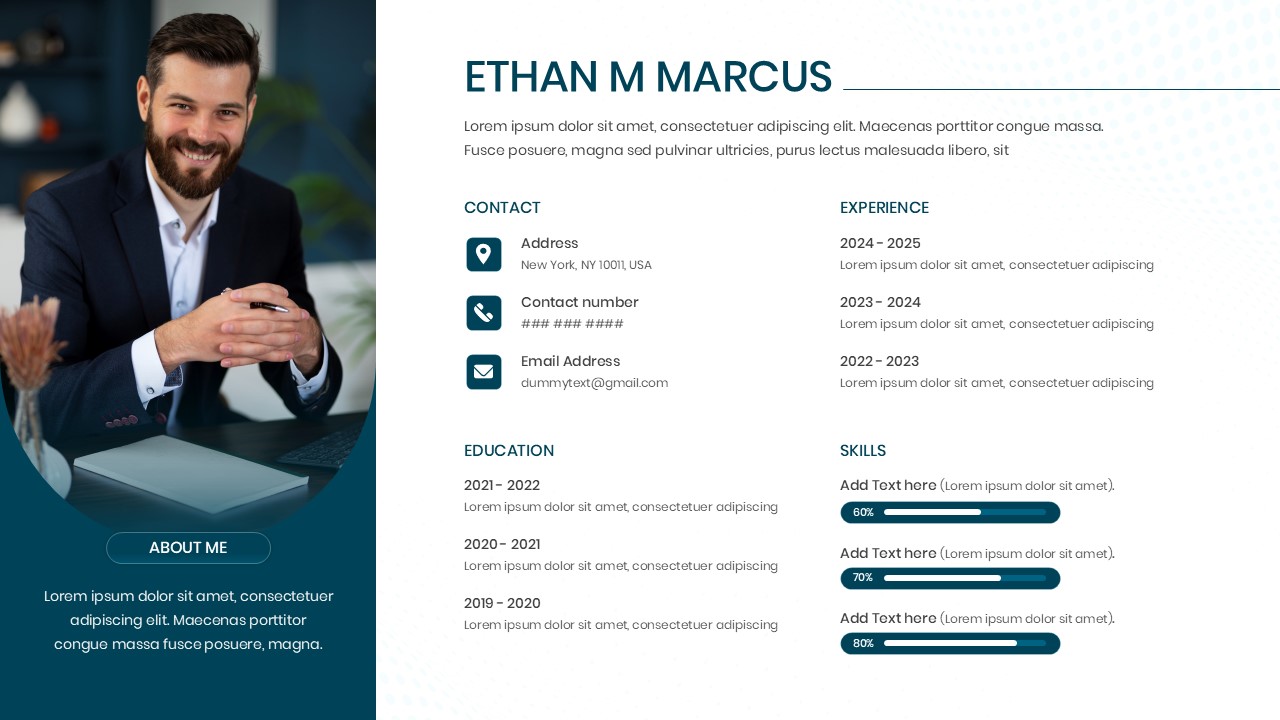
Download this About Me Template and use case as a personal introduction tool during interviews or networking events to leave a lasting professional impression. This high-quality employee profile template is designed to help you present your background, career history, and expertise with complete confidence. By using this clean layout, you ensure your audience stays focused on your story while you maintain a polished image that reflects your unique professional identity.
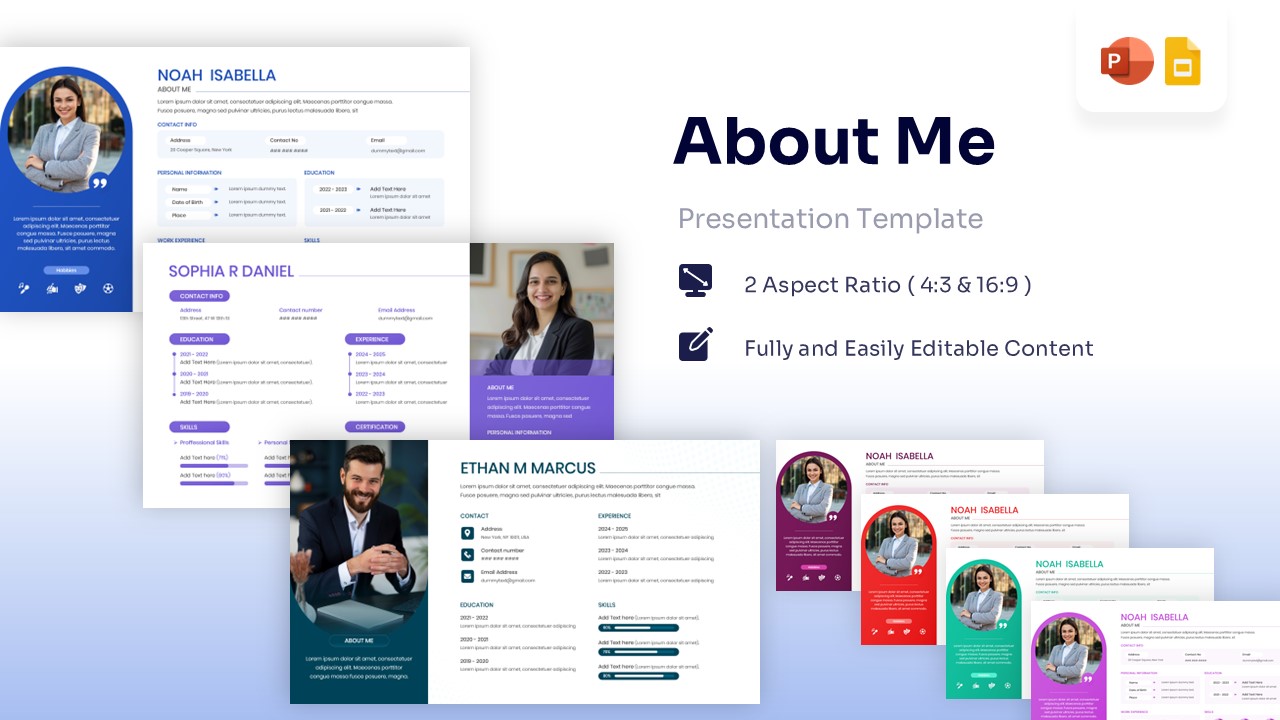
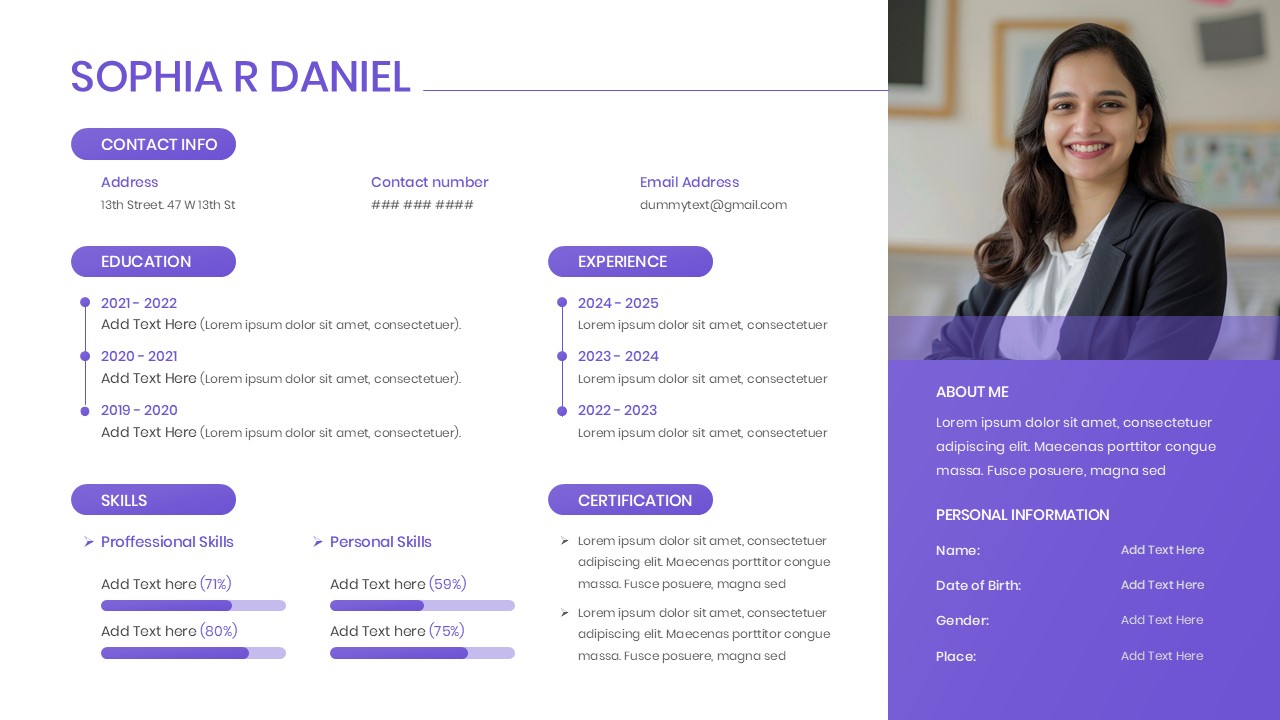
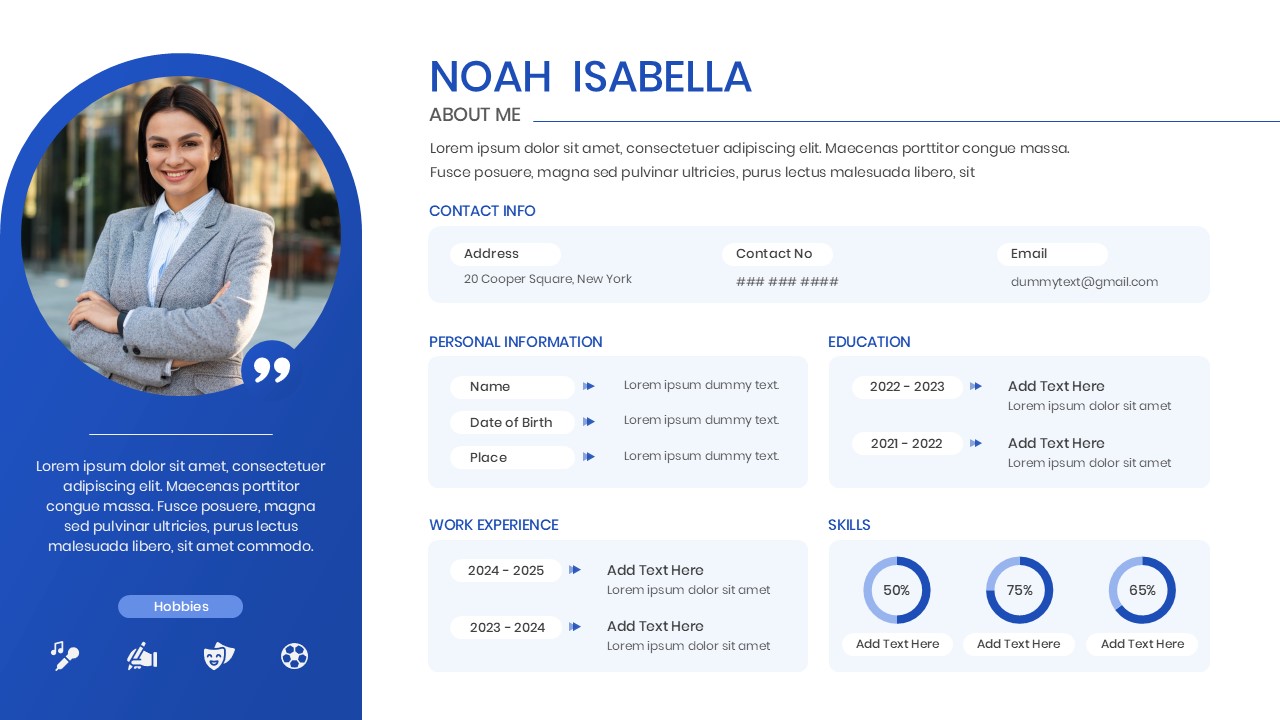
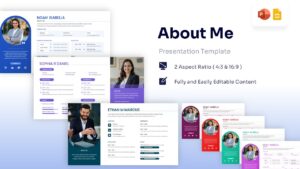
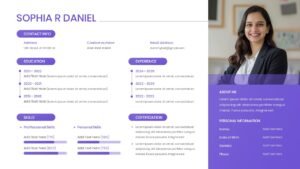
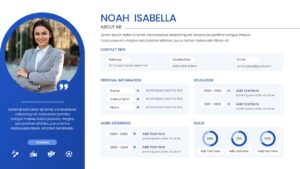
This versatile presentation deck includes various layout styles, such as professional resumes, modern visual CVs, and creative portfolios. Each slide is thoughtfully structured with circular photo placeholders, experience timelines, and skill progress bars to highlight your core competencies. We have integrated secondary keywords like career summary, personal branding, and professional biography to help you build a comprehensive narrative that bridges the gap between your qualifications and your future goals.
These About Me PowerPoint Templates and Google Slides are perfect for a wide range of professional scenarios across different industries. Use them for “meet the team” sessions in a new corporate role, as a visual supplement to your freelance proposal, or during a startup pitch to introduce the founding members. The design works exceptionally well for academic presentations, such as a thesis defense introduction or a faculty profile, where clarity and organization are essential for success.
- Saves valuable prep time by providing pre-structured layouts that are ready to use immediately.
- Enhances your personal brand with modern aesthetics that look professional on any screen.
- Easy to customize colors and fonts to match your personal style or company branding.
- Provides visual clarity for complex information like work history and skill levels.
- Job Seekers who want to stand out from the competition with a visual resume.
- Business Professionals introducing themselves to clients, stakeholders, or new departments.
- Freelancers and Consultants showcasing their expertise and past projects to potential leads.
- Students and Educators creating clear academic profiles or introduction slides for class.
Why Use this About Me PowerPoint Template
- Showcases professional skills clearly using visual indicators and progress bars.
- Improves audience engagement with clean, distraction-free design elements.
- Standardizes team introductions for corporate onboarding and internal meetings.
- Creates a cohesive narrative for your career journey and future aspirations.
Who Should Download this Biodata Template
- Creative Professionals needing a quick way to display their portfolio and contact details.
- Corporate Executives preparing for keynote speeches or leadership introductions.
- Human Resource Managers creating employee spotlight slides for internal newsletters.
- Public Speakers who need a “speaker bio” slide for conferences and workshops.
Key Features
- 100% Vector-Based Graphics
- Fully Layered & Organized
- Multi-Platform Support
- Theme Color & Theme Font
Frequently Asked Questions
- Can I change the images in the placeholders?
- Yes, all slides feature easy-to-use image placeholders. You can simply drag and drop your own portrait or professional headshot into the designated area.
- Are the skill levels adjustable?
- Absolutely. The skill bars and data visualizations are fully editable, allowing you to drag the sliders or change the percentages to accurately reflect your expertise.
- Is this template compatible with different screen sizes?
- Yes, the template is optimized for high-definition screens and maintains its layout integrity whether you are presenting on a laptop, a tablet, or a large projector.
Related Templates
-
 $2.99
$2.99 -
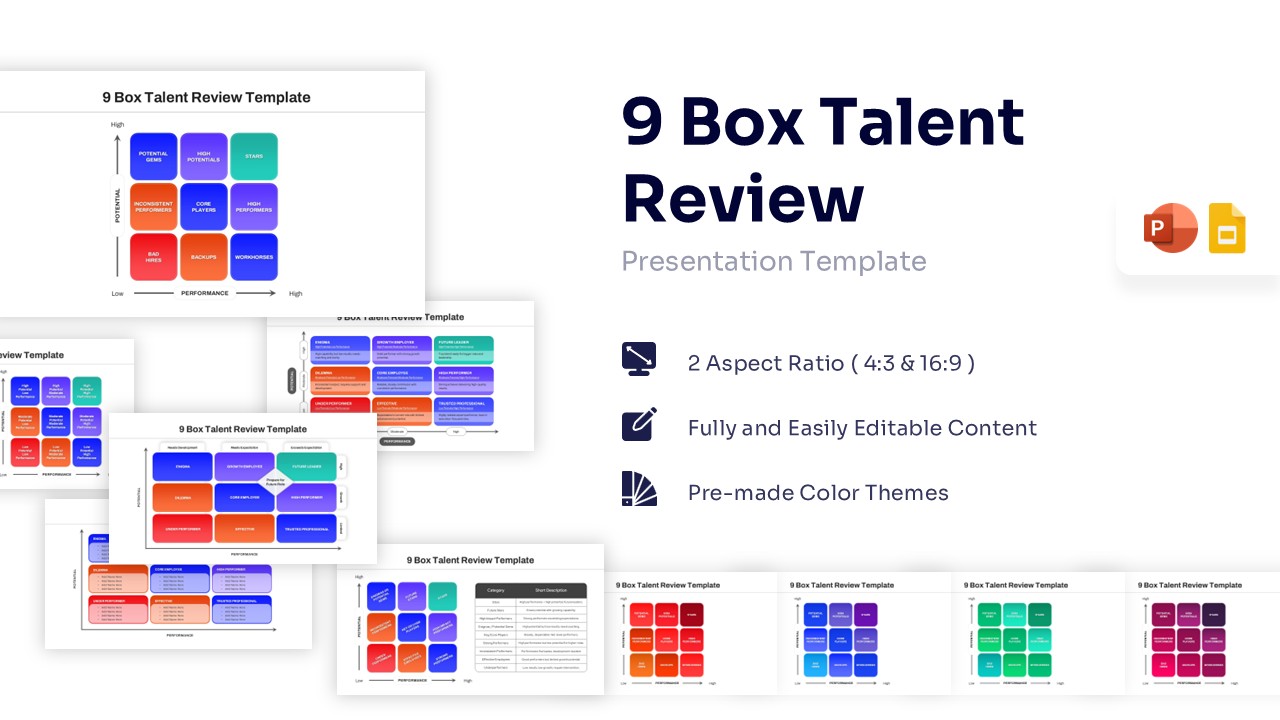
9 Box Talent Review PowerPoint Template & Google Slides
Charts & Graphs
$4.99 -
 $2.99
$2.99 -