
Curved Arrow PowerPoint Template & Google Slides

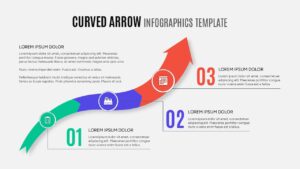
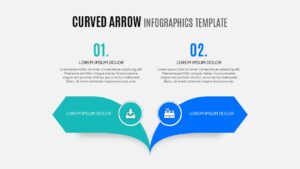
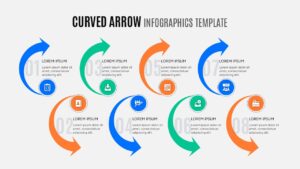
Curved Arrow Infographic Presentation Template
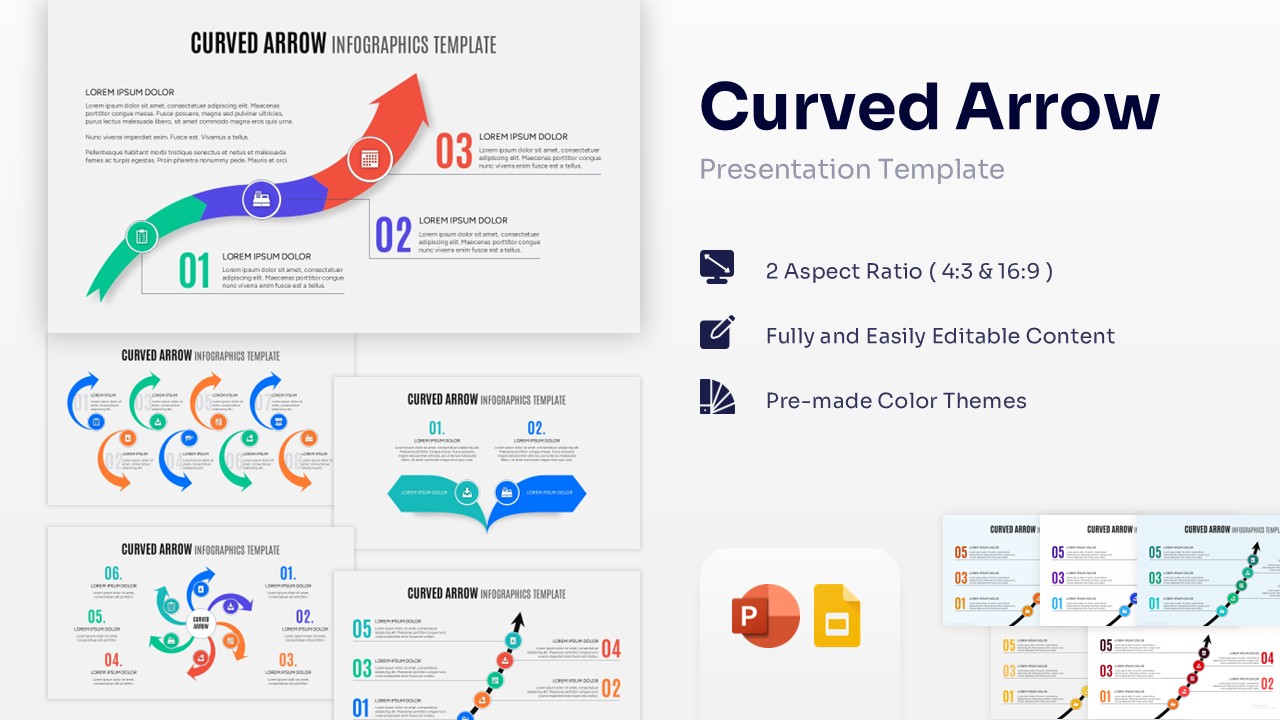
Download this Curved Arrow PowerPoint Template and Google Slides and use case it to visualize complex workflows, business growth, and sequential steps with professional ease. These arrow diagram templates are designed to help you guide your audience through a logical progression, making it simpler to explain how one stage leads to the next. Whether you are presenting a three-step strategy or a multi-phase project roadmap, the fluid motion of these curved arrows keeps your viewers engaged while maintaining a clean, organized look for your deck.
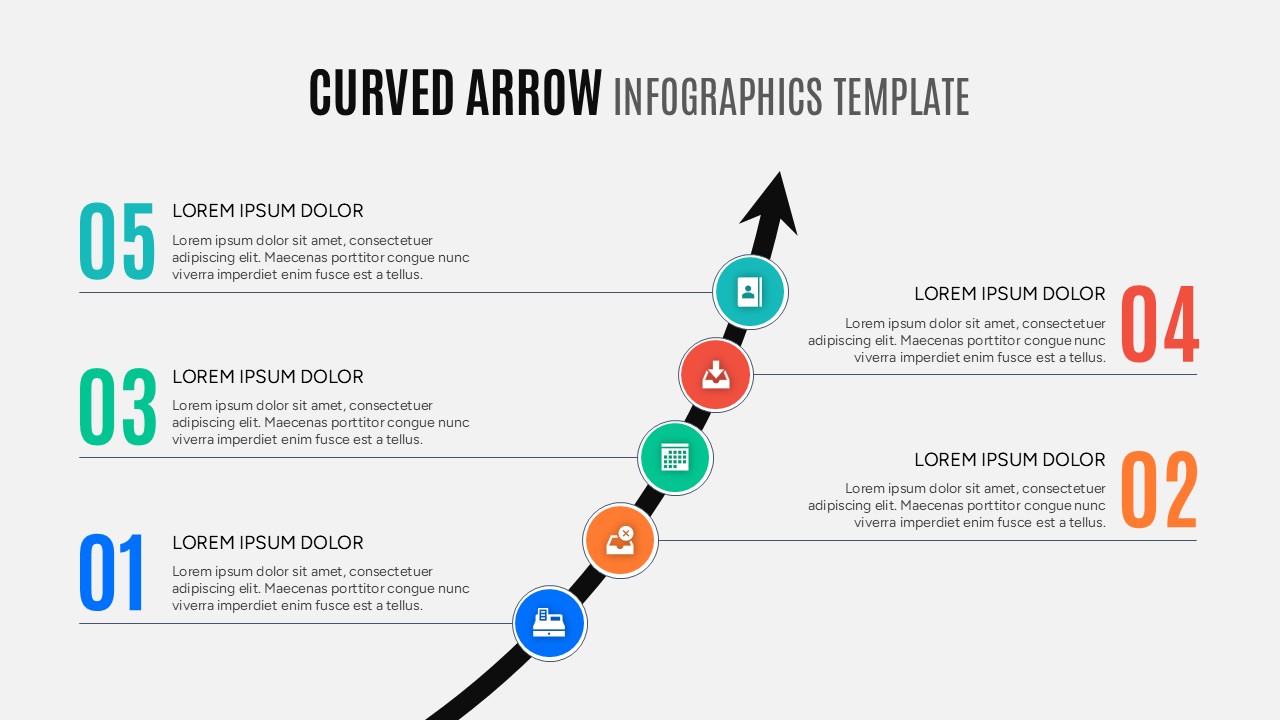
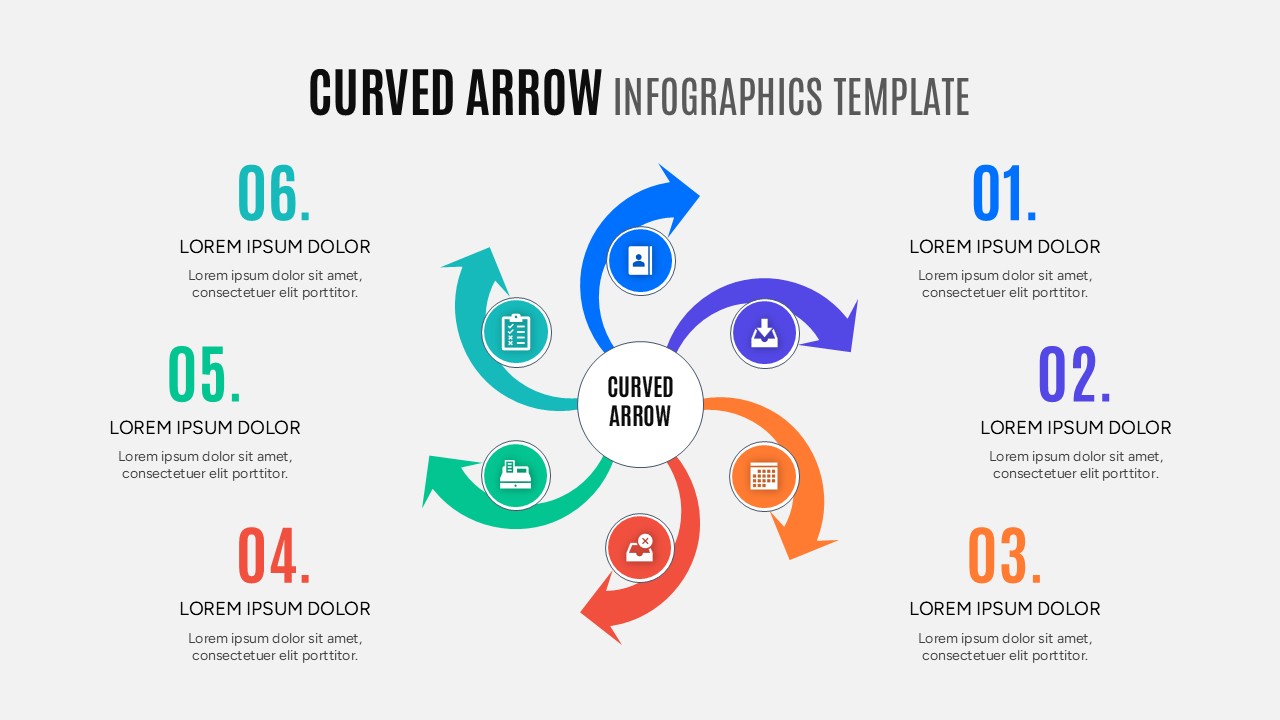
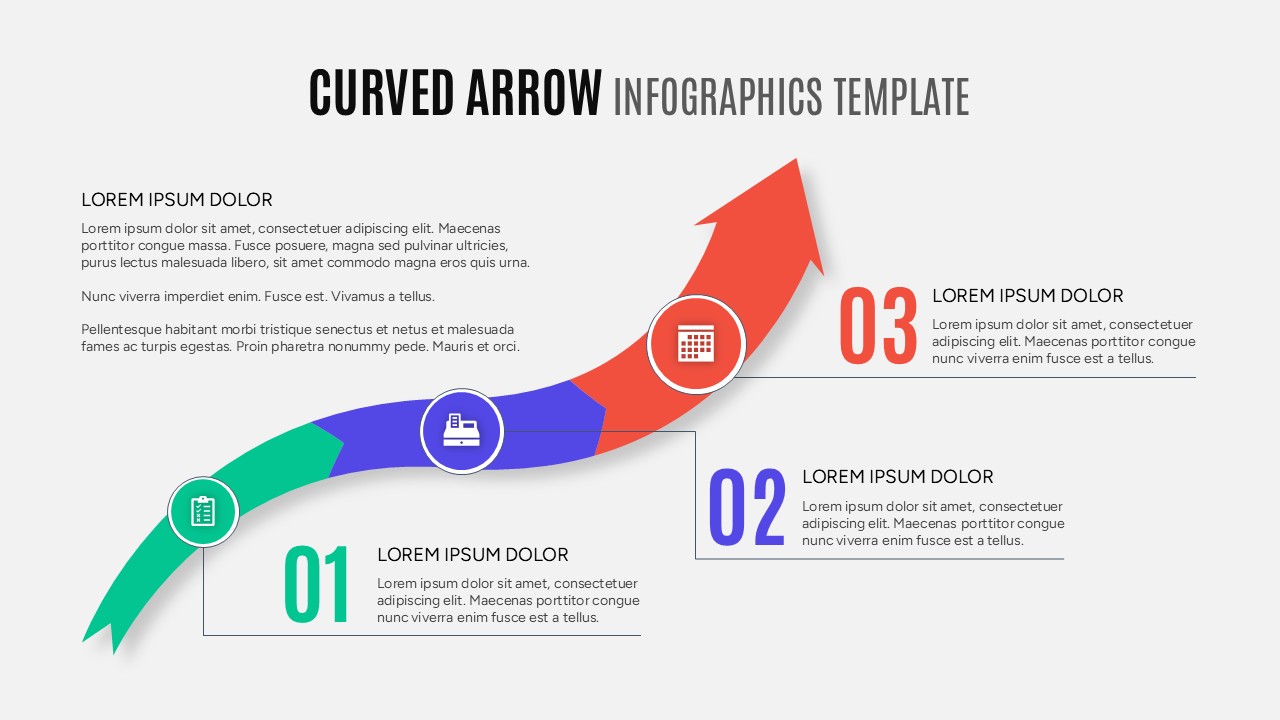
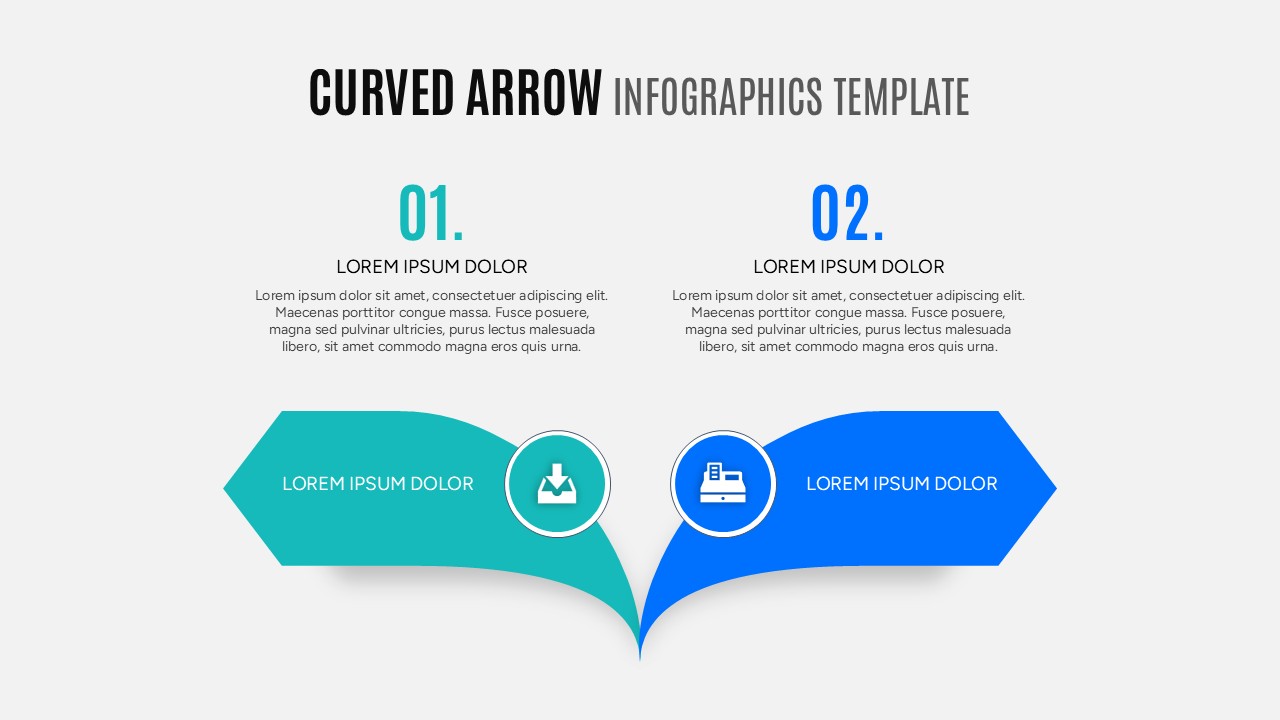
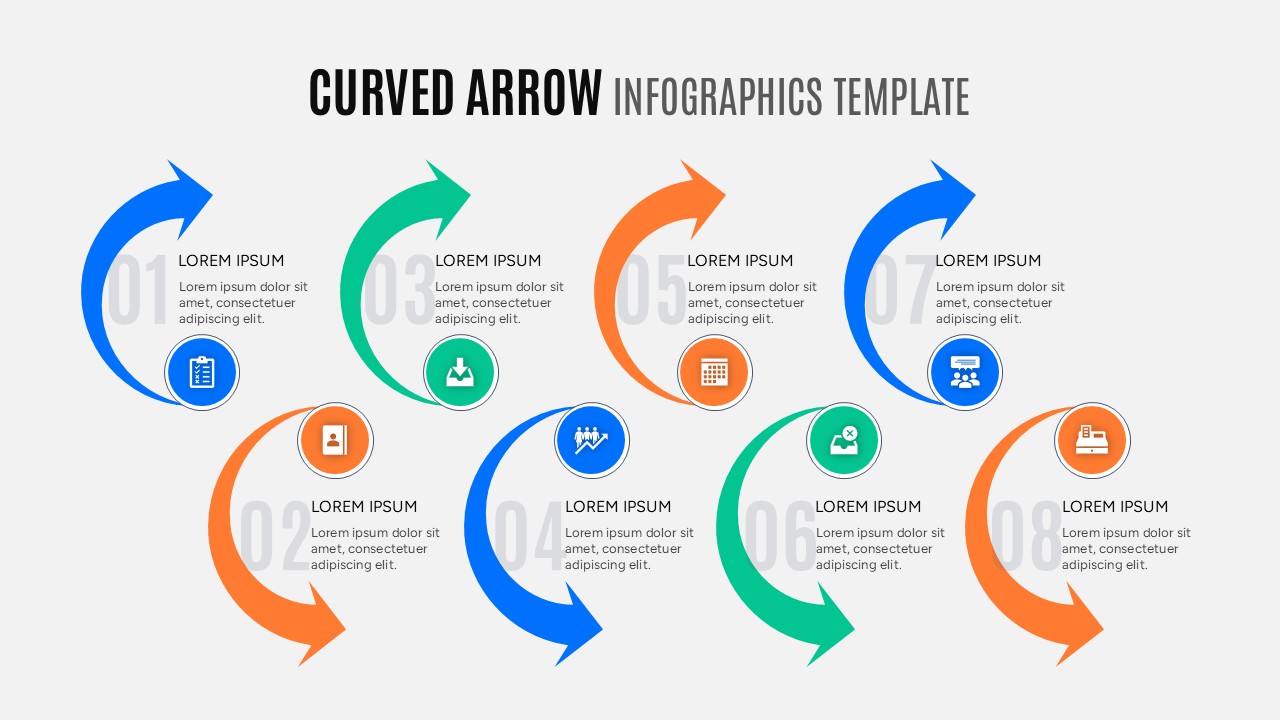
This high-quality Curved Arrow features a variety of layouts, including upward growth trajectories, circular process loops, and diverging paths. Each slide is built using editable vector shapes, allowing you to resize elements or change colors to match your corporate branding without losing image quality. By incorporating secondary keywords like process flow, milestone markers, and directional cues, this template provides a comprehensive toolkit for any professional looking to present data-driven insights in a visually compelling way.
In a professional environment, these curved arrow graphics are perfect for detailing supply chain logistics, marketing funnels, or operational life cycles. Use the circular diagrams to represent repeating processes or the linear curved arrows to show a clear path from start to finish. The minimalist design ensures that your specific data remains the priority, while the modern aesthetic helps you look prepared and confident during executive briefings or team workshops.
Why Use these Curved Arrow Infographics
- Illustrates growth trajectories and sequential workflows with intuitive visual cues.
- Breaks down complex business processes into clear, manageable steps.
- Saves significant design time with ready-to-edit professional layouts.
- Enhances presentation clarity, helping the audience follow the narrative flow.
- Offers a consistent and polished look that adapts to various corporate themes.
Who Should Download this Arrow Template PowerPoint & Google Slides
- Project Managers outlining implementation phases, timelines, and milestones.
- Business Analysts demonstrating workflow optimizations and process improvements.
- Marketing Professionals mapping customer journeys and sales conversion funnels.
- Corporate Executives presenting strategic growth plans and yearly reviews.
- Educators and Consultants simplifying technical information for students or clients.
Key Features
- 100% Vector-Based Graphics
- Fully Layered & Organized
- Multi-Platform Support
- Theme Color & Theme Font
Frequently Asked Questions
- Can I change the colors of the arrows to match my brand?
- Yes, all arrows are fully editable shapes. You can easily change the fill and outline colors using the standard theme tools in PowerPoint or Google Slides.
- Is it possible to add more steps to a specific arrow diagram?
- Absolutely. You can duplicate the arrow segments or text boxes to accommodate as many steps as your process requires without breaking the layout.
- Do these slides work on both Mac and Windows?
- Yes, this Curved Arrow PowerPoint is compatible with all versions of Microsoft PowerPoint and Google Slides across different operating systems.
Related Templates
-
-
 $2.99
$2.99 -
 $2.99
$2.99 -
 $3.99
$3.99