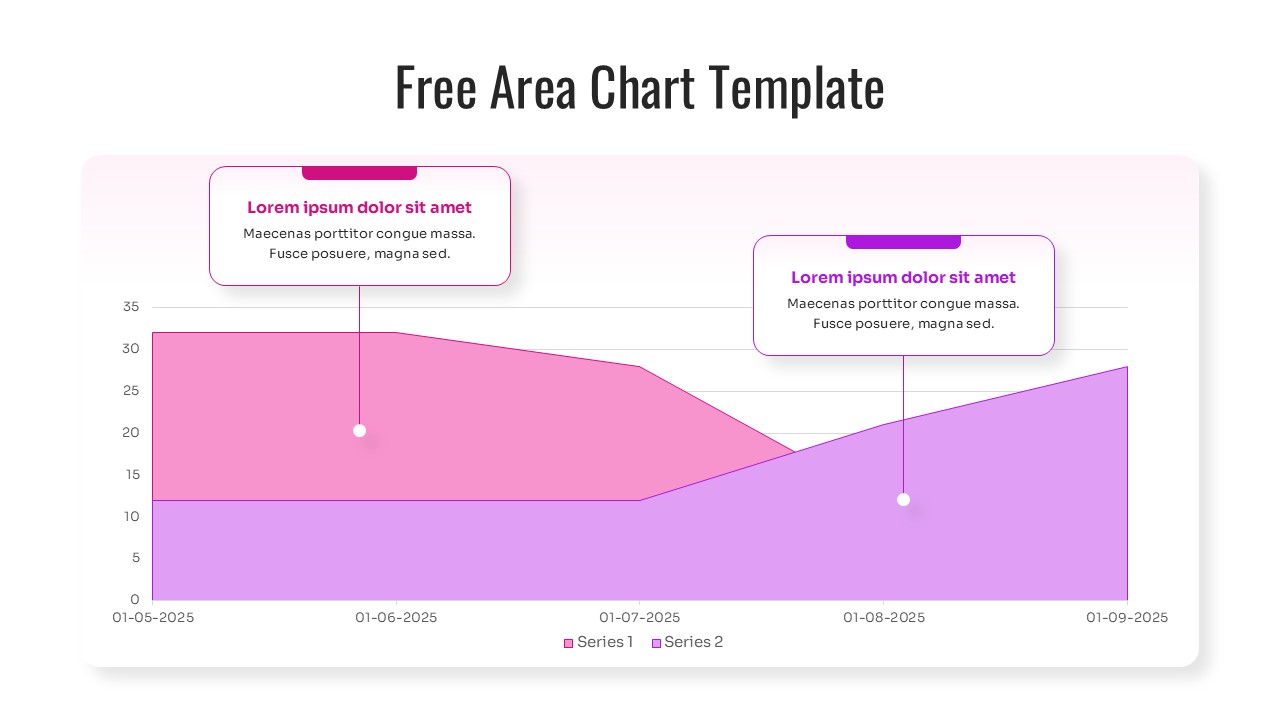
Monthly Performance Area Graph
This template is part of a deck featuring multiple slides. To check out all slides.
See All
Area Chart Dashboard Presentation Template
Download this Free Area Chart Template for PowerPoint & Google Slides to transform complex datasets into clear, professional visual stories. This line and area chart template is a versatile toolkit is designed for busy professionals who need to present financial growth, market trends, or project milestones without spending hours on design. Whether you are tracking monthly performance or comparing product success over time, these slides help you look polished and prepared in every meeting.
This comprehensive Area Chart Diagram features multiple area chart variations, including stacked area graphs and dual-series comparisons. Each slide is built with a clean, modern aesthetic using soft gradients and organized data blocks. The template includes dedicated sections for key metrics, percentage indicators, and descriptive text, ensuring your audience understands the "why" behind the numbers. With secondary keywords like data visualization and trend analysis integrated into the layout, your reporting becomes both functional and visually engaging.
These Line Area Chart Templates are ideal for various professional scenarios. Use them during quarterly business reviews to show revenue trajectories, or in marketing pitches to demonstrate audience growth. They work perfectly for project managers tracking resource allocation or financial analysts presenting stock market fluctuations. By utilizing these area graphs, you reduce prep time while maintaining a high standard of clarity that helps stakeholders make informed, data-driven decisions quickly.
Why Use this Area Chart Template for PowerPoint & Google Slides
- Simplifies data visualization by turning raw numbers into easy-to-read area graphs.
- Enhances trend analysis with clear color-coded series for better comparison.
- Saves significant design time with pre-configured layouts and data markers.
- Ensures a professional look that builds confidence during executive presentations.
- Features responsive design elements that look great on any screen size.
Who Should Download this Line Chart Diagram
- Financial analysts and accountants tracking growth and budget fluctuations.
- Marketing managers and growth leads visualizing campaign performance and KPIs.
- Project managers monitoring milestones and resource distribution over time.
- Executives and business owners preparing annual reports or investor pitch decks.
- Educators and students presenting statistical data or research findings.