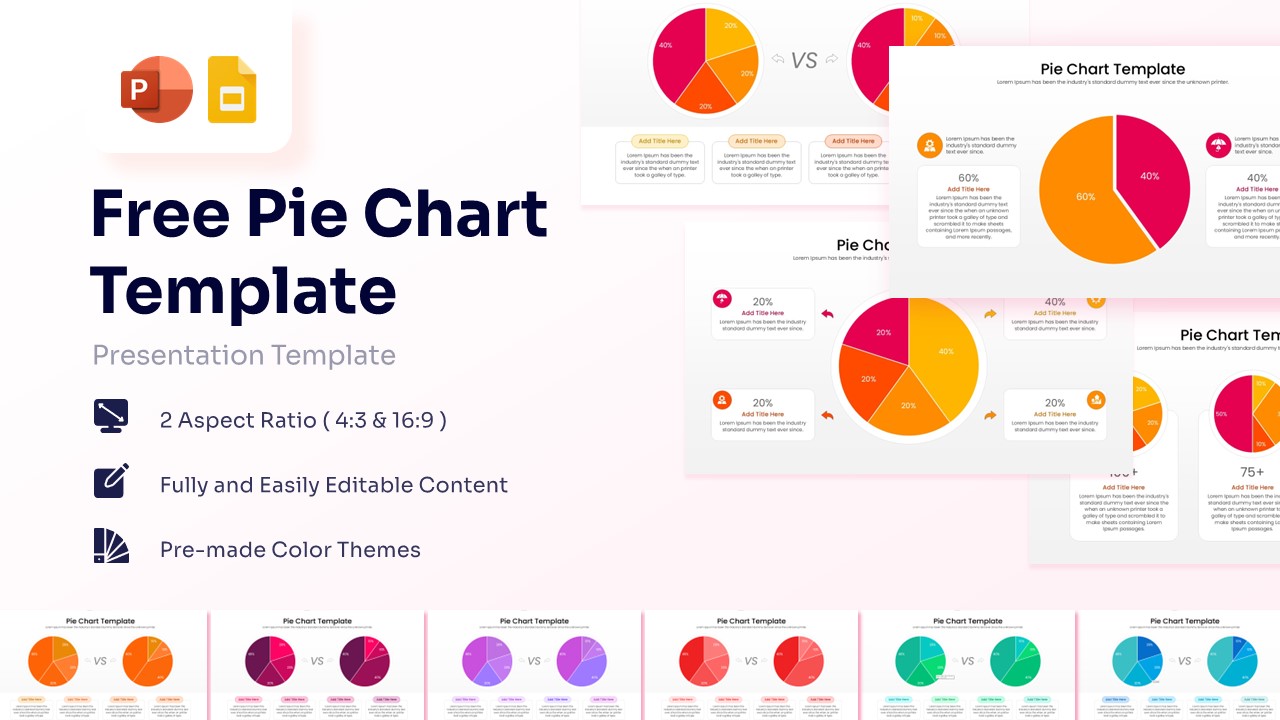
A featured image showing a collection of pie chart templates with orange and magenta segments for PowerPoint

This template is part of a deck featuring multiple slides. To check out all slides.

See All

Data Comparison Pie Chart Presentation Template

Download this Pie Chart Template and use it to transform complex data into a clear, professional visual story on PowerPoint or Google Slides. Whether you are tracking market shares or comparing project results, this Pie & Donut Chart template helps you stay in control of your presentation. The clean layout ensures your audience understands the numbers instantly, allowing you to focus on the conversation rather than explaining the chart. Each slide is designed to be supportive and easy to navigate, making your prep work feel light and manageable.

This Pie Chart PowerPoint Template features a variety of data visualization layouts, including comparison pie charts, percentage breakdowns, and multi-segment circles. It uses a professional palette of orange, magenta, and yellow to create high contrast that keeps viewers engaged. By using these secondary keywords like circular infographics and data distribution slides, you can ensure your deck looks polished. The pre-made color themes and vector-based graphics mean you can resize elements without losing clarity, maintaining a sharp look on any screen size.

These PowerPoint Chart & Graph Templates can be used for quarterly business reviews, financial summaries, or educational workshops. In a corporate setting, use the "VS" comparison slide to highlight growth between two fiscal periods or to show a side-by-side competitor analysis. For project management, the multi-chart layout is perfect for displaying resource allocation across different departments or tracking the completion status of various milestones.

  • Helps you visualize data quickly to save time during deck preparation.
  • Provides a structured way to present percentages and proportions clearly.
  • Ensures a polished, professional aesthetic that builds trust with your audience.
  • Simplifies complex statistical information into digestible visual segments.
  • Business analysts and data researchers presenting market trends or survey results.
  • Marketing managers tracking campaign performance and segment distribution.
  • Educators and students creating clear, visual lesson plans or thesis defenses.
  • Project leads needing to report on budget allocation or team progress.

Why use this Pie Chart Template

  • Visualizes data distribution instantly for better audience retention.
  • Reduces prep time with ready-to-use comparison layouts.
  • Maintains high resolution across different screen aspect ratios (4:3 and 16:9).
  • Allows for effortless customization to match your specific brand guidelines.

Who Should Download this Pie Chart PowerPoint Template

  • Busy professionals who need to present data-driven insights with confidence.
  • Sales teams demonstrating market share or customer demographics.
  • Accountants and financial officers presenting annual budget breakdowns.
  • Consultants providing strategic overviews and competitive comparisons.