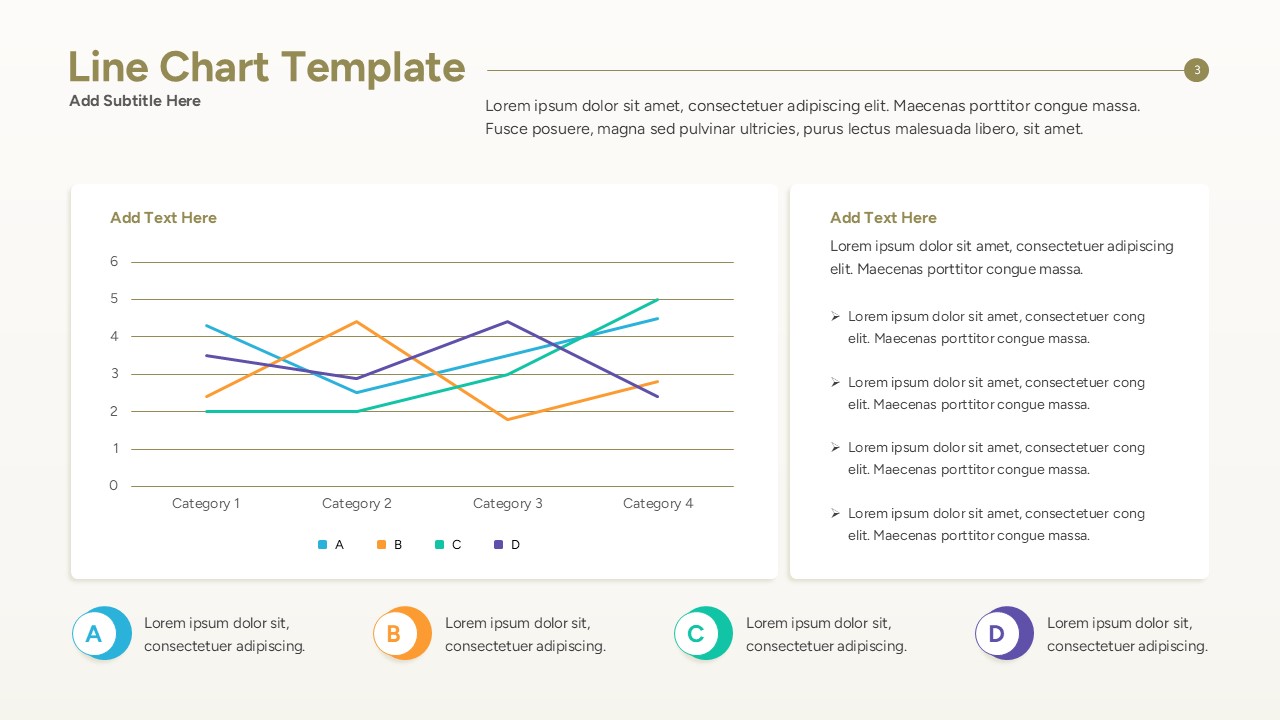
Multi Line Comparison Slide
This template is part of a deck featuring multiple slides. To check out all slides.
See All
Data-Driven Line Graph Presentation Template
Download this Line Chart Template and use it to transform complex datasets into clear, actionable visual stories for your next business meeting. Whether you are tracking monthly sales growth, monitoring project milestones, or analyzing market fluctuations, these Charts & Graphs Template help you present like a pro. This versatile toolkit is designed for professionals who need to communicate trends quickly without spending hours on manual formatting.
This collection of Line Graph Template features various styles including multi-line comparisons, area-filled charts, and data points combined with descriptive text blocks. Each slide uses a clean, modern aesthetic with high-contrast lines and legible typography to ensure your audience stays focused on the insights. By incorporating secondary keywords like data visualization, trend analysis, and performance metrics, this template ensures your presentation is both informative and visually engaging.
These Line Chart Templates are ideal for a wide range of corporate and educational use cases. Use them during quarterly business reviews to show year-over-year progress, in marketing reports to visualize campaign reach, or in financial pitches to demonstrate ROI. The flexibility of the vector-based design allows you to scale elements without losing quality, making it perfect for large-screen boardroom displays or printed reports.
Why Use this Line Chart Template PowerPoint & Google Slides
- Visualize Growth Trends: Clearly show upward or downward movements in your business data to drive alignment.
- Save Preparation Time: Use pre-designed layouts instead of building charts from scratch to get to your finished deck faster.
- Improve Data Clarity: Reduce clutter and focus your audience on the most important metrics and KPIs.
- Enhance Professionalism: Maintain a polished and consistent look across all your reporting slides with ease.
- Data Analysts: Who need to present statistical findings and data fluctuations to stakeholders.
- Project Managers: Tracking resource allocation and timeline progress over several months.
- Sales Executives: Reporting on revenue targets and regional performance growth.
- Educators: Creating lessons that involve interpreting graphs or historical trends for students.
Who is it for – Business Analysts and Project Managers
- Managers, analysts, and team leads running data reviews or preparing strategy sessions.
- Consultants, executives preparing briefings, and teams aligning on performance metrics.
- Other uses: campaign retrospectives, competitor audits, or one-slide trend summaries.