Puzzle Pieces Template for PowerPoint & Google Slides
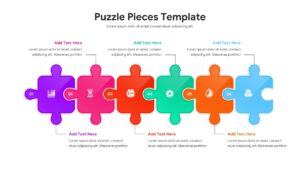
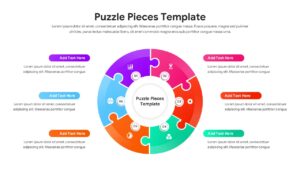
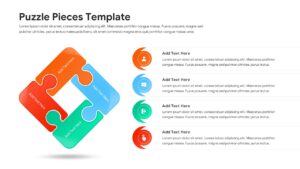
Creative Jigsaw Puzzle Template
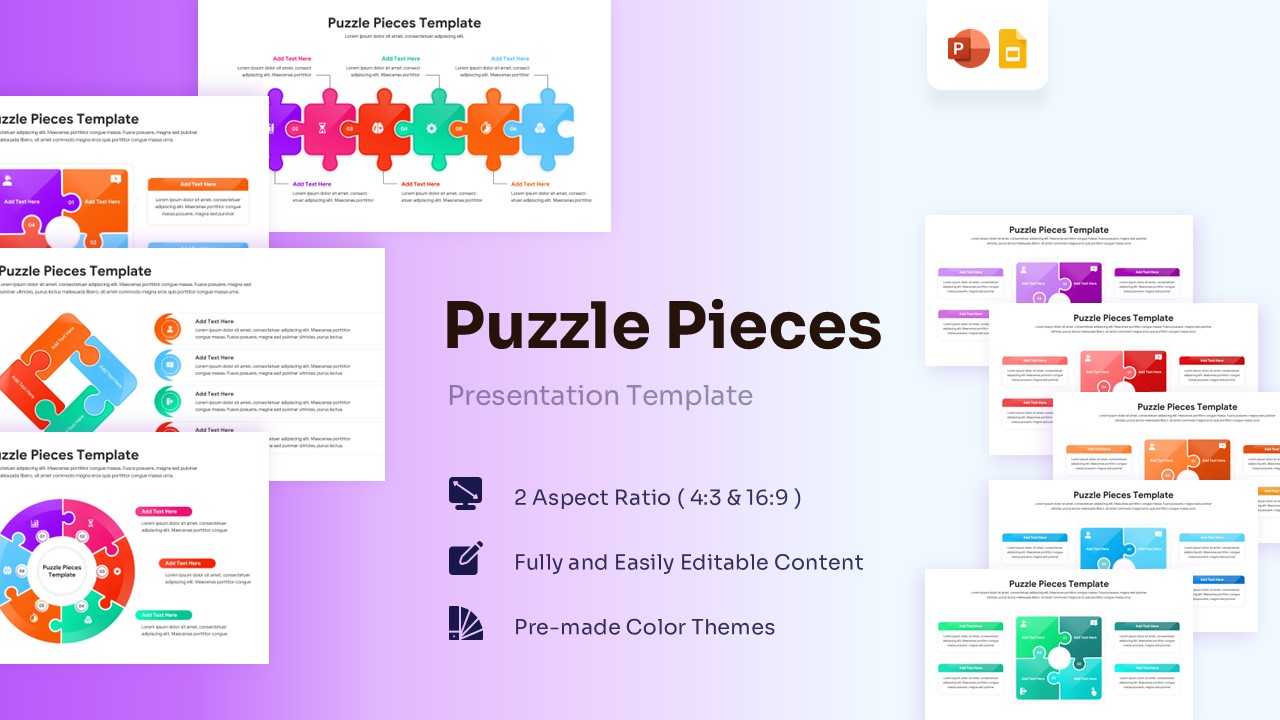
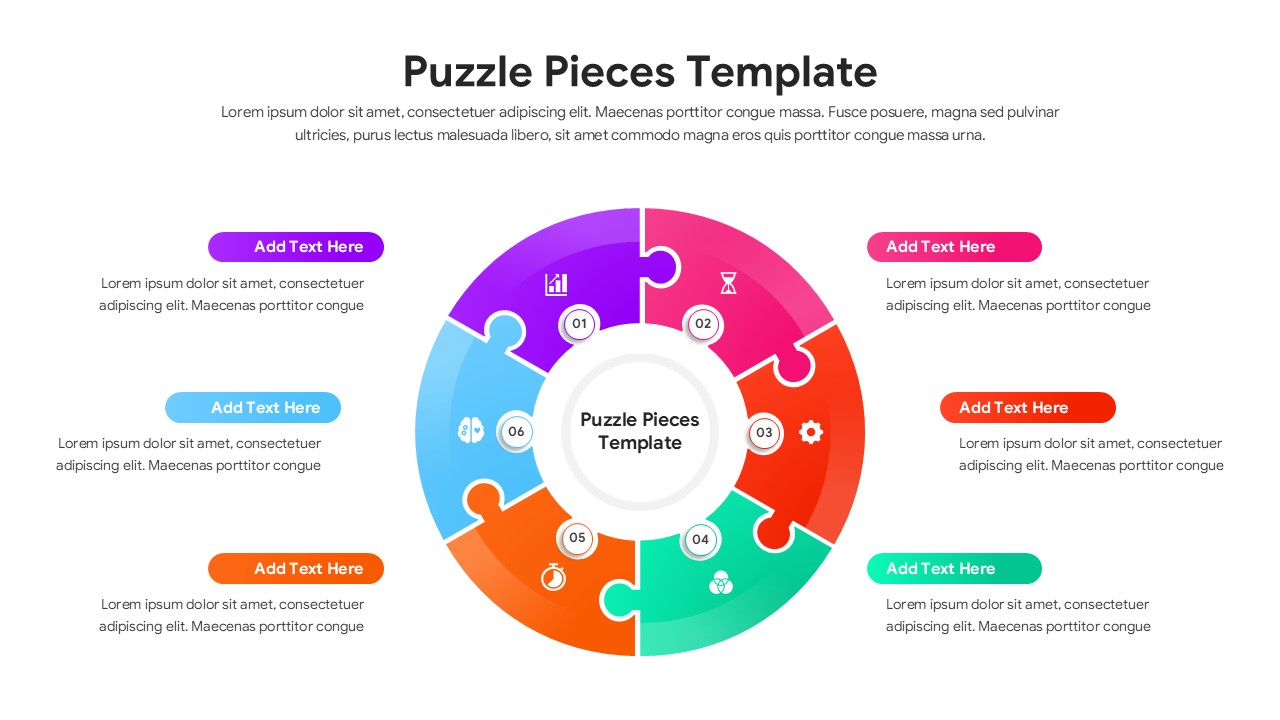
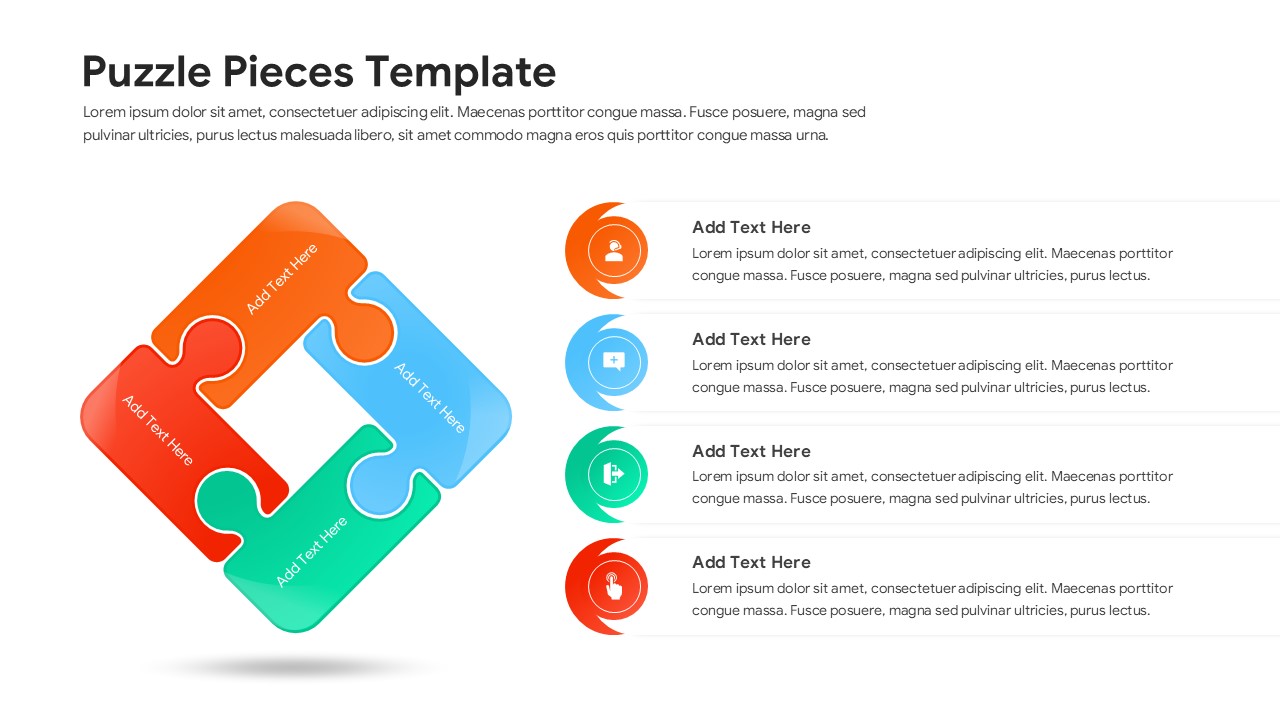
Download this Puzzle Pieces Template and use case as a supportive visual aid to demonstrate how individual ideas or departments fit into a larger strategic picture. This puzzle diagram collection of slides features various interlocking jigsaw designs that represent teamwork, problem-solving, and structural synergy. Whether you are building a business model or explaining a step-by-step workflow, these graphics help your audience see the “big picture” clearly. These slides are perfect for any professional who needs to show how different elements connect to create a successful outcome.
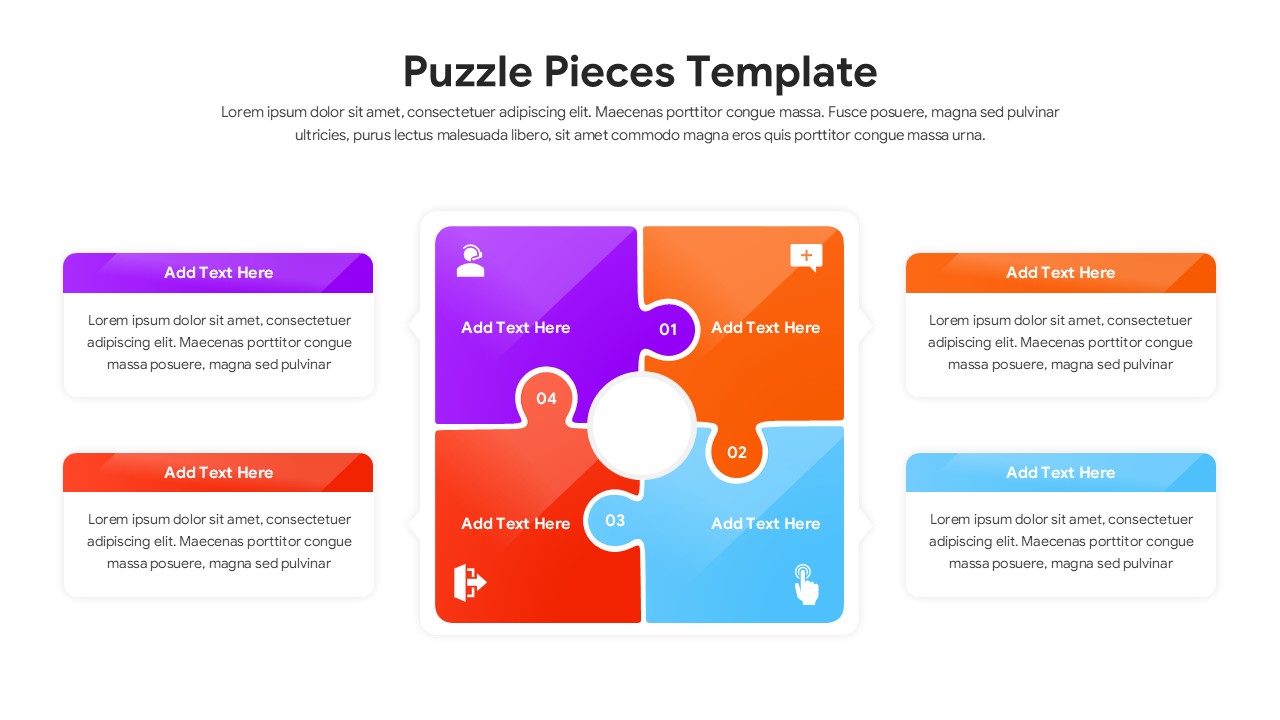
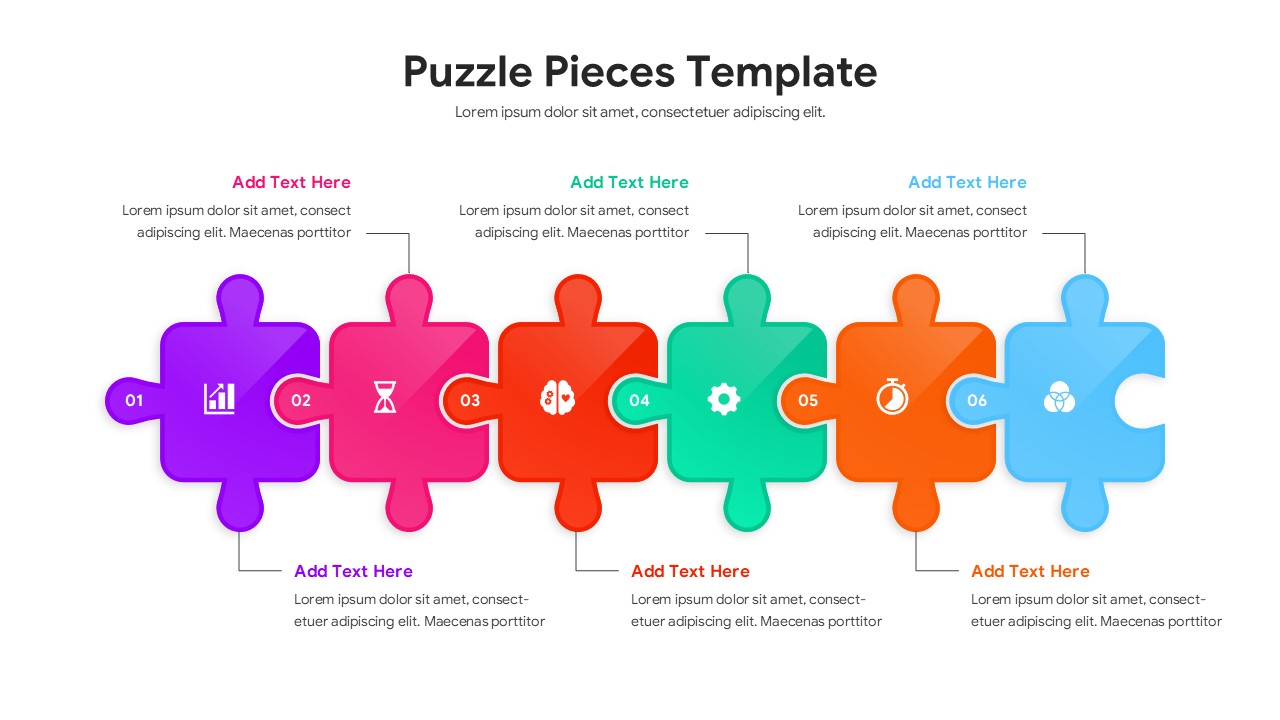
This professional Jigsaw Template focuses on ease of use and high-quality design. It includes multiple configurations, such as 4-piece quadrants, 6-piece linear flows, and circular process loops. Because every shape is a 100% vector-based graphic, you can resize each puzzle piece without any loss in clarity. The clean, modern aesthetic ensures your presentation looks polished and trustworthy, allowing you to focus on your message rather than wrestling with complex design tools.
These professional PowerPoint Diagrams can be used across various sectors to simplify dense information into digestible parts. In corporate meetings, use them to illustrate cross-departmental collaboration or project phases. Educators can apply the puzzle metaphor to show how different historical events or scientific components relate to one another. Marketing teams will find these slides helpful for mapping out integrated campaign strategies where every “piece” of the plan is vital to the final result.
Who Should Download this Jigsaw Puzzle Template
- Project managers tracking dependencies and team milestones.
- Business consultants presenting organizational structures or strategic frameworks.
- Teachers and trainers looking for engaging, simple visual aids for the classroom.
- Executives summarizing how various business units contribute to a single goal.
Why Download this Puzzle Pieces Template
- Uses the familiar jigsaw metaphor to communicate unity and logical flow.
- Provides a structured roadmap for multi-stage processes or project goals.
- Simplifies technical data into clear, visual “pieces” for better retention.
- Ensures a calm, cohesive look that keeps your audience focused on the content.
Who is it for
- Operations managers, strategy leads, and department heads.
- Startup founders pitching how their solution fits a specific market need.
- Academic professionals presenting collaborative research or thesis defense.
- HR teams explaining employee integration or company value alignment.
Key Features
- 100% Vector-Based Graphics
- Fully Layered & Organized
- Multi-Platform Support
- Theme Color & Theme Font
Frequently Asked Questions
- How do I change the colors of the puzzle pieces?
- You can easily change colors by selecting an individual piece and using the \"Shape Fill\" tool in PowerPoint or Google Slides to match your brand.
- Can I move the pieces around to create a \"missing piece\" effect?
- Yes, every piece is an individual shape, so you can move them apart to highlight gaps or incomplete processes.
- Will the icons stay sharp if I enlarge the slide?
- Since the graphics are vector-based, they will remain crisp and clear at any size or resolution.
- Is this template compatible with Google Slides?
- Yes, it is fully optimized for both PowerPoint and Google Slides to ensure seamless editing across platforms.
Related Templates
-
-
 $3.99
$3.99 -
-