Simple Summary Template for PowerPoint & Google Slides
Professional Summary Infographic Presentation Template
Download this Summary Template to transform dense project data into a clear, professional overview that your audience can understand at a glance. Whether you are providing a high-level briefing or a detailed end-of-month report, these List Infographic Templates help you organize your thoughts into structured, visually appealing sections. By using a dedicated summary layout, you ensure that key takeaways aren’t lost in a sea of text, helping you look more prepared and polished in every meeting.
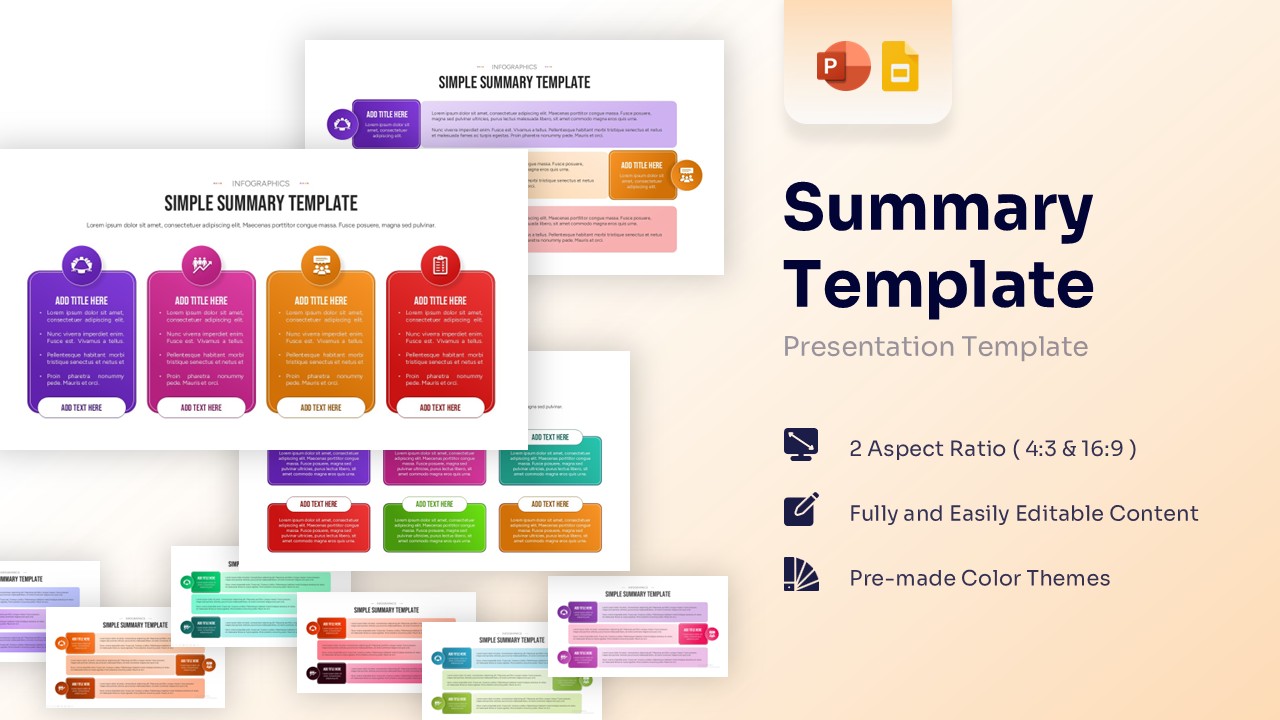
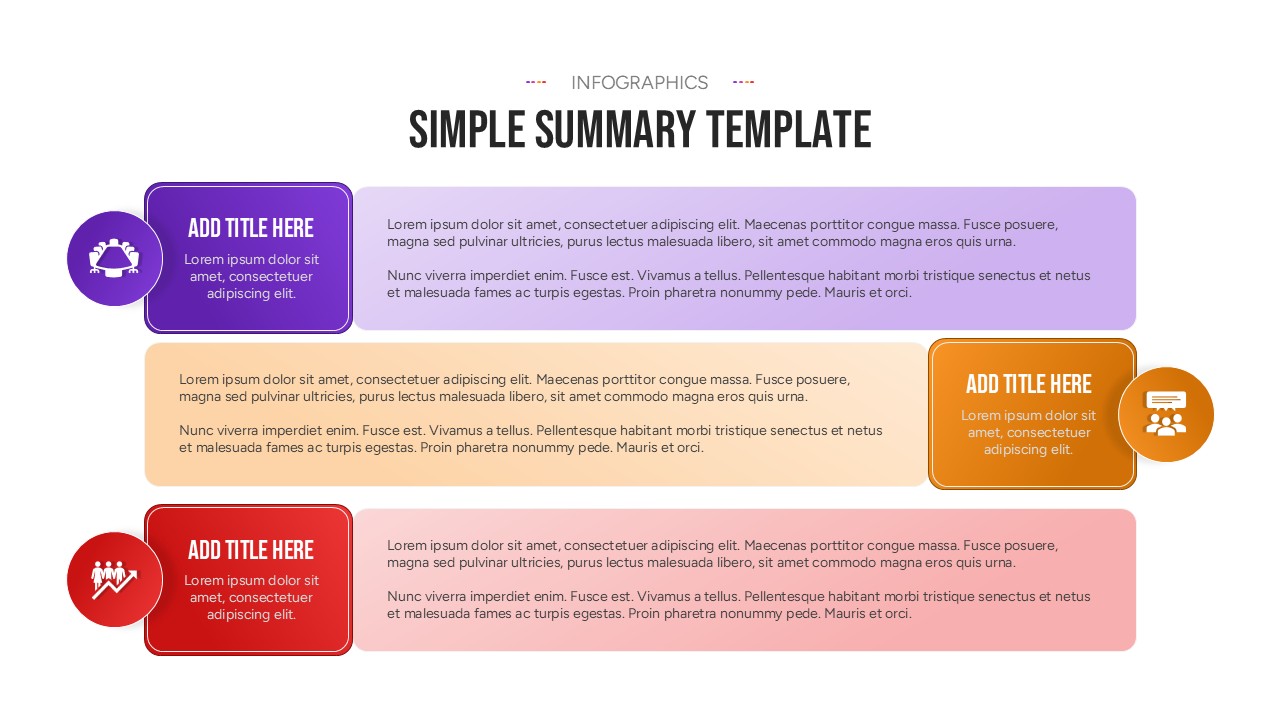
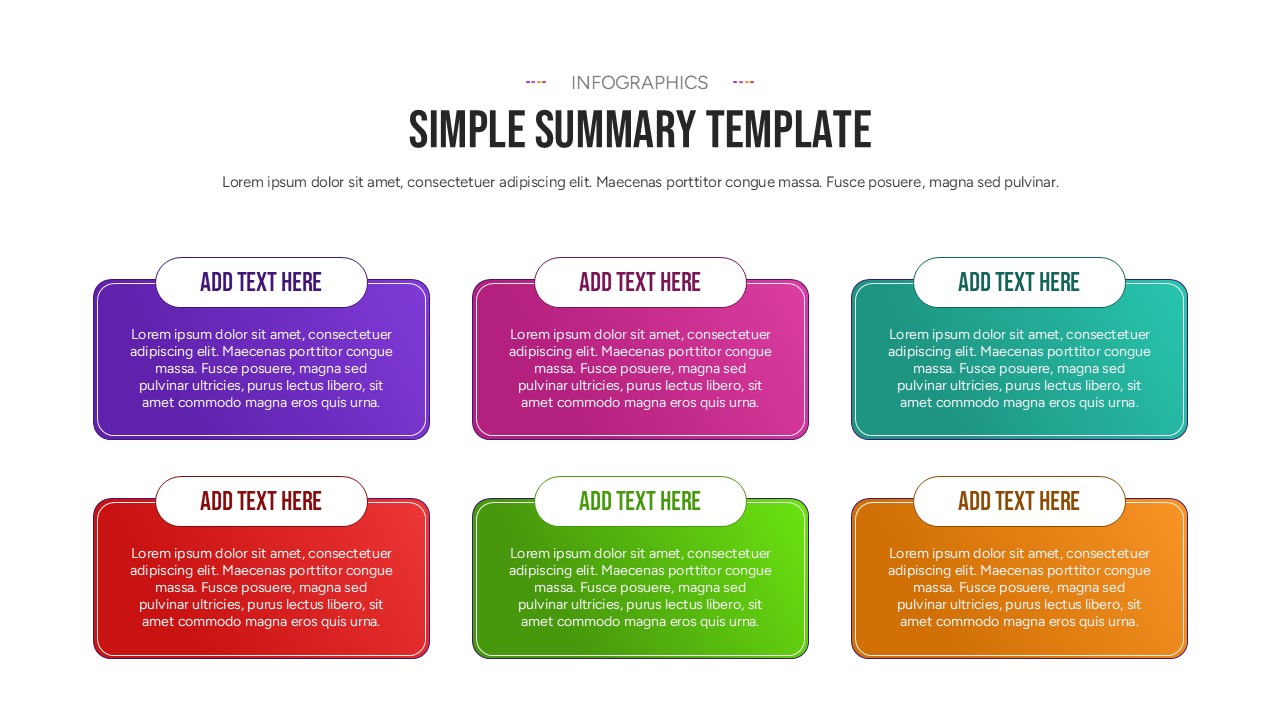
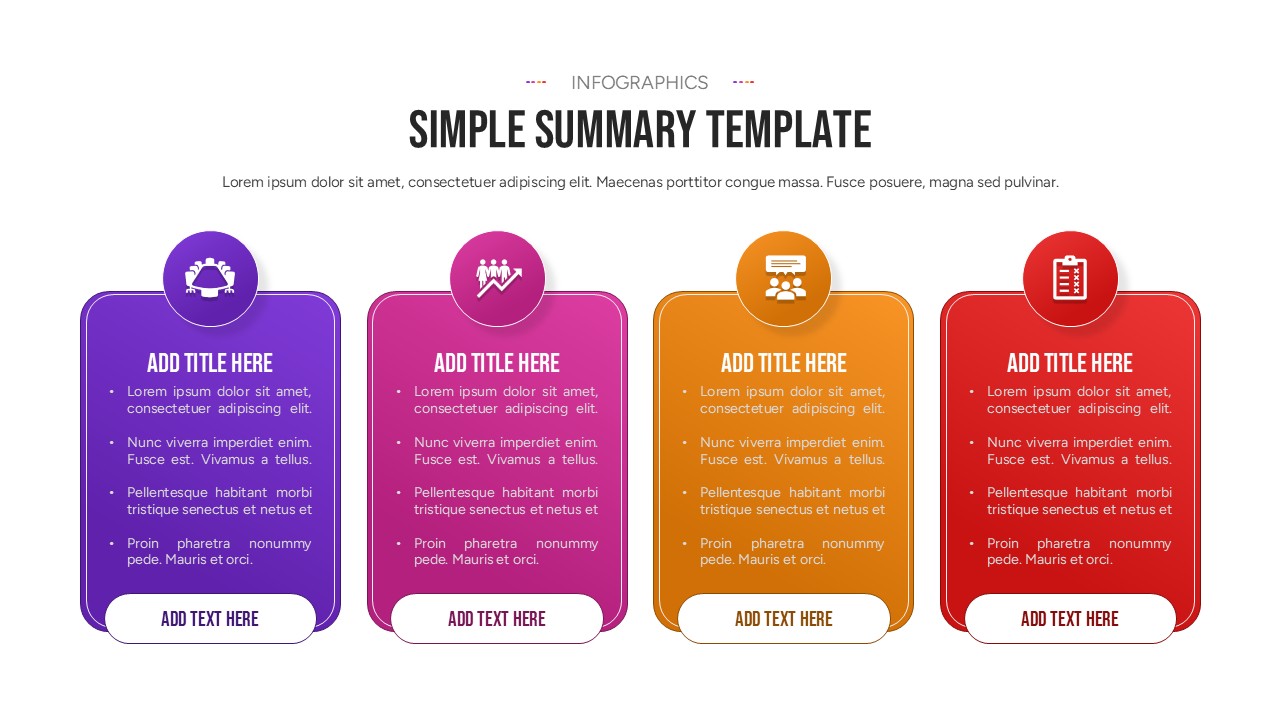
This Summary Infographic Template features a clean, modern design with multi-colored cards and circular icons that guide the eye naturally across the page. Each element is fully editable, allowing you to adjust the secondary colors and fonts to match your specific brand identity. The balance of white space and vibrant color-coding ensures that your presentation remains professional while still capturing the attention of busy stakeholders and executives.
These Professional Summary Templates are perfect for a wide range of use cases, from corporate quarterly reviews and marketing campaign summaries to academic lesson overviews. You can easily duplicate the segments to add more points or resize the vector-based graphics without losing any image quality. Because it is optimized for both PowerPoint and Google Slides, you can switch between platforms seamlessly, ensuring your deck looks perfect whether you’re presenting in person or via a video call.
Why Use these Summary Infographic Template
- Simplifies complex ideas by breaking information into digestible, color-coded summary blocks.
- Saves design time with ready-to-use professional layouts that require no graphic design skills.
- Improves retention by using icons and structured hierarchy to emphasize the most important summary points.
- Maintains brand consistency through easily customizable shapes and universal theme fonts.
Who Should Download this Summary Diagram
- Business Executives needing a concise summary template for high-stakes boardroom presentations.
- Project Coordinators tracking milestones and providing status updates to cross-functional teams.
- Sales Representatives summarizing product features, pricing tiers, or client benefits during a pitch.
- Educators looking for a clear way to wrap up a lecture or provide a study guide summary to students.
Key Features
- 100% Vector-Based Graphics
- Fully Layered & Organized
- Multi-Platform Support
- Theme Color & Theme Font
Frequently Asked Questions
- Can I add more sections to the summary slide?
- Yes, you can easily copy and paste the existing cards to create more rows or columns as needed.
- Are the icons included in the download?
- All icons shown in the preview are included and can be recolored or replaced with your own.
- Does this work on mobile versions of Google Slides?
- Yes, the layouts are responsive and will display correctly on tablets and mobile devices.