Sales Funnel Vs Sales Pipeline Comparison Template for PowerPoint & Google Slides
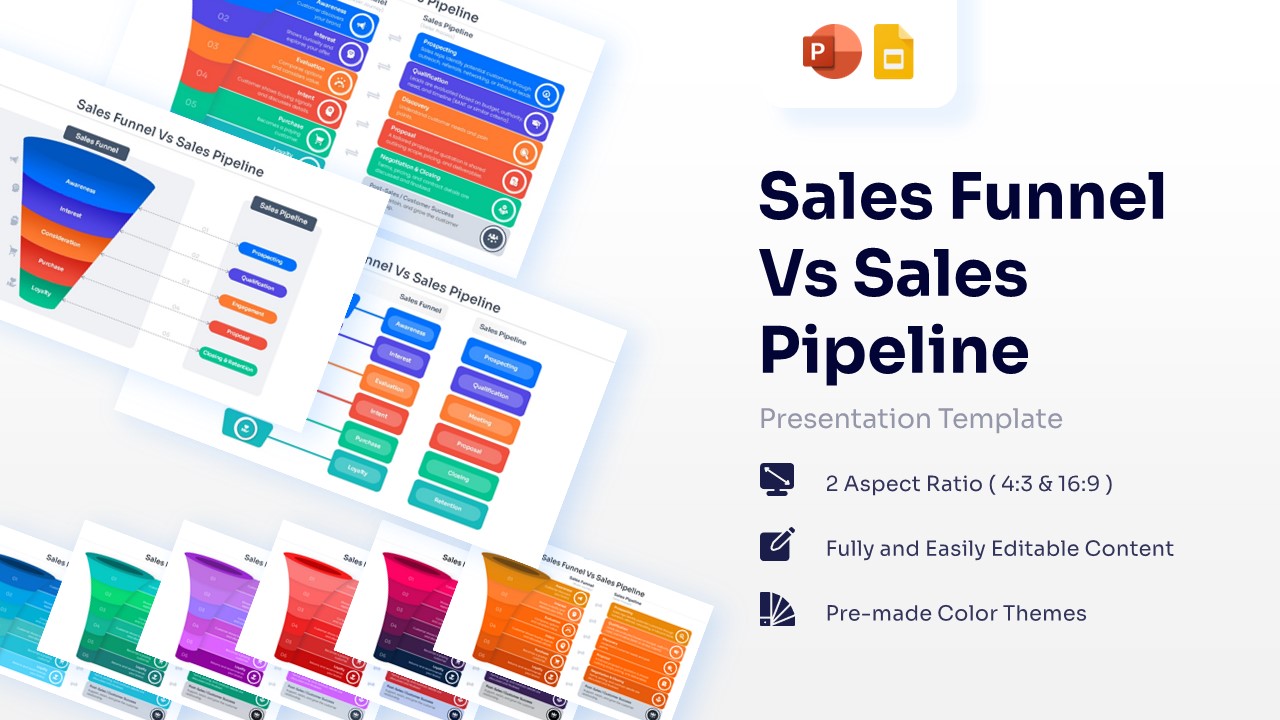
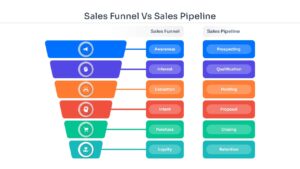
Sales Process and Pipeline vs Funnel Comparison Template
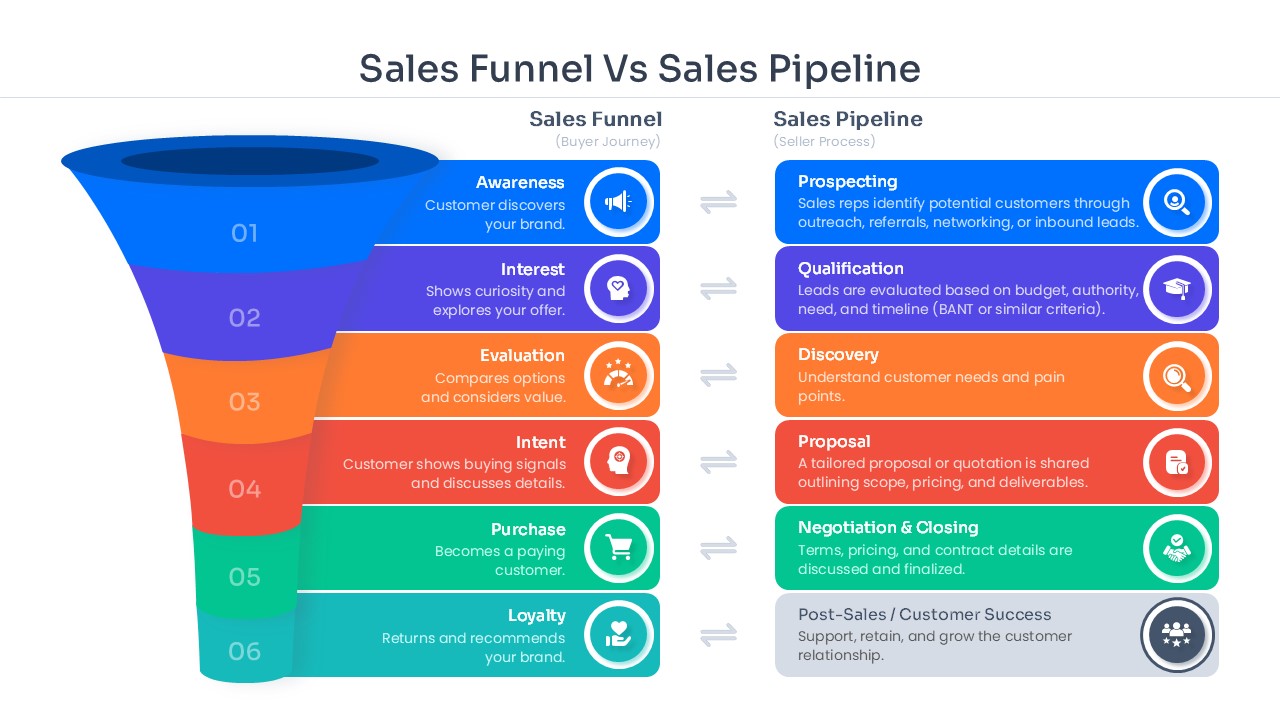
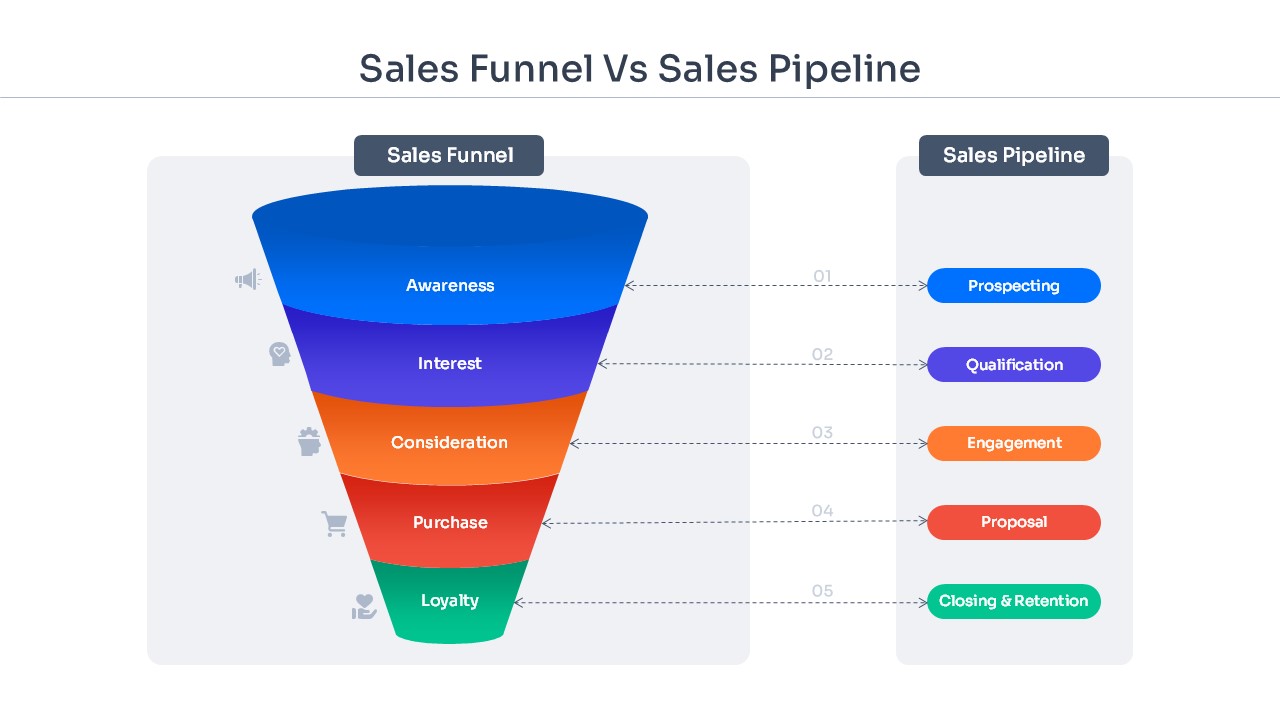
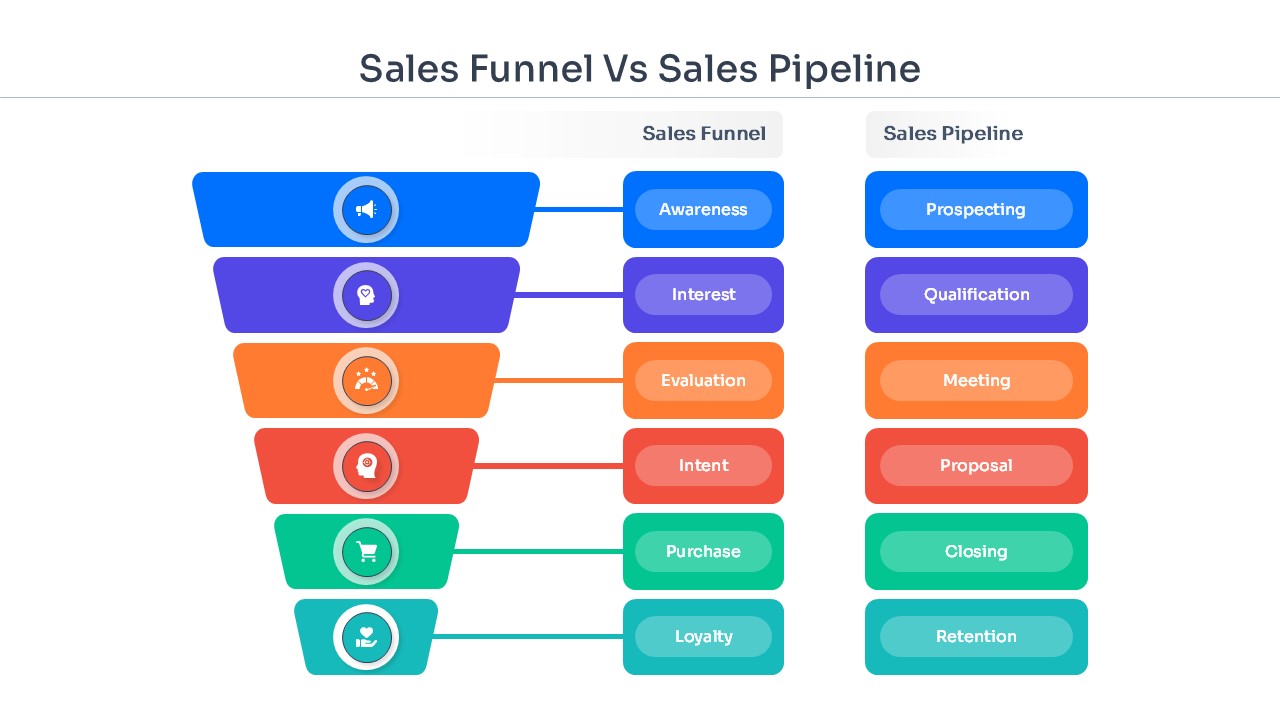
Download this Sales Funnel Vs Sales Pipeline comparison slide to clearly distinguish between your customer journey and your internal sales operations. Understanding the difference between these two frameworks is essential for any revenue team looking to optimize their conversion rates. This template provides a visual breakdown that helps your audience see how leads move through the awareness stages (the funnel) versus how your sales reps manage specific deals and milestones (the pipeline). By using this professional layout, you can easily explain complex sales cycles to stakeholders or new hires, ensuring everyone is aligned on your go-to-market strategy.
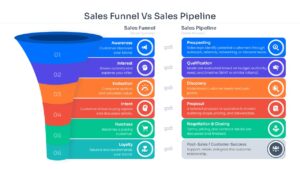
The template features high-quality vector graphics including a multi-staged 3D funnel and a linear step-by-step pipeline diagram. It is designed with a clean, corporate aesthetic that fits perfectly into monthly sales reviews or executive briefings. Every element is fully customizable, allowing you to modify the stages—such as Prospecting, Qualification, and Proposal—to match your company’s unique workflow. With various layout options included, you can choose the one that best highlights your data, whether you are focusing on lead volume or deal velocity.
These comparison slides are versatile enough for a wide range of business scenarios. Use them during quarterly business reviews (QBRs) to show where the marketing hand-off occurs, or incorporate them into sales training decks to mentor junior account executives. They are also excellent for investor pitch decks to demonstrate a sophisticated understanding of your customer acquisition cost and sales efficiency. Because the slides are optimized for both PowerPoint and Google Slides, you can collaborate with your team in real-time without worrying about losing your formatting or design integrity.
Why Use this Sales Funnel Vs Pipeline Template – Sales Strategy, Lead Conversion, Revenue Operations
- Clarifies the distinction between marketing lead flow and active sales deal management.
- Saves hours of design time by providing pre-built, professional comparison layouts.
- Enhances data retention with clear visual metaphors for complex sales concepts.
- Facilitates better communication between marketing and sales departments.
Who Should Download this Sales Funnel Vs Sales Pipeline Template
- Sales leaders presenting monthly performance metrics to executive boards.
- Marketing managers explaining the lead generation funnel to the sales team.
- Business consultants helping clients restructure their sales processes and CRM stages.
- Startup founders pitching their scalable sales model to potential investors.
Key Features
- 100% Vector-Based Graphics
- Fully Layered & Organized
- Multi-Platform Support
- Theme Color & Theme Font
- 2 Aspect Ratio (4:3 & 16:9)
Frequently Asked Questions
- How do I change the colors of the funnel stages?
- You can easily change the colors by selecting the individual shape and using the \"Shape Fill\" tool in PowerPoint or Google Slides to match your brand identity.
- Is this template compatible with Keynote?
- While designed for PowerPoint and Google Slides, you can import the .pptx file into Keynote, though some minor font adjustments might be required.
- Can I add more steps to the sales pipeline?
- Yes, the graphics are vector-based, so you can copy and paste existing stages to extend the pipeline or delete them to shorten it.
Related Templates
-
-
 $2.99
$2.99 -
-