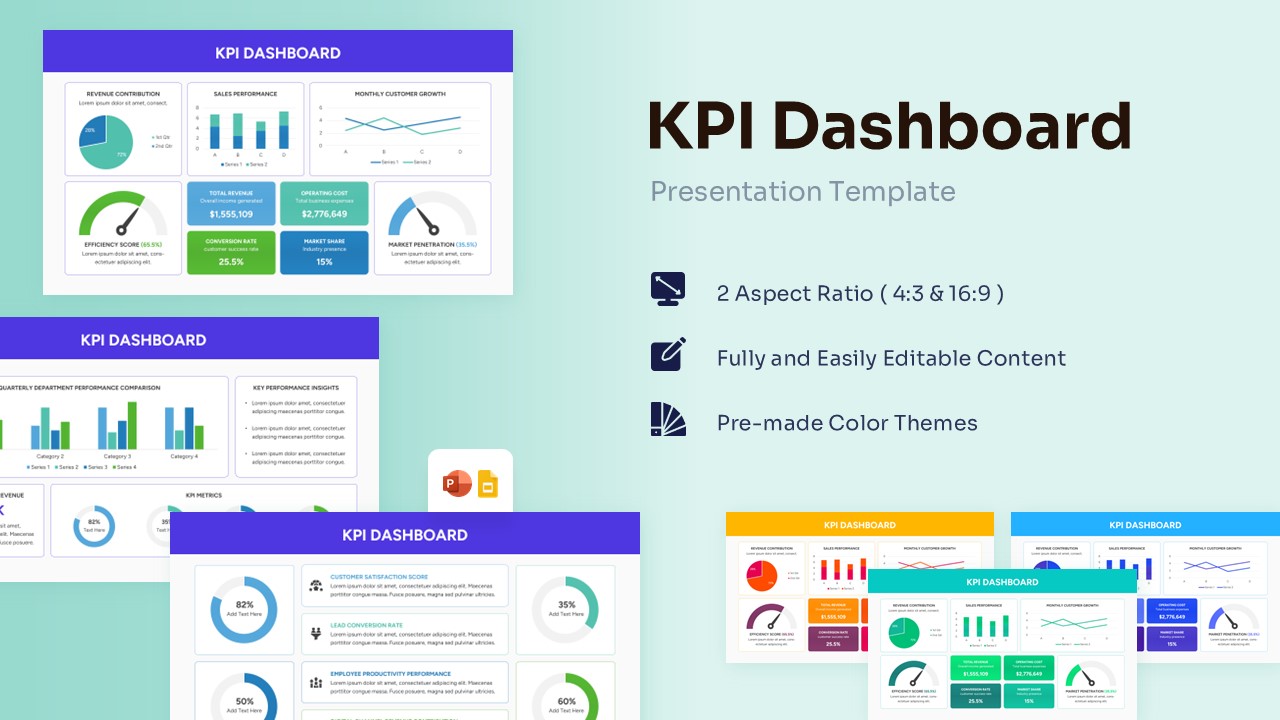
Project Dashboard Template for PowerPoint & Google Slides
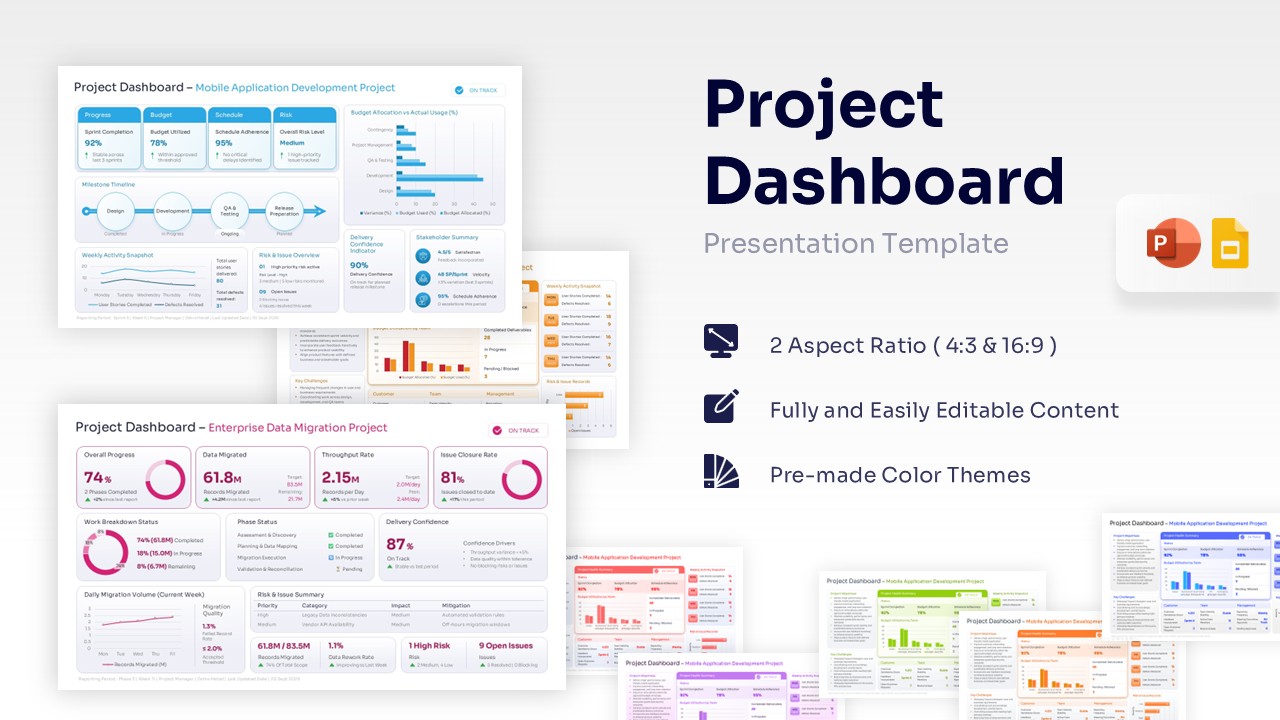
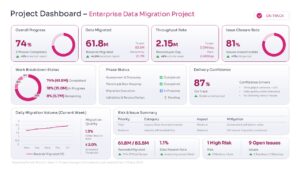
Professional Project Management Dashboard Template
Download this Project Dashboard Template and use it to present your project’s health, key metrics, and upcoming milestones to stakeholders with complete confidence. Tracking multiple workflows, deadlines, and budgets can quickly become overwhelming, but these professional dashboard template helps you organize complex data into a clear, visually appealing snapshot. Designed specifically for busy professionals, it ensures you spend significantly less time formatting slides and more time leading your team to success. Get your deck ready faster and step into your next meeting feeling completely prepared.
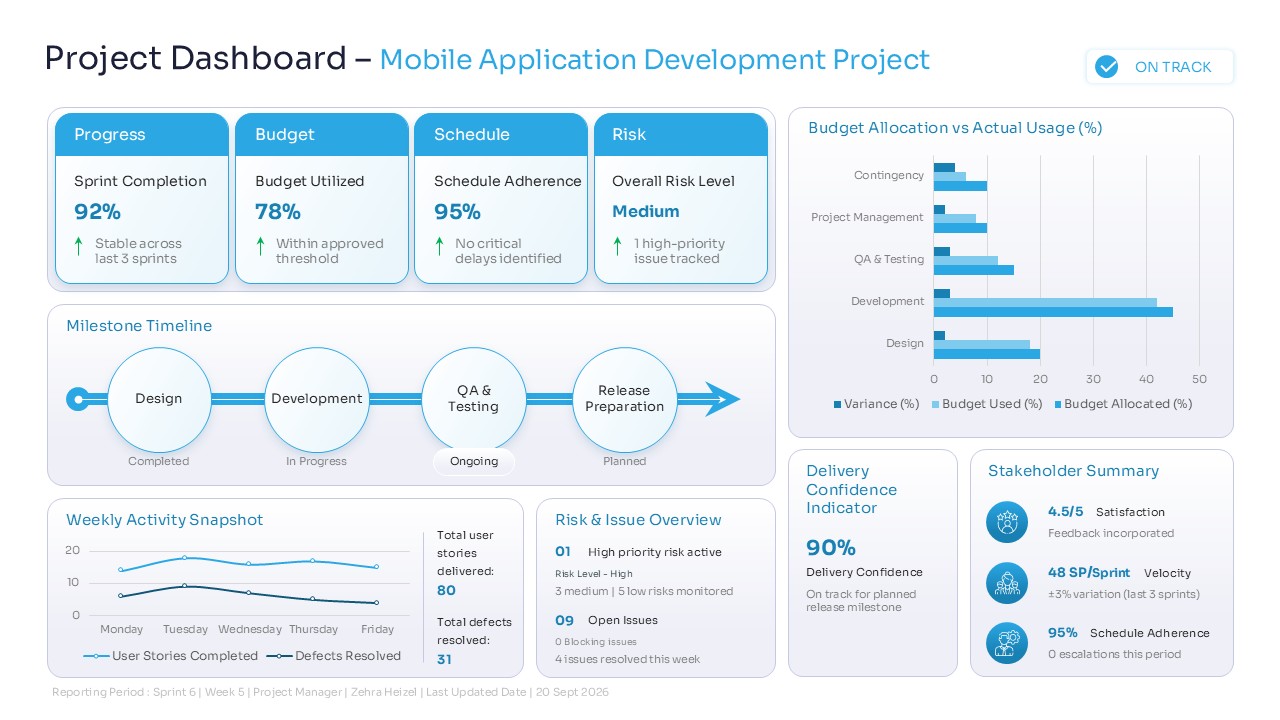
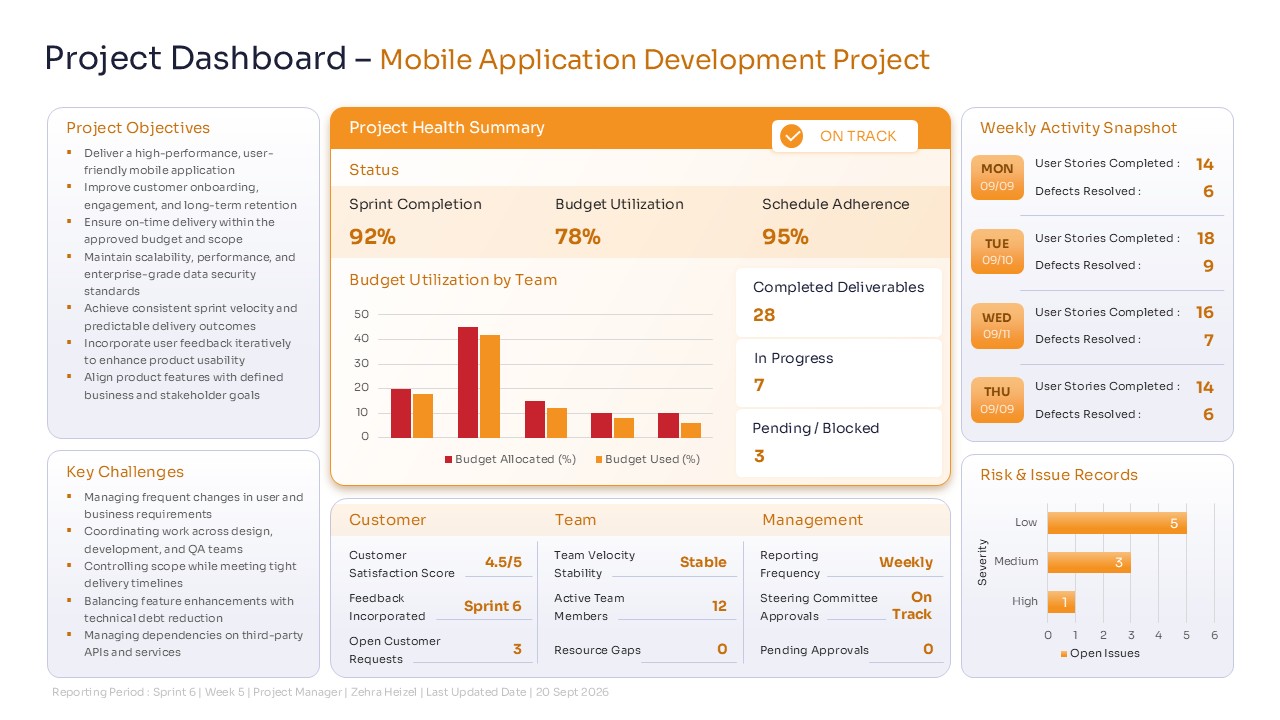
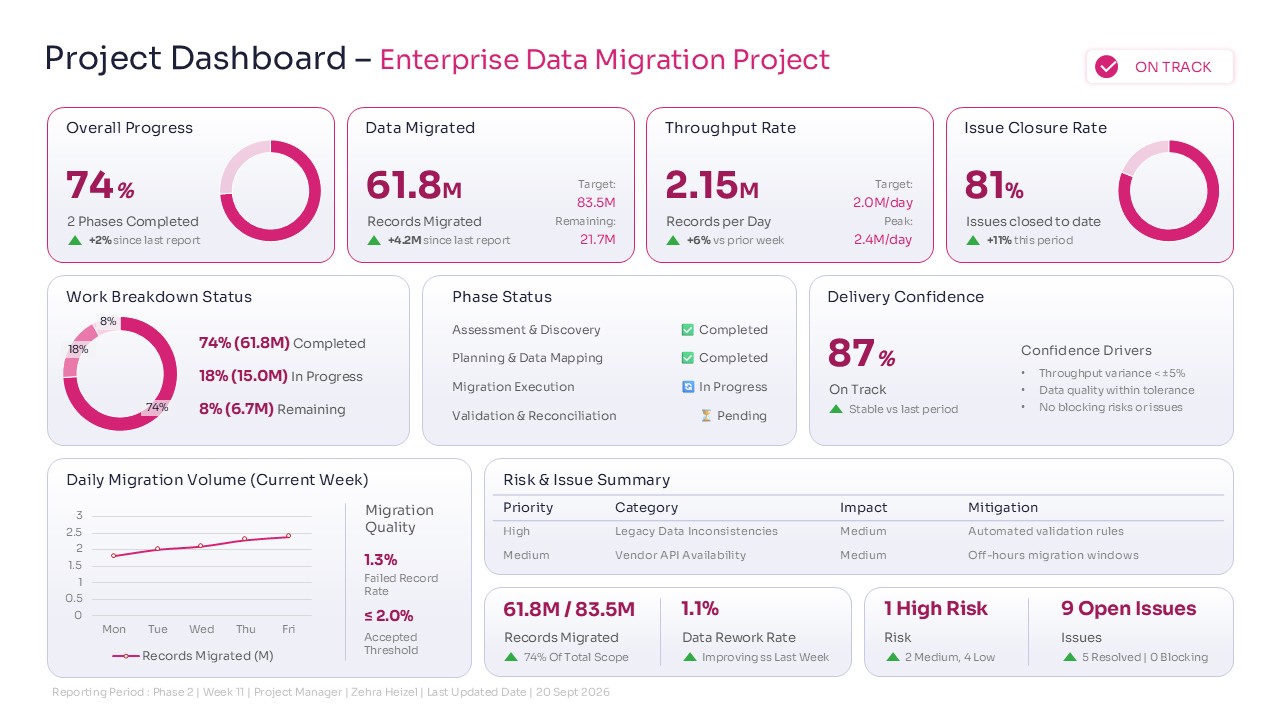
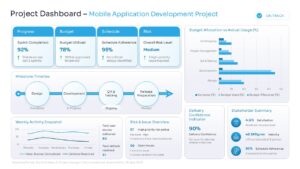
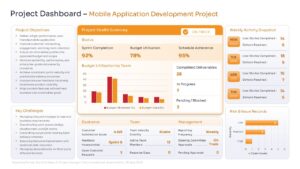
This project management dashboard template features a clean, well-structured layout with dedicated sections for budget tracking, schedule adherence, and risk management. It includes easy-to-read donut charts, progress rings, and timeline infographics that instantly communicate your current project status. By utilizing this intuitive data visualization tool, you can effortlessly highlight critical key performance indicators (KPIs) and deliver a polished, executive-ready presentation that keeps everyone on the exact same page. The straightforward design reduces visual clutter, ensuring your audience focuses precisely on the data that matters most.
These versatile project status dashboard can be used for weekly status meetings, monthly executive reviews, or comprehensive project post-mortems. Whether you are managing a complex enterprise data migration, launching a brand-new mobile application, or overseeing a quarterly marketing campaign, this deck adapts smoothly to your specific presentation needs. It serves as the perfect supportive framework for agile sprint reviews, resource planning sessions, and high-level stakeholder updates, ensuring you always look highly professional and fully in control of your ongoing work.
Why Use this Project Dashboard Template for PowerPoint & Google Slides
- Simplifies complex project data into a clear, easy-to-understand visual format.
- Saves you hours of prep time with pre-made, easily editable chart layouts.
- Helps you build trust with stakeholders through professional and transparent reporting.
- Ensures you feel ready and confident to answer any questions about project health.
Who Should Use these Project Management Dashboard
- Project managers and scrum masters needing quick, reliable status reports for their teams.
- Department heads overseeing multiple team initiatives, budgets, and operational goals.
- Consultants delivering clear progress updates to clients and executive board members.
- Operations leads tracking business milestones, resource allocation, and overall team performance.
Key Features
- 100% Vector-Based Graphics
- Fully Layered & Organized slides
- Multi-Platform Support
- Theme Color & Theme Font compatibility to match your corporate branding.
- Two Aspect Ratios (4:3 & 16:9)
Frequently Asked Questions
- Can I easily change the colors of the charts to match my company branding?
- Yes, all graphic elements are fully editable, and the template uses theme colors so you can quickly apply your own brand palette with a few clicks.
- Do I need advanced skills to edit the data in these dashboards?
- Not at all. The charts and graphics are designed to be user-friendly, allowing you to easily type in your own numbers and update the visual progress indicators.
- Will this template work well for both small projects and large enterprise initiatives?
- Absolutely. The slides provide a flexible framework that can be scaled down for simple updates or expanded to cover complex data migrations and large-scale application developments.
Related Templates
-
 $3.99
$3.99 -
Corporate Fact Sheet Template for PowerPoint & Google Slides
Charts & Graphs
$3.99 -
Project Budget Template for PowerPoint & Google Slides
Annual Report
$3.99 -