Stage Gate Process Presentation Template for PowerPoint & Google Slides
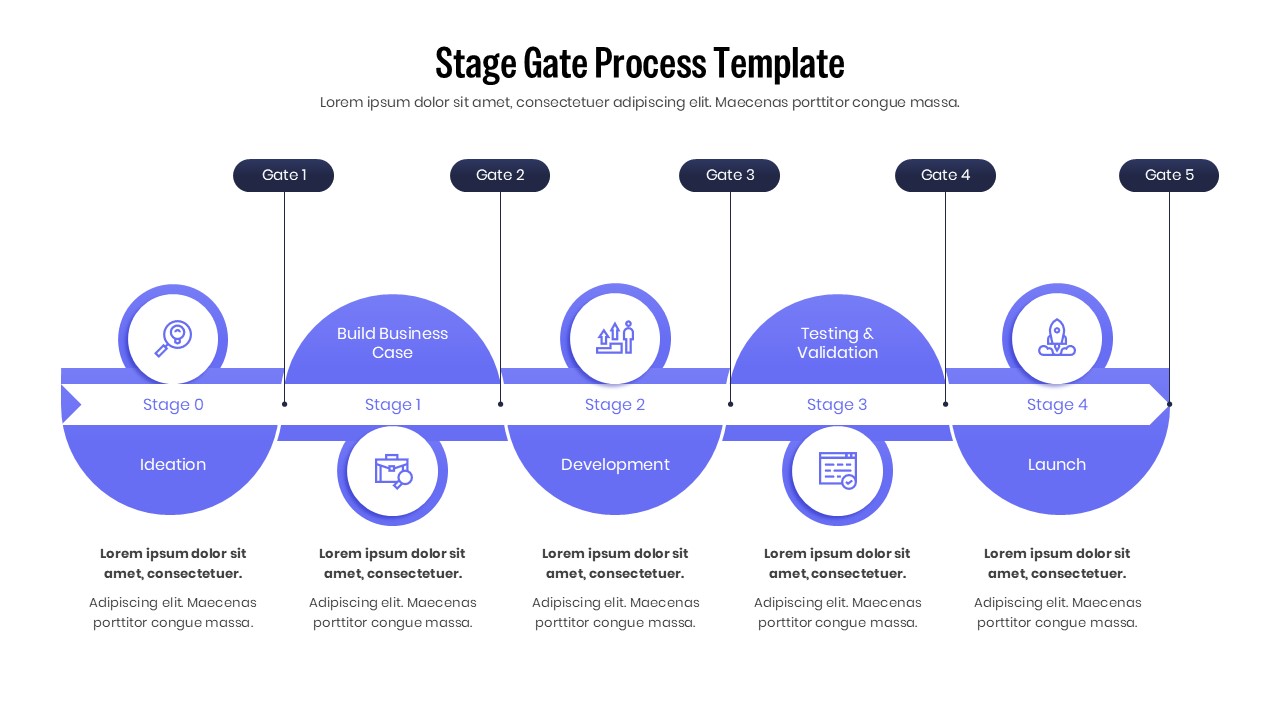
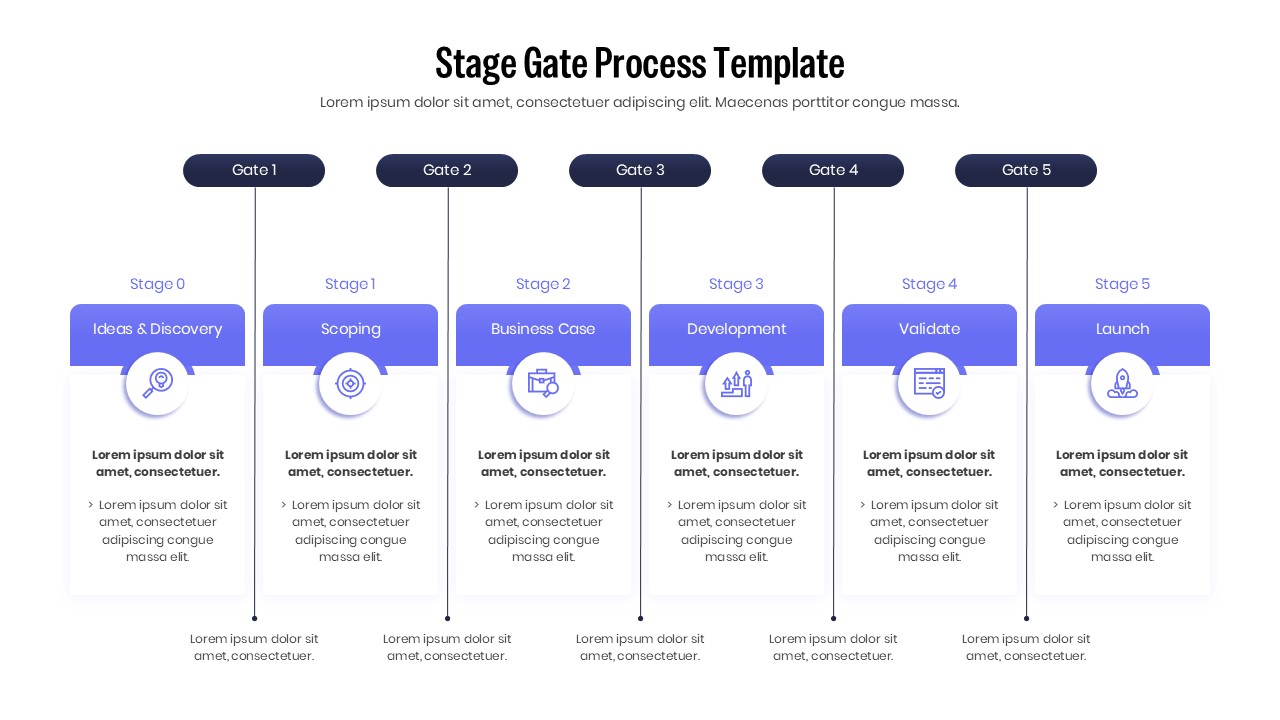
Stage Gate Process Project Management Template
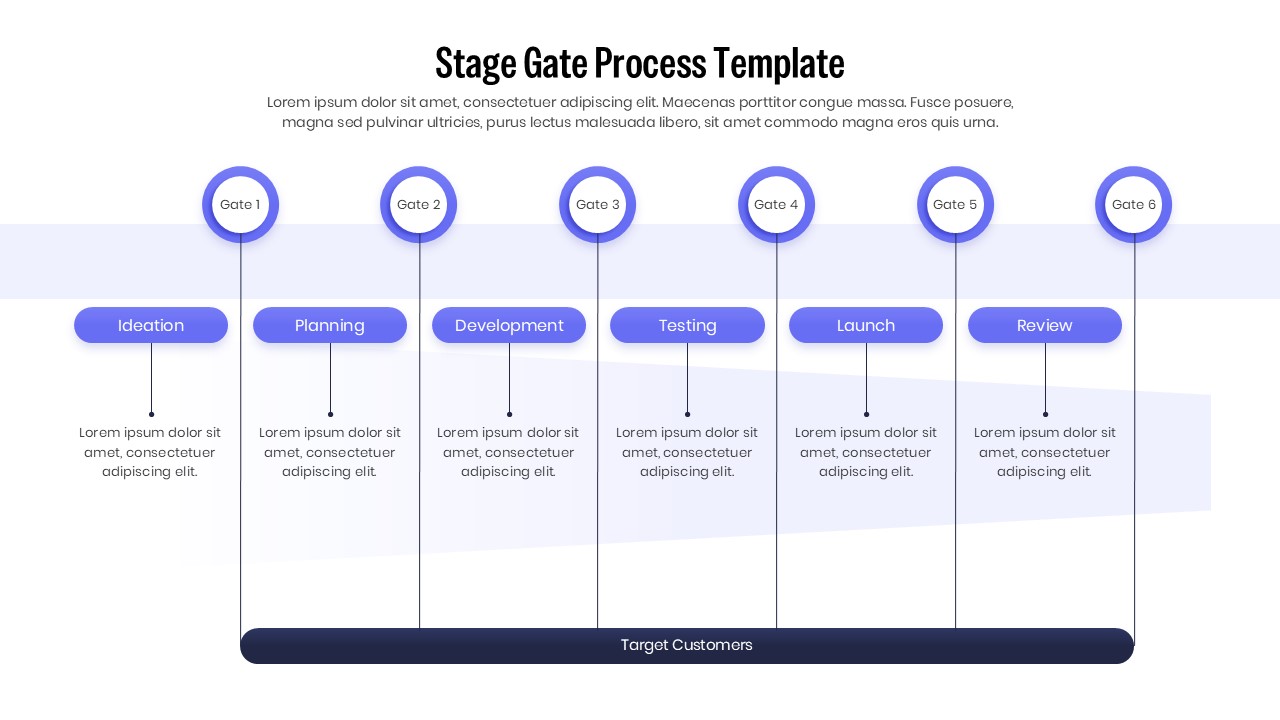
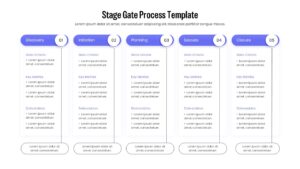
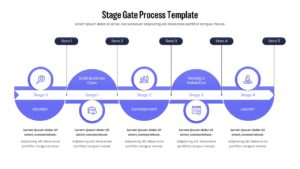
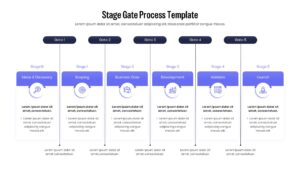
Download this Stage Gate Process Template and use it to map out your product development lifecycle with absolute clarity. This process diagram is designed to help project managers and innovation teams visualize the journey from initial ideation to final market launch. By implementing a structured “gate” system, you can ensure that every phase of your project meets specific quality and financial criteria before moving forward, effectively reducing risk and streamlining decision-making across your organization.
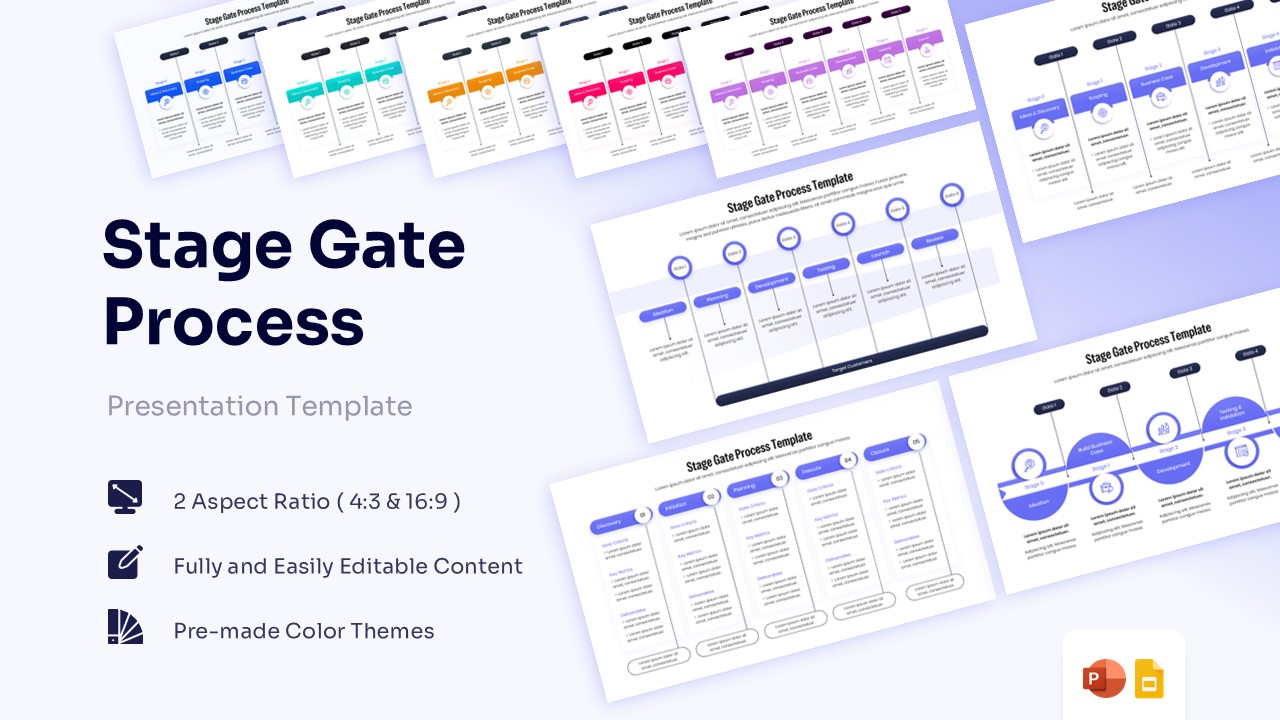
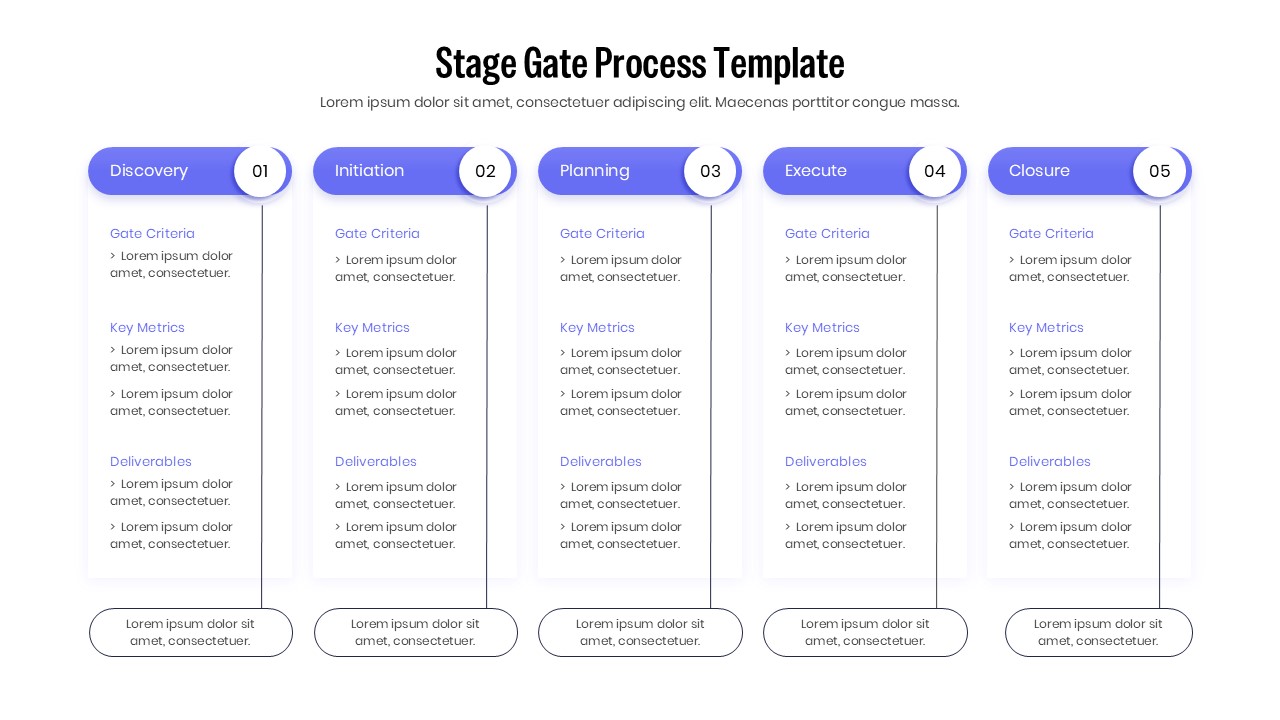
This stage-gate process flowchart features a variety of professional layouts including 5-stage flows, discovery-to-launch sequences, and detailed criteria tables. The clean, corporate design uses a modern color palette and intuitive icons to represent critical milestones such as scoping, building a business case, development, and testing. Each slide is built with flexibility in mind, allowing you to easily adjust the number of stages or gates to fit your specific internal workflow, whether you follow a standard 5-gate model or a custom innovation funnel.
Whether you are conducting a monthly project review, presenting a new product roadmap to stakeholders, or training a team on project governance, these slides provide the visual structure you need. The inclusion of dedicated sections for “Gate Criteria,” “Key Metrics,” and “Deliverables” keeps your audience aligned on what is required to pass through to the next phase. This ensures your presentation is more than just a visual aid—it becomes a functional tool for strategic alignment and operational excellence.
Why Use this Stage-Gate Process Template
- Project Governance: Establishes a clear framework for high-level decision-making and project accountability.
- Risk Mitigation: Helps identify potential project issues early in the product development lifecycle.
- Strategic Alignment: Ensures all active projects remain focused on core business goals and market needs.
- Professional Clarity: Delivers complex process information in a simple, easy-to-digest visual format for busy professionals.
Who Should Download this Stage-Gate Process Diagram
- Innovation Teams: To map out the journey of new product concepts through the development funnel.
- Operations Managers: For tracking internal process improvements and large-scale systemic rollouts.
- R&D Departments: To manage the transition from technical research to commercial development.
- Corporate Trainers: For teaching phase-gate methodology and project management best practices to new hires.
Key Features
- 100% Vector-Based Graphics
- Fully Layered & Organized
- Multi-Platform Support
- Theme Color & Theme Font
Frequently Asked Questions
- Can I change the number of gates in the process?
- Yes, all elements are vector-based and can be duplicated or removed to match your specific 3-stage or 7-stage process.
- Is this template compatible with Keynote?
- While optimized for PowerPoint and Google Slides, you can import the .pptx file into Keynote with high compatibility.
- How do I change the colors to match my brand?
- You can change the entire color scheme in one click using the \"Slide Master\" or \"Theme Colors\" settings.
Related Templates
-
-
 $3.99
$3.99 -
-