Free Why Choose Us Template for PowerPoint & Google Slides
Why Choose Us Infographic for PowerPoint & Google Slides
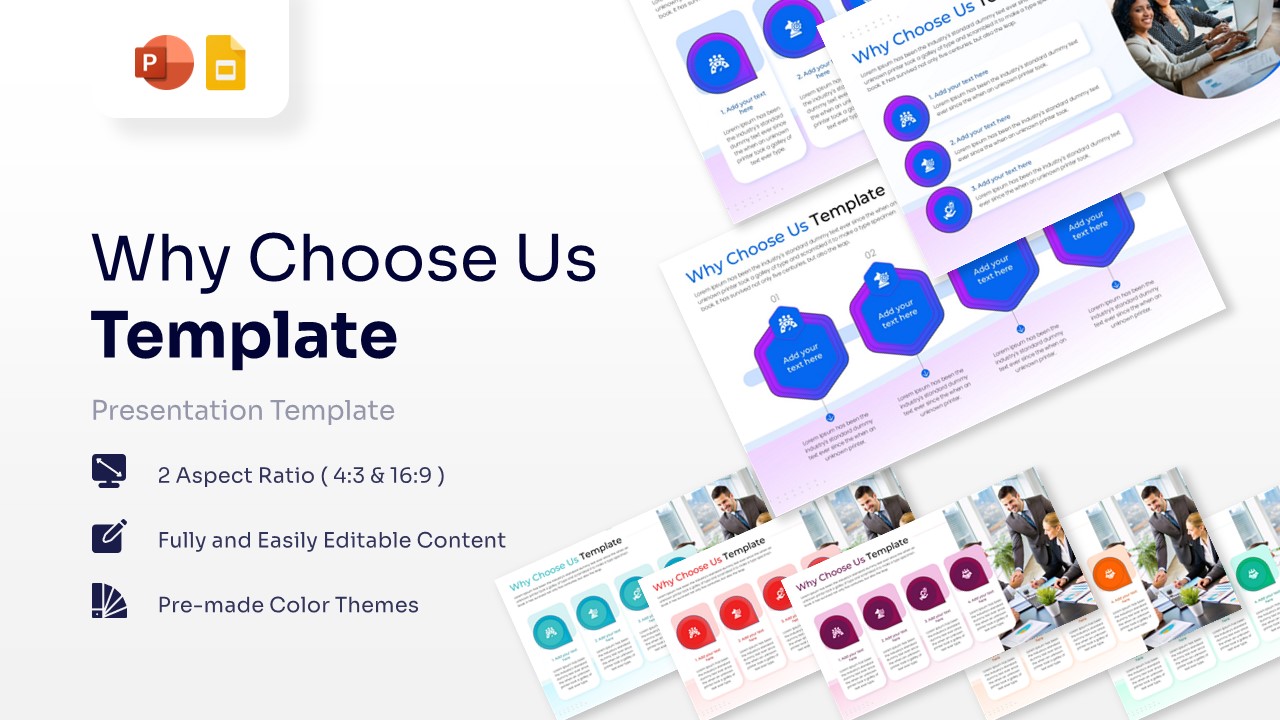
Download this Why Choose Us Template and use case it to clearly explain your company’s unique value proposition and competitive advantages. This versatile slide helps you highlight the specific reasons why clients should partner with you, making it an essential addition to any corporate pitch or “About Us” section. By using this professionally designed business planning layouts, you can transform a standard list of benefits into a compelling visual story that builds trust and establishes credibility with your audience from the very first glance.
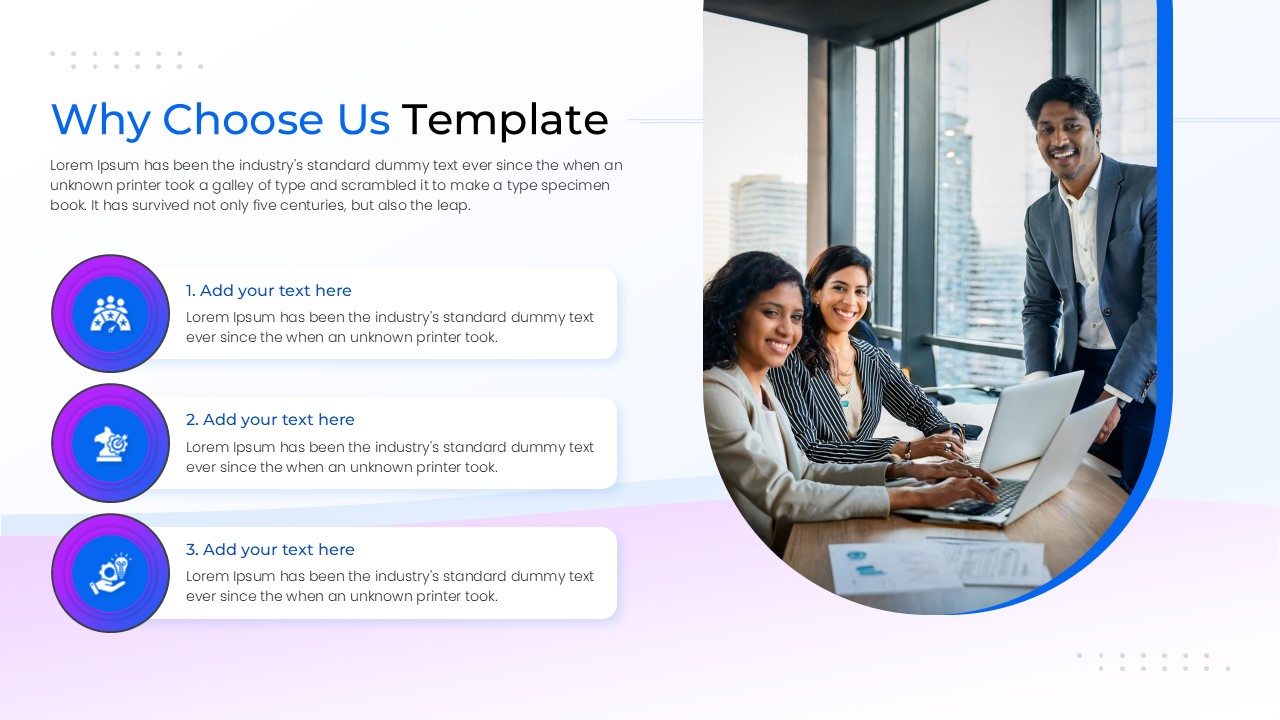
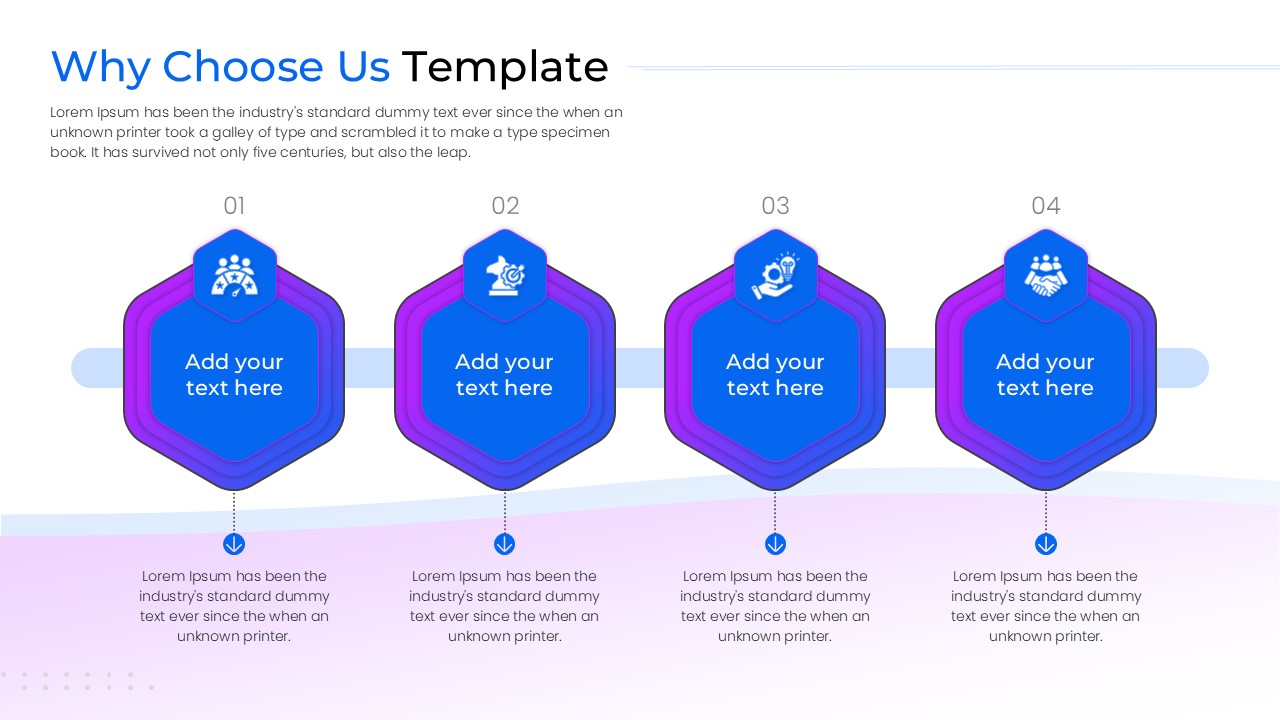
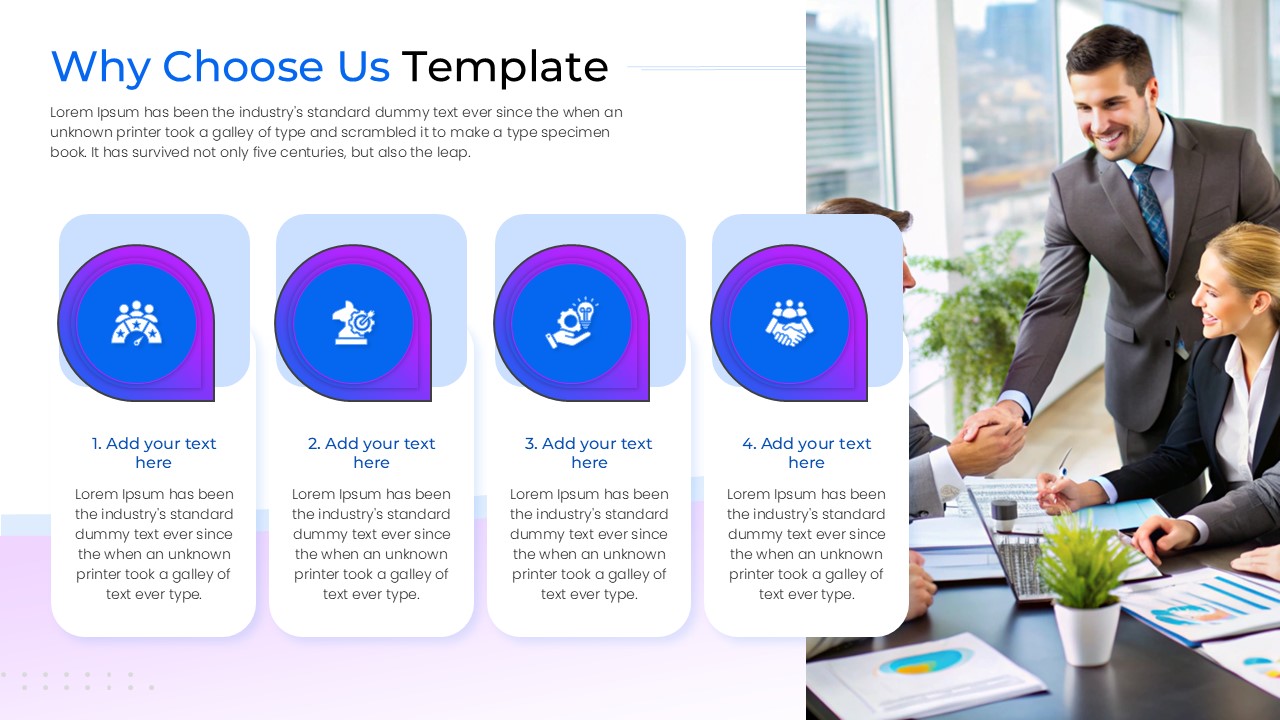
This Why Choose Us Image is built with a focus on clarity and professional aesthetics. It features multiple layout variations, including vertical list styles and horizontal hexagonal process flows, allowing you to choose the structure that best fits your content density. The design uses soft gradients, modern circular and hexagonal framing, and high-quality business imagery to create a premium feel. Whether you need to showcase three core pillars or four detailed service benefits, these slides offer the flexibility to present your strengths without cluttering the screen.
Beyond standard corporate profiles, this Why Choose Us PowerPoint is perfect for a variety of professional scenarios. Use it during sales discovery calls to differentiate your brand from competitors, or include it in project proposals to justify your team’s expertise. It also works effectively in recruitment presentations to show potential hires why your company is a great place to work. Because the graphics are fully vector-based, you can resize any element or change the color palette to match your brand identity perfectly without losing image quality.
Why Use Why Choose Us Infographic
- Establish Instant Credibility: Present your company’s strengths in a polished, organized way that makes a strong first impression.
- Save Significant Design Time: Skip the layout process and simply plug in your text to get a presentation-ready slide in minutes.
- Enhance Information Retention: Use visual cues and icons to help your audience remember your key selling points long after the meeting ends.
- Adaptable to Any Brand: The clean, modern design fits seamlessly into any industry, from tech startups to established financial firms.
Who is it for this Why Choose Us Slides
- Sales Teams: Use these slides to create a convincing “Why Us” argument during client pitches and product demonstrations.
- Business Owners: Perfect for entrepreneurs who need to explain their value proposition to investors or new customers.
- Marketing Professionals: Ideal for creating brand decks, agency portfolios, and promotional company overviews.
- HR & Recruitment: Great for showcasing company culture and benefits to attract top-tier talent during hiring events.
Key Features
- 100% Vector-Based Graphics
- Fully Layered & Organized
- Multi-Platform Support
- Theme Color & Theme Font
- Easily Editable Icons and Text
Frequently Asked Questions
- How do I change the images in the Why Choose Us template?
- You can easily swap the stock photos by right-clicking the image placeholder and selecting \"Change Picture.\" The template will automatically maintain the stylish curved framing.
- Can I change the number of benefit points on the slide?
- Yes, since the elements are fully editable, you can duplicate or delete the icons and text boxes to accommodate more or fewer points while maintaining a balanced layout.
- Is this template compatible with different screen sizes?
- Absolutely. The template comes in both 4:3 and 16:9 aspect ratios to ensure your presentation looks great on traditional projectors and modern widescreen monitors alike.