Free Recap Slide Template for PowerPoint & Google Slides
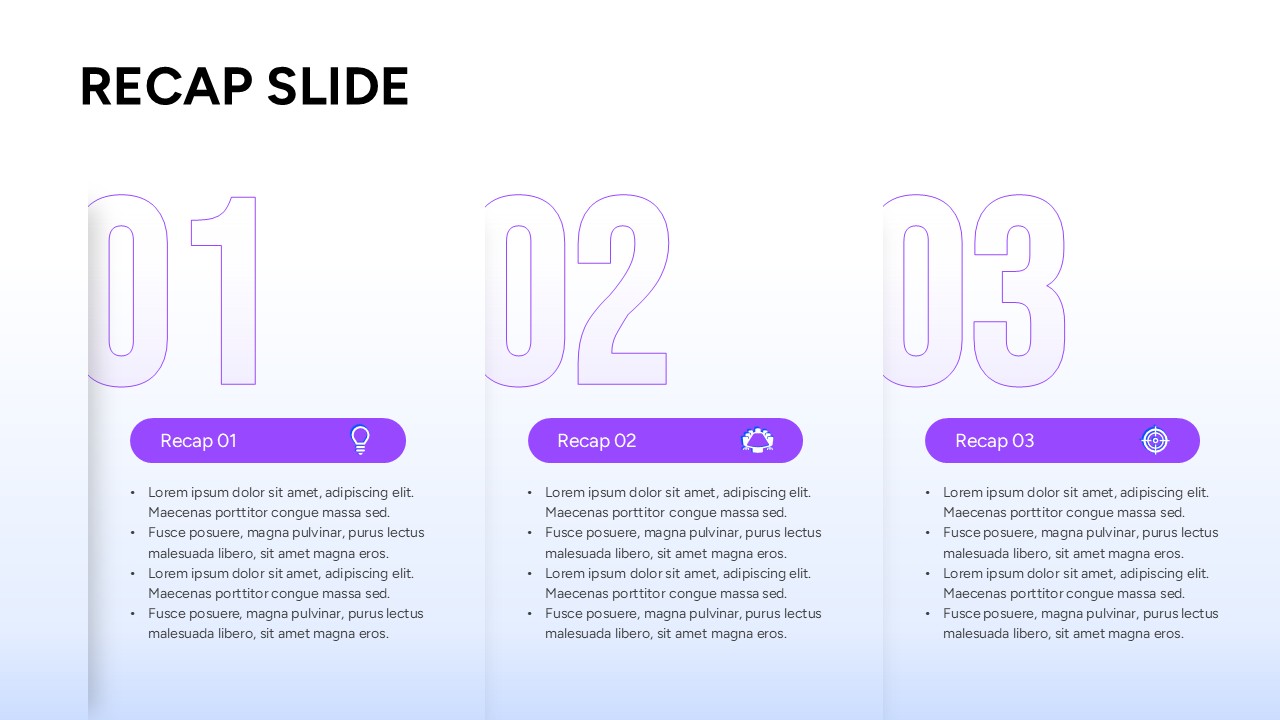
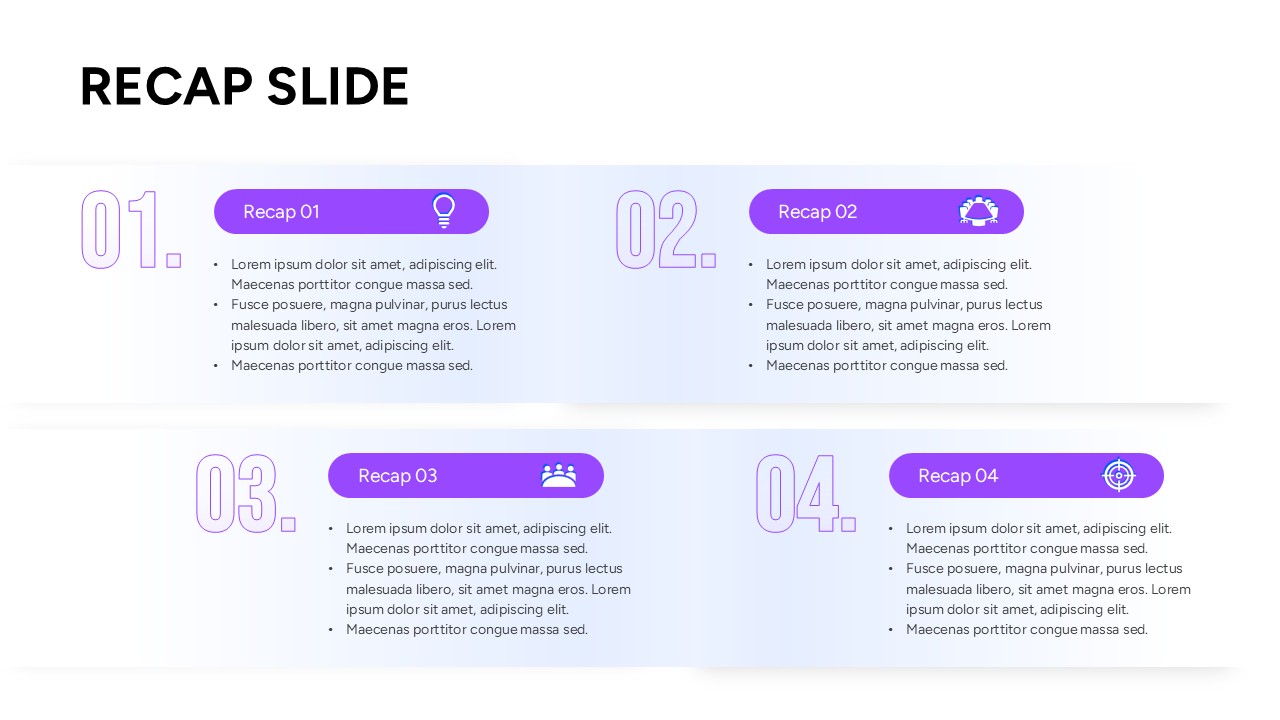
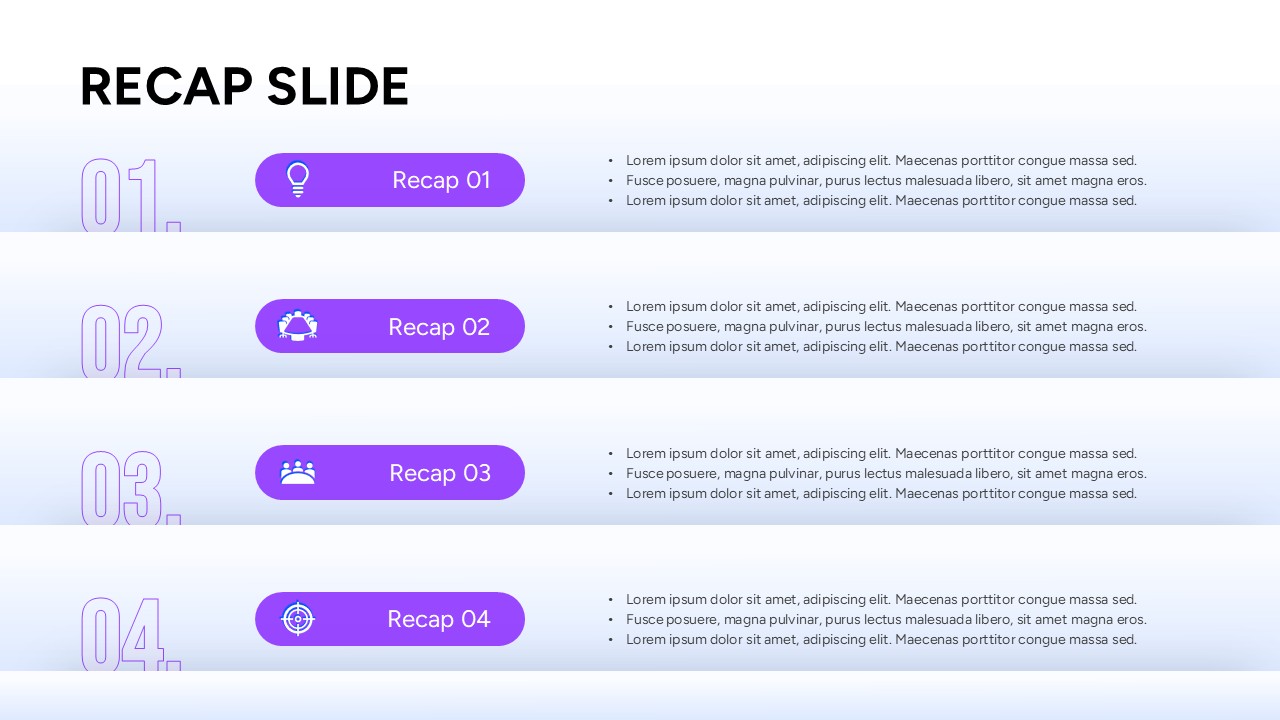
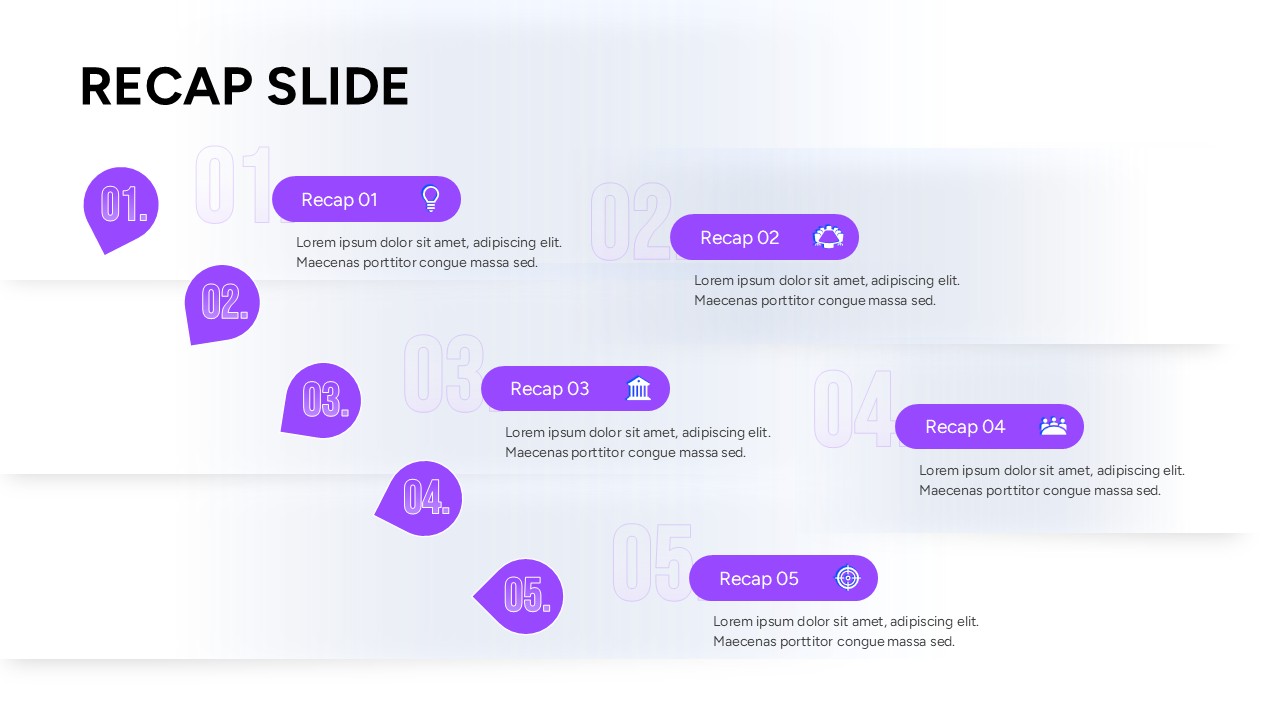
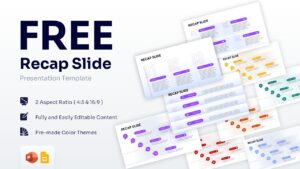
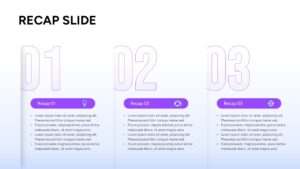
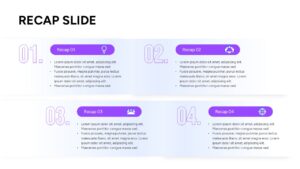
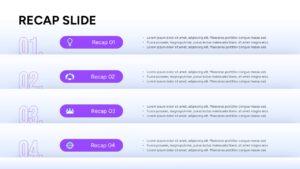
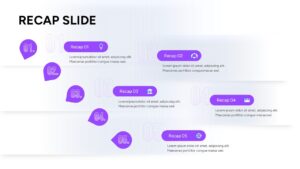
Professional Meeting Summary Slide Deck
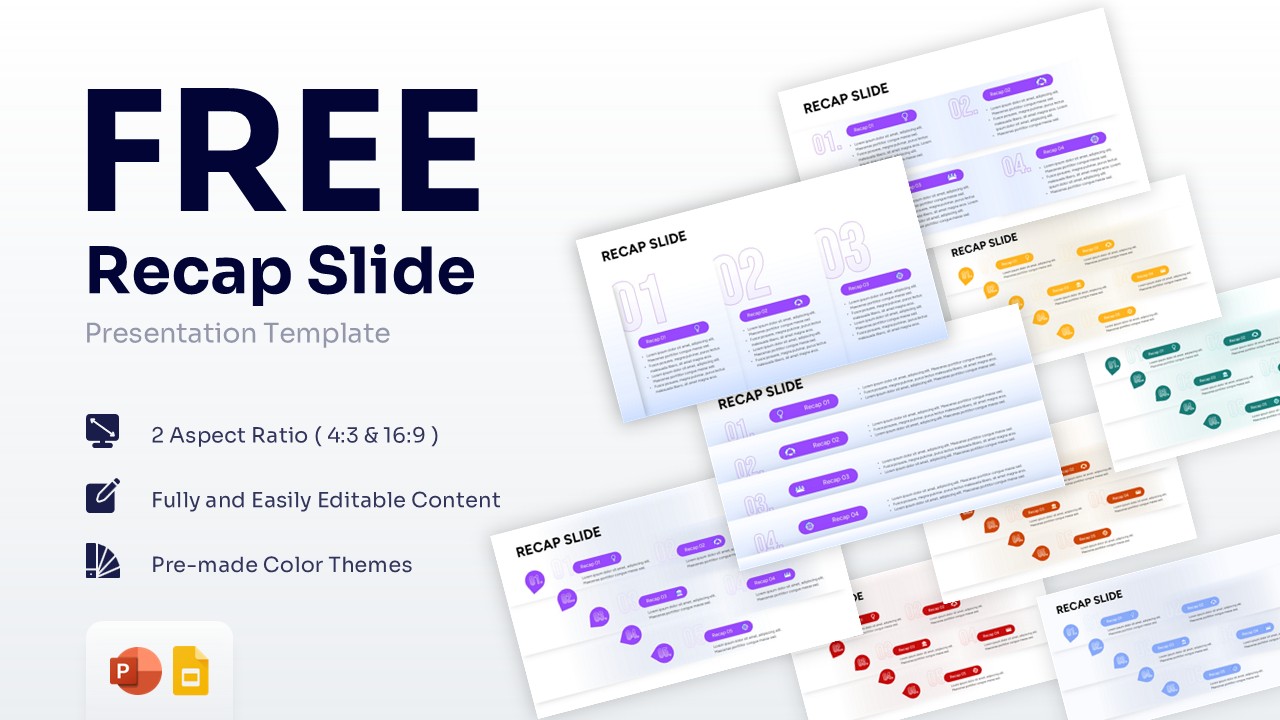
Download this Free Recap Slide Template and use case for wrapping up team meetings, highlighting project milestones, or summarizing educational lectures. Providing a clear and concise conclusion is essential, which is why utilizing a well-structured business strategy profile presentation ensures your audience retains the most important information. This template helps you cleanly present up to five key points with minimal effort and high visual impact.
This recap slide PowerPoint template is designed to keep your audience focused on the core message right at the end of your session. Whether you are delivering a weekly sales update, conducting a training seminar, or closing a quarterly review, these infographic slides provide a structured visual framework. By breaking down complex discussions into easily digestible bullet points and distinct numbered sections, you eliminate confusion and drive alignment among stakeholders.
Every element within this review template design is fully editable, featuring 100% vector-based graphics that maintain high resolution across any screen size. You can effortlessly recolor the icons, adjust the numbered markers, or adapt the text blocks to match your brand’s unique style guide. If your presentation requires a broader visual narrative, you can easily pair this slide deck with a detailed process infographics visual layout to map out your next steps. The multi-platform compatibility ensures a seamless editing experience whether you are working offline or collaborating in the cloud.
Why Use these Key Takeaways Infographic – Review Presentation Design
Provides a clean visual summary to reinforce your presentation’s most critical points. Saves preparation time with pre-designed, ready-to-use numbered list formats. Enhances audience retention by organizing complex discussions into simple takeaways. Offers flexible layouts that easily adapt to both corporate and educational settings.
Who Should Download this Recap Slide Template – Presentation Recap Layout
Corporate executives and team leaders summarizing quarterly results or weekly sprints. Educators, trainers, and academic professionals concluding lectures or workshops. Project managers delivering status updates and highlighting next steps. Marketing professionals reviewing campaign performance and key metrics.
Key Features
- 100% Vector-Based Graphics
- Fully Layered & Organized
- Multi-Platform Support
- Theme Color & Theme Font
- Multiple numbered list layouts (3, 4, and 5-point summaries)
- Available in standard 4:3 and widescreen 16:9 aspect ratios
Frequently Asked Questions
- Can I change the colors of this meeting summary slide deck?
- Yes, all shapes, icons, and text boxes are fully customizable. You can easily apply your brand\'s specific color palette using standard formatting tools in PowerPoint or Google Slides.
- Does this presentation recap layout work on both Mac and PC?
- Absolutely. The design is compatible with standard presentation software across all major operating systems, ensuring smooth editing and viewing regardless of your device.
- How many points can I highlight using these key takeaways infographic slides?
- The deck includes multiple design variations, allowing you to seamlessly display three, four, or five key points depending on the depth and length of your required summary.