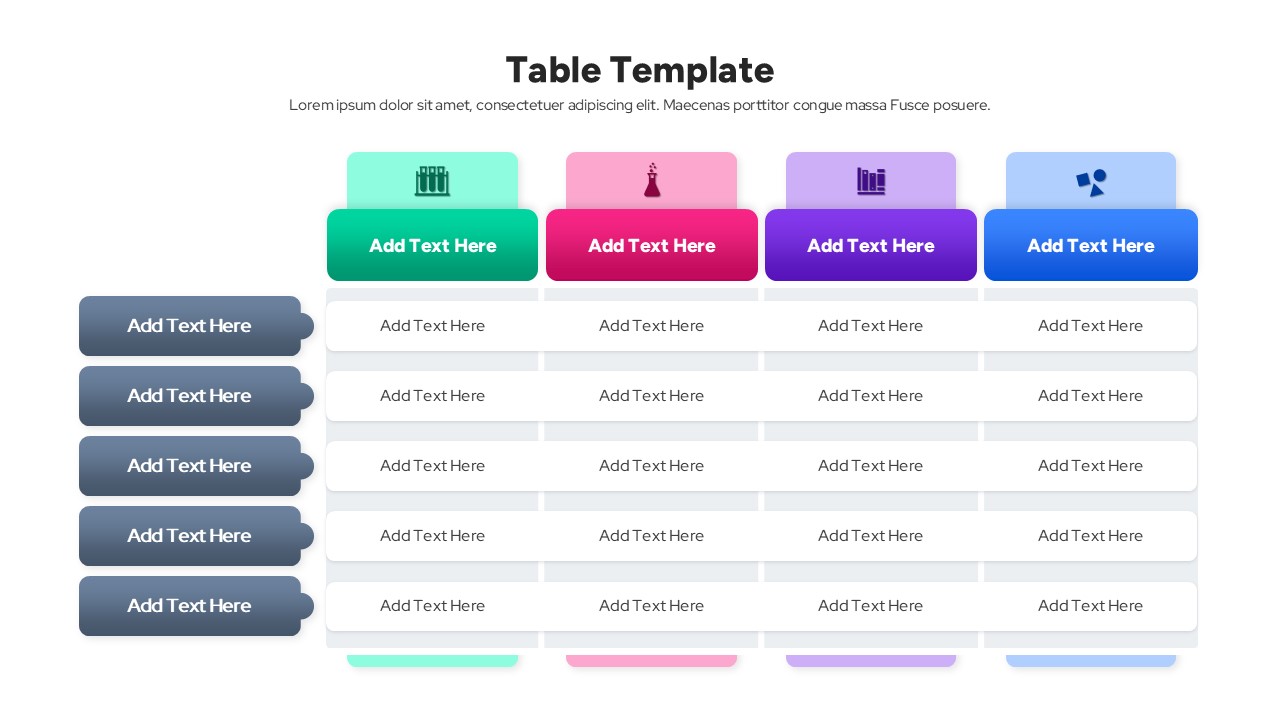
comparison table template

comparison table template

This template is part of a deck featuring multiple slides. To check out all slides.

See All
professional table template

Editable Comparison Chart Presentation Template

Download this Professional Table Template to present your data clearly and effectively. Whether you are outlining a project schedule, comparing product features, or displaying financial figures, this slide helps you organize information so your audience can grasp the details immediately. Instead of pasting plain spreadsheets that are hard to read, this design ensures your key numbers and text stand out in a structured, professional format.

This comparison table layout is fully customizable to suit your specific needs. You can easily adjust the headers, add or remove rows, and switch between various pre-made color themes to match your company branding. It is an excellent choice for creating pricing tiers, status checklists, or detailed reports, giving your entire deck a polished and cohesive look without the hassle of manual formatting.

Why use this template

  • Simplifies complex data for better audience understanding.
  • Offers versatile layout options, including checklists and standard grids.
  • Saves time compared to building tables from scratch.
  • Ensures a consistent, high-quality look across your presentation.

Who is it for

  • Project managers tracking tasks, milestones, and deliverables.
  • Sales teams presenting pricing tiers or product comparisons.
  • Business analysts reporting quarterly figures and KPIs.
  • Educators and trainers organizing class schedules or curriculum details.