Spiral Timeline Template for PowerPoint & Google Slides
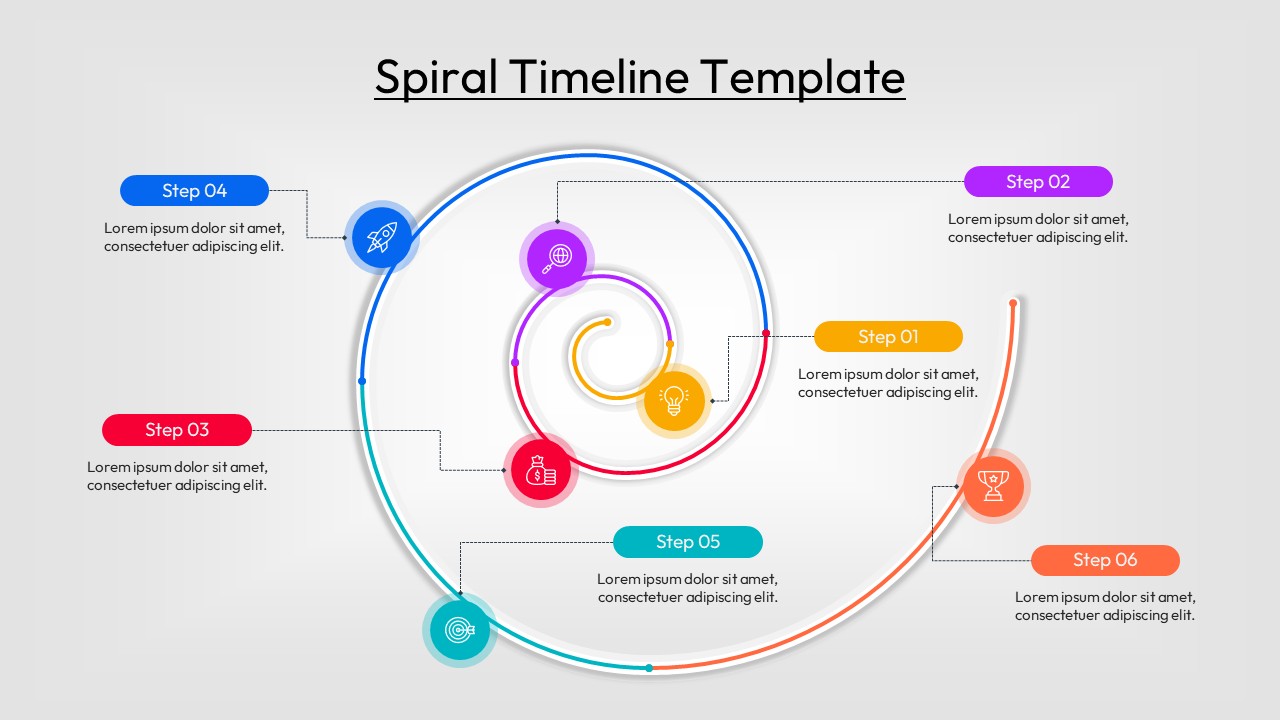
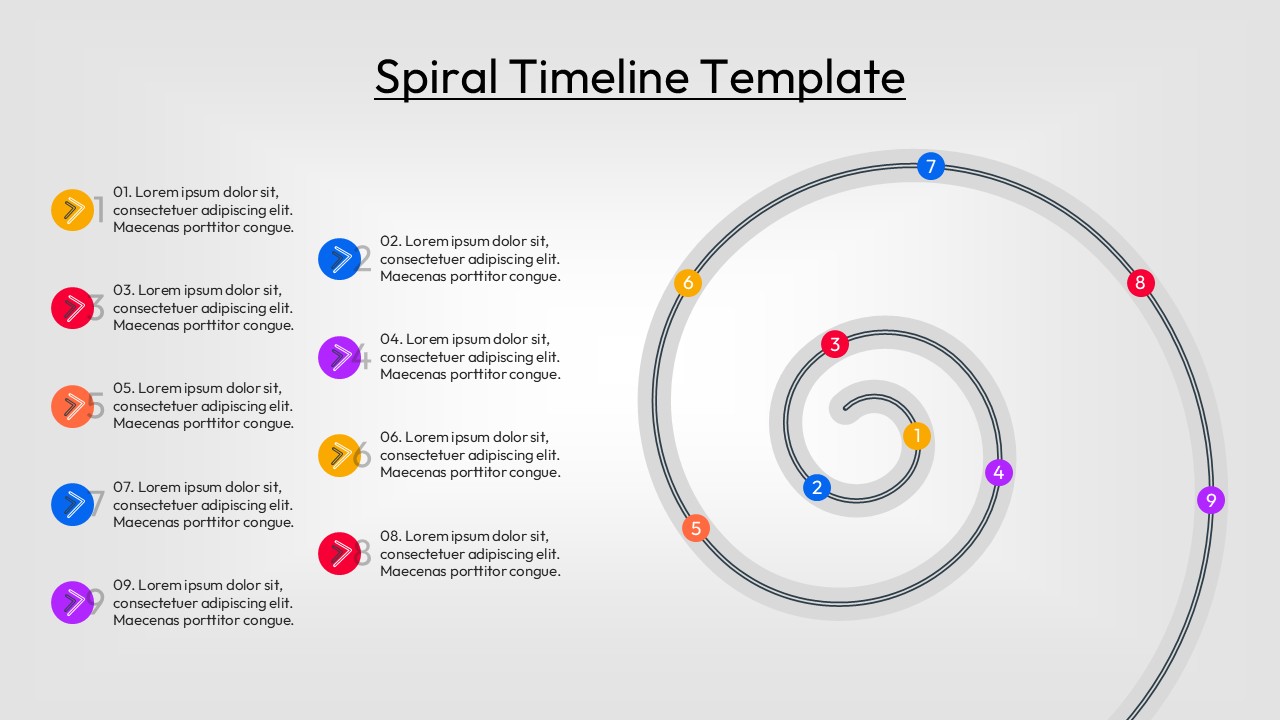
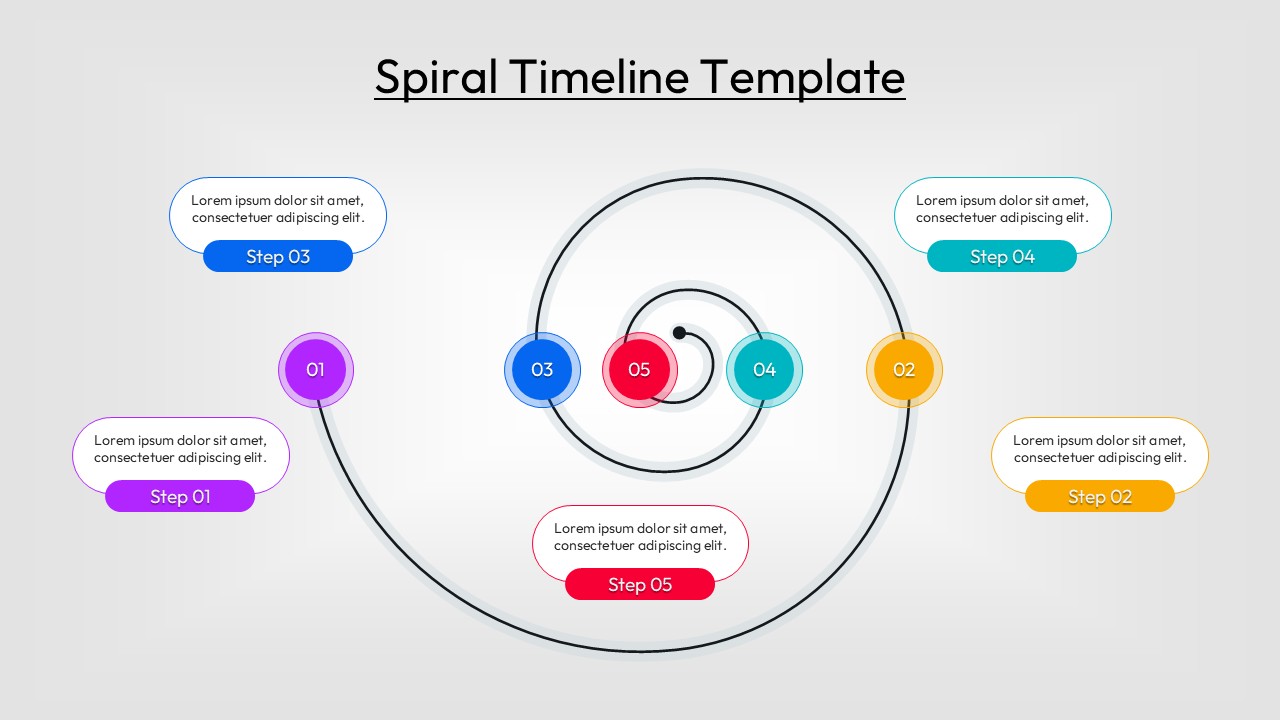
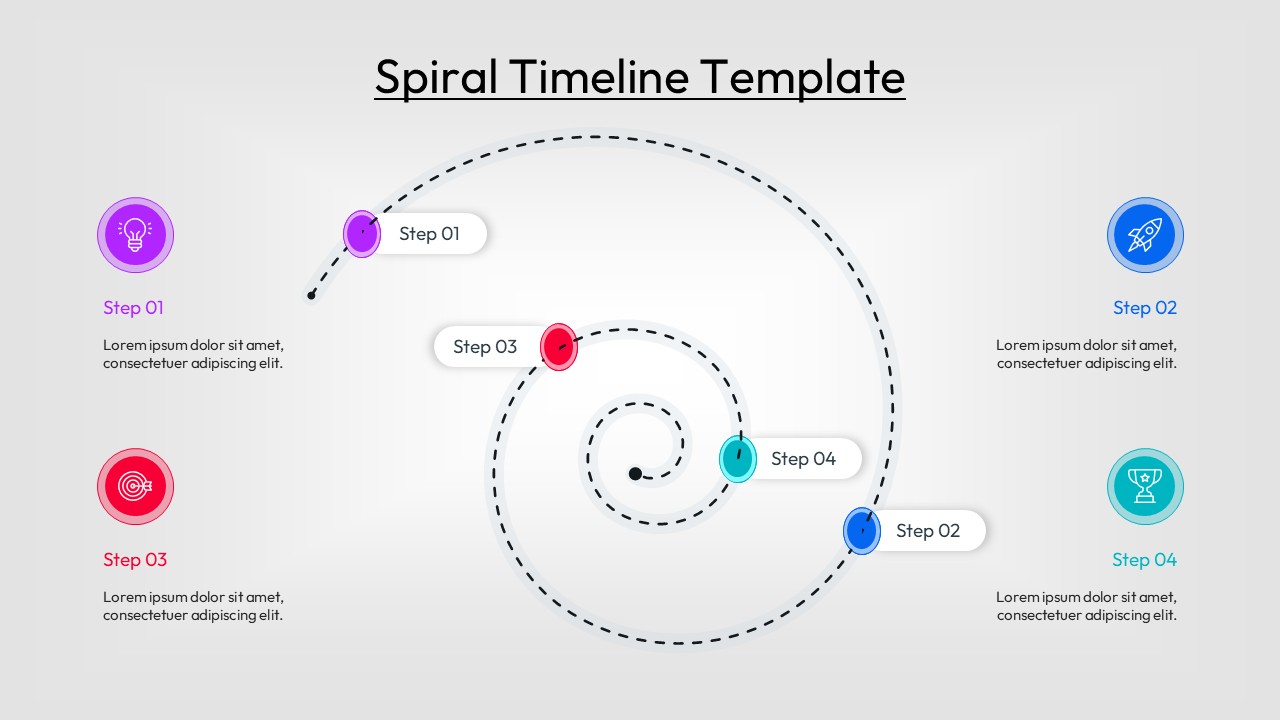
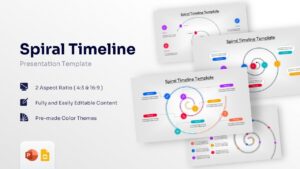
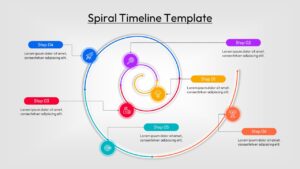
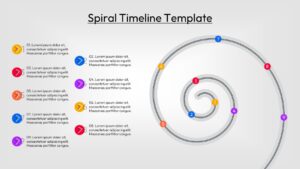
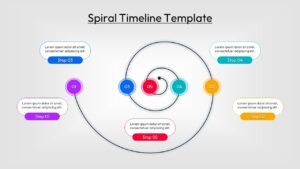
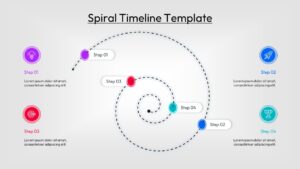
Circular Progress Roadmap Presentation Template
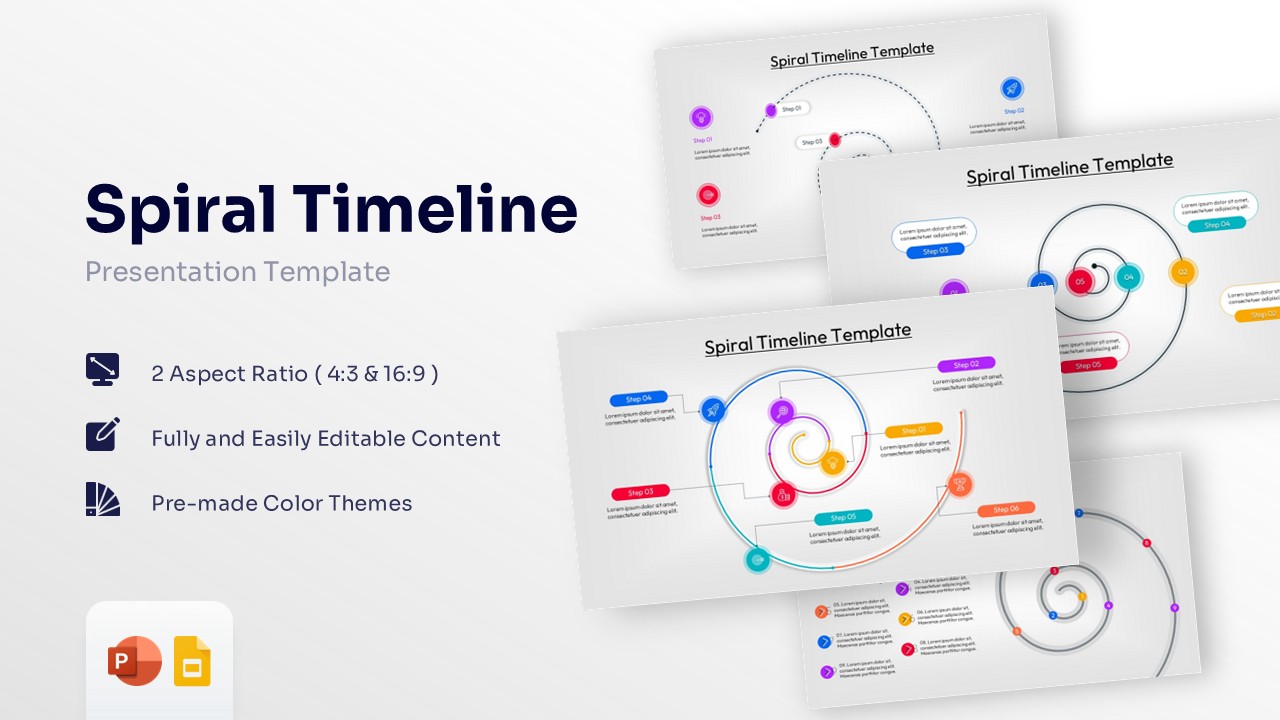
Download this Spiral Timeline and use case for presenting project phases, historical events, or product development lifecycles with a unique aesthetic. Using these step-by-step process flow infographics, you can transform dry data into a compelling visual narrative that flows naturally. This versatile tool ensures your audience remains engaged from the initial starting point to the final conclusion.
This Spiral Timeline Infographic offers a refreshing alternative to standard linear charts, allowing you to showcase growth and evolution in a dynamic way. These infographic slides are particularly effective for representing continuous improvement cycles or recurring business strategies where each loop signifies a new level of achievement. Whether you are a project manager or a marketing lead, this visual framework helps simplify intricate information into digestible segments.
Every element within this spiral diagram is constructed using high-quality vector shapes, ensuring that resizing or recoloring never compromises the professional finish. This sequential event tracker allows you to adjust colors and icons to align with your brand identity in just a few clicks. To further enhance your presentation, you can explore our professional timeline infographics to find complementary styles for your data-driven stories.
Why use these Spiral Infographic Slides – Step-by-Step Process Flow
- Enhances storytelling by guiding the eye through a natural, curving path that symbolizes growth.
- Simplifies multi-stage processes by breaking them down into clear, numbered focal points.
- Saves hours of design work with pre-configured layouts that are ready for immediate data entry.
- Improves information retention through high-contrast visuals and balanced white space.
Who Should Download this Circular Progress Roadmap – Sequential Event Tracker
- Project Managers: To illustrate project lifecycles, sprints, and long-term strategic roadmaps.
- Business Consultants: To present organizational change, growth strategies, or maturity models.
- Educators and Trainers: To explain historical timelines, scientific cycles, or curriculum stages.
- Marketing Professionals: To map out customer journeys, campaign rollouts, and brand evolution.
Key Features
- 100% Vector-Based Graphics
- Fully Layered & Organized
- Multi-Platform Support
- Theme Color & Theme Font
- Variable step counts (4 to 9 steps)
- Easy drag-and-drop icon replacement
Frequently Asked Questions
- Can I add more steps to the Spiral Timeline?
- While the slides come with pre-set stages, you can easily duplicate the vector points and extend the spiral path using standard editing tools.
- Are the icons in this circular progress roadmap editable?
- Yes, all icons are vector-based, meaning you can change their size, color, or replace them entirely with your own custom graphics.
- Does this slide deck work on Keynote?
- Yes, you can import the PowerPoint file into Keynote or Google Slides, and most formatting and vector properties will remain fully intact.