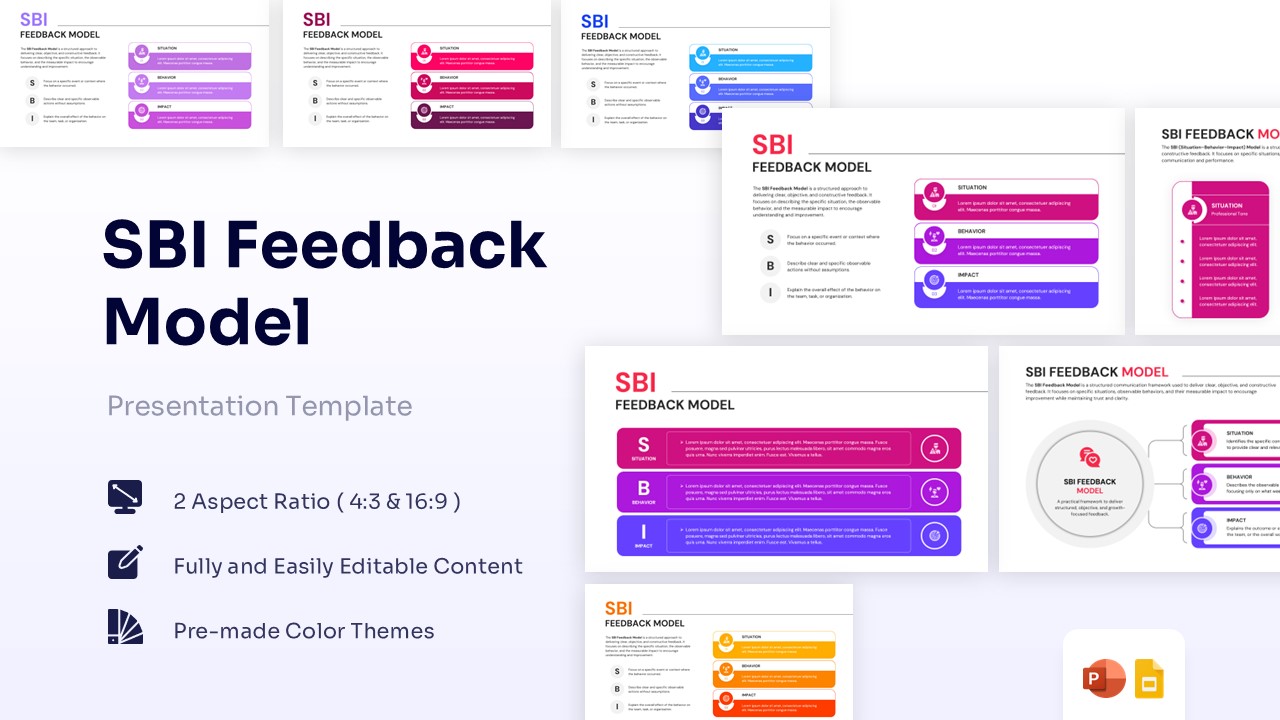
DACI Model Template for PowerPoint & Google Slides
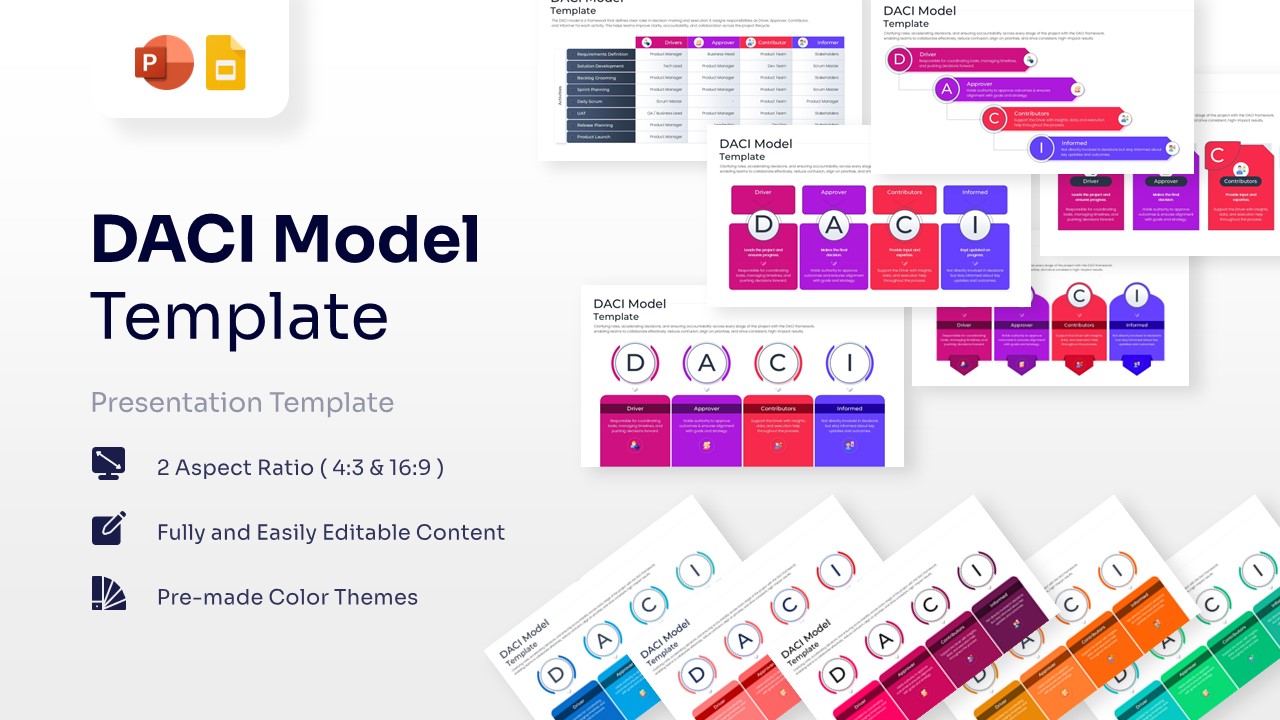
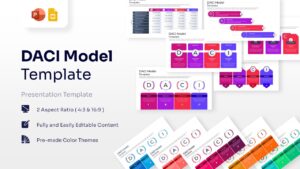
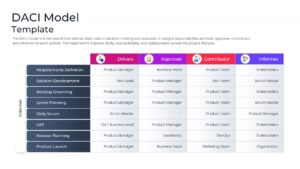
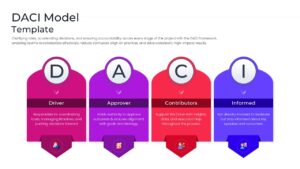
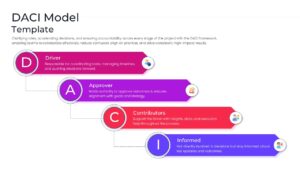
Decision Making Presentation Template
Download this DACI Model and use case for streamlining project approvals, identifying key stakeholders, and eliminating team confusion during critical milestones. To ensure your leadership team stays aligned on high-level objectives, you can integrate these slides into a broader business strategy presentation deck. This visual tool provides a structured approach to identifying who drives a task and who has the final sign-off.
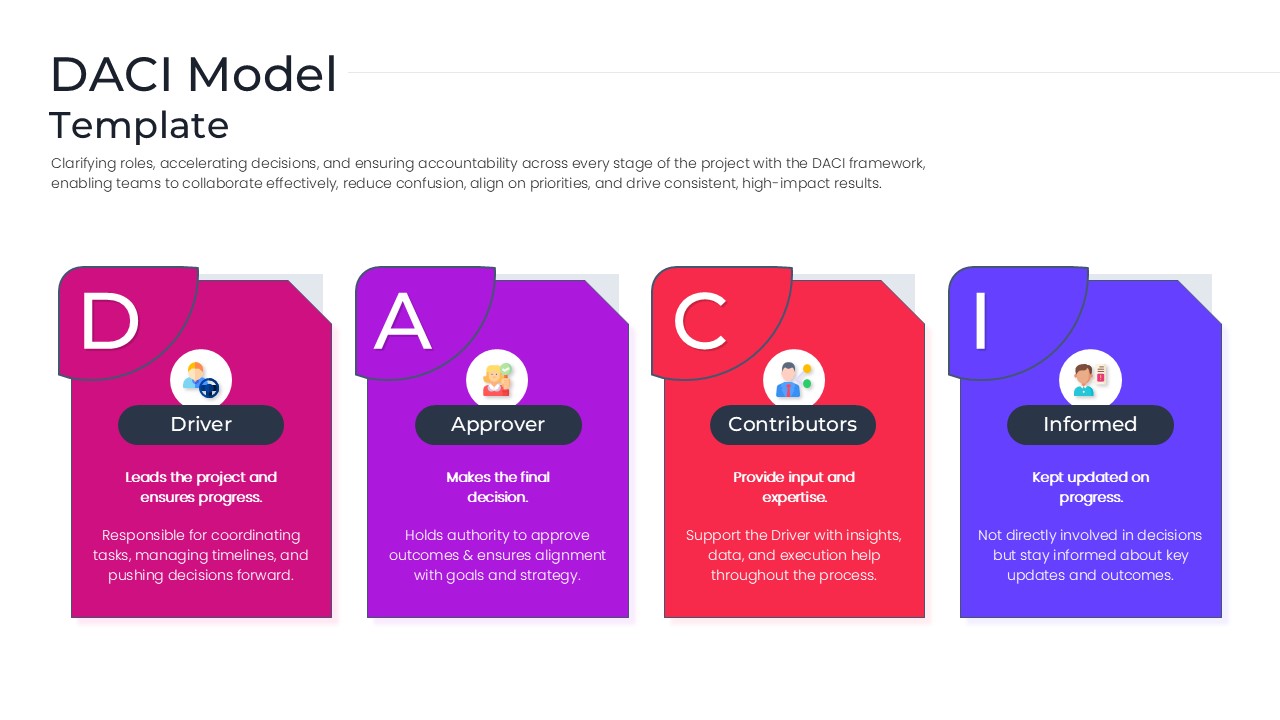
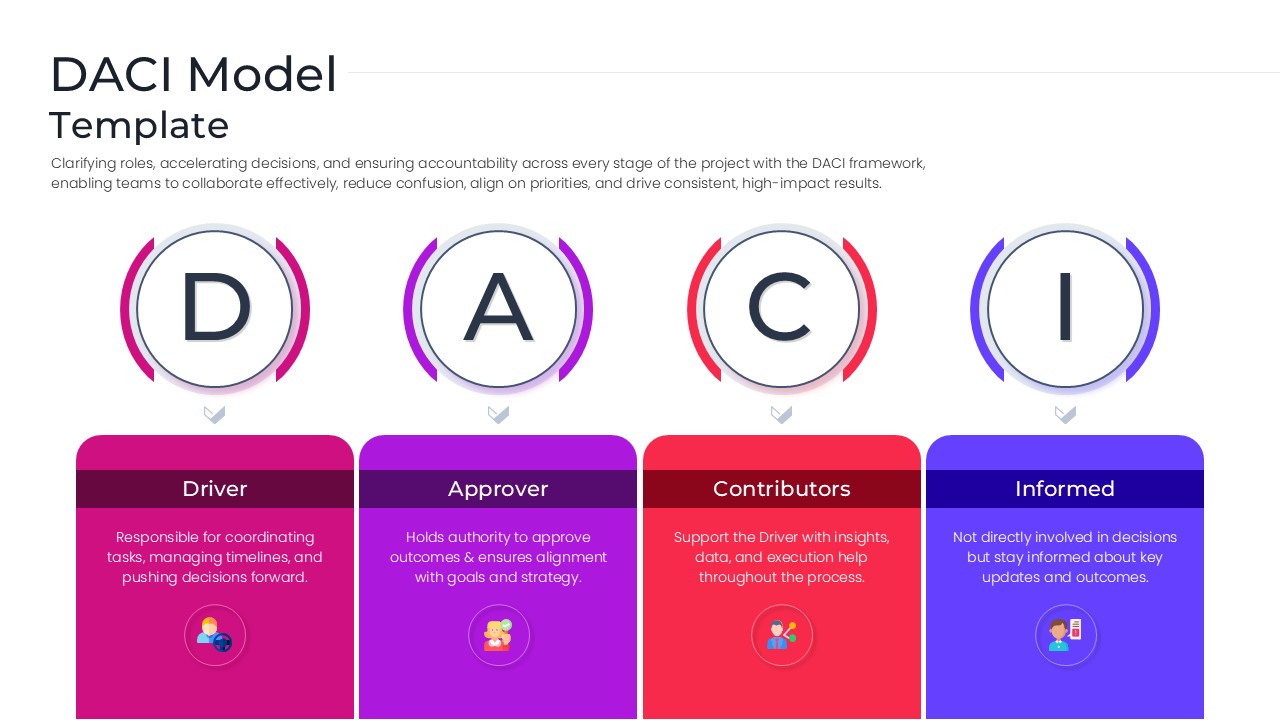
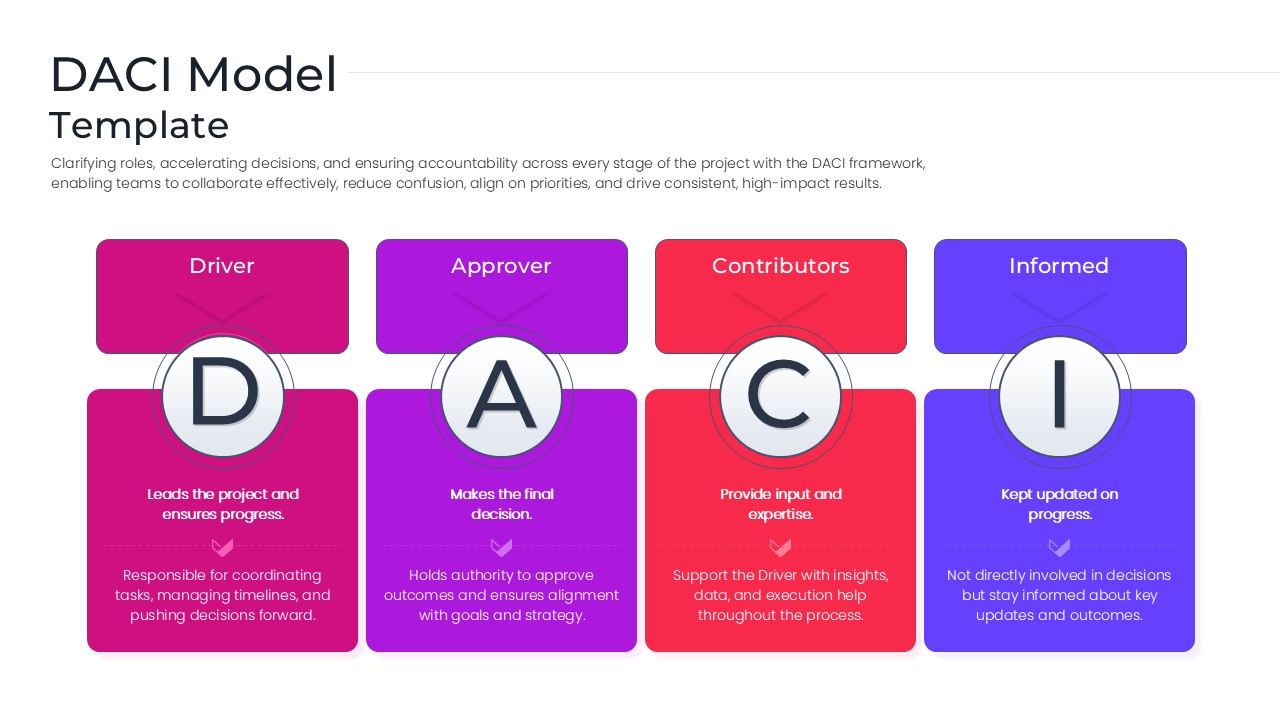
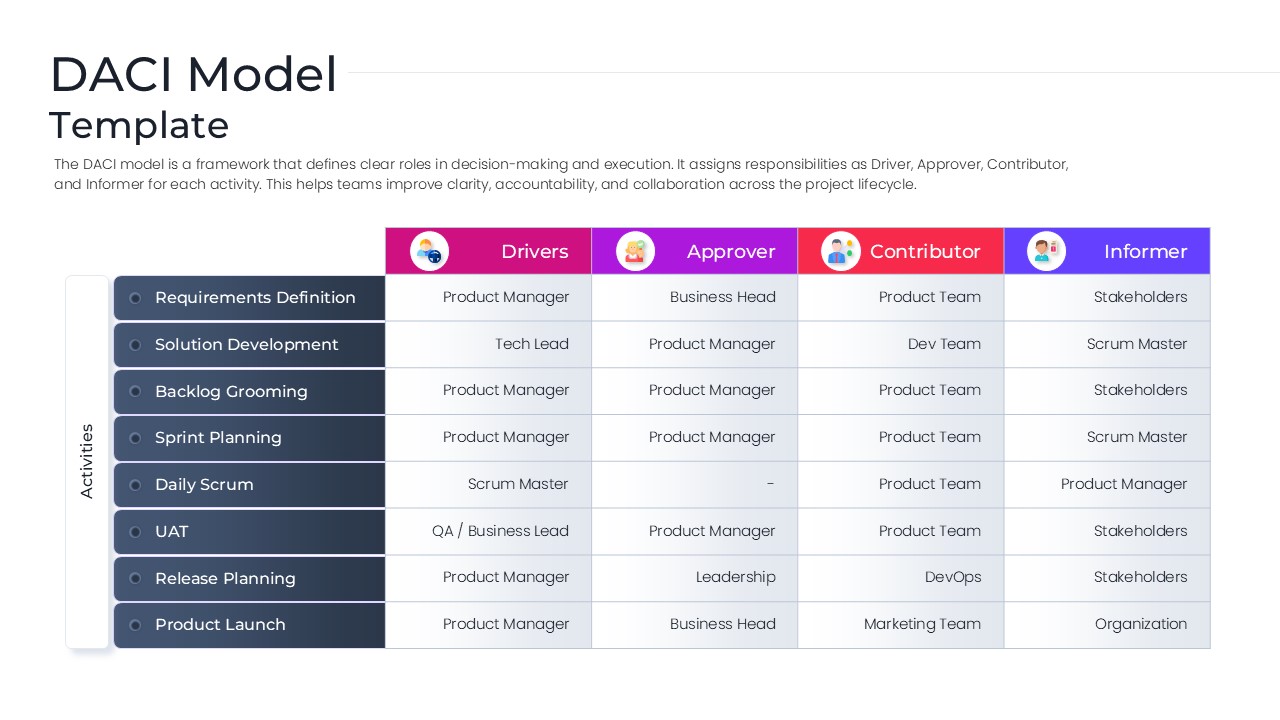
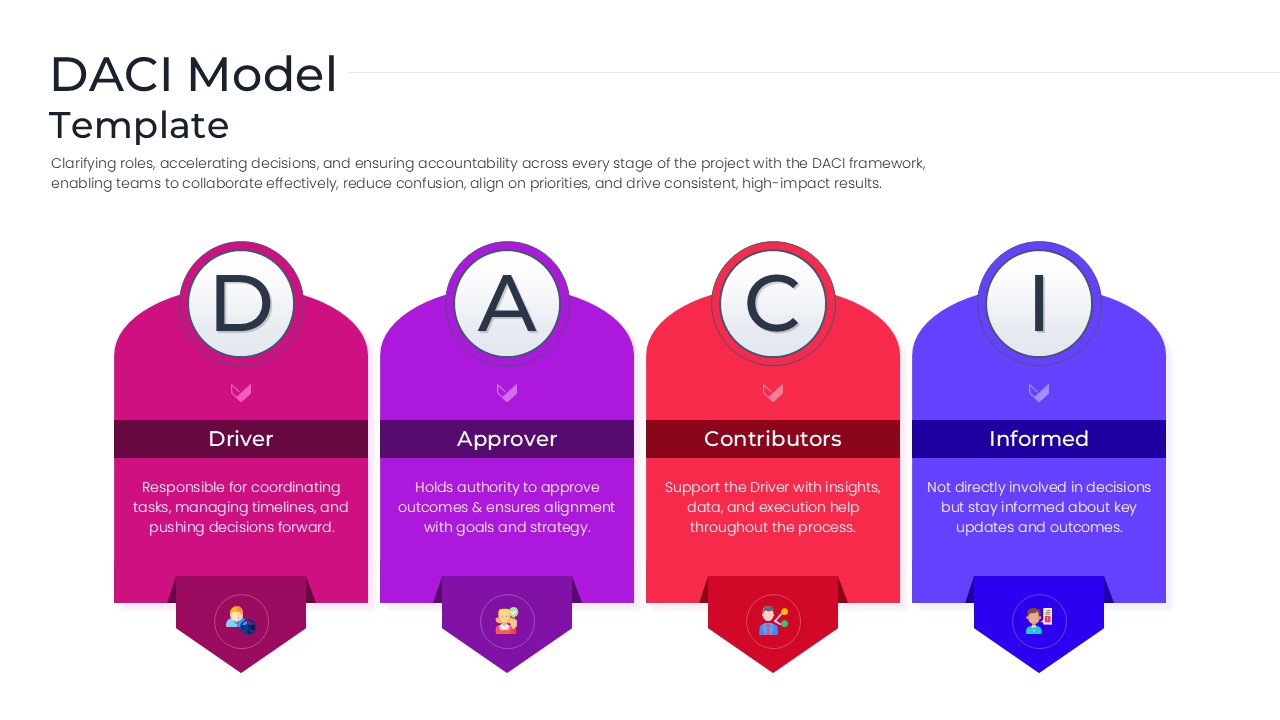
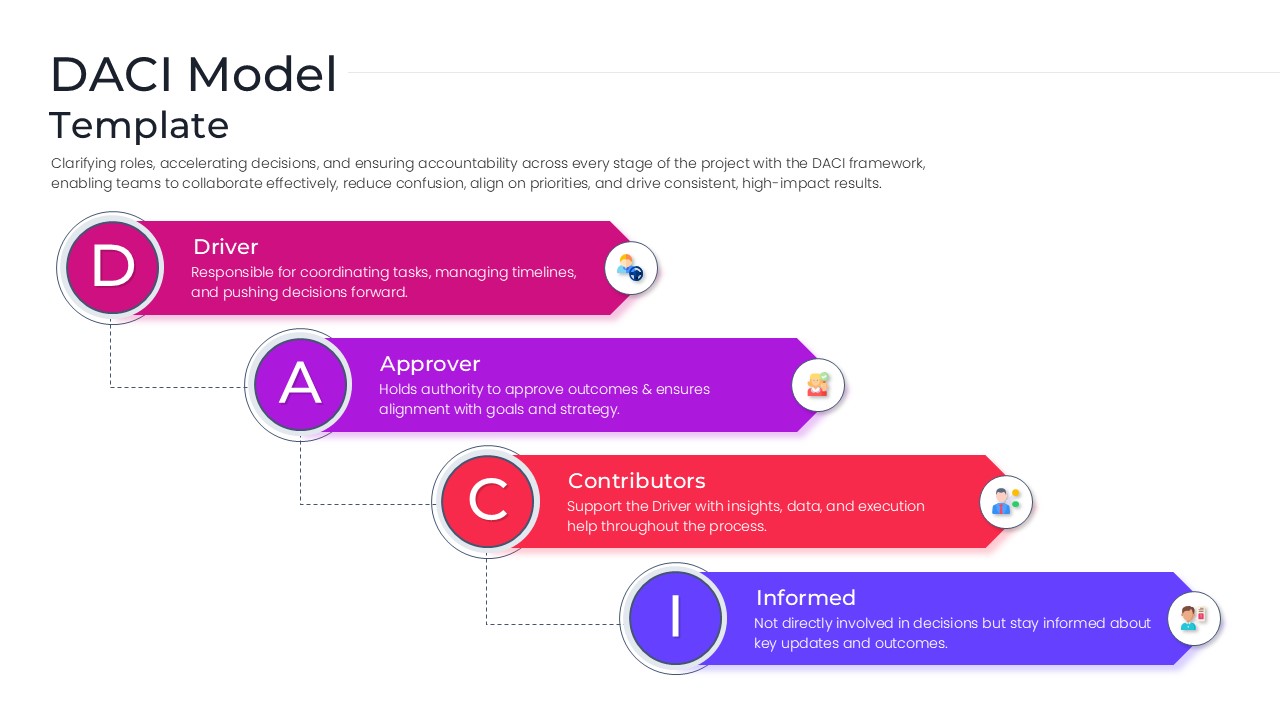
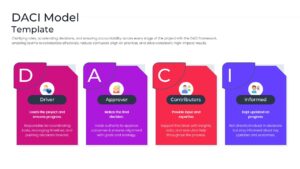
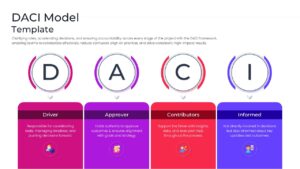
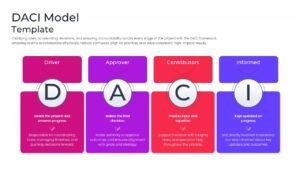
By implementing this decision making framework, organizations can accelerate their project lifecycles and reduce the friction caused by overlapping authorities. This DACI Framework Template clearly defines the four essential roles—Driver, Approver, Contributor, and Informed—ensuring that every team member understands their specific contribution to the project’s success. Whether you are managing a software launch or a corporate restructuring, these infographic slides provide the transparency needed for high-impact results.
Every element in this visual framework is built using high-quality vector shapes, allowing you to resize icons and adjust colors to match your brand identity without any pixelation. This professional slide deck is designed for maximum flexibility, making it easy to swap out text or reorganize the flow of information. For those looking to track progress alongside these roles, consider pairing this set with our project management timeline infographics to provide a comprehensive view of your operational roadmap.
Why Use these DACI Model Template
- Eliminates decision paralysis by designating a single Approver for every task.
- Enhances team collaboration through a clearly defined roles and responsibilities chart.
- Reduces meeting fatigue by identifying exactly who needs to be consulted versus just informed.
- Provides a professional visual standard for executive-level project reporting.
Who Should Download this DACI Matrix Template – Project Governance Matrix
- Project Managers and Scrum Masters coordinating complex cross-functional teams.
- Department Heads and Executives looking to standardize internal approval processes.
- Operations Leads focused on improving organizational efficiency and accountability.
- Consultants providing strategic advice on team structure and workflow optimization.
Key Features
- 100% Vector-Based Graphics
- Fully Layered & Organized
- Multi-Platform Support
- Theme Color & Theme Font
- Editable Activity Tracking Matrix
- Multiple unique DACI layout variations
Frequently Asked Questions
- Can I edit the roles in this decision making framework?
- Yes, all text boxes and headers are fully editable, allowing you to customize the labels or descriptions to fit your specific organizational terminology.
- Is the project governance matrix compatible with Google Slides?
- Absolutely, the file is optimized for seamless performance on both Microsoft PowerPoint and Google Slides platforms.
- How do I change the colors of the DACI Model icons?
- Since all icons are vector-based, you can simply click on the element and use the \"Shape Fill\" tool to apply your preferred color scheme.
Related Templates
-
 $4.99
$4.99 -
-
-