MoSCoW Prioritization Template for PowerPoint & Google Slides
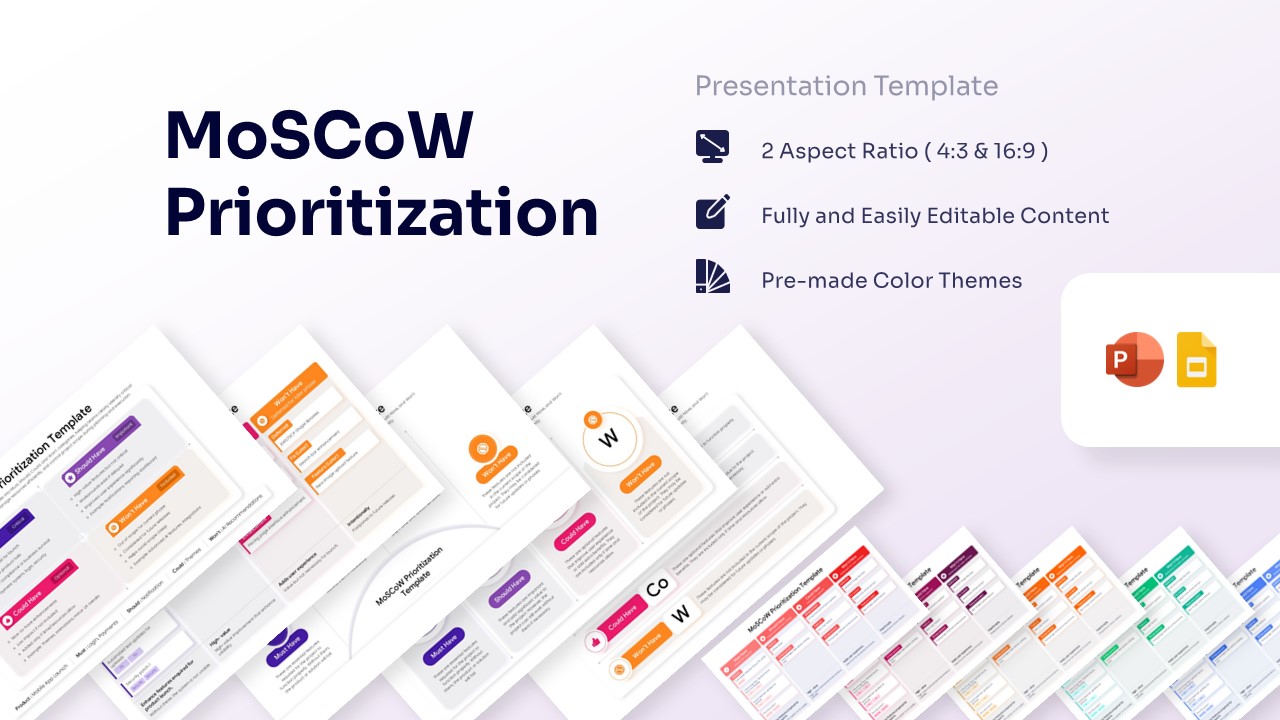
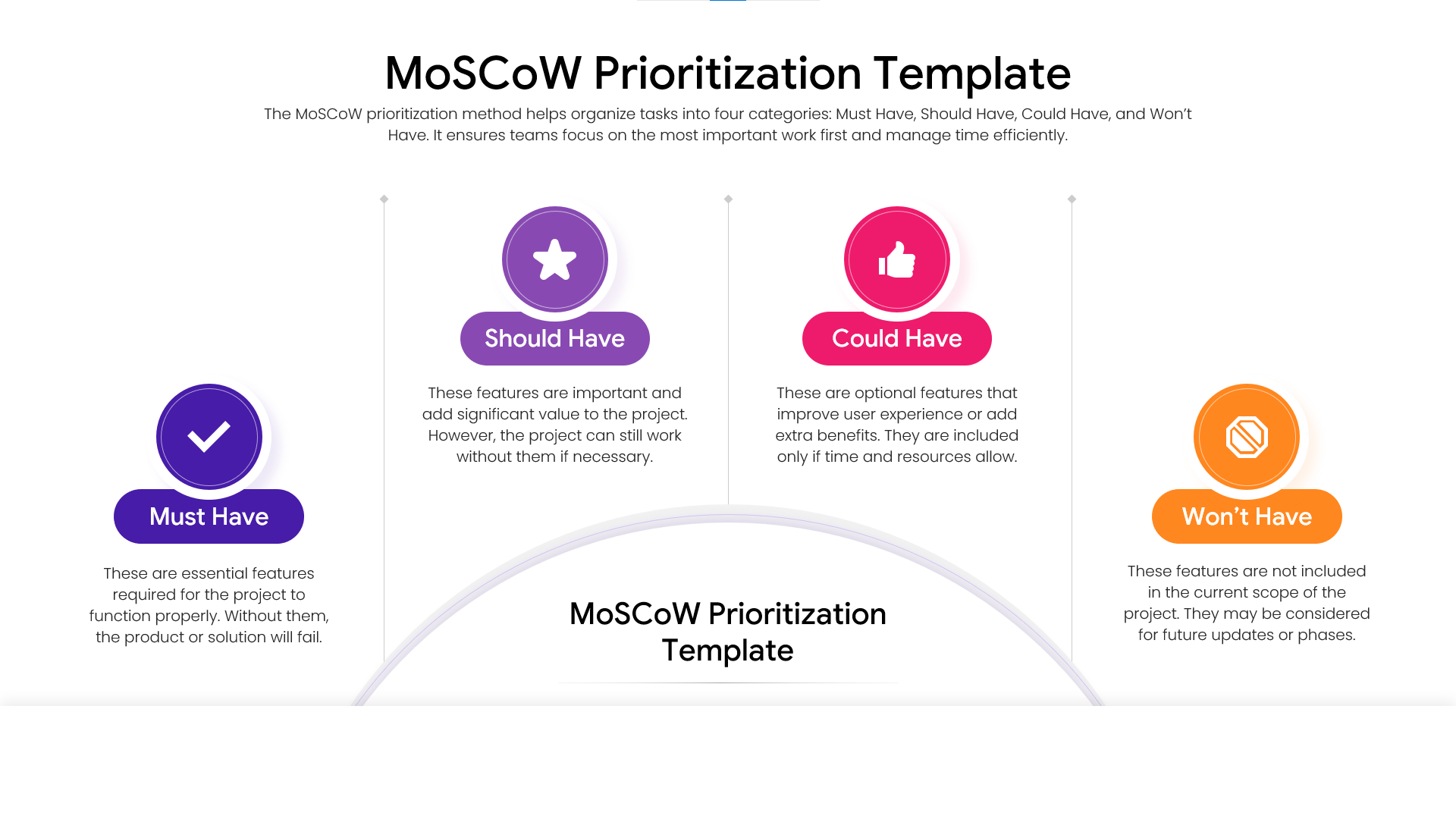
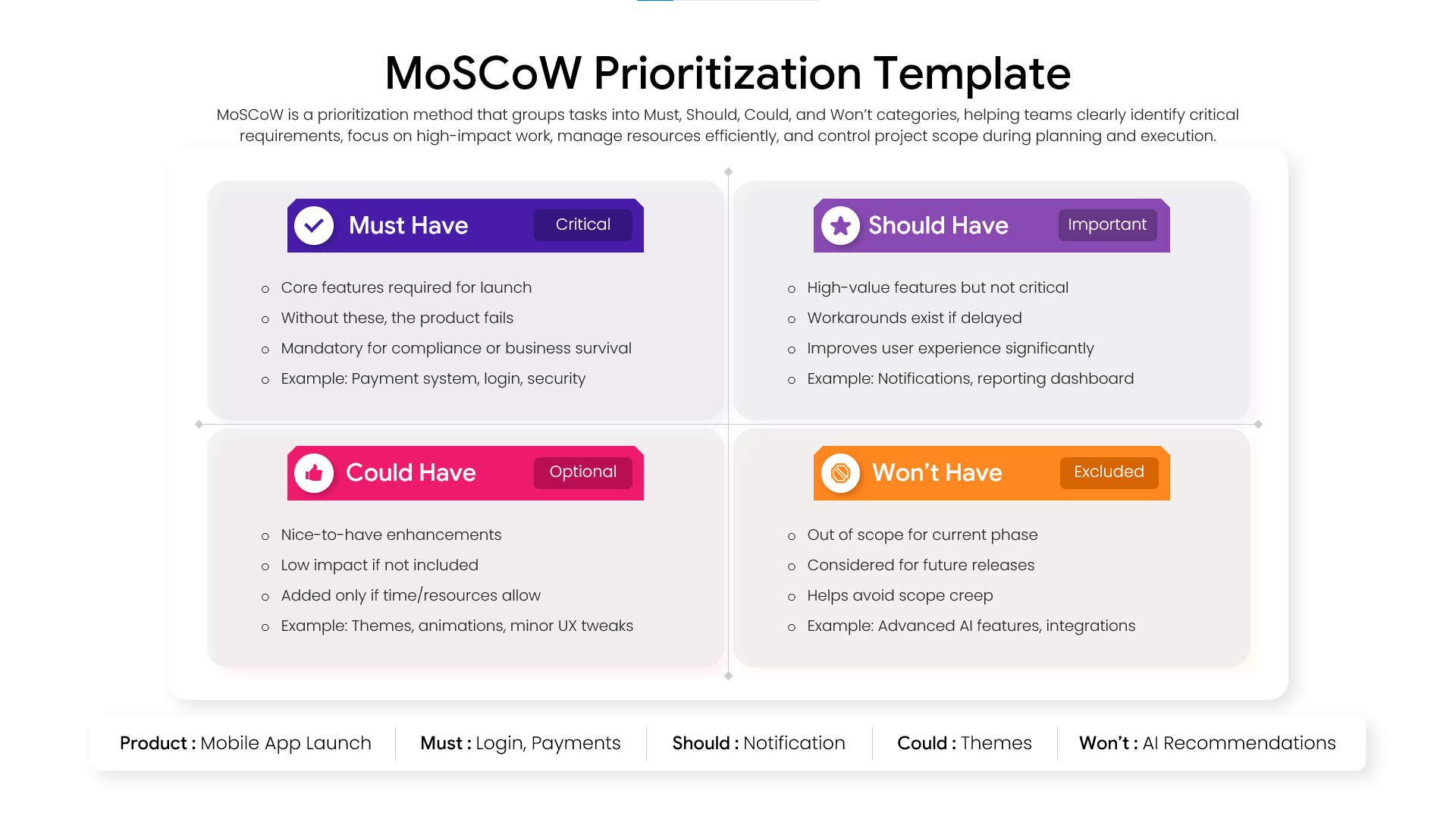
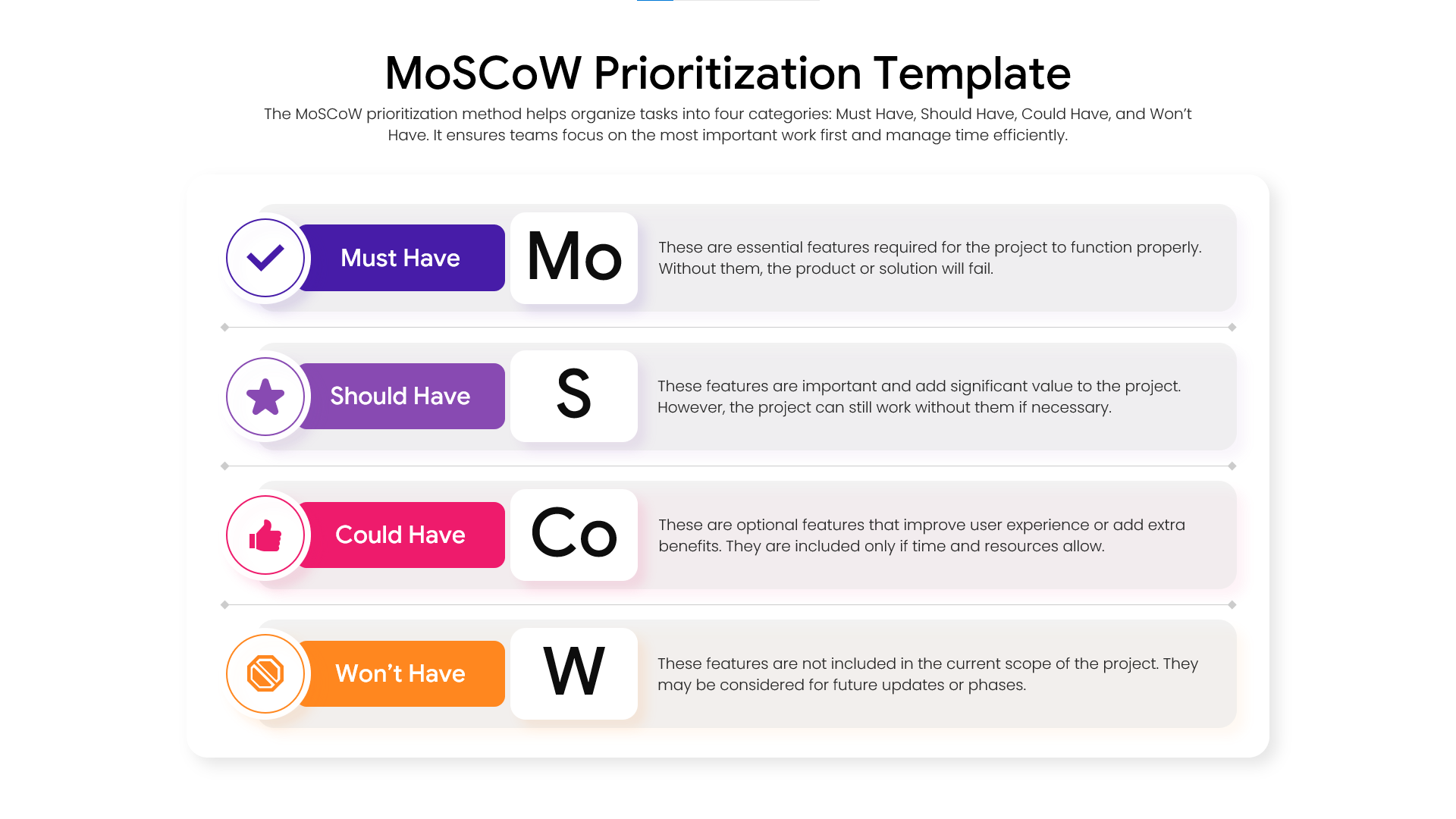

Moscow Method Presentation Template
Download this MoSCoW Prioritization Template for PowerPoint and Google Slides and use case for agile project management, software development life cycles, or stakeholder alignment meetings. By implementing a structured project management framework, teams can clearly distinguish between essential deliverables and elective enhancements. This slide deck provides a professional visual aid to ensure every team member understands the project’s most critical path from day one.
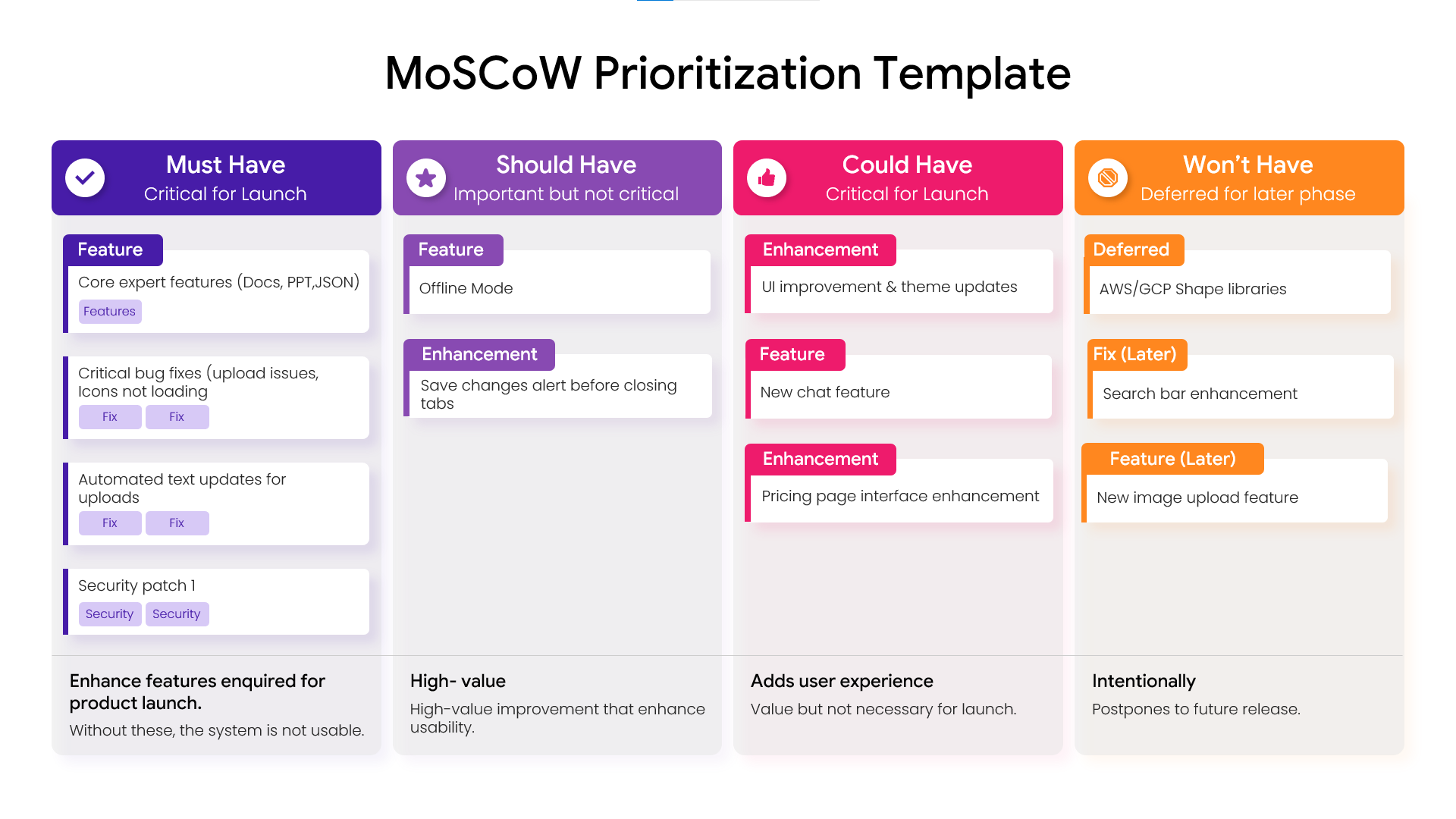
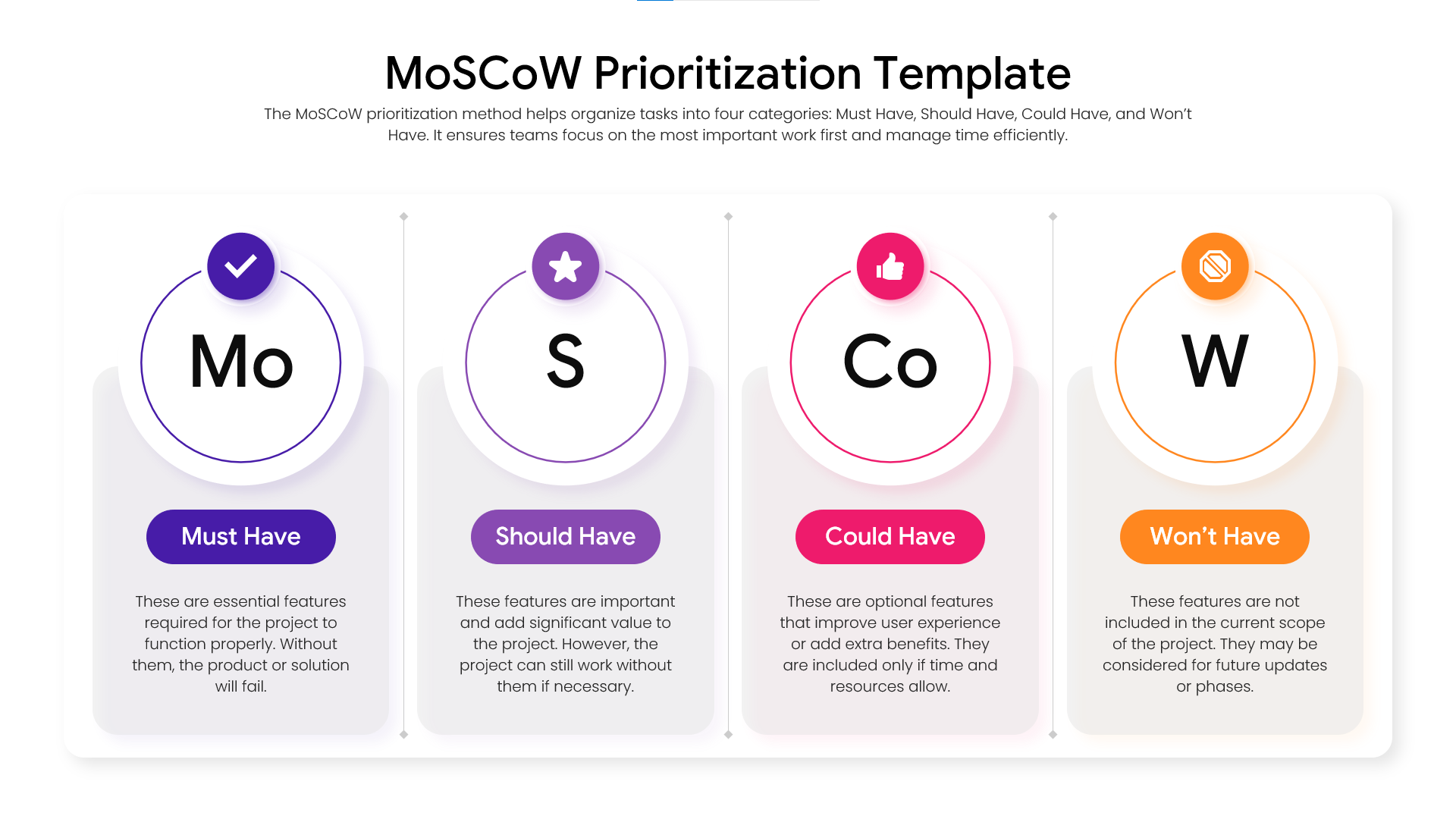
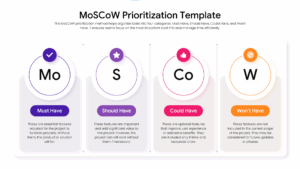
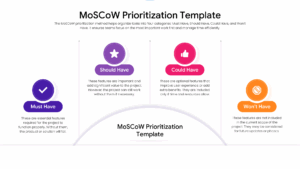
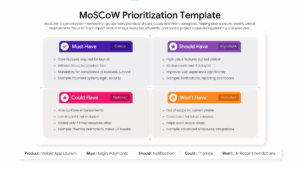
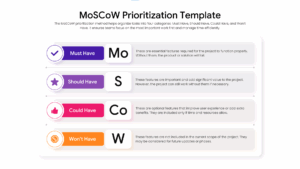
Utilizing this MoSCoW Method Analysis Template allows product owners to effectively communicate the “Must Have,” “Should Have,” “Could Have,” and “Won’t Have” categories to executive leadership. This presentation layout is specifically designed to prevent scope creep by providing a transparent boundary for resource allocation. Whether you are conducting a sprint planning session or a high-level strategic review, these infographic slides offer the clarity needed to keep complex projects on track and within budget.
Every element within this visual framework is 100% vector-based, allowing you to resize and recolor components without any loss in image quality. You can easily adapt the agile workflow visualization to match your company’s specific branding or project theme. This versatile slide deck is optimized for both 4:3 and 16:9 aspect ratios, ensuring your data looks sharp and professional on any screen or projector during your next big pitch.
Why Use these MoSCoW Method Analysis – Requirement Prioritization Matrix
- Provides a clear visual hierarchy of project tasks to improve stakeholder decision-making.
- Reduces planning time by using pre-configured columns for Must, Should, Could, and Won’t categories.
- Ensures project transparency by explicitly defining what features are excluded from the current scope.
- Allows for high levels of customization to fit various industry-specific project management needs.
Who Should Download this Product Roadmap Planning – MoSCoW Prioritization
- Project Managers, Scrum Masters, and Agile Coaches overseeing complex development cycles.
- Product Owners and Startup Founders defining Minimum Viable Product (MVP) features.
- Business Analysts and Operations Managers streamlining internal workflows.
- Marketing Teams and Agency Leads planning multi-phase campaign rollouts.
Key Features
- 100% Vector-Based Graphics
- Fully Layered & Organized
- Multi-Platform Support
- Theme Color & Theme Font
- Editable Iconography for Category Headers
- Detailed Text Placeholders for Feature Descriptions
Frequently Asked Questions
- Can I edit the text in the MoSCoW Method Analysis slides?
- Yes, all text boxes are fully editable in both PowerPoint and Google Slides, allowing you to customize requirement descriptions and category labels.
- Does this Requirement Prioritization Matrix support different screen sizes?
- Absolutely, the slides are optimized for both Standard (4:3) and Widescreen (16:9) formats to ensure compatibility with any display.
Related Templates
-
 $3.99
$3.99 -
 $3.99
$3.99 -
 $3.99
$3.99 -