simple process timeline template

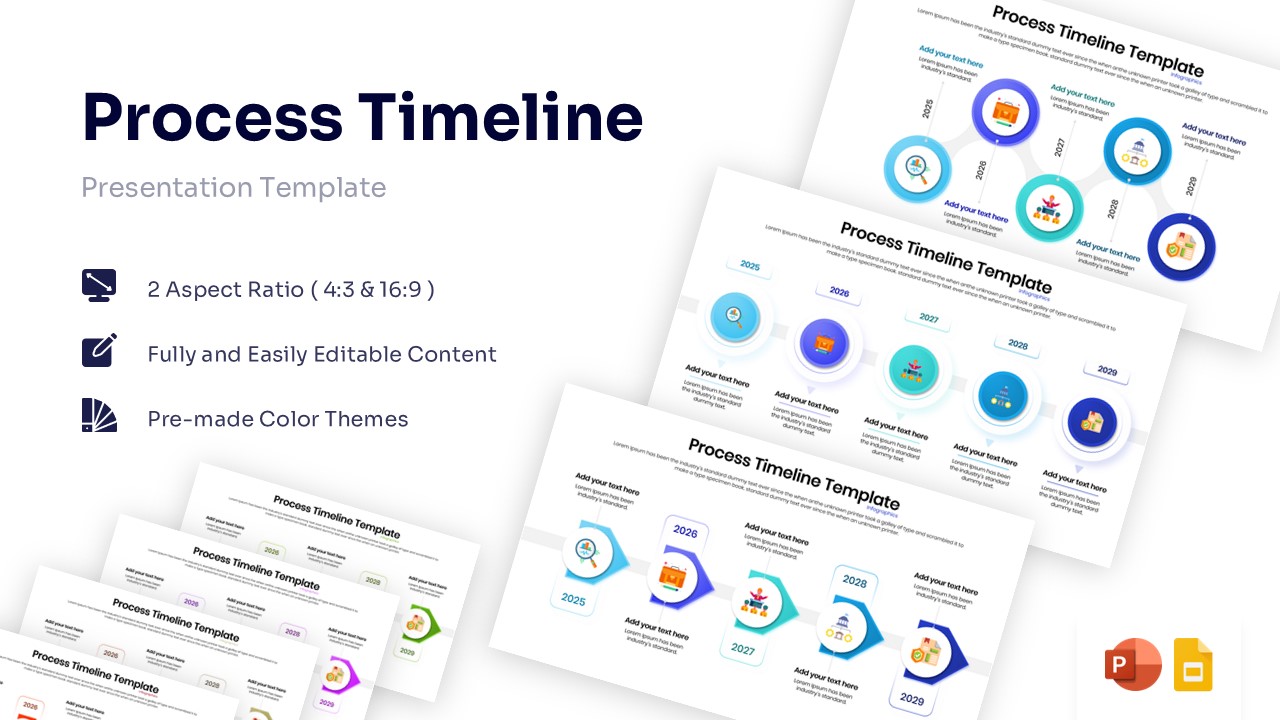
Horizontal 5-step process timeline diagram with connected circles and icons.

This template is part of a deck featuring multiple slides. To check out all slides.

See All

Business Roadmap & Project Milestone Presentation Template

Download this Process Timeline Template for PowerPoint & Google Slides to create a clear and professional roadmap for your next big project. Whether you need to present a five-year business strategy or track the history of your organization, this layout allows you to map out critical milestones effortlessly. This process timeline infographic template It is designed to help your audience grasp the sequence of events instantly without getting lost in complex data, making your presentation feel organized and polished.

This timeline template slide features a smooth, connected node design that guides the eye naturally from start to finish. It includes five distinct circular steps, each equipped with illustrative icons and dedicated text areas for descriptions. You can easily adjust the years—currently set from 2025 to 2029—to fit your specific timeline, and the vector elements ensure that resizing does not lose quality. The clean visual hierarchy ensures that your key dates and action items stand out on the screen, keeping your team focused on the goals ahead.

These presentation templates are highly versatile and fits a wide range of professional contexts beyond just standard project management. Use it to outline product development cycles, visualize supply chain logistics, or detail a marketing launch plan. It also works well for educational purposes, such as summarizing historical timelines, explaining a step-by-step procedural flow in training workshops, or mapping out a student’s academic journey.

Why use this Process Timeline Template Infographic

  • Transforms static lists into an engaging visual journey for better retention.
  • Fully editable components make customization fast and stress-free.
  • Clear layout helps stakeholders align on deadlines and objectives instantly.
  • Professional design saves you time on formatting and layout adjustments.

Who is it for

  • Project managers needing to track progress and key deliverables.
  • Business strategists presenting long-term company goals and vision.
  • Marketing teams outlining campaign phases and launch dates.
  • Educators and trainers demonstrating processes or historical events.