Multi-Step Chevron Process Infographic for PowerPoint & Google Slides
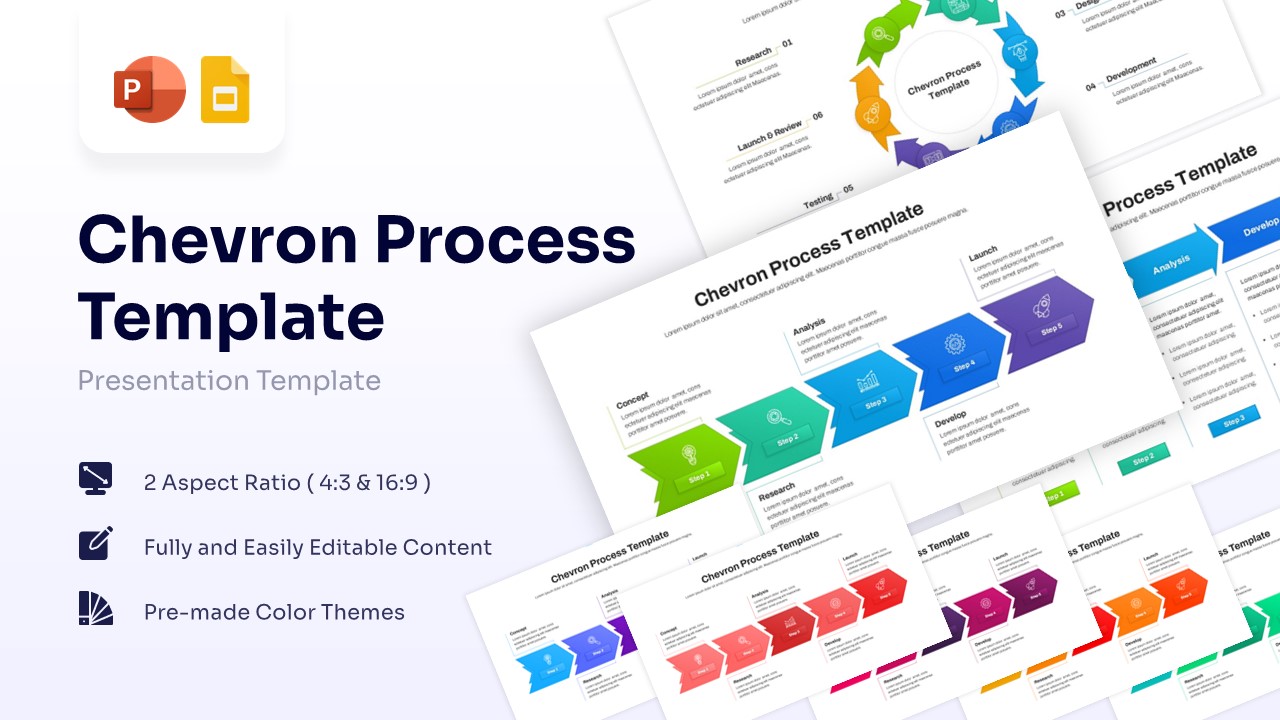
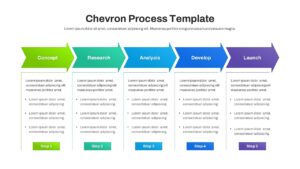
Chevron Flow Infographic Presentation Template
Download this Chevron Process Infographic for PowerPoint & Google Slides to simplify complex workflows and operational procedures. This versatile slide deck is perfect for outlining project milestones or explaining a step-by-step business strategy to stakeholders. By using a clear visual path, you can ensure your audience follows your logic from start to finish without getting lost in technical details. Whether you are presenting a new product development cycle or a simplified supply chain model, this template provides the clarity needed to keep your viewers engaged and informed.
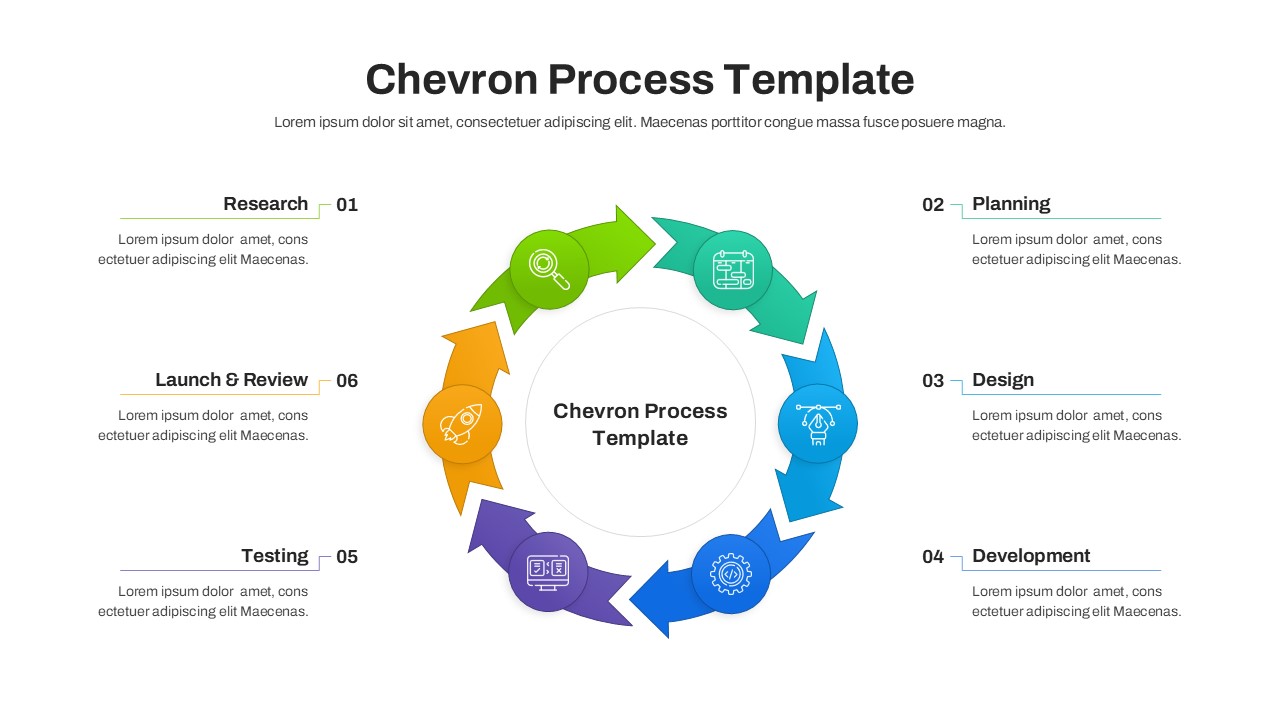
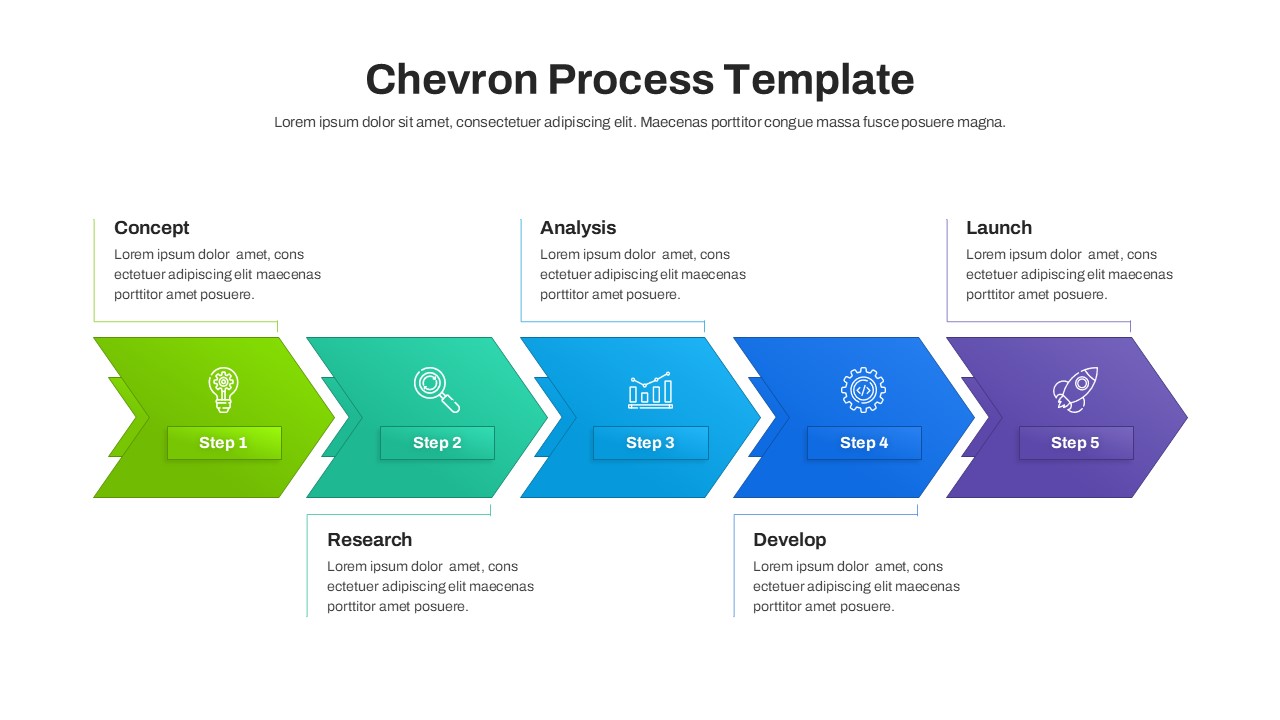
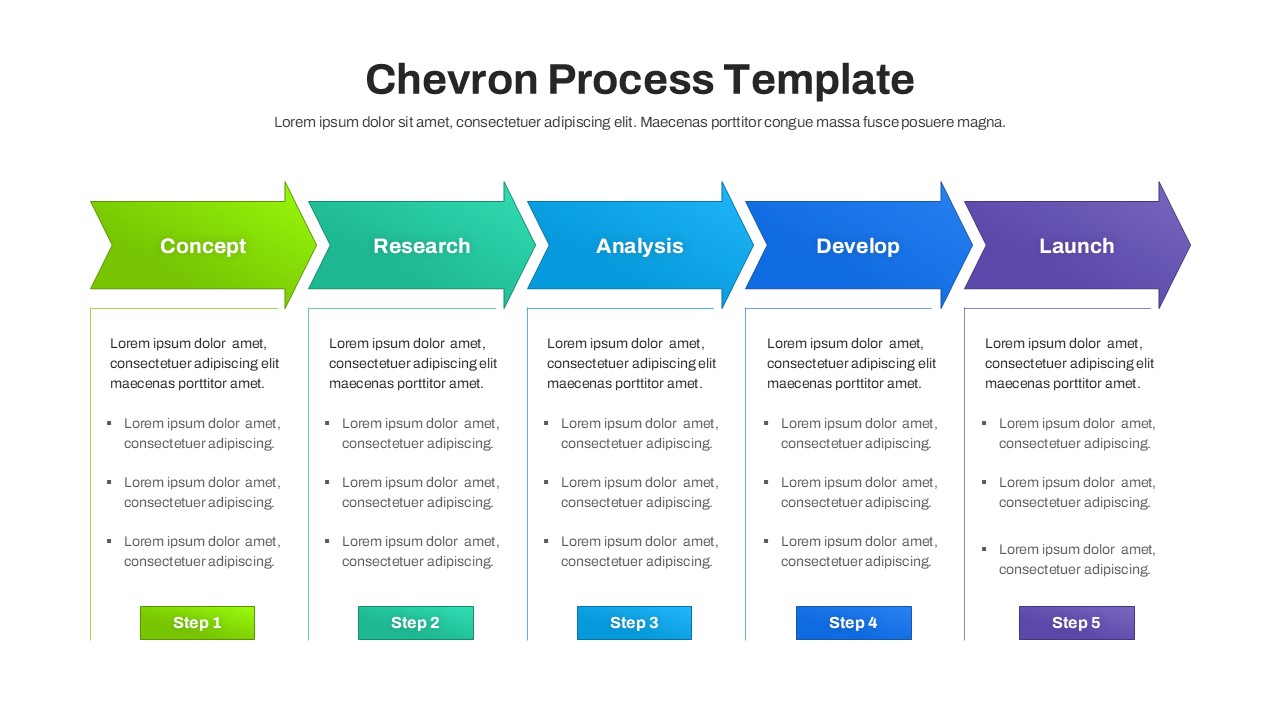
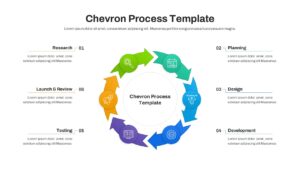
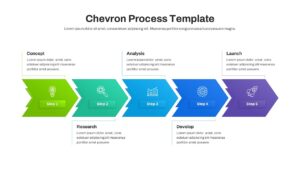
These professional infographic set includes various layouts such as linear process flows and circular chevron loops. Each slide is designed with a modern aesthetic, featuring crisp lines and vibrant colors that make your data pop on screen. You can easily adjust the number of steps, change the color palette to match your branding, and swap out icons to suit your specific industry needs. The template is fully optimized for both 4:3 and 16:9 aspect ratios, ensuring your deck looks polished on any projector or monitor.
These chevron process diagrams are widely applicable across different sectors like manufacturing, software development, and retail management. For instance, a project manager might use the 5-step chevron diagram to show the software development lifecycle, while a marketing lead could use the circular version to demonstrate a continuous customer feedback loop. They are also ideal for training sessions where clear, sequential instructions are paramount for learning. Using these visuals helps bridge the gap between abstract ideas and executable plans.
Why Use this Chevron Process Infographics
- Clear visual hierarchy helps audiences retain information much faster.
- Saves hours of design time with pre-made, high-quality professional layouts.
- Fully editable vectors allow for infinite customization without losing image quality.
- Cross-platform compatibility ensures seamless transitions between Google Slides and PowerPoint.
Who Should Download this Arrow Diagram Templates
- Project managers needing to communicate timelines or specific workflow stages clearly.
- Business consultants looking to present strategic roadmaps or growth plans to clients.
- Educators and corporate trainers creating instructional material for students or staff members.
- Team leads organizing operational tasks or explaining departmental processes to new hires.
Key Features
- 100% Vector-Based Graphics
- Fully Layered & Organized
- Multi-Platform Support
- Theme Color & Theme Font
- Easily Editable Shapes and Colors
Frequently Asked Questions
- How do I change the number of steps in the chevron flow?
- You can simply copy and paste an existing chevron arrow or delete one to adjust the flow. The vectors are fully editable to maintain alignment.
- Can I use these slides in a commercial business presentation?
- Yes, these templates are designed specifically for professional and commercial use in boardrooms, meetings, and conferences.
- Are the icons included in the template fully resizable?
- Absolutely. All icons are vector-based, meaning you can scale them to any size without any pixelation or loss of quality.
- Does this template support widescreen 16:9 and standard 4:3 formats?
- Yes, the download includes versions for both aspect ratios to ensure compatibility with all types of display screens.
Related Templates
-
 Free
Free -
-
-