Spider Diagram Template for PowerPoint & Google Slides
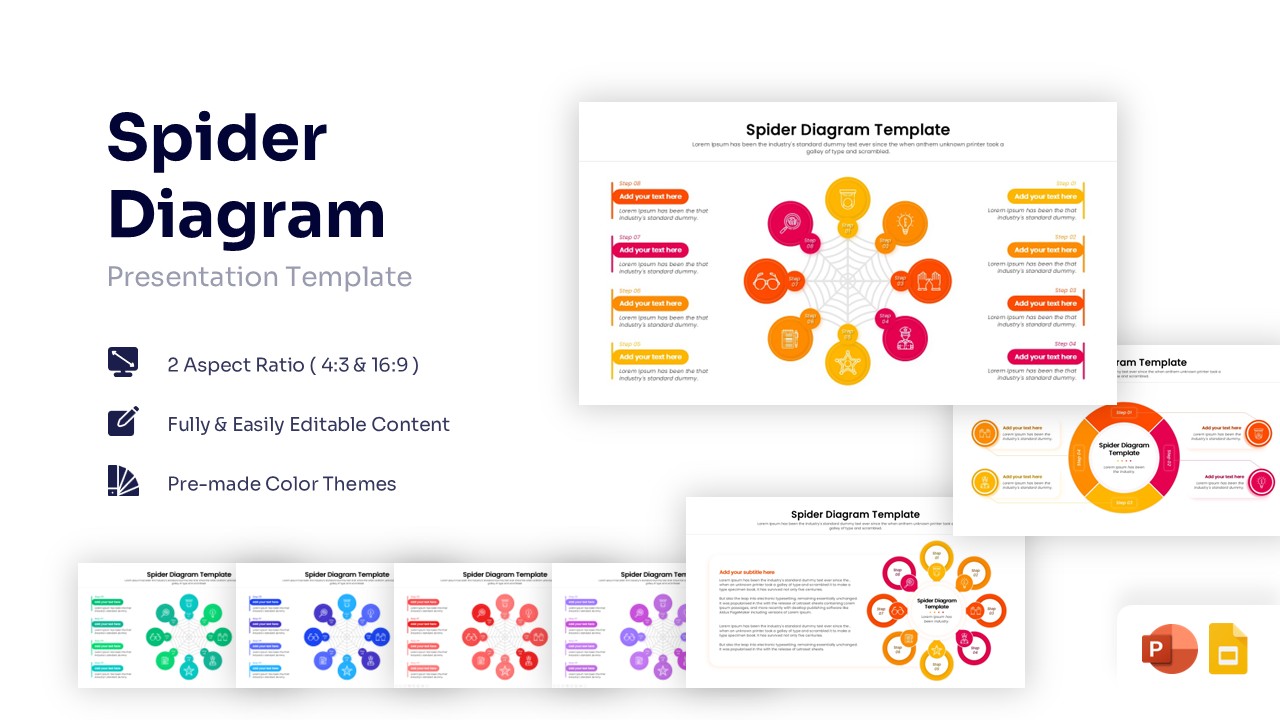
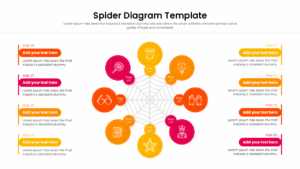
Circular Spider Web Infographic Presentation Template
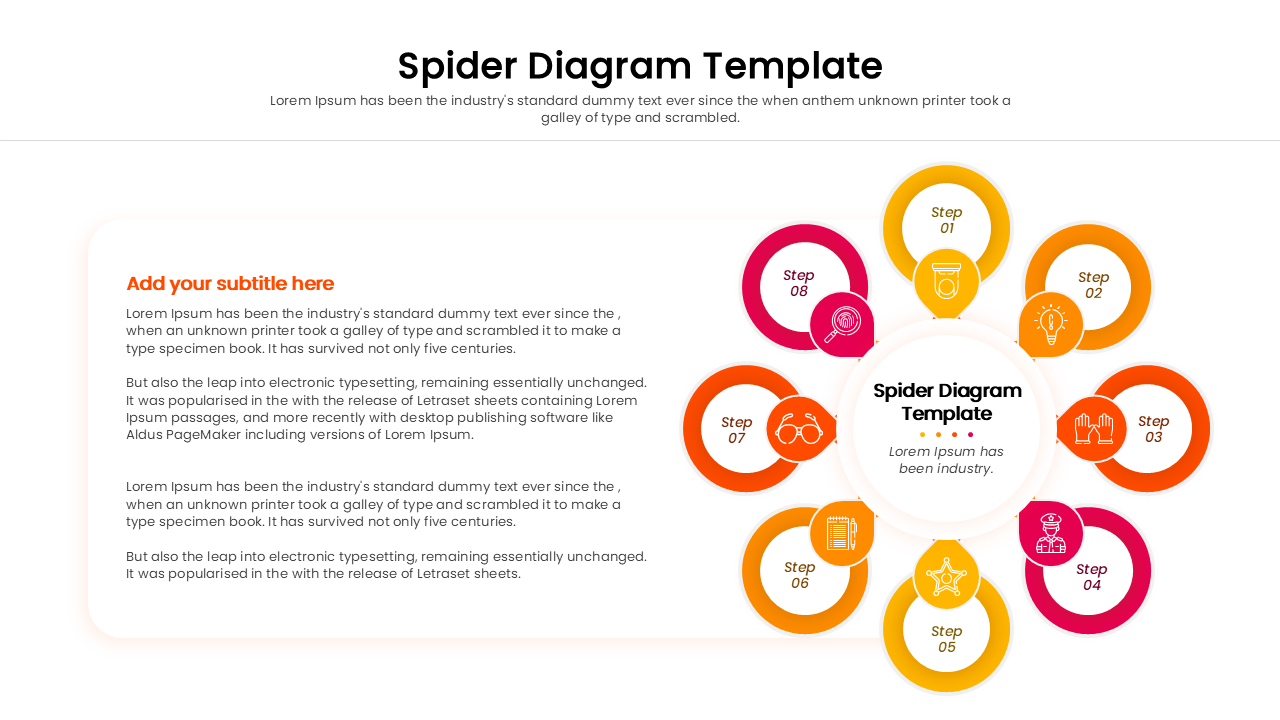
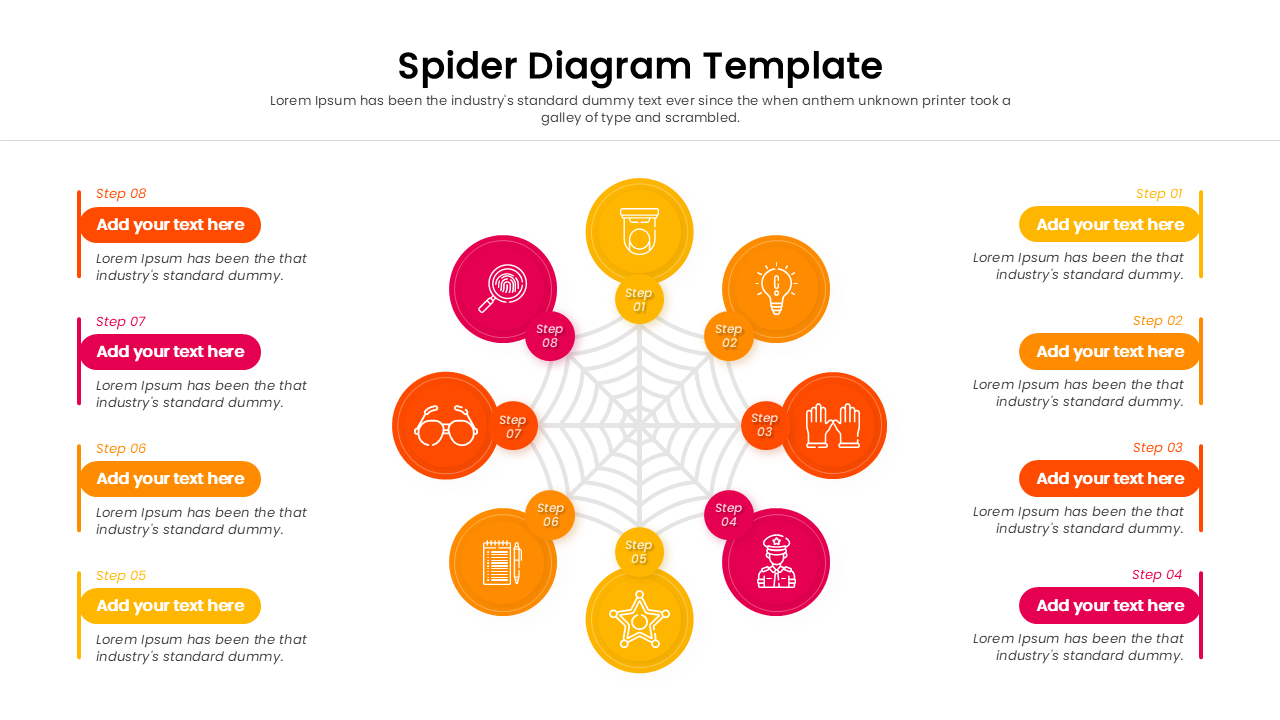
Download this Spider Diagram Template to visualize complex connections and multi-step processes in your next business meeting. This versatile circular diagram template allows you to map out central ideas and radiate outward into eight distinct steps, making it perfect for project planning, brainstorming, or organizational overviews. Use these slides to break down a large concept into manageable parts, ensuring your team stays aligned and focused on the core objectives without getting lost in the details.
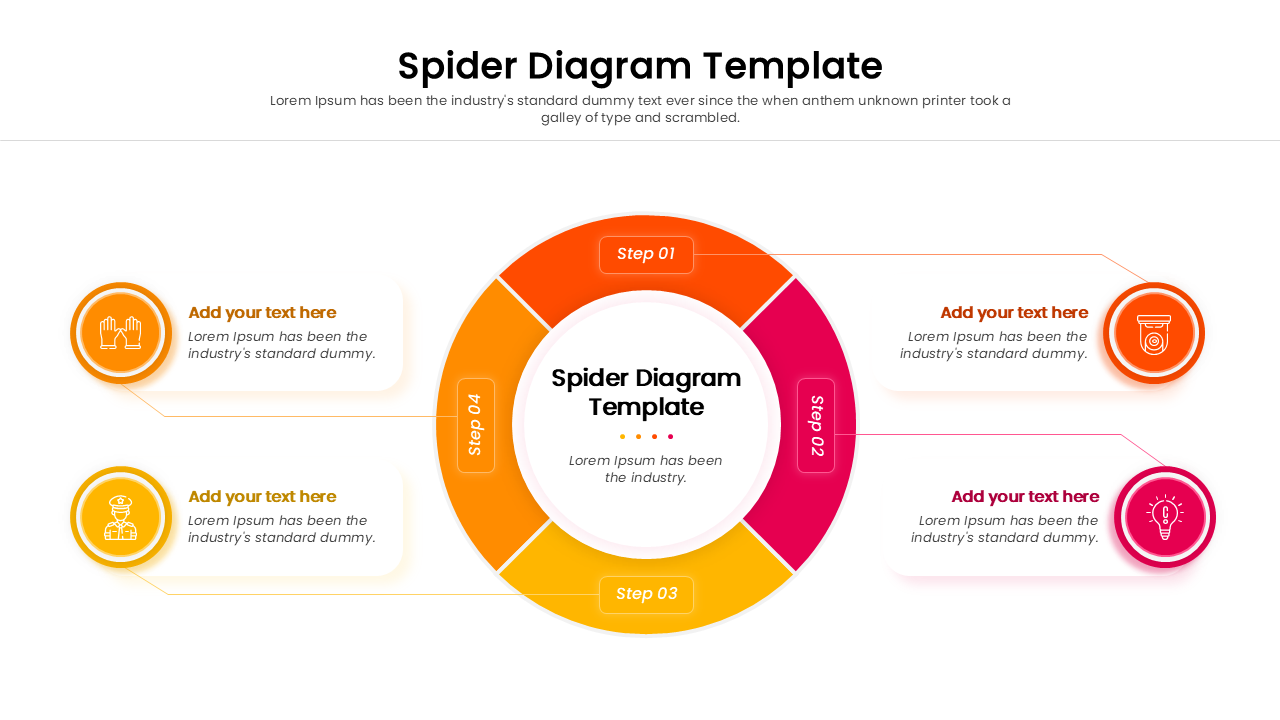
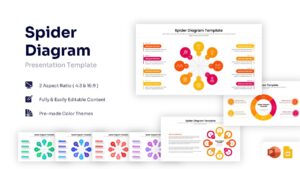
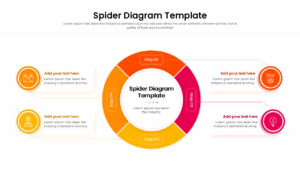
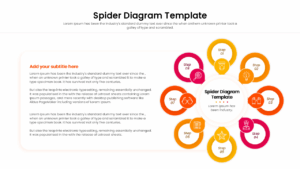
This spider web Infographic offers a variety of professional layouts, ranging from detailed 8-step web designs to simplified 4-step hub-and-spoke models. Each slide is built with high-quality vector graphics, meaning you can resize elements and change colors without losing clarity. The clean icons and organized text boxes are specifically designed to help you present data-heavy concepts in a way that feels light and approachable, reducing the cognitive load on your audience.
In a professional setting, these slides function beautifully for project kickoffs, marketing audits, or educational workshops. They are ideal for showing how different departments contribute to a single goal or for outlining a product development lifecycle from start to finish. Whether you are presenting in a high-stakes boardroom or a casual team sync, the visual structure of the spider diagram keeps the focus on your central message while clearly defining the supporting elements.
Why Use this Spider Diagram Template for PowerPoint and Google Slides
- Clarifies complex relationships by centering the main idea for better audience retention.
- Saves hours of design time with pre-built, professional layouts that are ready to go.
- Fully adaptable color themes allow you to match your company branding in just a few clicks.
- High-quality graphics ensure your presentation looks polished and professional on any screen size.
Who Should Download this Spider Diagram Presentation Template
- Project managers who need to track multi-stage workflows and department connections.
- Marketing teams mapping out multichannel campaigns and integrated brand strategies.
- Educators looking for clear ways to explain interconnected theories or historical events.
- Business consultants presenting organizational structures or comprehensive strategic plans.
Key Features
- 100% Vector-Based Graphics
- Fully Layered & Organized
- Multi-Platform Support
- Theme Color & Theme Font
Frequently Asked Questions
- Can I change the icons in the spider diagram?
- Yes, every icon is fully editable. You can easily swap them out for different symbols that better represent your specific steps or industry.
- How do I adjust the colors to match my brand?
- The template uses theme colors, so you can change the entire color palette through the \"Design\" tab in PowerPoint or the \"Theme\" settings in Google Slides.
- Is it possible to use only 5 or 6 steps instead of 8?
- Absolutely. Since the graphics are vector-based and layered, you can simply delete the unnecessary nodes and text boxes to fit your specific process.
Related Templates
-
-
 $2.99
$2.99 -
 $2.99
$2.99 -