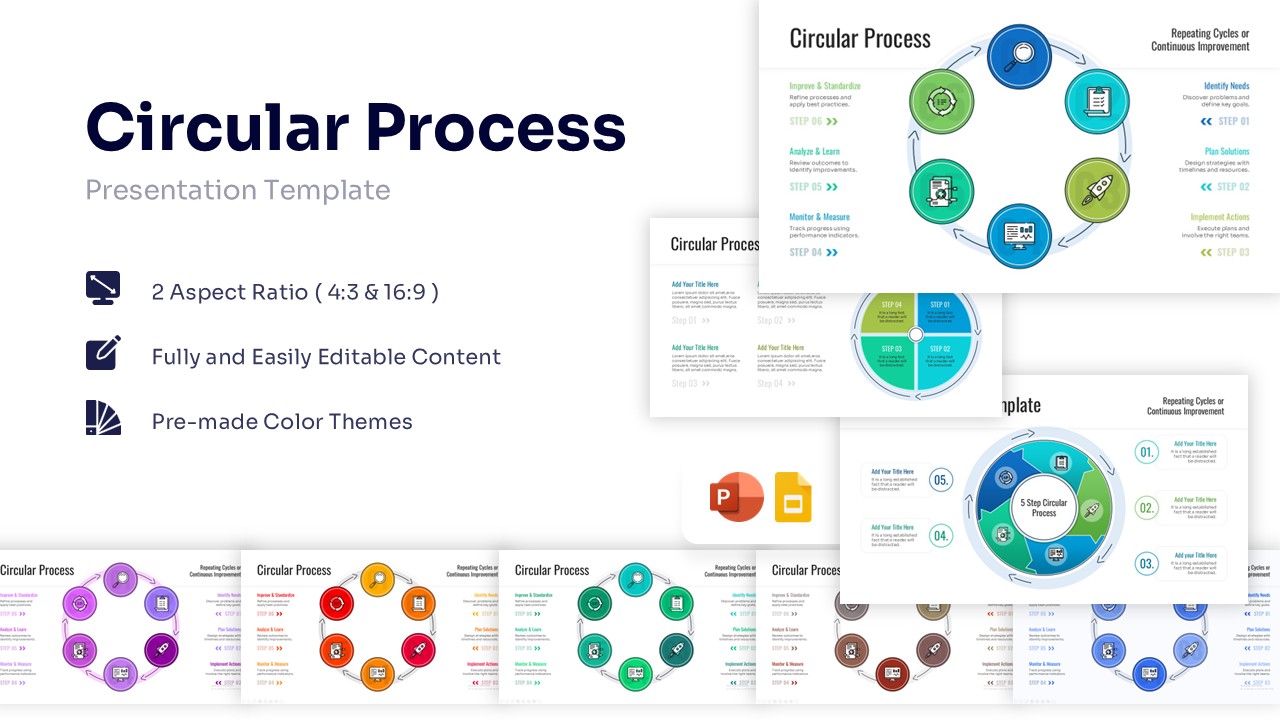
Octopus Diagram Template for PowerPoint & Google Slides
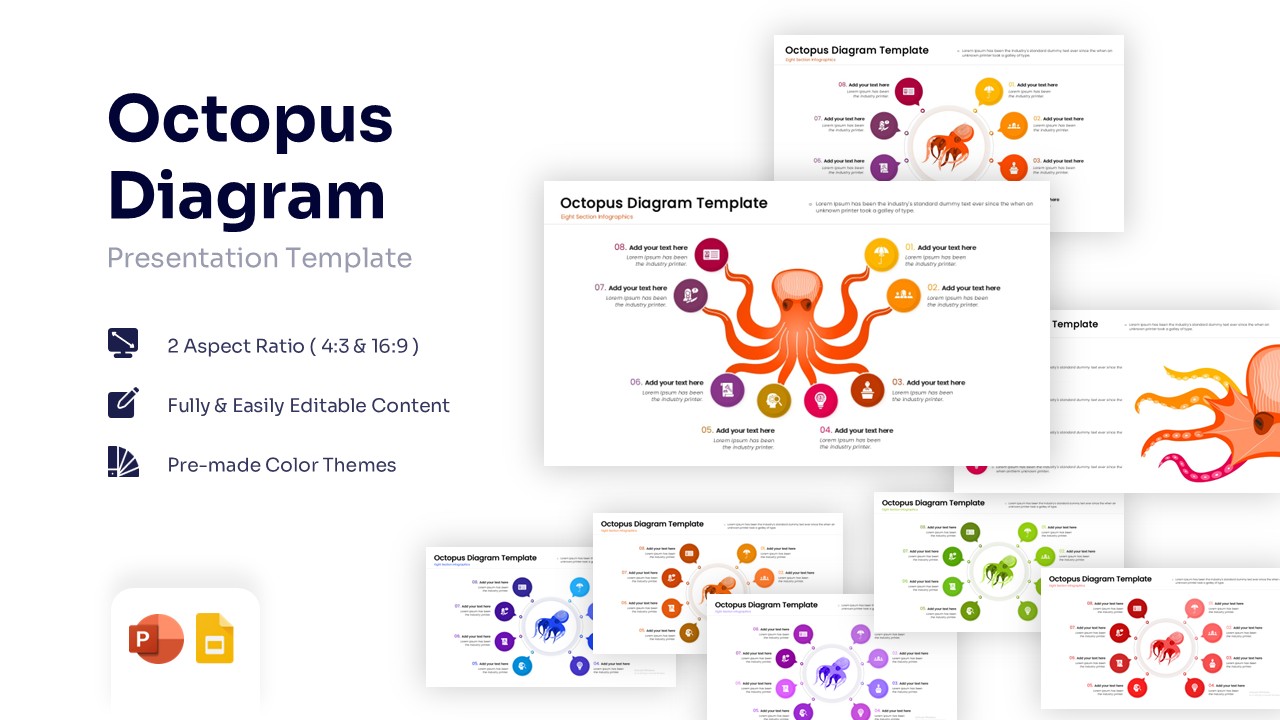
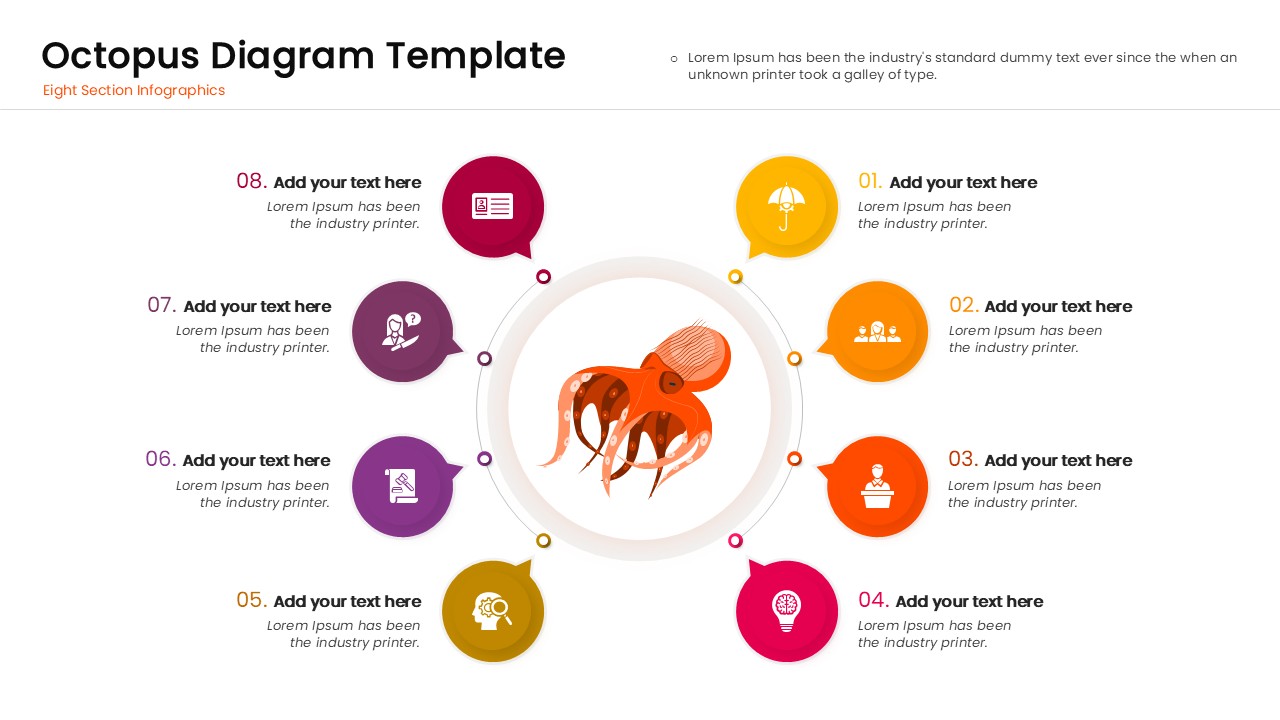
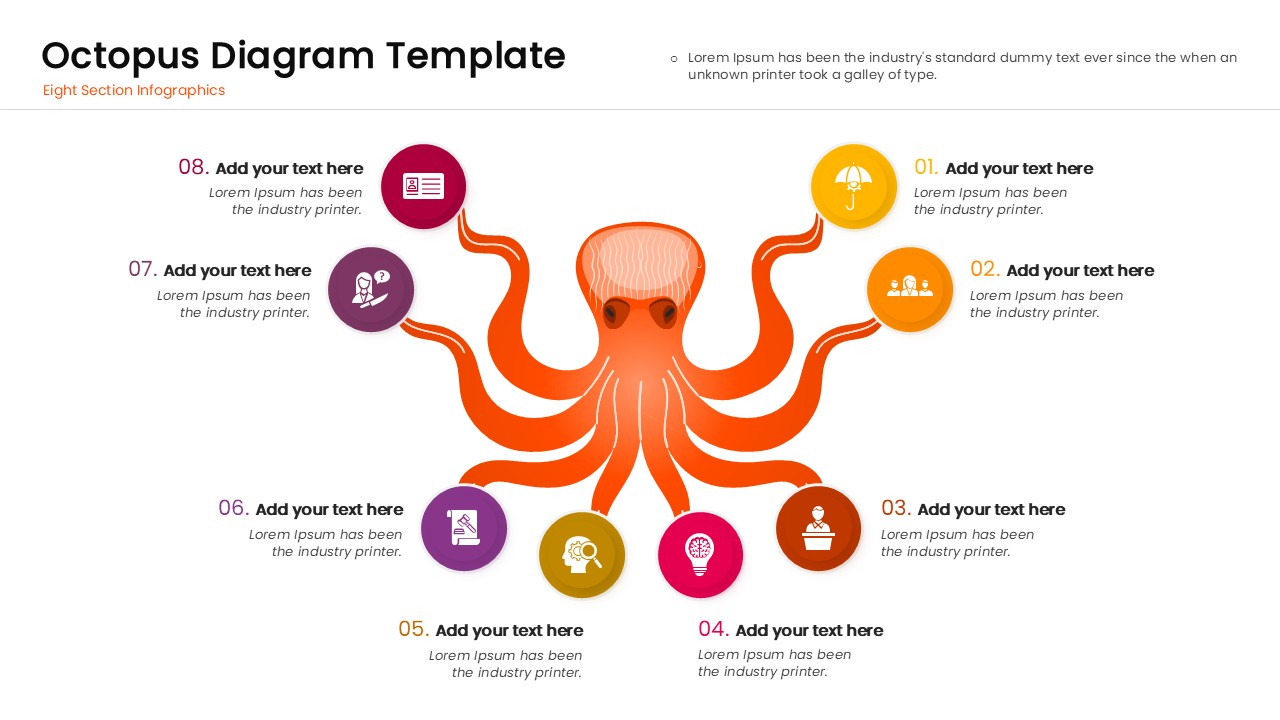
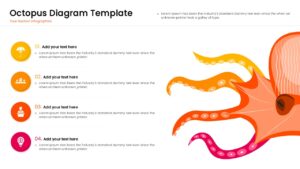
8 Step Octopus Infographic Presentation Template
Download this Octopus Diagram Template to visualize complex strategies, multi-faceted plans, or central management structures effectively. This creative diagram uses a central octopus illustration to connect a core concept to multiple outcomes or steps. It is perfect for presenters who need to show how one central team, idea, or product influences various departments or market segments. Instead of a standard list, use this engaging visual to keep your audience focused on your message while ensuring clarity.
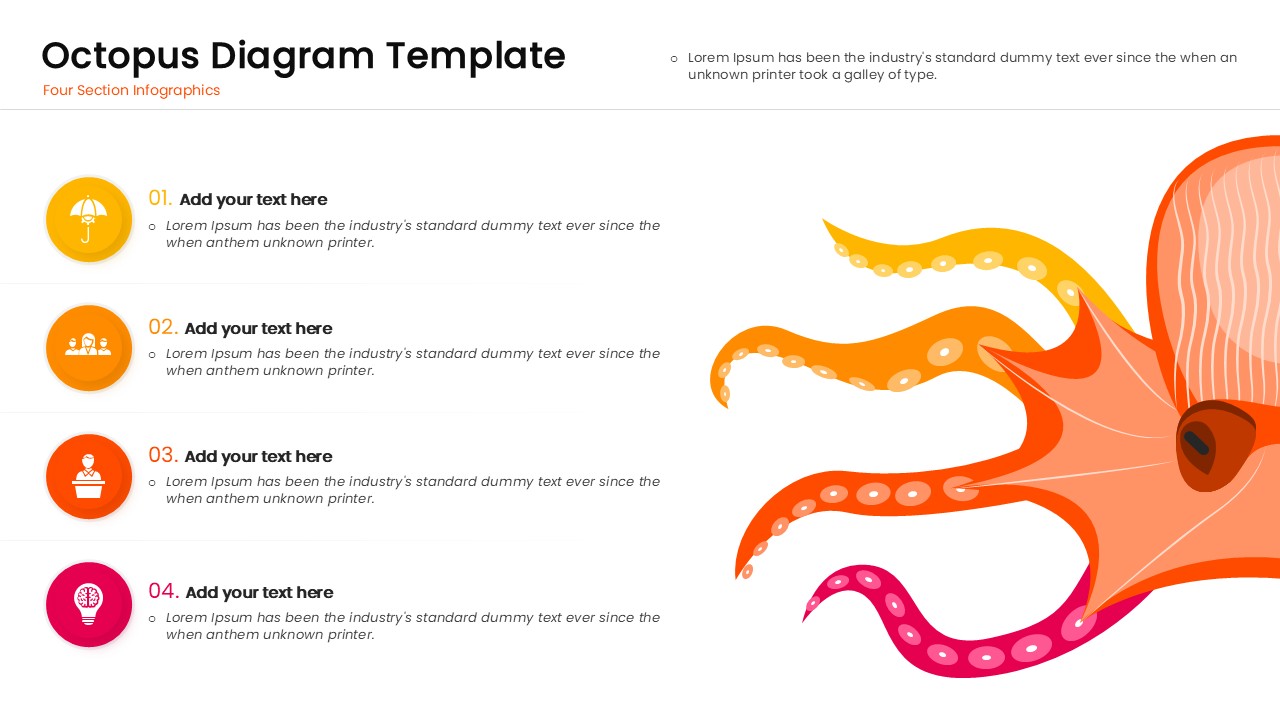
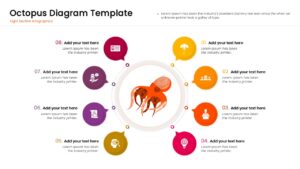
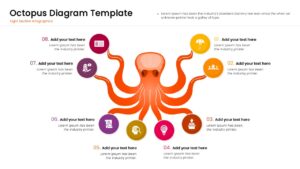
This professional PowerPoint template features a high-quality vector illustration of an octopus with tentacles extending to clearly defined text placeholders and icons. You can easily modify the 8 Step Octopus Infographic or the 4 Step Variation to match your specific content needs. The slide is designed with distinct color-coded circles—ranging from yellow to purple—making it easy to distinguish between different categories or stages. Whether you are outlining a business expansion strategy or a marketing reach plan, the layout ensures your data is organized and easy to follow.
These Octopus diagrams are highly versatile and can be used in various professional and educational scenarios. Use them to demonstrate a central hub management style, where one leader oversees multiple branches. They are also excellent for educational settings to explain topics in a fun way, or in marketing meetings to showcase different channels being utilized in a campaign. The metaphor of the octopus implies reach, flexibility, and control, making it a powerful visual aid for operational reviews or diversification strategies.
Why Use this 8 Step Octopus Diagram
- Visualizes “Hub & Spoke” relationships clearly, showing how one central core drives multiple actions.
- Increases audience engagement with creative, non-standard imagery that stands out from boring text slides.
- Simplifies complex “multi-tasking” or “multi-channel” concepts into a single, easy-to-digest graphic.
- Saves design time with pre-built layouts for both 4-step and 8-step processes.
Who Should Download this Octopus Infographic Template
- Project Managers visualizing a central task with multiple sub-dependencies.
- Marketing Directors showing the reach of a campaign across different social channels.
- Educators and Teachers looking for fun, colorful diagrams to explain biological or structural concepts.
- Business Strategists outlining diversification plans or organizational control structures.
Key Features
- 100% Vector-Based Graphics (fully scalable without losing quality)
- Two Aspect Ratios (16:9 Widescreen & 4:3 Standard)
- Fully Layered & Organized (elements are easy to group/ungroup)
- Multi-Platform Support (PowerPoint & Google Slides)
- Theme Color & Theme Font (adapts to your brand palette)
Frequently Asked Questions
- Can I change the colors of the octopus or the circles?
- Yes, all shapes and vector elements are fully editable. You can change the colors to match your corporate branding or specific project themes directly in PowerPoint or Google Slides.
- Is this template suitable for formal business presentations?
- While the imagery is creative and colorful, it is designed with a professional layout. It is excellent for \"breaking the ice\" or visualizing creative strategies, but sticking to the corporate font can keep it grounded for formal settings.
- Does the download include different aspect ratios?
- Yes, the template comes in both Standard (4:3) and Widescreen (16:9) formats to fit any projector or screen requirement.
Related Templates
-
-
-
 $2.99
$2.99 -