Modern Event Agenda Presentation Template PowerPoint & Google Slides
Daily Schedule & Conference Timetable Template
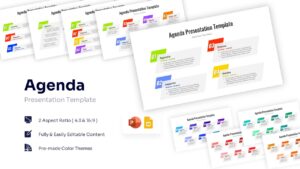
Download this Modern Agenda Presentation Template to set a clear path for your next meeting, conference, or workshop. Whether you are outlining a single-day seminar or a multi-session corporate event, this colorful agenda template helps your audience understand the flow of the day instantly. Providing a structured overview at the beginning of your session builds confidence and ensures attendees know exactly what to expect and when breaks are scheduled.
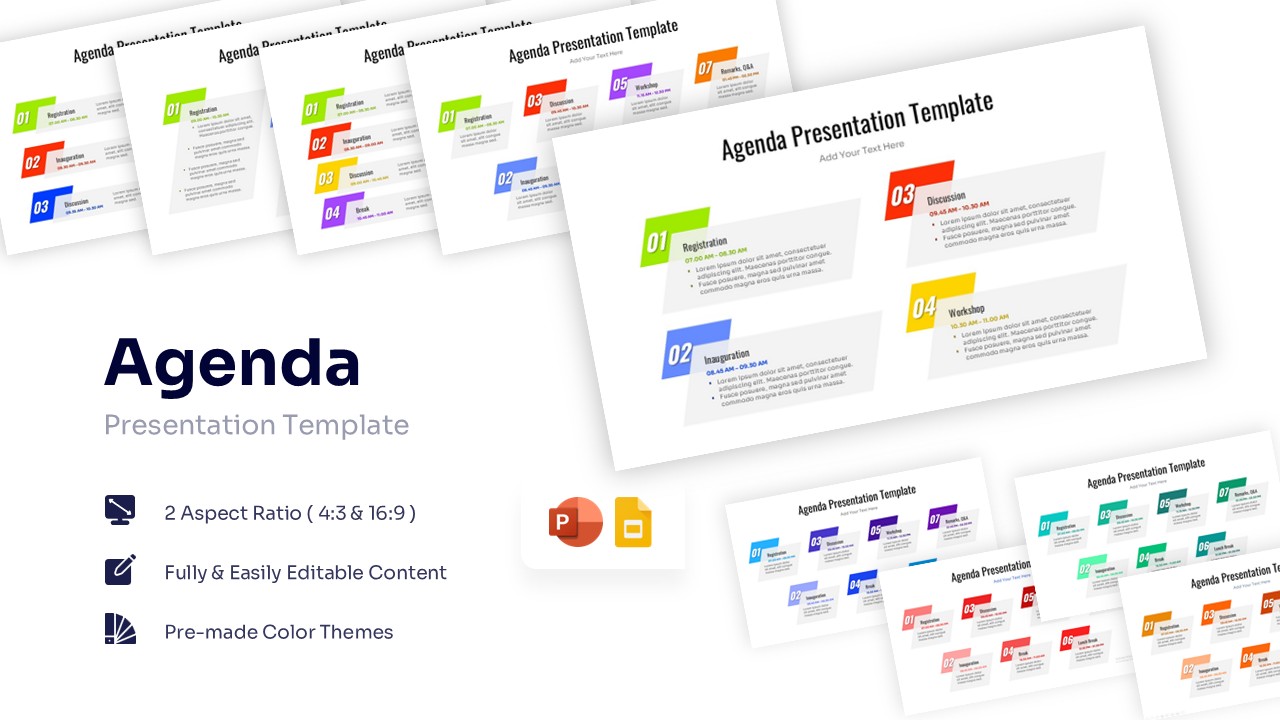
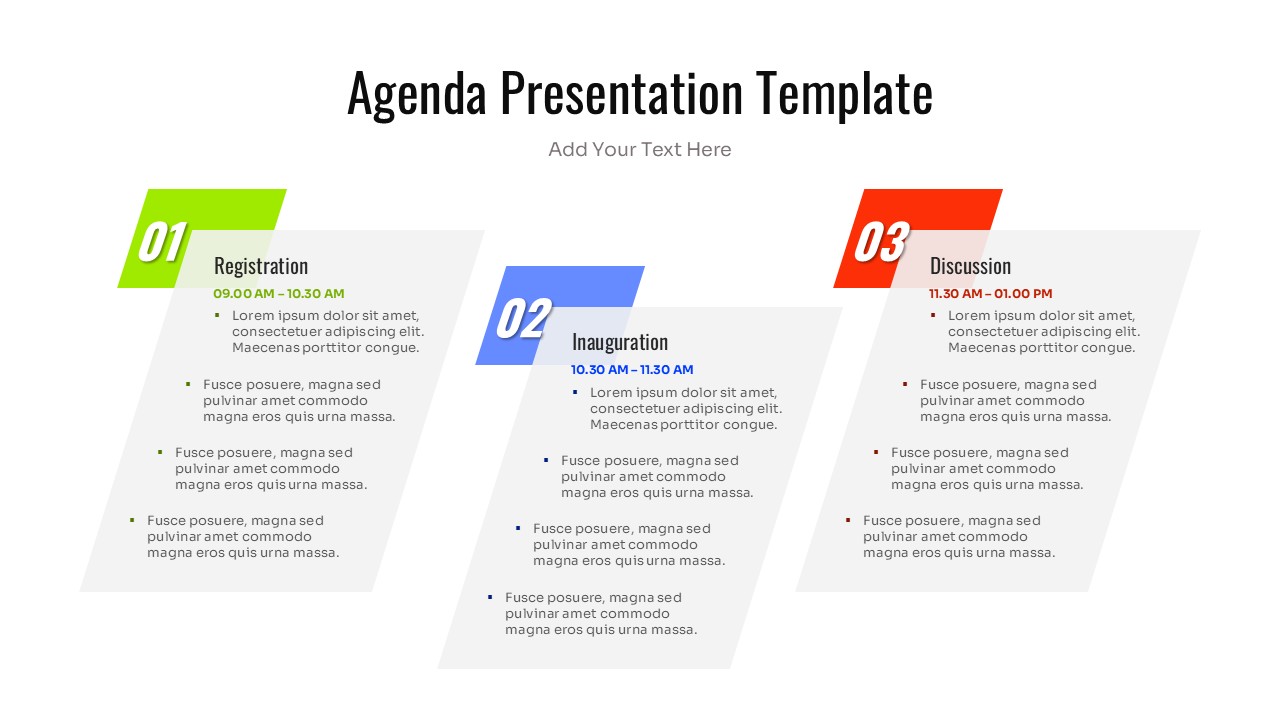
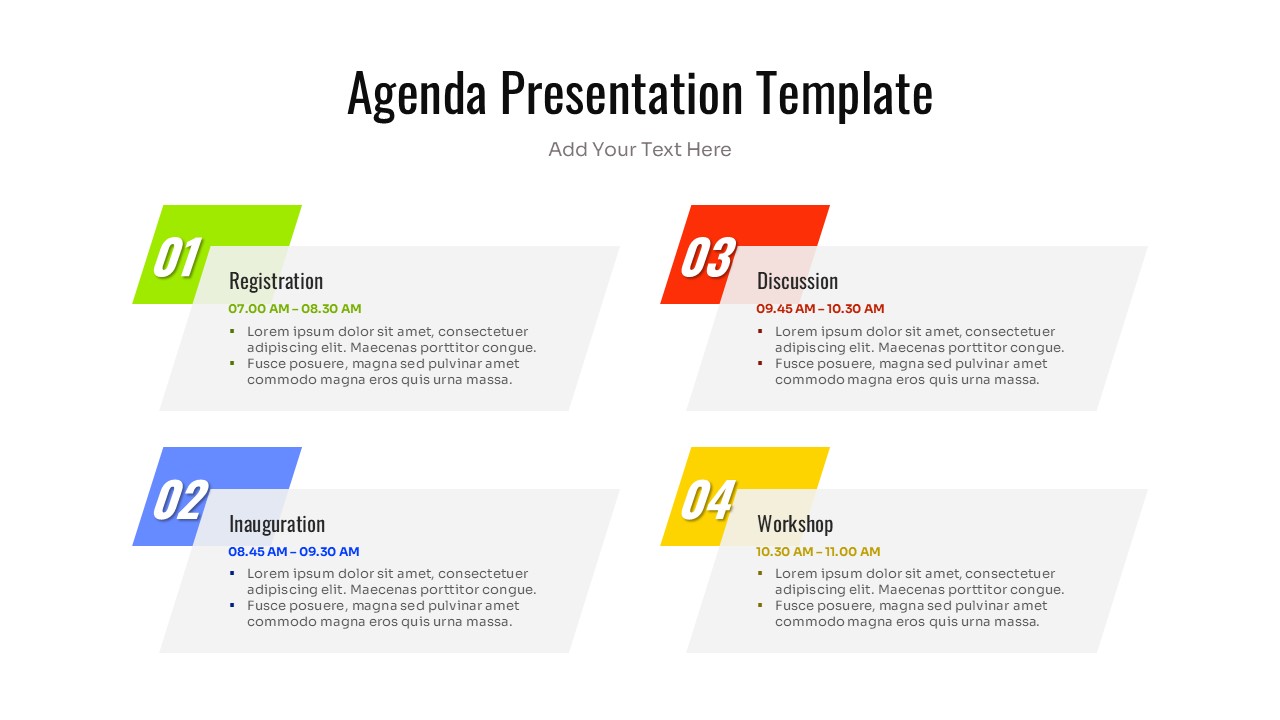
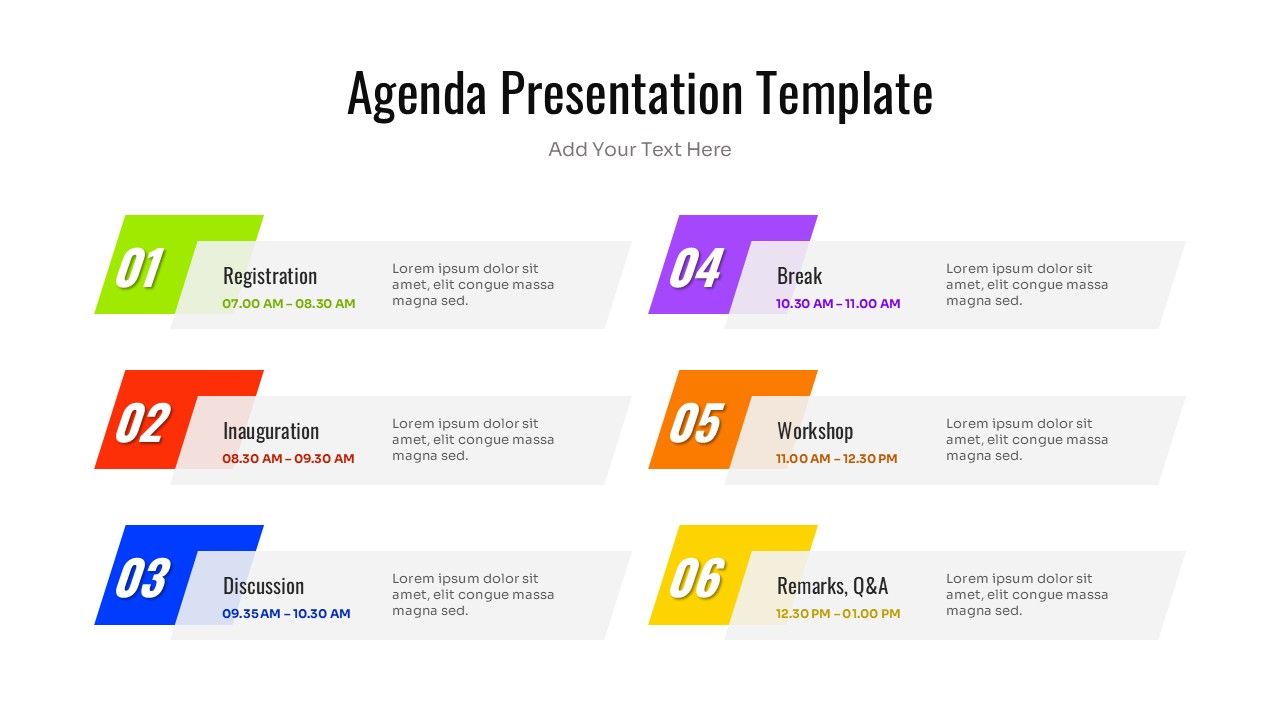
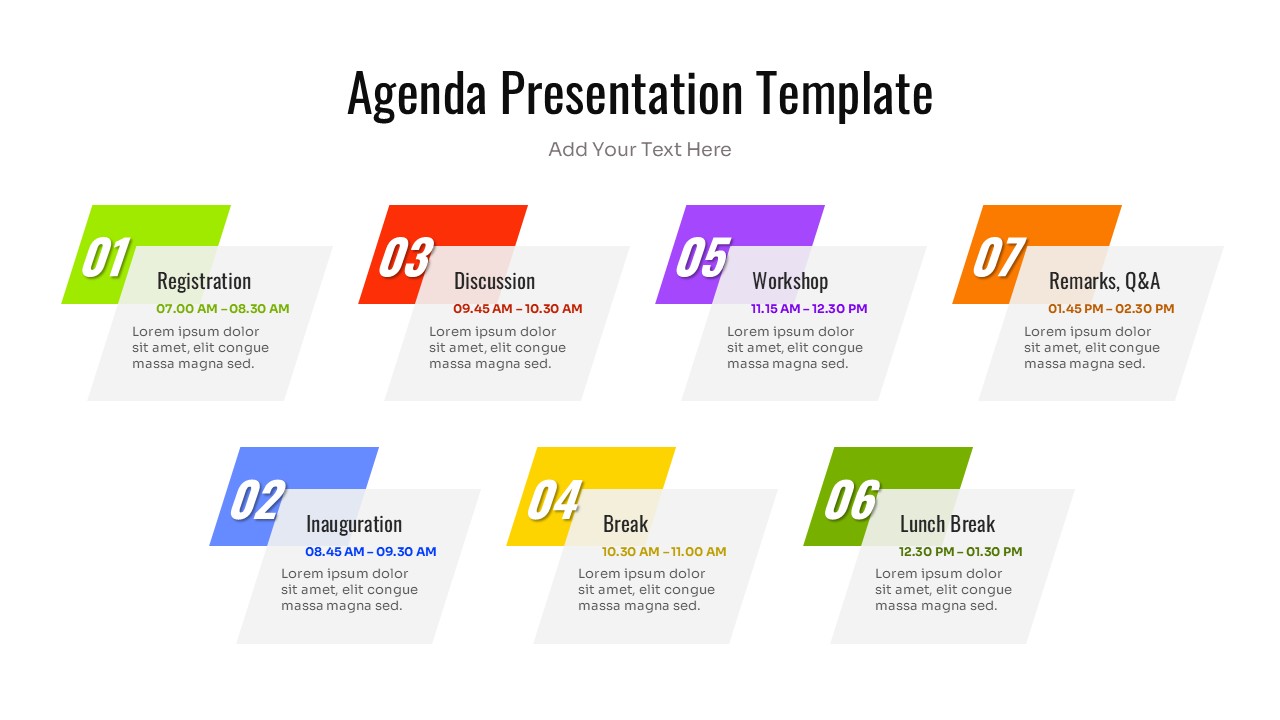
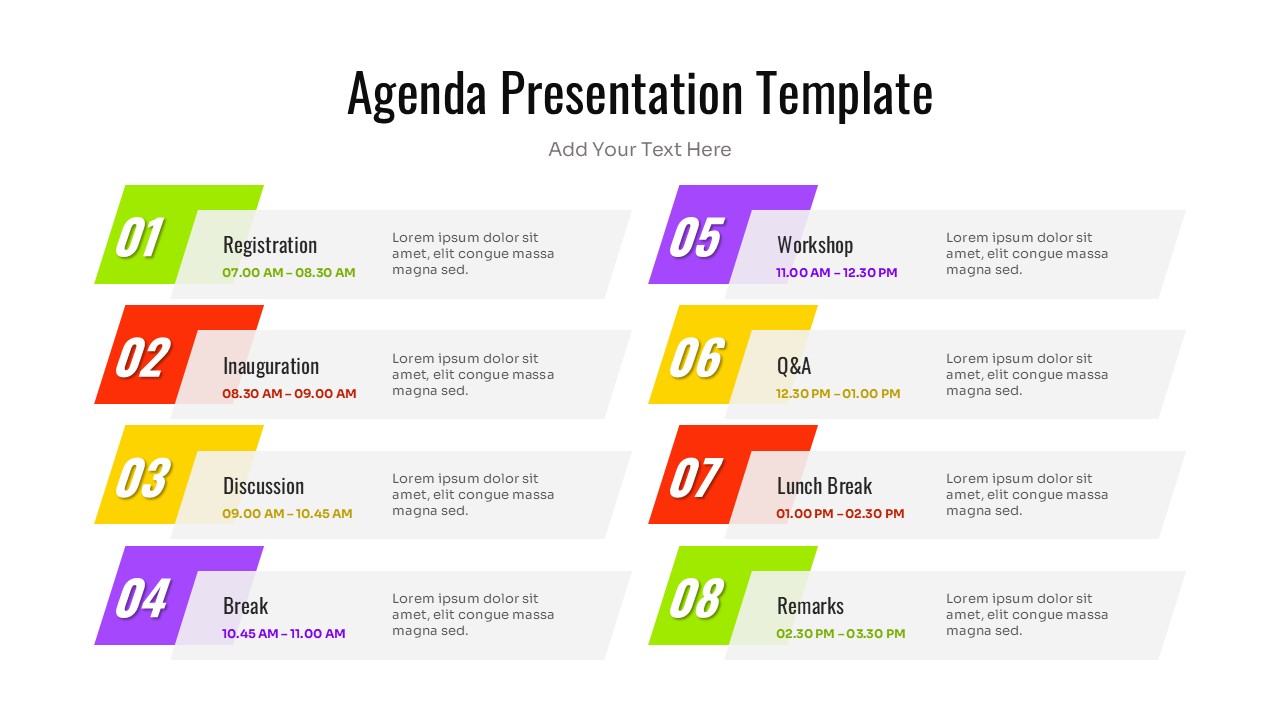
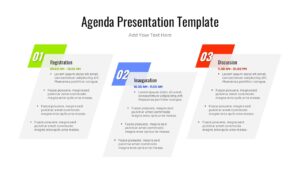
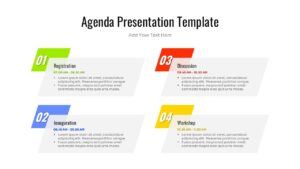
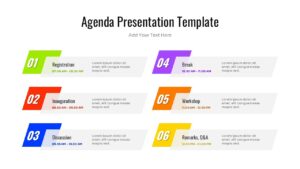
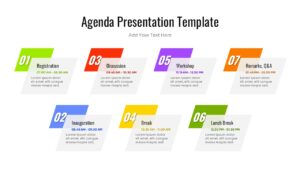
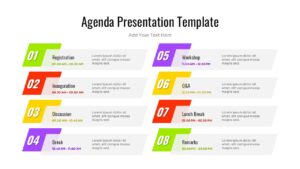
This versatile Agenda presentation template features a clean, geometric design with slanted text blocks and distinct numbering. The layout serves as an effective program itinerary, allowing you to display time slots, session titles, and brief descriptions side-by-side. The modern aesthetic uses color coding to differentiate between segments, making it easy for viewers to scan the content quickly. It is fully adaptable, so you can easily adjust the number of items to fit a simple team meeting or a complex event lineup.
You can use these modern business agenda infographics for a variety of professional and educational scenarios, such as business conferences, academic course outlines, training workshops, or project kickoff meetings. It also works well for sharing distinct timelines or step-by-step procedures in a linear format. By presenting your plan clearly, you keep stakeholders aligned and ensure your event runs smoothly from start to finish.
Why Use this Agenda Infographic template
- Improves Time Management – clearly defines time slots to keep speakers and attendees on track.
- Enhances Professionalism – a polished agenda sets a positive, organized tone for the entire presentation.
- Boosts Audience Retention – helps participants mentally prepare for the topics being covered.
- Saves Design Time – simply input your specific times and topics into the pre-made placeholders.
Who Should Download this Agenda Infographic Template PowerPoint and Google Slides
- Event Planners organizing conferences, seminars, or summits.
- Project Managers outlining kickoff meetings or project phases.
- HR Professionals structuring orientation days or training workshops.
- Educators presenting lesson plans or course schedules to students.
Key Features
- 100% Vector-Based Graphics
- Fully Layered & Organized
- Multi-Platform Support
- Theme Color & Theme Font
- Multiple Layout Options
Frequently Asked Questions
- Can I change the colors of the agenda blocks?
- Yes, the template is fully editable. You can change the colors of the individual blocks to match your company branding or specific event theme using the standard color tools in PowerPoint or Google Slides.
- How many agenda items can I add?
- The template pack comes with multiple slide variations supporting different numbers of items (ranging from 3 to 8 steps). You can also duplicate slides to continue the agenda on a second page if needed.
- Is the text fully editable?
- Absolutely. All text fields, including the numbers (01, 02, etc.), headers, time slots, and description text, are completely editable placeholders.
- Does this template use standard fonts?
- Yes, it uses standard theme fonts. However, you can easily switch to your own corporate fonts, and the layout will maintain its structure.
- Can I use this for a timeline instead of an agenda?
- Yes, the linear and numbered nature of the design makes it perfect for project timelines, roadmaps, or process steps.