Quarterly Business Review Template for PowerPoint & Google Slides
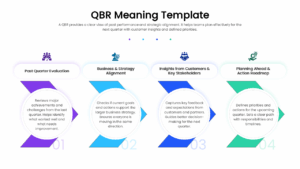
QBR Definition and Strategic Alignment Presentation Template
Download this Quarterly Business Review Template to clearly define the purpose of your strategic sessions and set the stage for productive discussions. A QBR is essential for maintaining transparency between teams and stakeholders, acting as a dedicated moment to pause, reflect on the last ninety days, and pivot where necessary. Whether you are a Customer Success Manager aligning with a client or a Sales Director briefing your internal team, this professional marketing report template helps you articulate the “why” behind the meeting effectively.
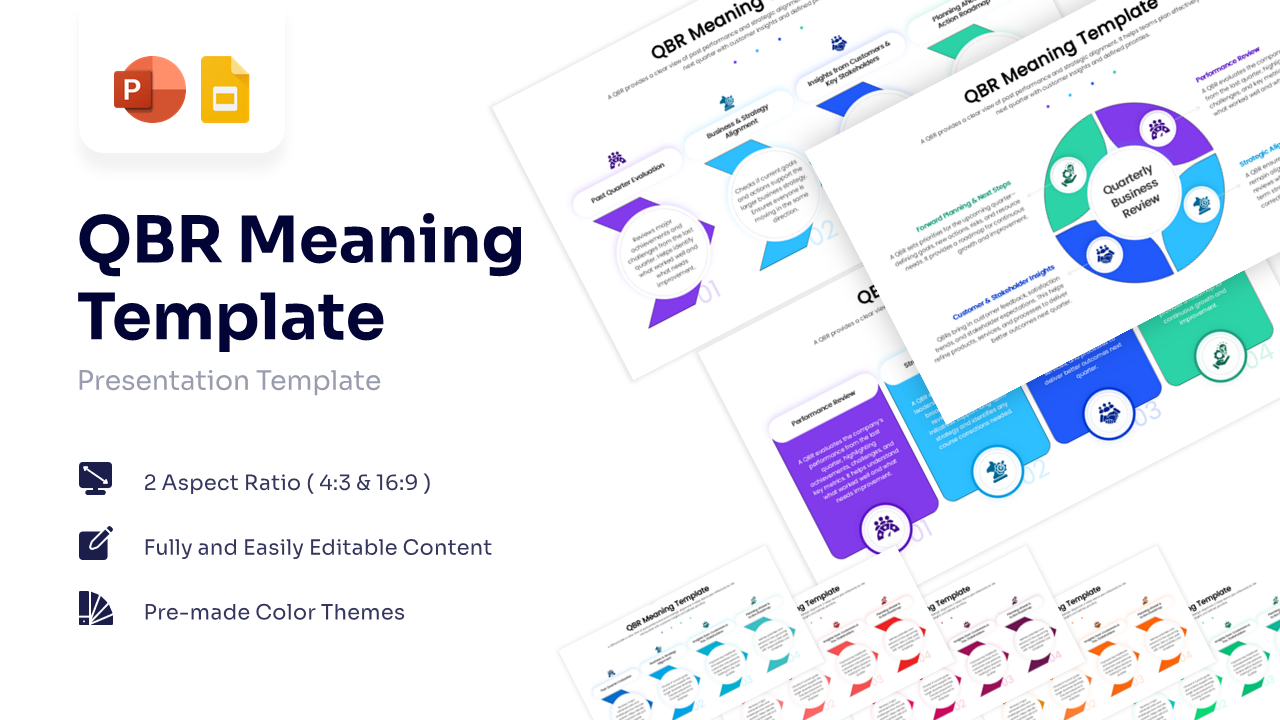
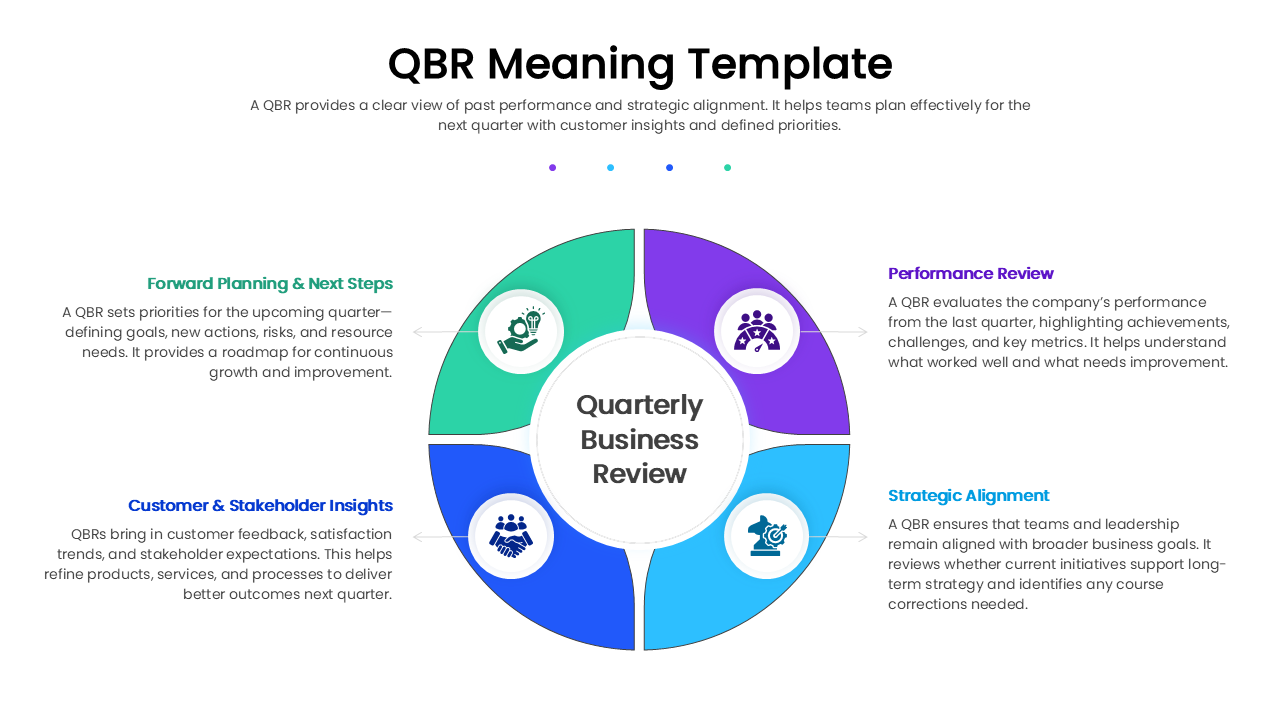
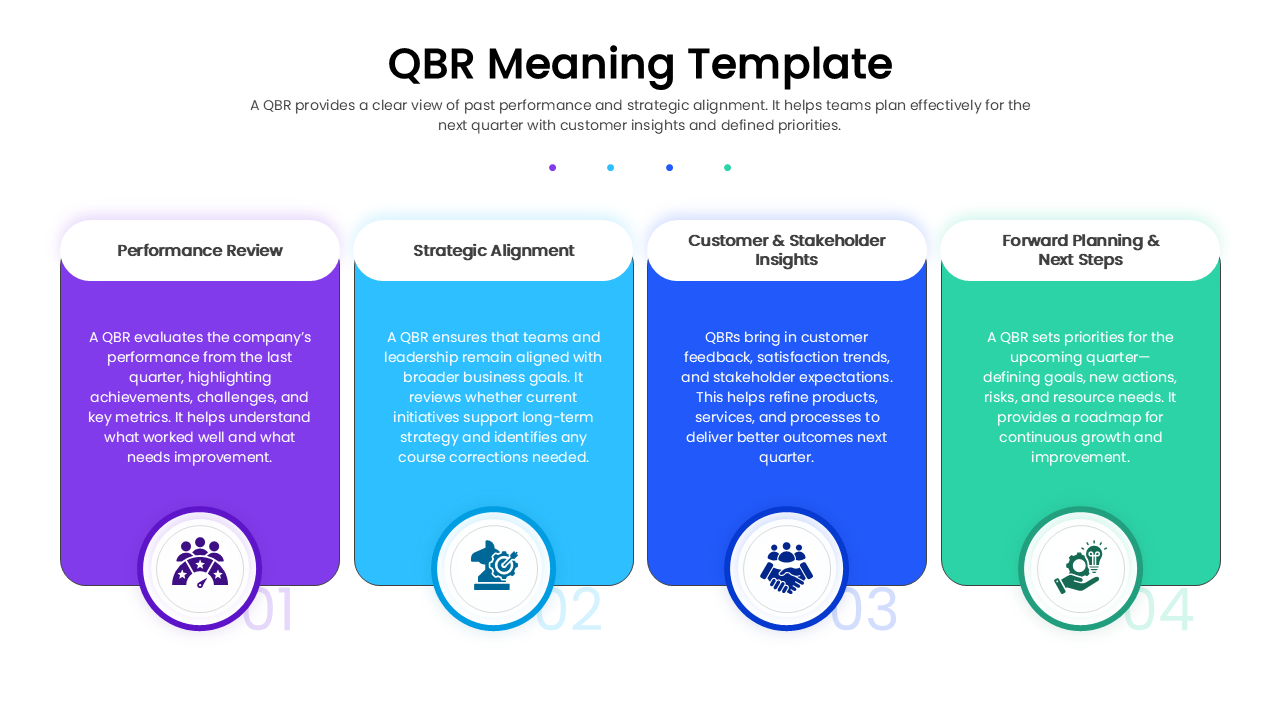
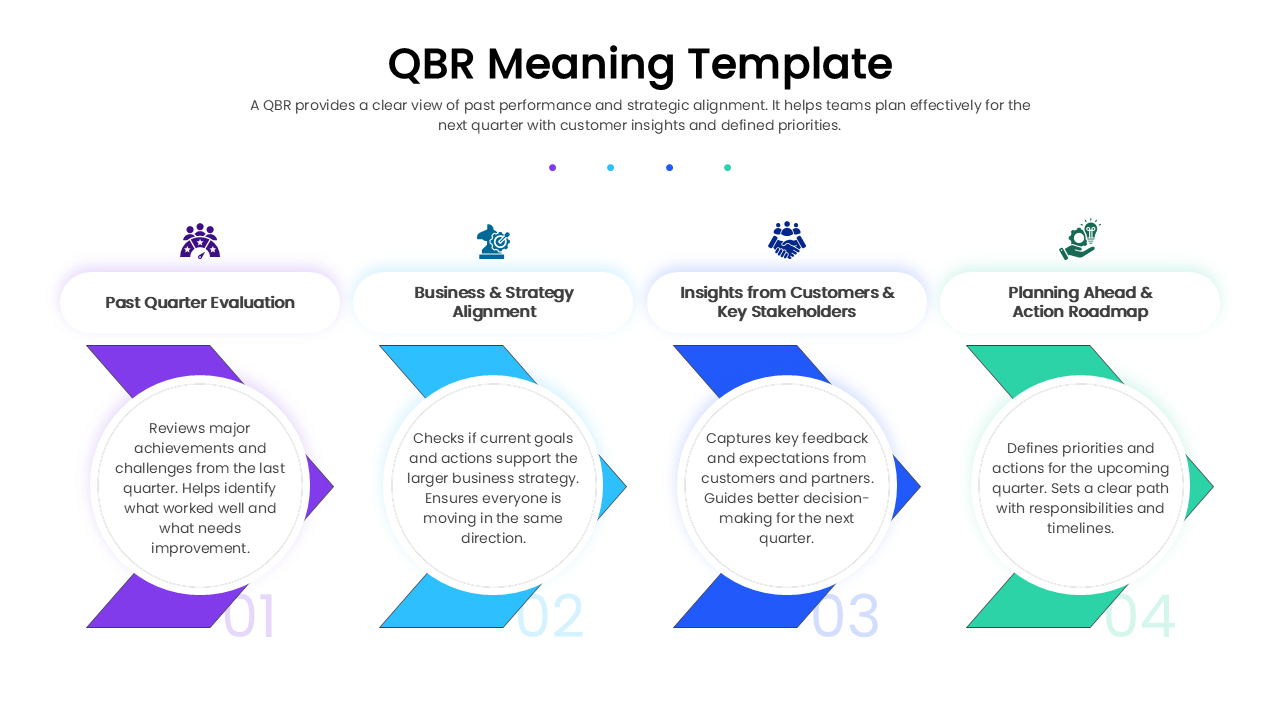
This QBR business report template features three distinct layouts designed to visualize the QBR process flow and strategic pillars. You can choose from a linear arrow diagram that maps the journey from past review to future planning, a set of detailed vertical cards for deep-diving into specific metrics, or a segmented circular chart that emphasizes the cyclical nature of continuous improvement. The designs use a professional four-color scheme to distinguish between key phases like performance evaluation, strategic alignment, delivering insights, and roadmapping the future.
You can use these reporting PowerPoint slides at the beginning of your quarterly meeting to set the agenda or within a training deck to teach junior staff about account management best practices. It serves as an excellent visual anchor to ensure everyone understands that the goal is not just reporting numbers, but achieving strategic alignment. By visually breaking down the definition and objectives of the review, you transform a standard update into a collaborative workshop that drives actionable results and strengthens professional relationships.
Why Use this Quarterly Business Review Template
- Clarifies Objectives: Visually breaks down the four pillars of a QBR—Performance, Alignment, Insights, and Planning—so teams know exactly what to expect.
- Saves Preparation Time: Provides a ready-made structure for your meeting agenda or training materials, eliminating the need to design from scratch.
- Enhances Professionalism: Clean, modern layouts with consistent iconography help you present like a pro and build confidence with leadership.
- Versatile Visualization: Offers multiple ways to present the same concept (process vs. cycle vs. comparison), allowing you to choose the best fit for your audience.
Who Should Download this QBR Report Template
- Customer Success Managers: To explain the QBR process to clients and set expectations for the partnership.
- Sales Directors & Executives: To align internal teams on quarterly goals and review protocols.
- Business Consultants: To illustrate best practices for strategic reviews and operational planning.
- Project Managers: To outline the roadmap and review past milestones with key stakeholders.
Key Features
- Three Unique Layouts: Includes a linear arrow process flow, detailed vertical description cards, and a segmented circular diagram.
- 100% Vector-Based Graphics: Diverse shapes and icons are fully scalable without losing quality.
- Fully Layered & Organized: Elements are grouped for easy editing and customization.
- Theme Color & Theme Font: Automatically adapts to your brand’s palette when you copy it into your master deck.
Frequently Asked Questions
- What is a QBR Meaning Template used for?
- It is used to define and visualize the components of a Quarterly Business Review, helping stakeholders understand the meeting\'s agenda, such as reviewing past performance and planning future actions.
- Can I change the colors to match my company branding?
- Yes, this template is fully editable. You can easily change the colors of the arrows, cards, and circular segments to match your corporate identity.
- Is this template compatible with Google Slides?
- Absolutely. This template is optimized for both PowerPoint and Google Slides, ensuring smooth editing and presentation across platforms.
Related Templates
-
-
-
 $3.99
$3.99 -