
11 Best Alternative to Slidesgo for PowerPoint and Google Slides Templates



Slidesgo Alternative You Shouldn’t Miss in 2026
For most presenters, when searching for the best free presentation templates, one name instantly strikes the mind: ”Slidesgo.”
Today Slidesgo has firmly established itself as a crowd favorite—the absolute go-to for students, teachers, and creatives hunting for fun, illustrated Google Slides themes. Their platform is practically synonymous with ‘engaging presentations,’ offering a massive library of colorful, graphic-heavy designs that transform boring bullet points into visual stories. It is the destination for anyone looking to ditch the stiff, default look for something artistic, playful, and free.
Why Look for a Best Alternatives to SlidesGo?
But what if you are a project manager needing a Gantt chart? Or a marketer needing a conversion funnel?
Often, the whimsical designs on Slidesgo don’t translate well to the boardroom. If you are looking for Slidesgo alternatives that offer more professional, data-driven, and fully editable templates, you have come to the right place. WinSlides presentation experts have listed top platforms in 2026 to help you find the perfect match.
Top 7 Best Slidesgo Alternative Compared
Sifting through thousands of free templates can feel like finding a needle in a haystack—especially when you need something client-ready. To save you the search, we’ve tested and hand-picked the top contenders that fill the gaps Slidesgo leaves behind. From vector-rich diagrams to corporate-grade infographics layouts, here is how the best alternative website stack up for the modern professional.
1. WinSlides – Best for Business & Data Visuals
View: WinSlides
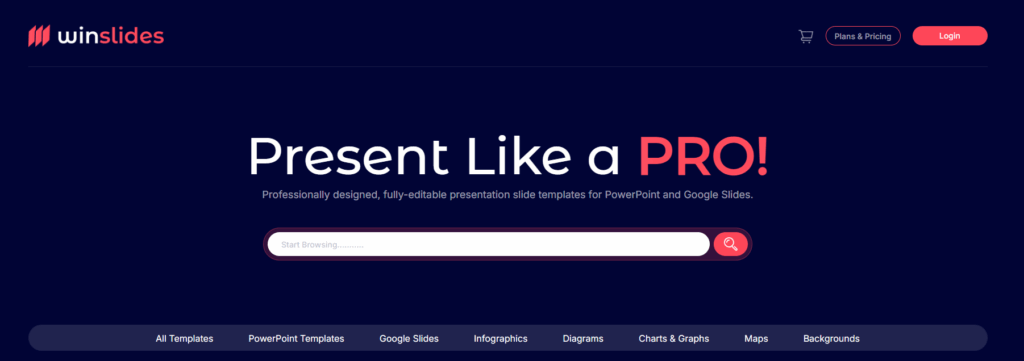
We are starting our blog with own platform, yes we guarantee WinSlides is best SlidesGo alternative, perfect for anyone focused on data. Here, you will find amazing infographics designed specifically to make your data visualization more interesting and professional. Unlike Slidesgo, which focuses heavily on decorative illustrations, WinSlides prioritizes usability and business logic. Here find vast library of editable diagrams and charts, professional infographics, diagrams, making it the perfect choice for professionals who need to turn complex information into clear, actionable slides.
2. SlideModel – For Maps and 3D Shapes
View: SlideModel
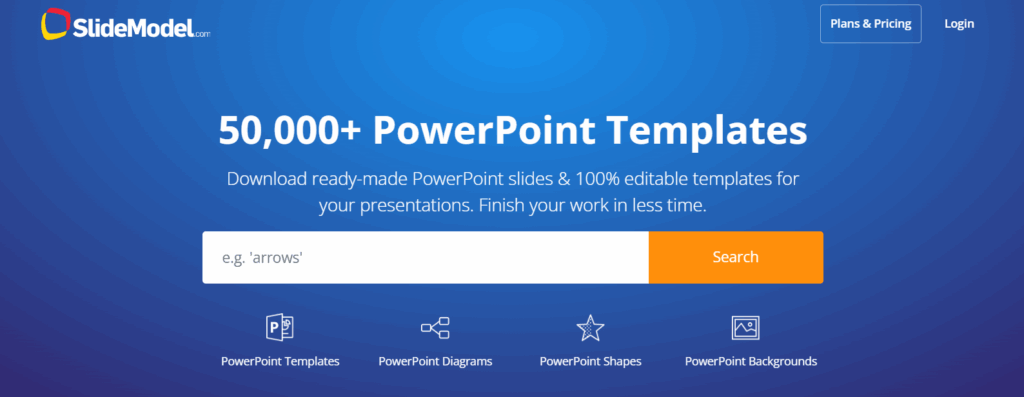
SlideModel is a powerhouse for users who need strict, corporate-ready designs without the fluff. While Slidesgo relies on artistic flair, SlideModel differentiates itself by offering a massive library of 100% editable maps and 3D shapes that are incredibly difficult to design from scratch. It is an excellent choice for executives and consultants looking for a vast subscription library of serious business diagrams, though it lacks the “free forever” flexibility of Slidesgo’s creative themes.
3. Canva – Best for Non-Designers

View: Canva
Canva takes a different approach by offering a complete drag-and-drop design suite rather than just downloadable templates. It is the ultimate playground for non-designers, giving you access to millions of stock photos, videos, and graphics right inside the editor. While Slidesgo is great for quick Google Slides themes, Canva allows for total creative customization from the ground up. However, be aware that exporting designs from Canva to PowerPoint can sometimes result in non-editable text or formatting shifts.
4. SlidesMania – Best for Education and Gamified Slides
View: SlidesMania
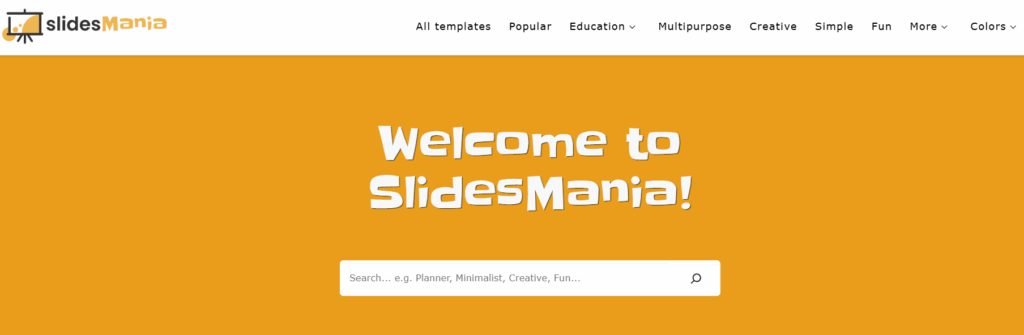
If you love the “fun” aspect of Slidesgo but want something even more interactive, SlidesMania is the cult favorite you need to know. This SlidesGo alternative is legendary among teachers and educators for its unique gamified templates, turning standard presentations into interactive quizzes, digital notebooks, and “Jeopardy”-style games. Compared to Slidesgo, Slidesmania beats creativity and often feels more personal and hand-crafted. Since everything is completely free, it is an unbeatable resource for the classroom, though it may lack the rigid corporate structure needed for formal business reviews.
5. SlideChef – Best for Modern, Creative & Unique Designs
View: SlideChef
SlideChef shines when you want the free convenience of Slidesgo but prefer a cleaner, more modern aesthetic. It offers a curated collection of amazing free resources that feel fresh and uncluttered, perfect for startups and lifestyle brands. While Slidesgo leans heavily into cartoons and complex illustrations, SlideChef focuses on sleek typography and high-quality imagery. If you are looking for a polished look without the “busy” feel of a standard classroom template, this is a fantastic zero-cost option.
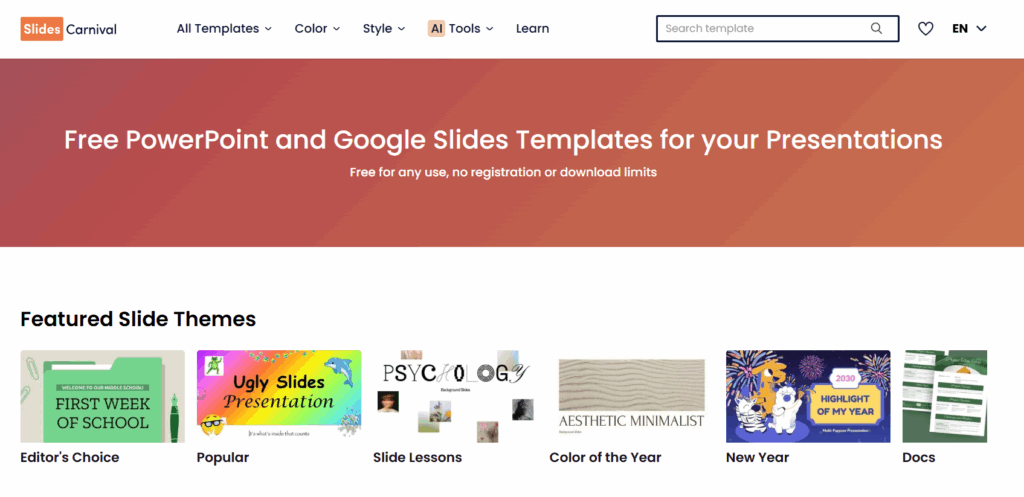
6. Slides Carnival – Best for Free and Premium Templates
View: SlidesCarnival
SlidesCarnival is the veteran of the free PowerPoint template and Google Slides world and remains a strong contender for its sheer simplicity. Unlike newer platforms that push subscriptions or complex accounts, SlidesCarnival offers high-quality, completely free themes that are incredibly easy to grab and go. Their designs strike a great balance—professional enough for a meeting but creative enough for a classroom. While it may not have the massive volume of Slidesgo or the deep data visualization tools of WinSlides, it is the perfect choice for anyone who wants a solid, stylish deck without jumping through hoops.
7. SlideBazaar – Best for Diverse Industry-Specific Themes
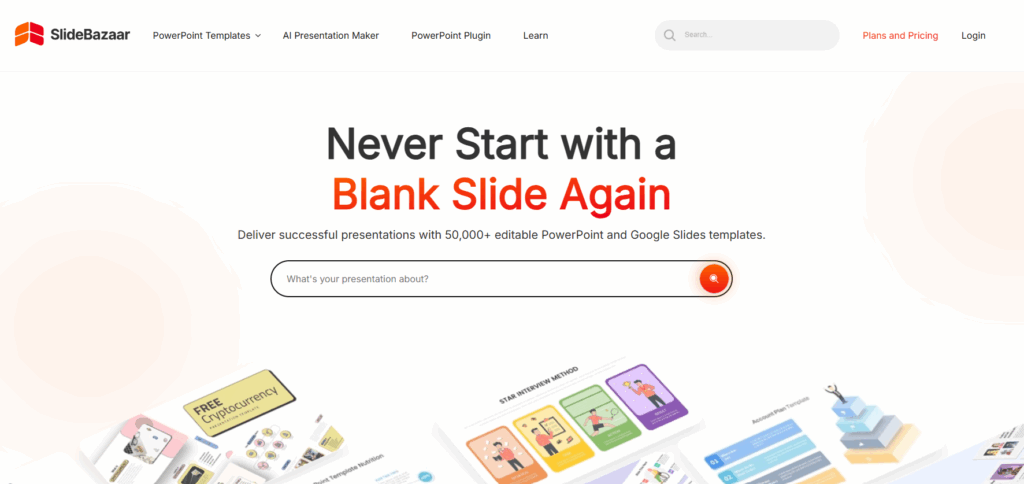
SlideBazaar stands out by offering a massive variety of high-quality templates that cater specifically to distinct industries like medical, marketing, and finance. While Slidesgo is broad and general, SlideBazaar goes deep into niche business topics, ensuring you find exact matches for specialized presentations. It strikes a great middle ground—offering the visual appeal of creative templates but with the structure required for professional use. Whether you need a specific marketing funnel or a medical case study slide, their library offers a depth to create impactful presentations that generalist sites often miss.
8. SlideKit – Best for Modern UI & Dashboard Layouts
View: SlideKit
SlideKit focuses on delivering a premium, app-like aesthetic that feels incredibly modern and sleek. It is an excellent alternative if you want your slides to look like high-end software dashboards or tech product showcases. Unlike the often “flat” illustrative style of Slidesgo, SlideKit uses sophisticated gradients, shadows, and UI-inspired layouts that pop on screen. It is particularly strong for startups, SaaS companies, and tech professionals who need their decks to reflect a cutting-edge brand image.
9. PresentationGO – Best for Specific Diagrams & Charts
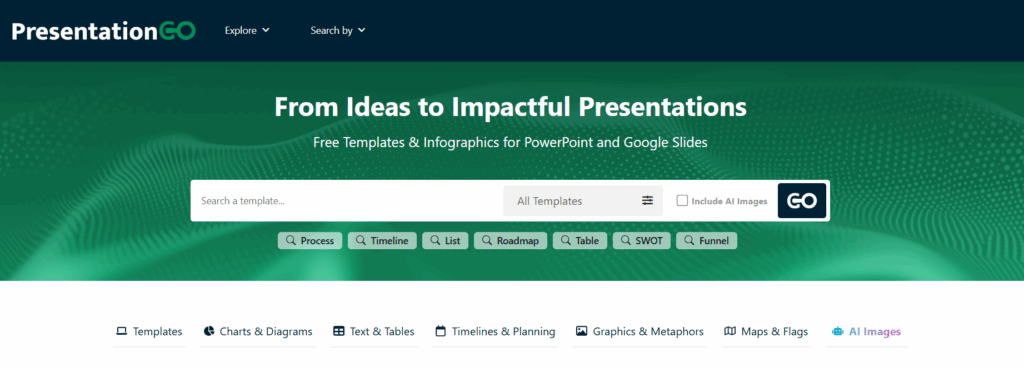
View: PresentationGo
PresentationGO is the ultimate utility player for presenters who need specific visual aids rather than just full themes. While Slidesgo focuses on cohesive, story-driven decks, PresentationGO offers a vast collection of high-quality diagrams, maps, and charts. It is the perfect resource when you have a specific concept to visualize—like a puzzle diagram or a timeline—and need a plug-and-play slide immediately. With a vast library of free, fully editable professional presentation templates, it is an essential bookmark for building custom decks piece by piece.
10. Slidesgo AI Presentation Maker – Best for Instant Deck Generation
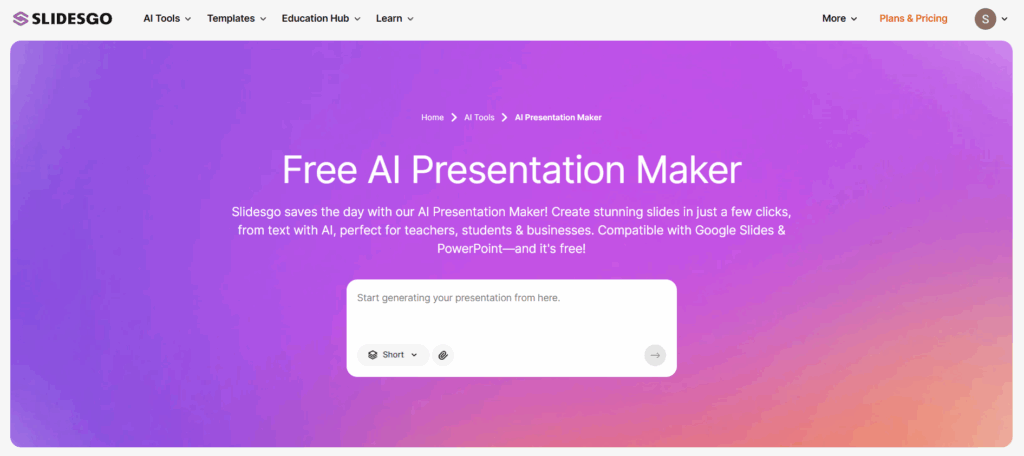
View: SlidesGo AI
If you are pressed for time, Slidesgo’s AI Presentation Maker is a game-changer that automates the entire design process. Instead of browsing through thousands of templates, you simply type a prompt—like “marketing plan for a coffee shop”—and the tool generates a complete slide deck with relevant text, images, and layouts in seconds. While it uses the same creative flair as their standard library, this tool is perfect for overcoming “blank page syndrome,” giving you a fully structured starting point that you can then customize and refine.
11. Envato Elements – Best for Unlimited Creative Assets
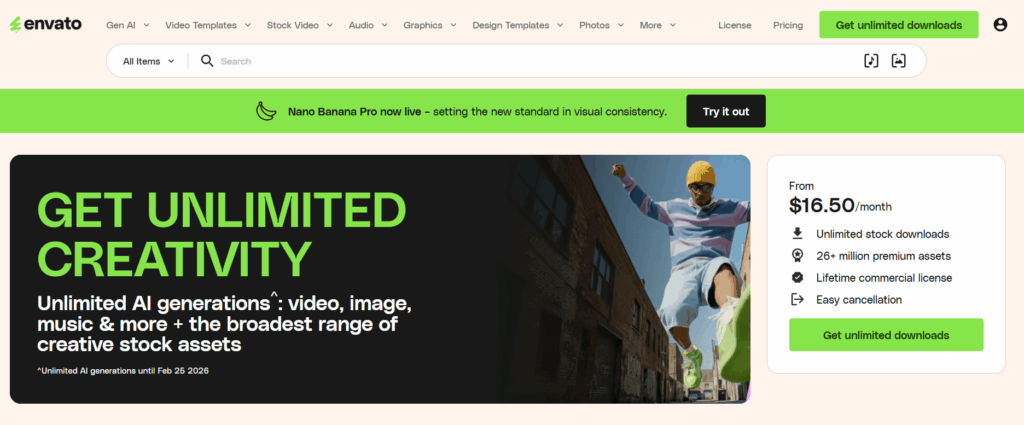
View: Envato Elements
Envato Elements is the “Netflix” of creative resources and the best value-for-money option if you need more than just slides. Unlike Slidesgo, which focuses solely on presentation themes, Envato offers an “all-you-can-eat” subscription that includes thousands of premium presentation templates plus stock photos, fonts, graphics, and video assets. It is the perfect ecosystem for agencies and heavy creators who need a constant stream of high-quality resources without paying for individual downloads. While it lacks a free tier, the sheer volume and professional quality of the assets make it an unbeatable investment for serious projects.
What is Better Than Slidesgo?
The list above covers the absolute best alternatives to Slidesgo, ranging from the ultra-professional data visualization of WinSlides to the modern free library of SlideChef. Our experts have carefully selected these top famous contenders to ensure you have the right tool for every occasion.
However, the world of presentation design is vast. If you are still exploring options or have a specific niche need, here are a few more notable platforms you can check out:
- SlideHeap: Great for finding underrated, high-quality professional decks.
- Beautiful.ai: Perfect if you want AI to handle the layout and design logic for you automatically.
- PPTMON: A solid resource for simple, effective, and completely free presentation themes.
- SlideGeeks: Good for quick access to a wide variety of standard business templates.
Is SlidesGo better than Canva?
Slidesgo and Canva are arguably the two most popular design tools in the market today. If you ask a student, a teacher, or a marketer where they start their presentation design, the answer is almost always one of these two giants. However, comparing them is a bit like comparing apples to oranges because they work in fundamentally different ways.
Here is a quick breakdown to help you decide which one is better for you:
1.The Workflow Difference
- Slidesgo is primarily a template library. Its main job is to provide you with a pre-designed file that you download and edit elsewhere (usually in Google Slides or PowerPoint). It is perfect if you like the familiar tools of standard presentation software.
- Canva is a complete web-based design suite. You do not download a template to edit later; you build and edit the entire presentation directly inside Canva’s drag-and-drop editor.
2.Customization & Flexibility
- Slidesgo relies on the “Slide Master” functionality of Google Slides or PowerPoint. This is great for keeping formatting consistent, but it can be rigid if you don’t know how to edit master slides.
- Canva offers total creative freedom. You can drag, drop, recolor, and animate any element instantly. It is much easier for non-designers to create complex layouts without fighting against text boxes.
3.The Verdict
- Choose Slidesgo if you want to work offline in PowerPoint or collaborate strictly in Google Slides. It is often better for heavy text or academic presentations.
- Choose Canva if you want access to millions of stock photos, videos, and graphics and prefer a modern, easy-to-use interface over traditional slide software.
Conclusion: Which Alternative is Right for You?
Ultimately, choosing the right alternative to Slidesgo depends entirely on the nature of your presentation and your audience. While Slidesgo is fantastic for creative and educational themes, professionals often require more structure and better data visualization tools to make a real impact.
If you are looking to elevate your business decks with actionable infographics and corporate layouts, WinSlides is the clear choice to consider, while SlideChef offers a perfect solution for those seeking modern, minimalist free Google Slides themes and PowerPoint templates. By selecting the platform that aligns with your specific goals—whether that is closing a deal, teaching a class, or pitching a startup—you ensure that your design supports your message rather than distracting from it.
Related Blogs
-

Best Pitch Deck Examples from Successful Startups (Free Templates)
The 90% Rule – Why Most Pitch Deck Fails to Get a Second Look For any startup to make their business successful, they need funding to fuel growth, hiring, and market expansion. A brilliant idea is only half the battle; transforming that idea into a scalable business requires significant capital. Yet, securing that vital seed…