
Free Business Process Workflow Flowchart Template for PowerPoint & Google Slides
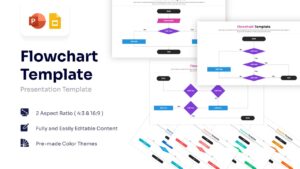
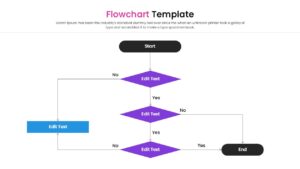
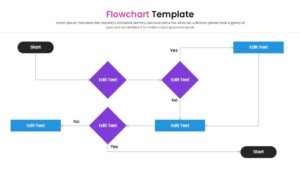
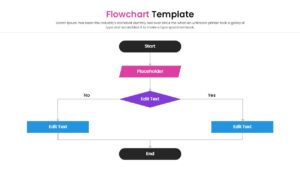
Standard Decision Tree & Algorithm Workflow Presentation Template
Download this Free Flowchart Template to map out complex processes and decision trees with clarity. Whether you are documenting a new business strategy, outlining a software algorithm, or defining an operational workflow, this simple process infographic template helps you organize information logically. It is designed to turn confused ideas into a clear, step-by-step visual path that your team can easily follow and understand.
This simple work flowchart template is built with fully editable vector shapes, allowing you to modify paths, resize decision diamonds, and adjust colors to match your corporate branding. These includes standard symbols for starts, ends, and decision points, ensuring that your workflow visualization adheres to professional standards while keeping the design clean and accessible.
You can apply this infographic flow chart template in various business contexts, such as mapping out Standard Operating Procedures (SOPs) for operations teams or visualizing data flows for IT projects. It is also excellent for creating customer journey maps, troubleshooting guides, or project management approval hierarchies. By presenting the logic visually, you help stakeholders quickly identify bottlenecks and understand the sequence of actions required for success.
Why Use this Flowchart Infographic Template
- Simplifies complex systems into easy-to-read visual steps.
- Standardizes how your team documents workflow diagrams and procedures.
- Helps identify bottlenecks or missing steps in a process map.
- Saves hours of design time with a layout that is already structured for logic.
Who Should Download this Process Flowchart Diagram
- Project Managers defining scope and project lifecycles.
- Software Engineers and Developers mapping out code logic or algorithms.
- Operations Managers creating Standard Operating Procedures (SOPs).
- Business Analysts visualising data flows and decision points.
Key Features
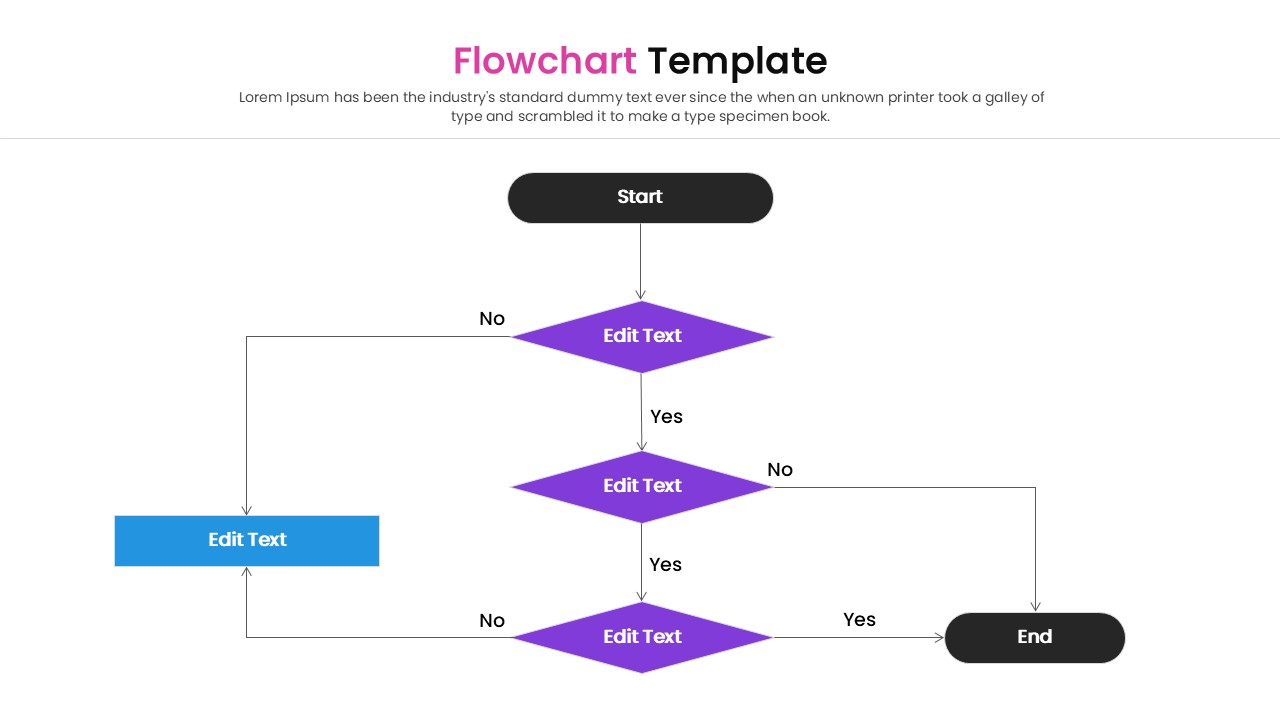
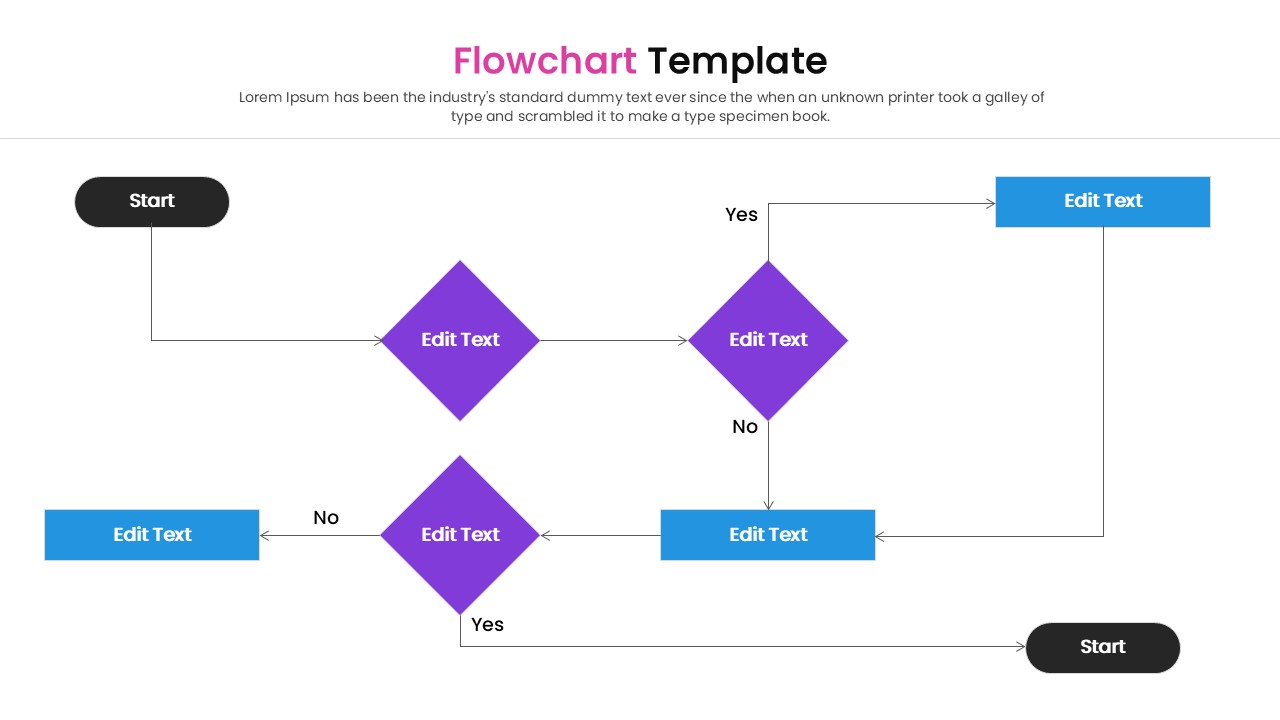
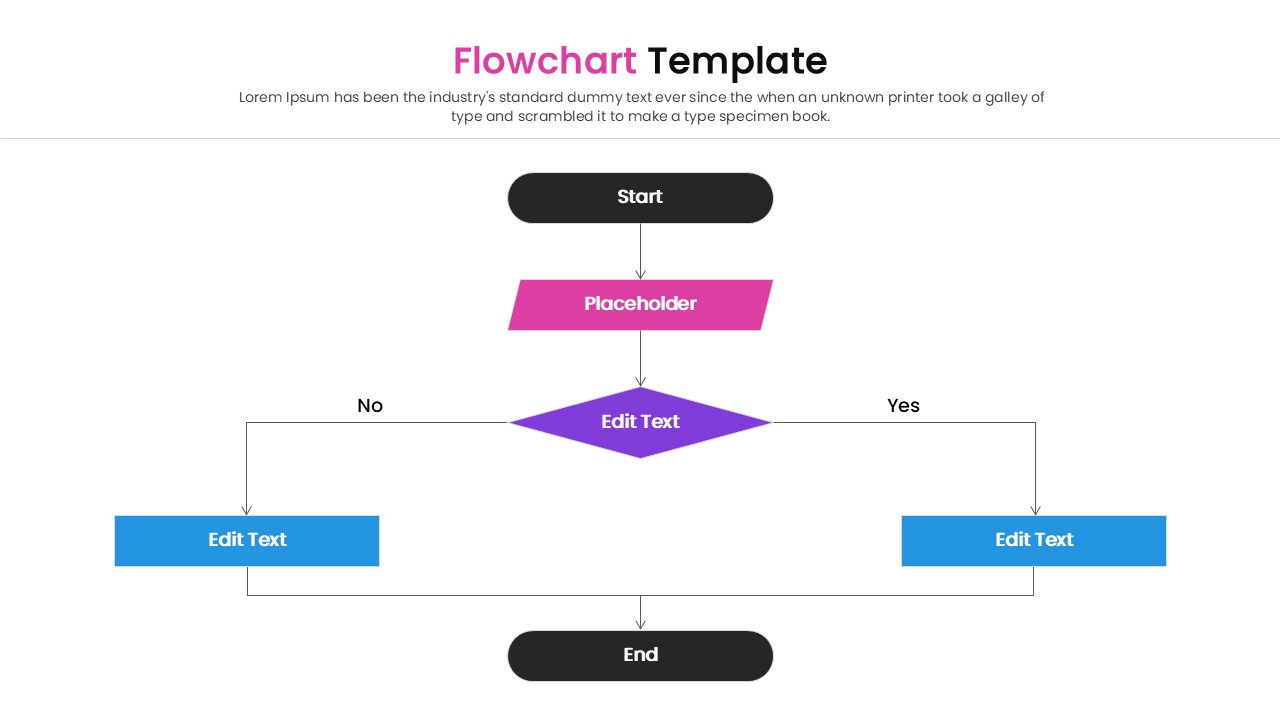
- Standard flowchart symbols including decision diamonds and process rectangles.
- Clear "Yes/No" connector paths for logic-based workflows.
- Fully editable text, colors, and shapes to match your branding.
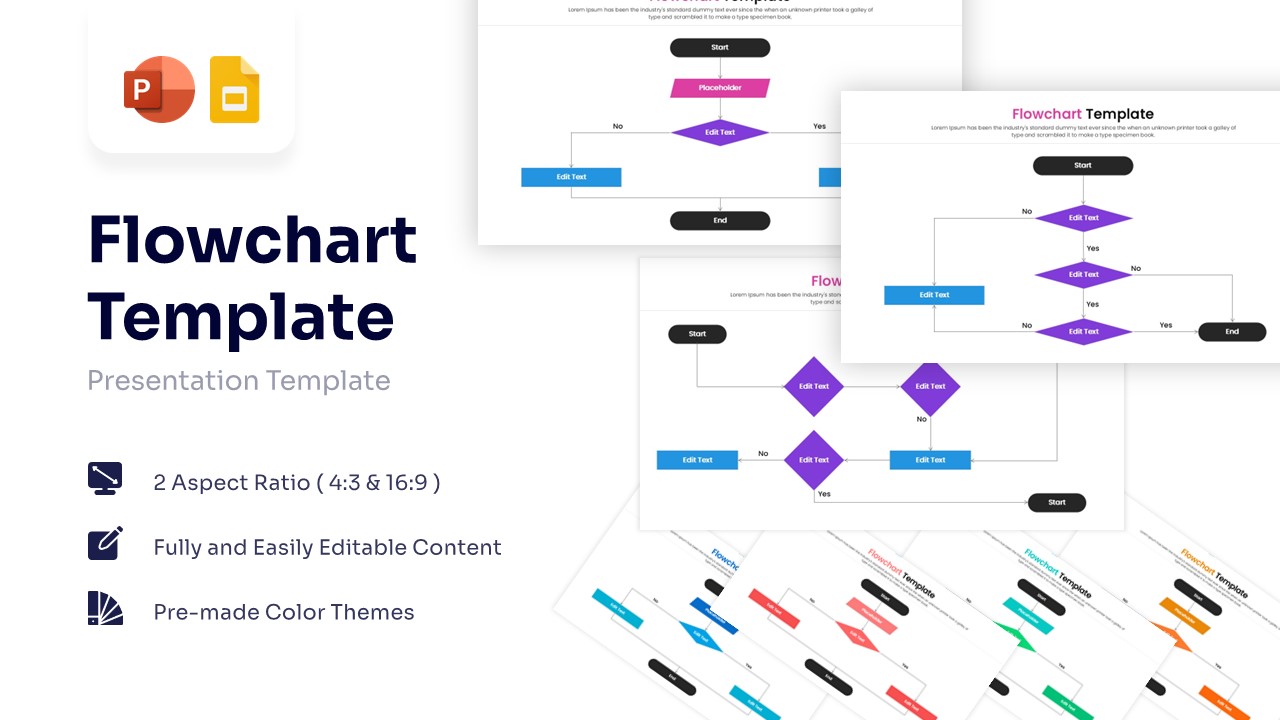
- Available in both 4:3 and 16:9 aspect ratios for any screen.
- Pre-made color themes to quickly switch between professional looks.
Frequently Asked Questions
- Can I add more steps to the flowchart?
- Yes, you can duplicate the shapes and connectors to extend the flow as needed.
- Do the connectors move with the shapes?
- In PowerPoint and Google Slides, you can snap connectors to shapes so they stay attached when you move them.
- Is this suitable for print?
- Yes, the high-quality vector graphics ensure it remains sharp when printed for handouts or manuals.
Related Templates
-
-
-
-
 $2.99
$2.99