
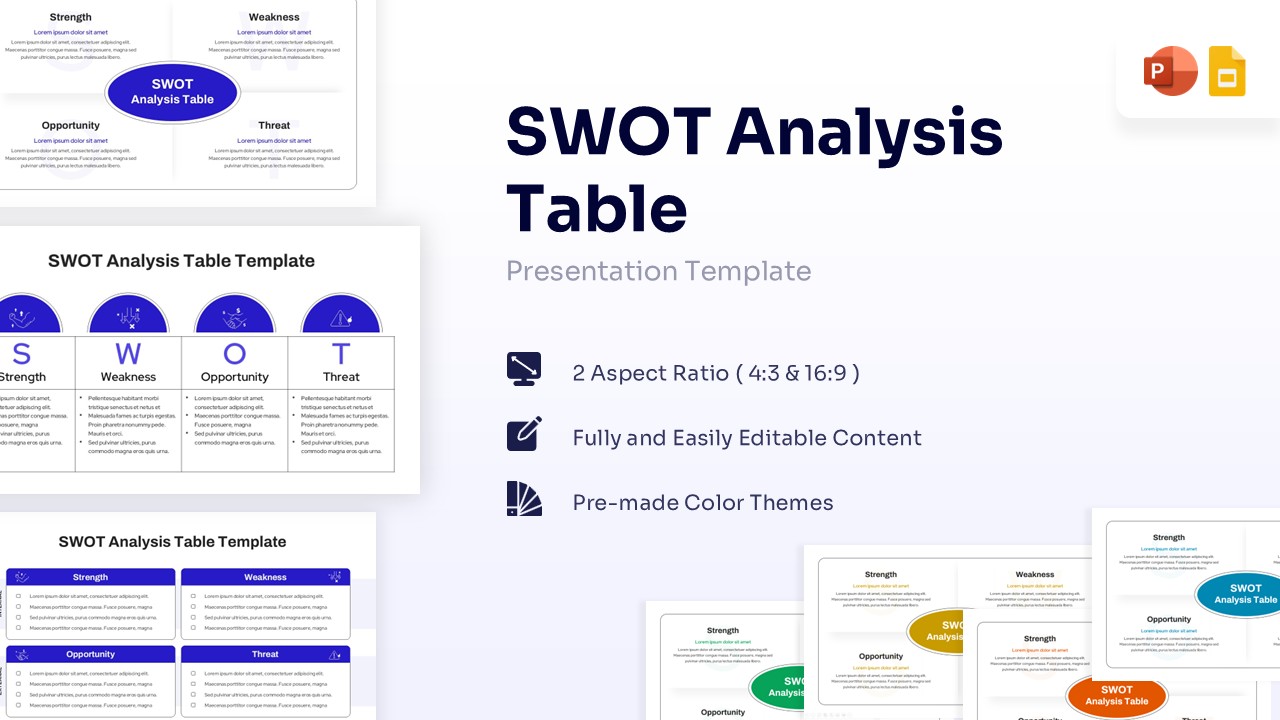
Classic 2×2 Grid SWOT Analysis Template for PowerPoint & Google Slides
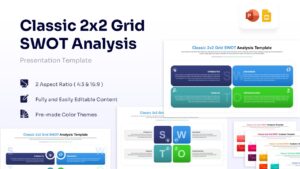
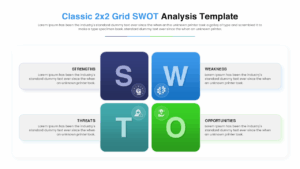
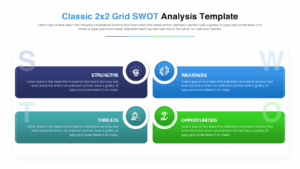
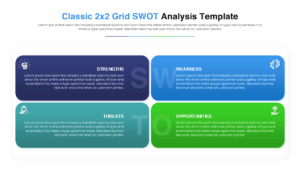
4 Quadrant SWOT Matrix Presentation Template
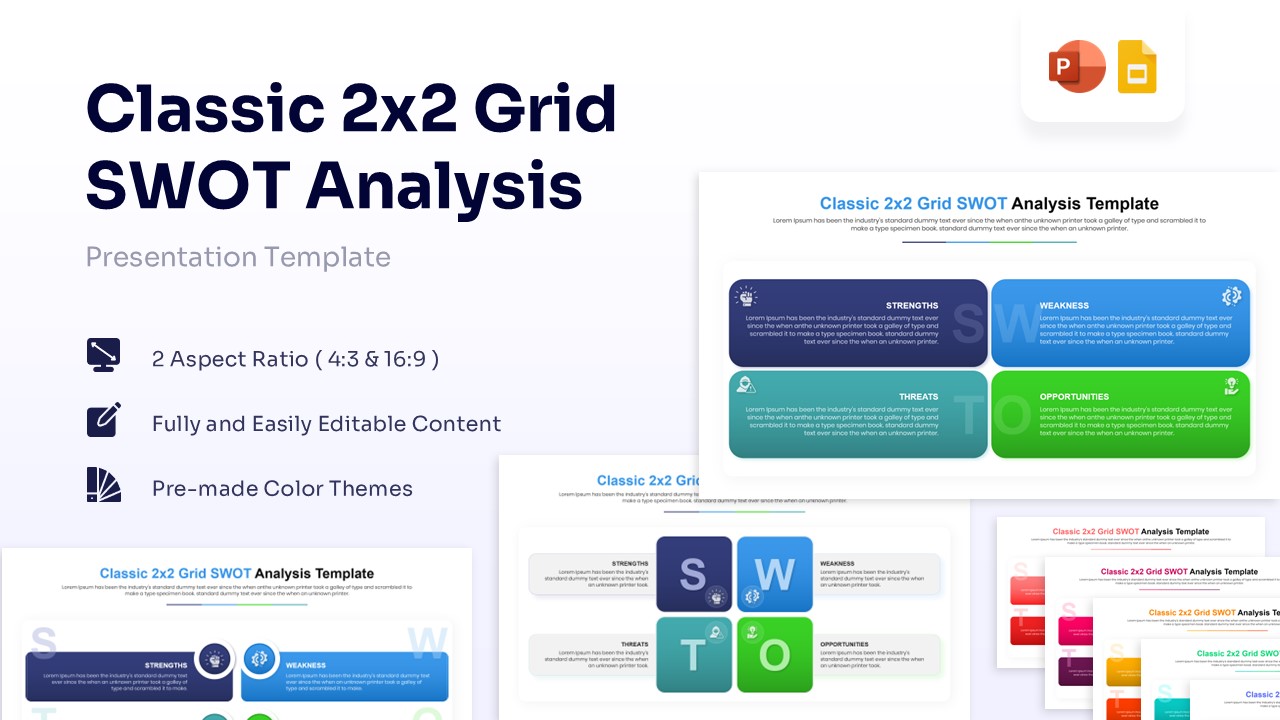
Download this Classic 2×2 Grid SWOT Analysis Template to clearly present your strategic insights. Whether you are assessing internal strengths or external threats, this layout helps you organize complex data into a simple, visual format. It is perfect for business reviews where clarity is essential to keep your audience engaged and informed.
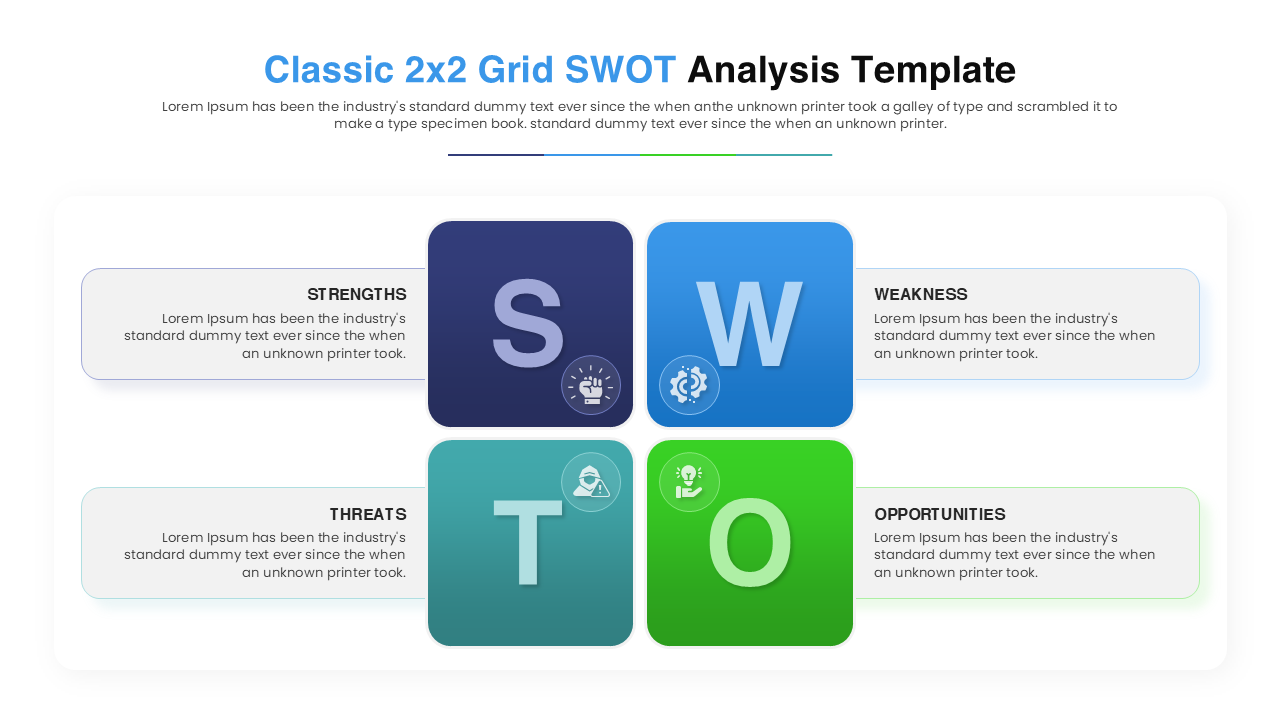
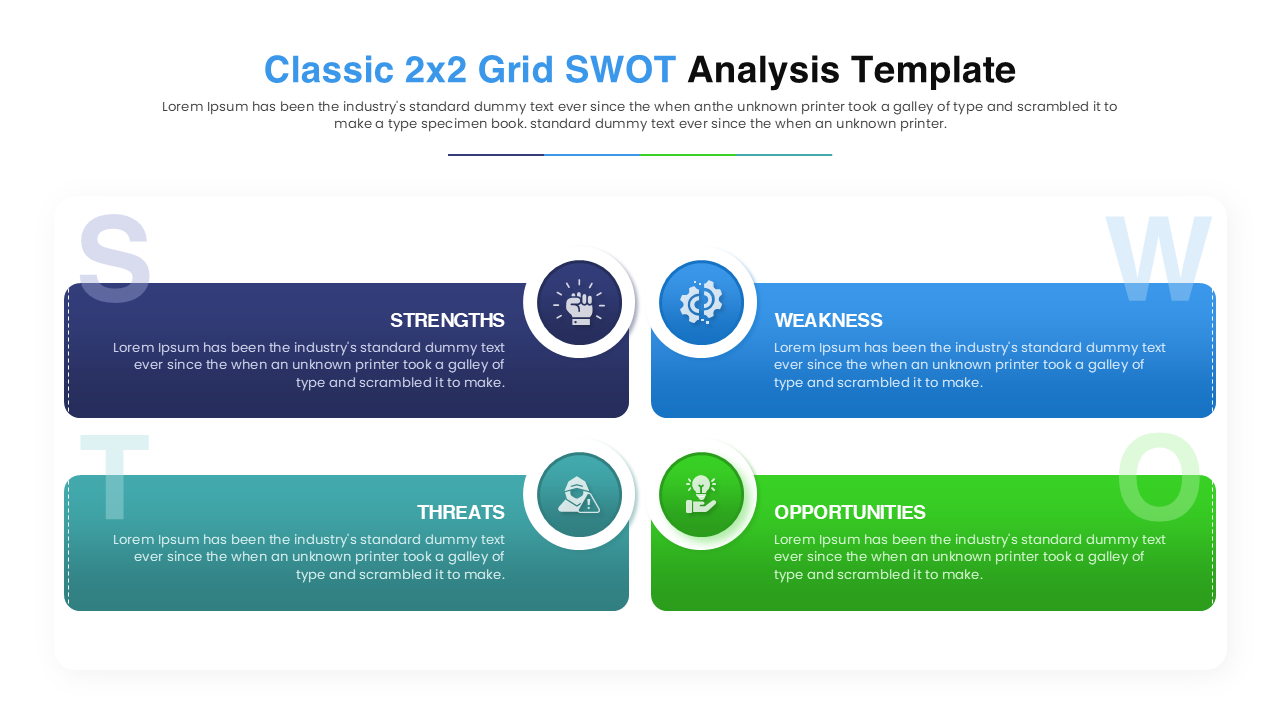
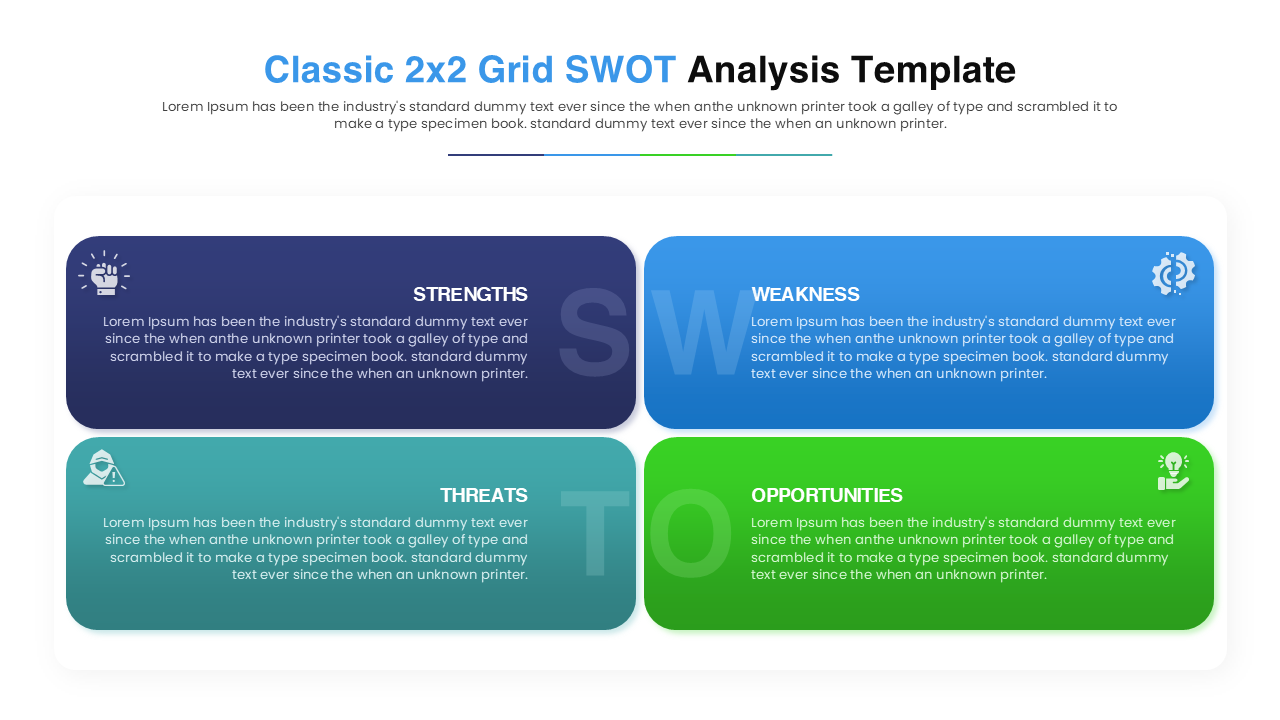
This SWOT Analysis Diagram features versatile layouts, including the traditional four-quadrant matrix and linear card designs. The SWOT matrix slide allows you to categorize factors into Strengths, Weaknesses, Opportunities, and Threats using distinct colors—blue, purple, green, and orange. The clean design ensures your audience focuses on the content without distraction, making your data easy to digest.
You can use these processional PowerPoint diagrams for various strategic meetings, such as quarterly business reviews, marketing planning sessions, or product launch evaluations. It works well for identifying competitive advantages or pinpointing risks during project management updates. The adaptable structure fits any corporate or academic presentation where you need to showcase a balanced view of your strategy.
Why use this SWOT Diagram Template
- Simplifies complex strategic analysis into an easy-to-read format.
- Saves time on design with pre-built, professional layouts.
- Enhances audience understanding through clear color-coded categorization.
- Adapts easily to both detailed reports and high-level summaries.
Who Should Download this SWOT Templates
- Business analysts and project managers presenting status updates.
- Marketing teams and brand strategists conducting market research.
- Startups preparing investor pitch decks.
- Educators and students analyzing case studies in business courses.
Key Features
- Two distinct layout options (Classic Grid and Linear Cards)
- 100% Vector-Based Graphics
- Fully Layered & Organized
- Theme Color & Theme Font
- 16:9 and 4:3 Aspect Ratios
Frequently Asked Questions
- Can I change the icons in the SWOT grid?
- Yes, all icons are fully editable. You can replace them with any vector icon that better suits your specific topic.
- Is this compatible with Keynote?
- While designed for PowerPoint and Google Slides, the elements are generally compatible with Keynote, though some minor adjustments may be needed.
- Can I change the colors to match my brand?
- Absolutely. The template uses theme colors, so you can easily switch the palette to match your corporate branding in just a few clicks.
Related Templates
-
-
-
-
 $3.99
$3.99