
CIRCULAR WORKFLOW DIAGRAM
This template is part of a deck featuring multiple slides. To check out all slides.
See All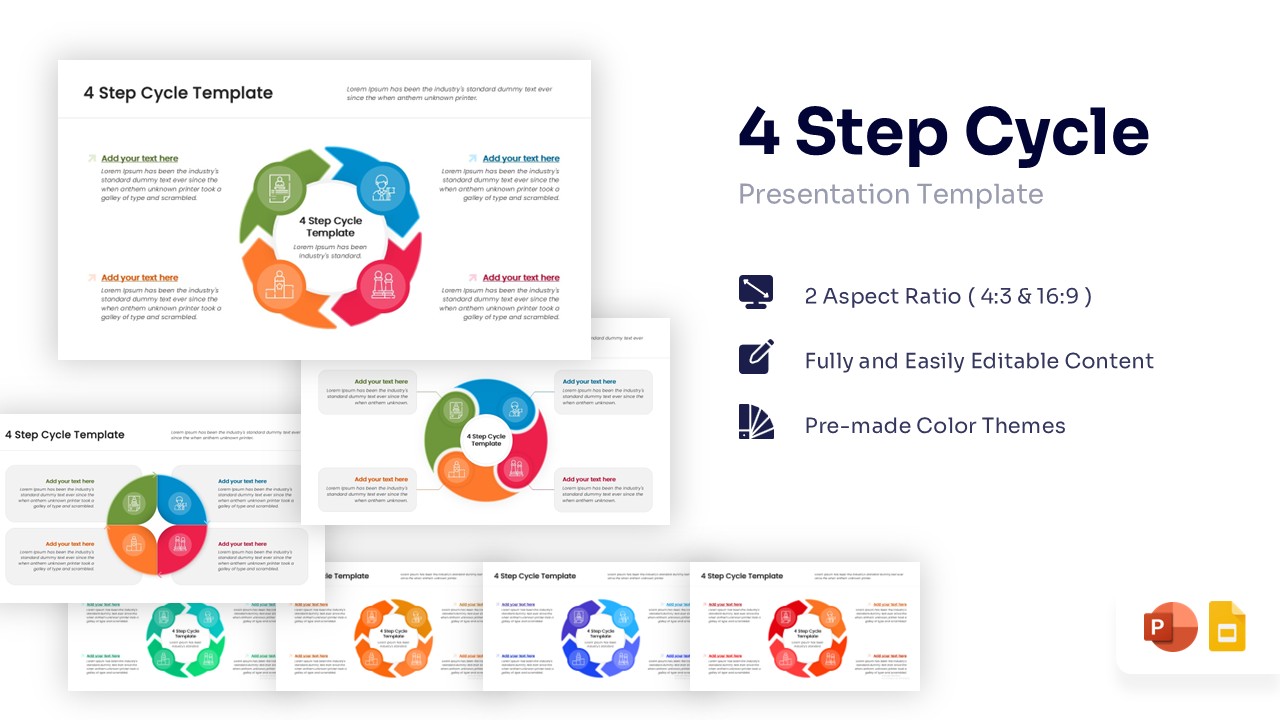
4 Stage Circular Workflow Presentation Template
Download this Free 4 Step Cycle Process Template to visualize repetitive processes and continuous workflows with clarity and ease. Whether you are outlining a comprehensive business strategy, explaining a product lifecycle, or detailing a recurring project roadmap, this process infographic template helps you present complex loops simply. It is designed to make your presentation look professional while helping your audience follow the sequence of events logically without getting lost in heavy text. Use this process loop to keep your team aligned on the next steps and ensure everyone understands the flow of operations.
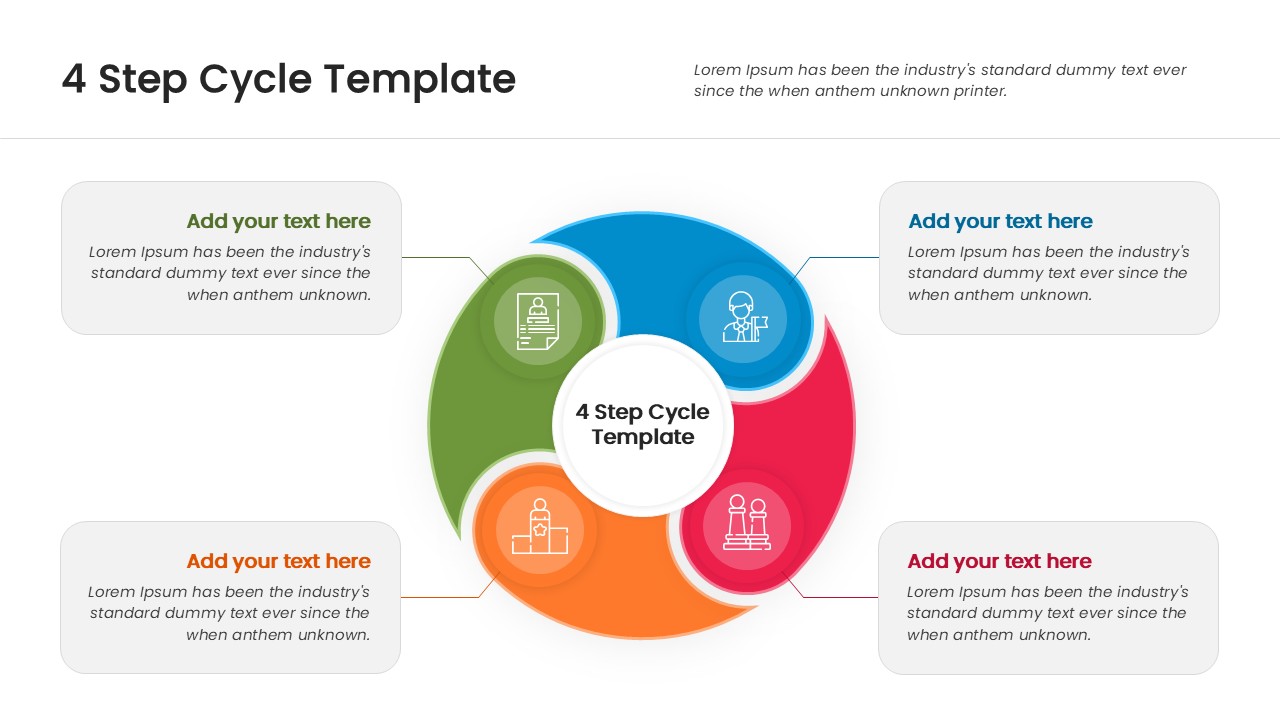
This circular process diagram features four interlocking arrows that form a cohesive loop, symbolizing continuity, progress, and infinite movement. Each colorful section includes a dedicated icon and a clear text holder, allowing you to highlight key stages like planning, execution, review, and optimization effectively. The central circle acts as a core hub, perfect for placing your main topic, project title, or core idea. You can fully customize the colors, fonts, and icons to match your specific brand guidelines, ensuring a seamless fit for both PowerPoint and Google Slides.
Beyond basic workflows, this multipurpose circular diagram is ideal for demonstrating feedback loops, agile sprints, or quality assurance protocols in a corporate setting. You can also use it to map out the four seasons in an educational lesson, display quarterly financial goals, or illustrate the customer journey from awareness to loyalty. The clean, modern layout ensures your data remains the focal point, making it significantly easier for stakeholders and clients to grasp the vital connections between each phase of your strategy.
Why Use this Circular Process Diagram
- Visualizes continuous improvement and recurring tasks effectively.
- Reduces the need for heavy text, keeping slides clean and scannable.
- Saves you time on design work with a ready-to-use structure.
- Offers a polished, corporate look that builds audience trust.
Who Should Download this Circular Arrow Diagram
- Project managers tracking iterative sprints and workflows.
- Business consultants presenting strategic change models.
- Marketing teams outlining campaign lifecycles and funnels.
- Educators explaining scientific cycles or historical patterns.