
5 Step Business Success Process Template for PowerPoint & Google Slides
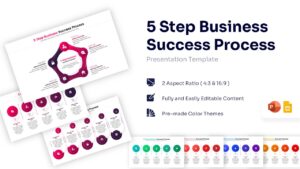
Business Success Infographic Presentation Template
Download this 5 Step Business Success Process template for PowerPoint and Google Slides & clearly outline your project stages or strategic roadmap. This business success plan slide is designed to help you present complex workflows in a simple, digestible format using a clean circular layout. Whether you are mapping out a new marketing campaign, defining operational procedures, or presenting a continuous improvement cycle, this diagram ensures your audience follows every step easily. It provides a structured way to communicate your vision effectively and keeps your listeners engaged from start to finish.
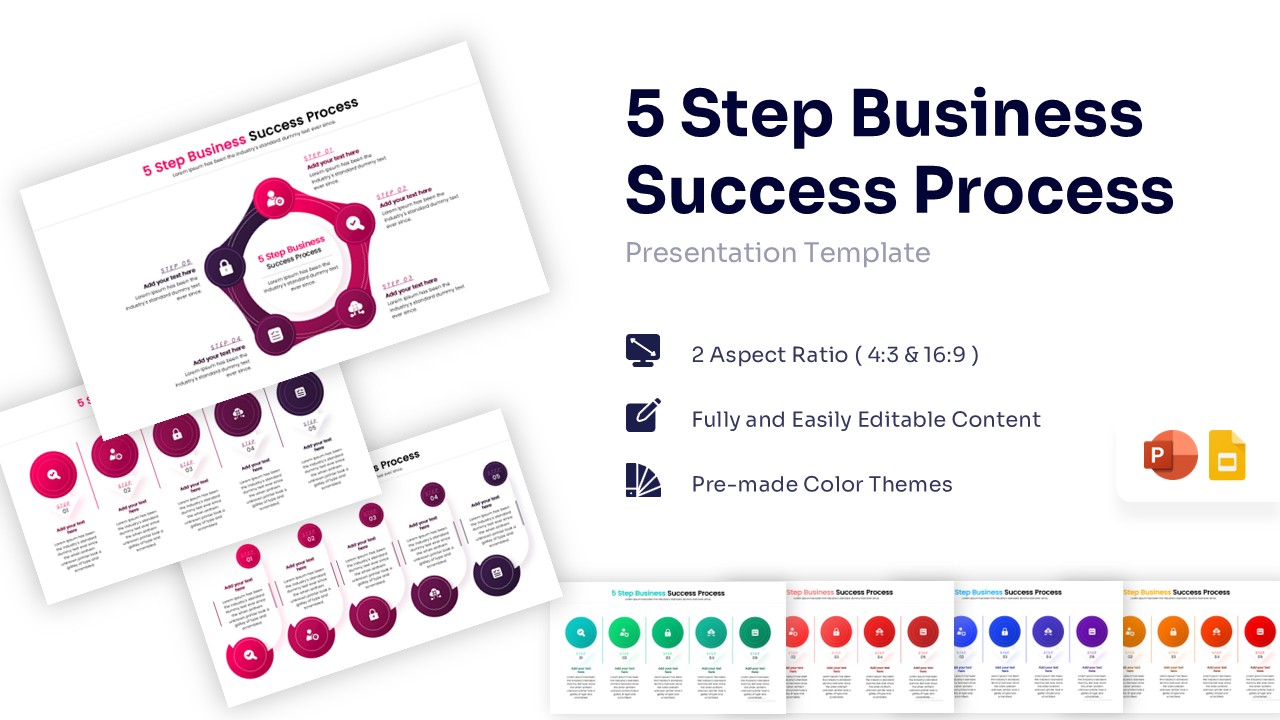
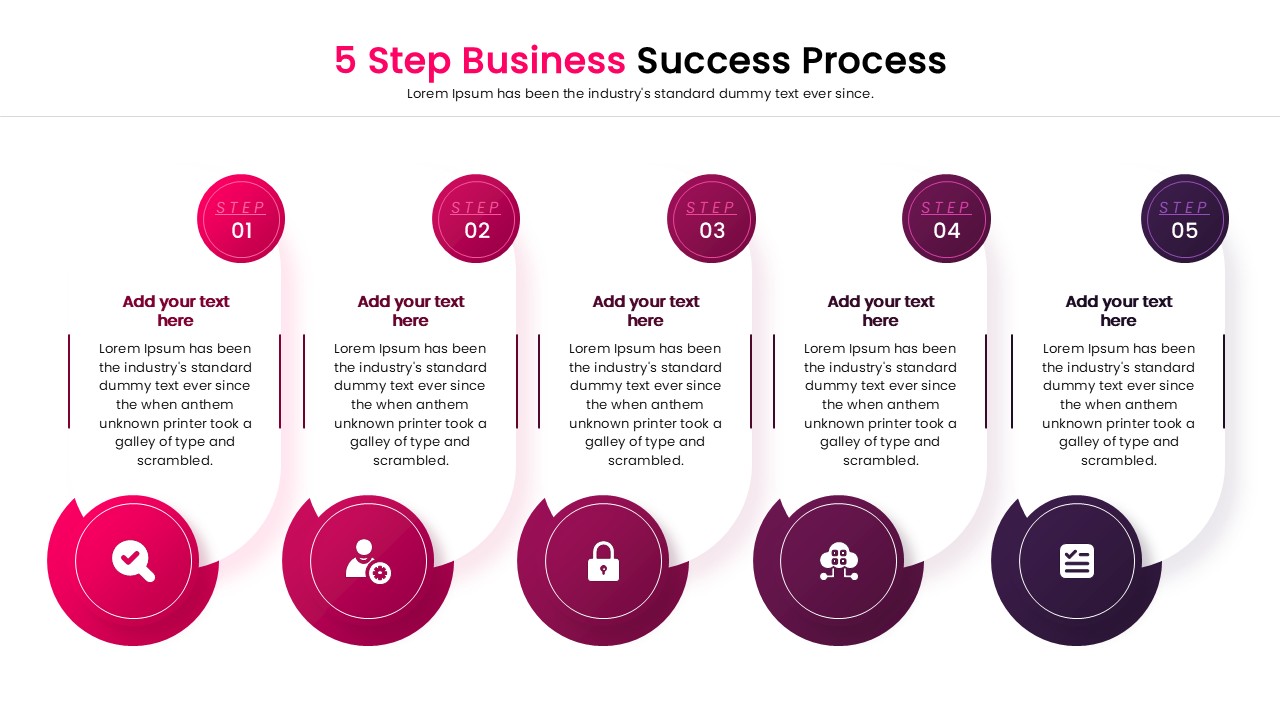
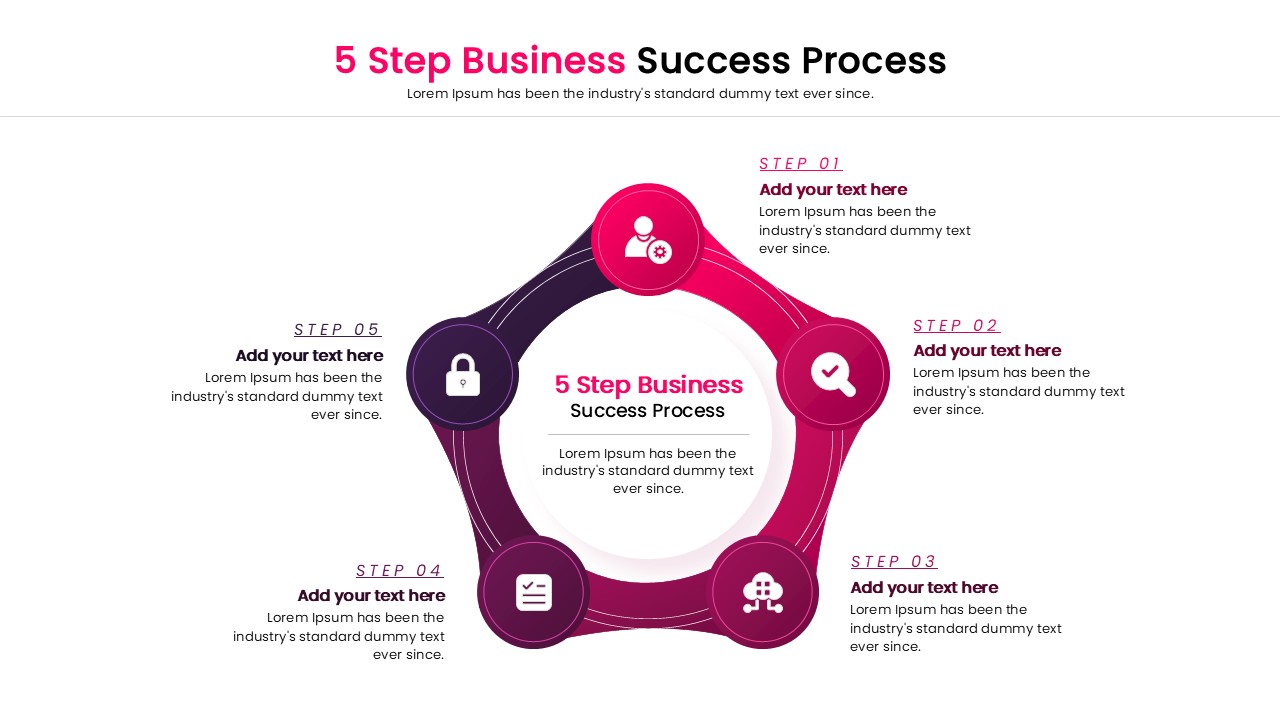
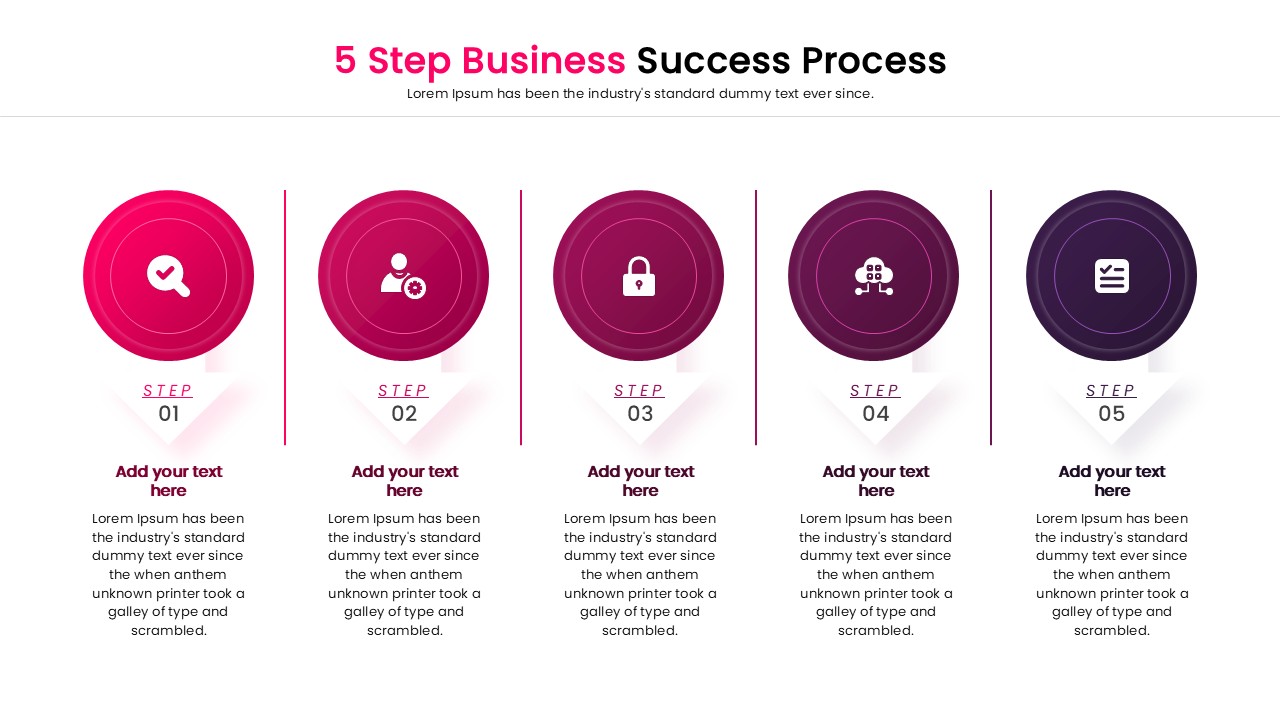
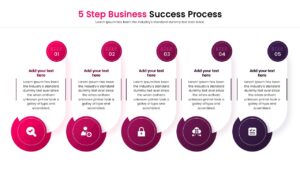
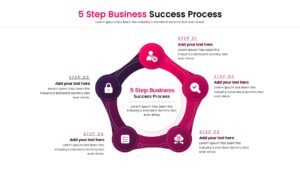
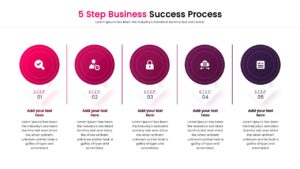
The 5 Step Business Success Process layout features a central pentagon shape connected to five distinct circular nodes, each equipped with an icon and text placeholder. You can easily customize the colors to match your brand identity, as the download includes pre-made color themes like blue, red, green, and orange. The vector-based graphics allow you to resize elements without losing quality, ensuring a sharp look on any screen size. The logical flow from one step to the next makes it ideal for explaining sequential tasks or repeating processes efficiently.
Use these process infographics templates for various business scenarios, such as product development lifecycles, customer journey mapping, or employee onboarding steps. It works perfectly for quarterly reviews where you need to show progress through specific phases. The layout supports both high-level summaries and detailed breakdowns, making it versatile for different meeting types. Additionally, this visual aid serves well for educational purposes, helping students grasp multi-stage concepts quickly and transforming dense data into an engaging narrative.
Why use this Business Success Step Infographic template
- Visualizes sequential steps clearly to keep your audience focused on the flow.
- Saves you time on design tasks so you can focus on refining your message.
- Fully editable elements let you adapt the slide to any specific topic or brand.
- Professional layout helps you build trust and confidence during presentations.
Who is it for
- Project Managers aiming to showcase timelines, project phases, or sprints.
- Business Consultants explaining strategic frameworks or change management to clients.
- Marketing Teams outlining campaign steps, funnels, or go-to-market strategies.
- Educators and Trainers teaching structured processes or sequential lessons.
Key Features
- 100% Vector-Based Graphics
- Fully Layered & Organized
- Multi-Platform Support
- Theme Color & Theme Font
- 2 Aspect Ratios (4:3 & 16:9)
Frequently Asked Questions
- Can I change the icons in the diagram?
- Yes, all icons are fully editable vectors. You can replace them with any icon that suits your specific topic without losing quality.
- Does this template work on Mac?
- Absolutely. It is fully compatible with PowerPoint for Mac, Keynote, and Google Slides.
- Are the fonts included in the download?
- Yes, the template uses standard theme fonts that are easy to read, but you can easily switch them to your corporate typography if needed.
- How do I change the color theme?
- The template comes with pre-made color themes. You can switch between them using the Design tab in PowerPoint or manually recolor individual shapes.
Related Templates
-
-
 $3.99
$3.99 -
 $3.99
$3.99 -
 $3.99
$3.99