Appendix Slide Infographic for PowerPoint & Google Slides
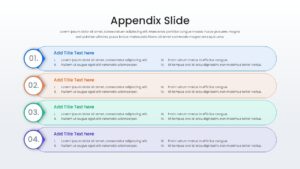
Professional Presentation Appendix Slides Presentation Template
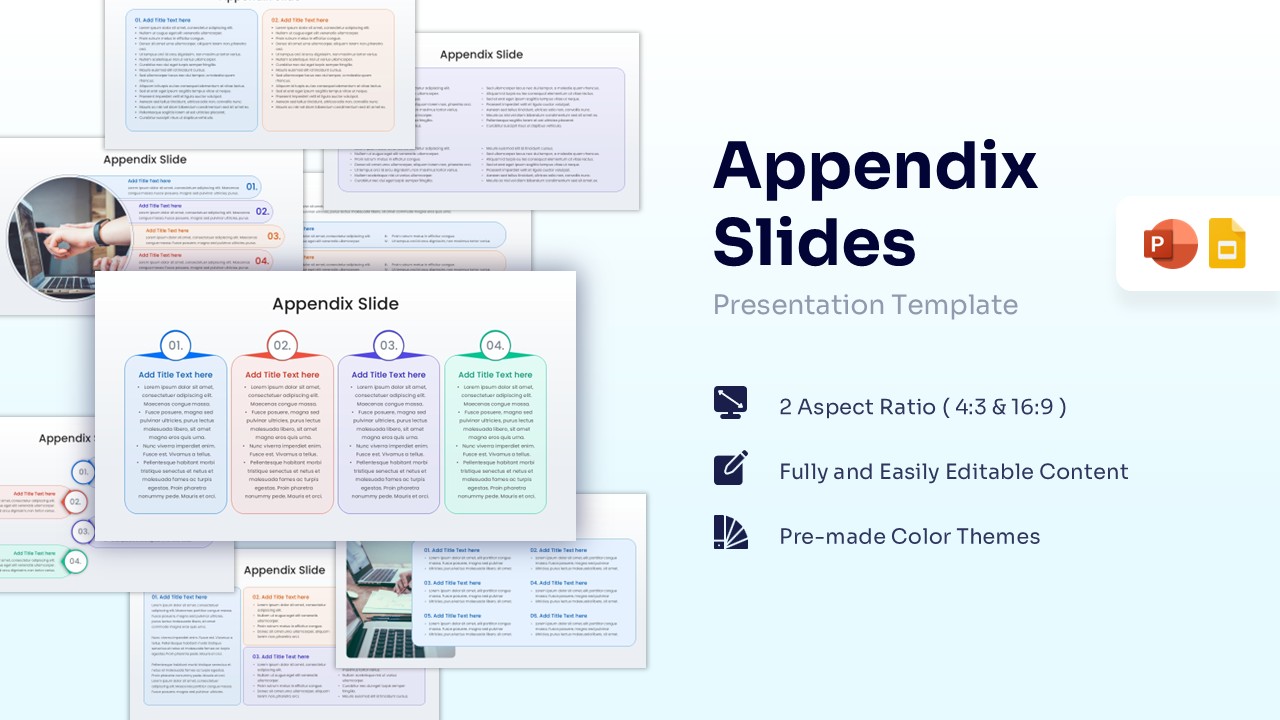
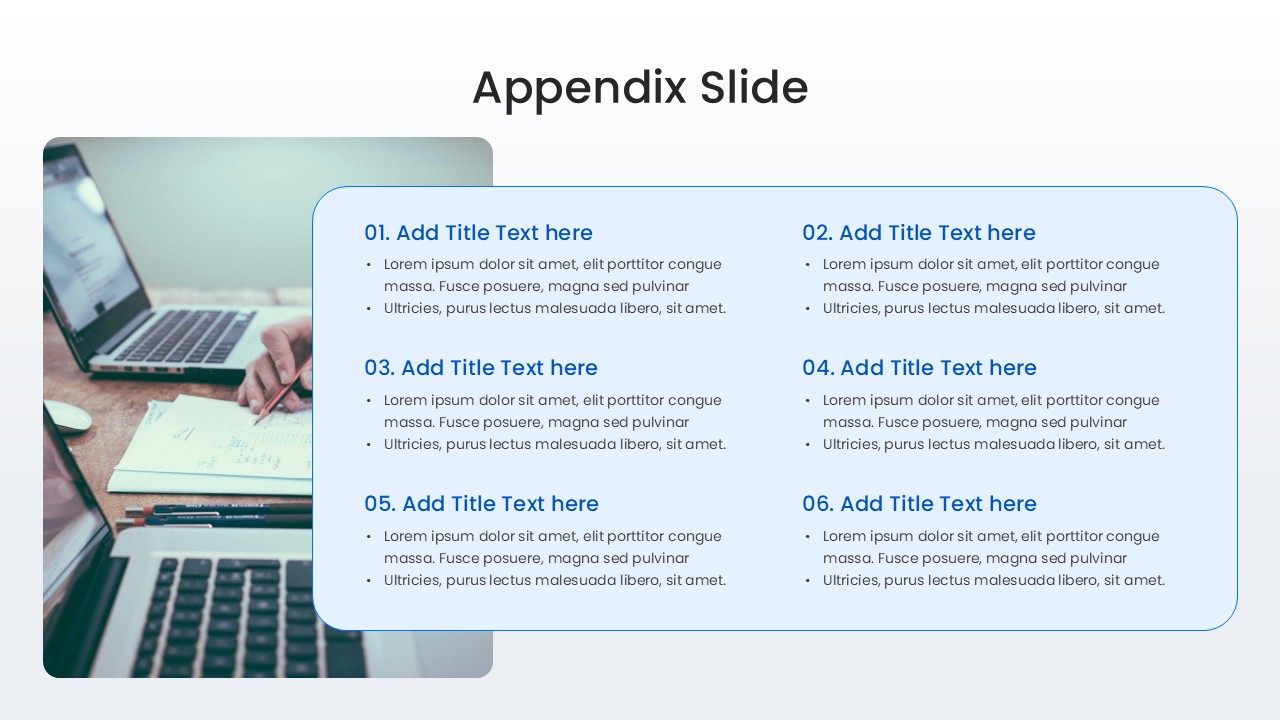
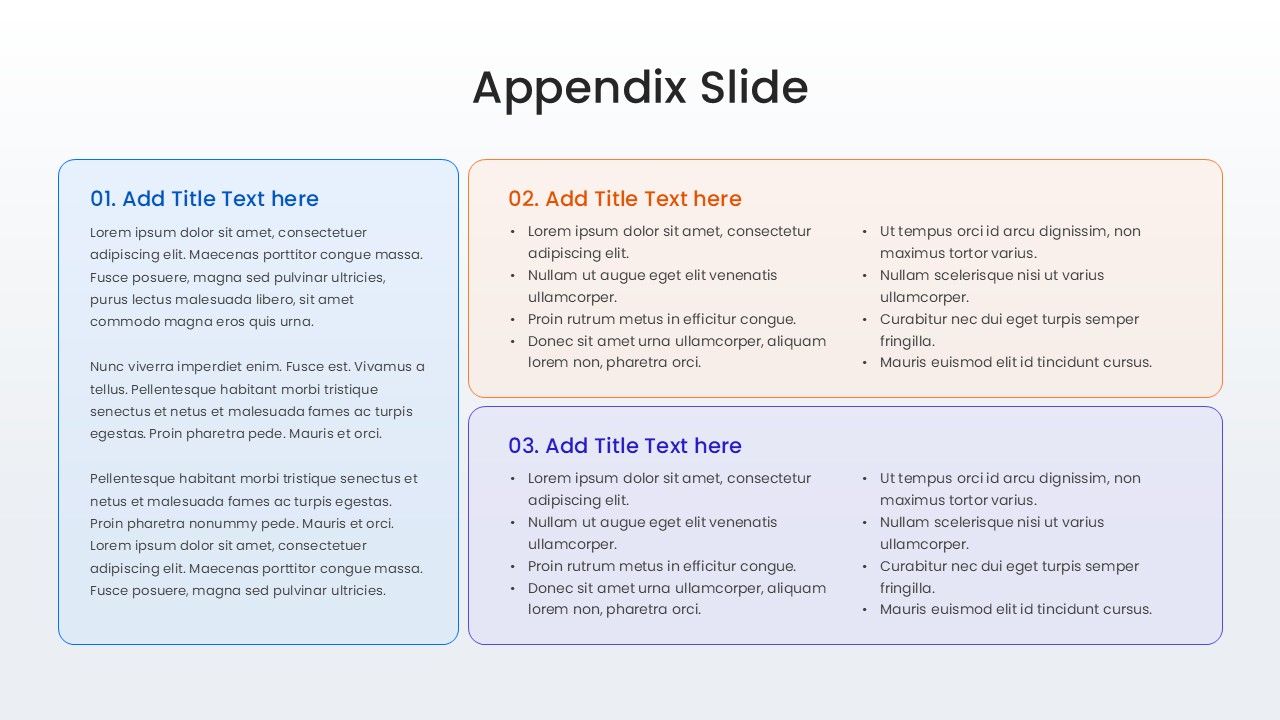
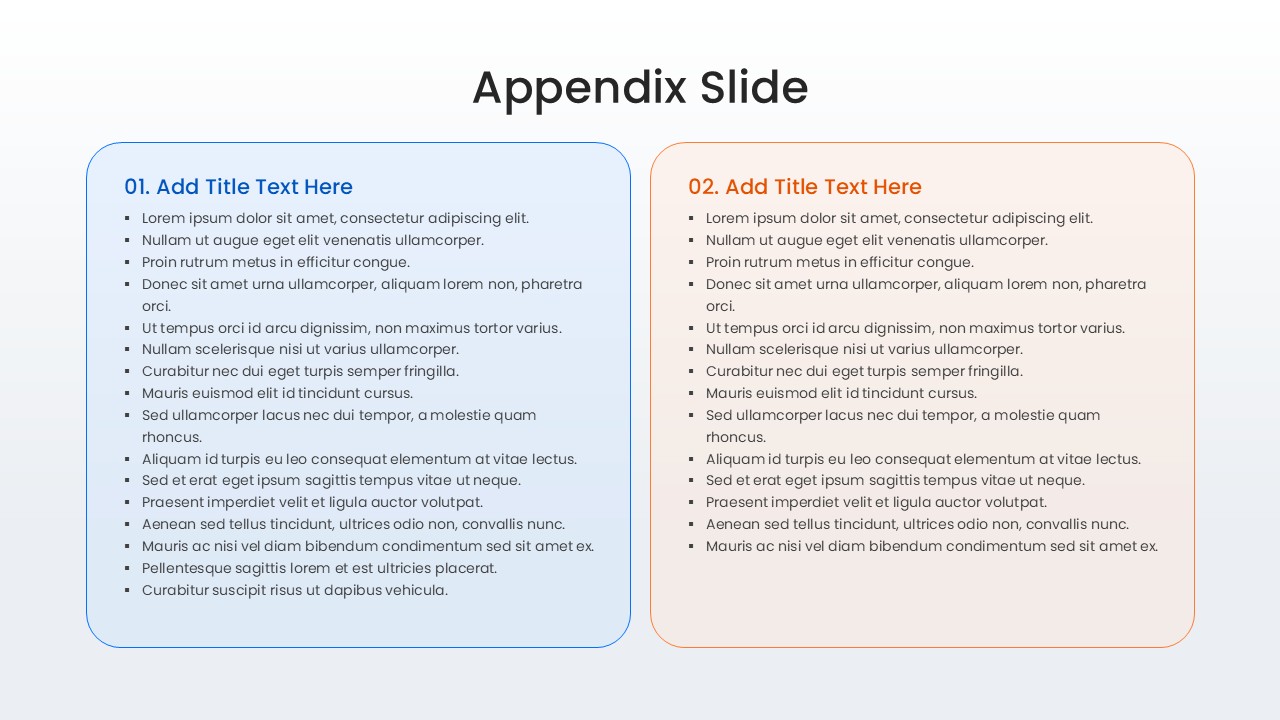
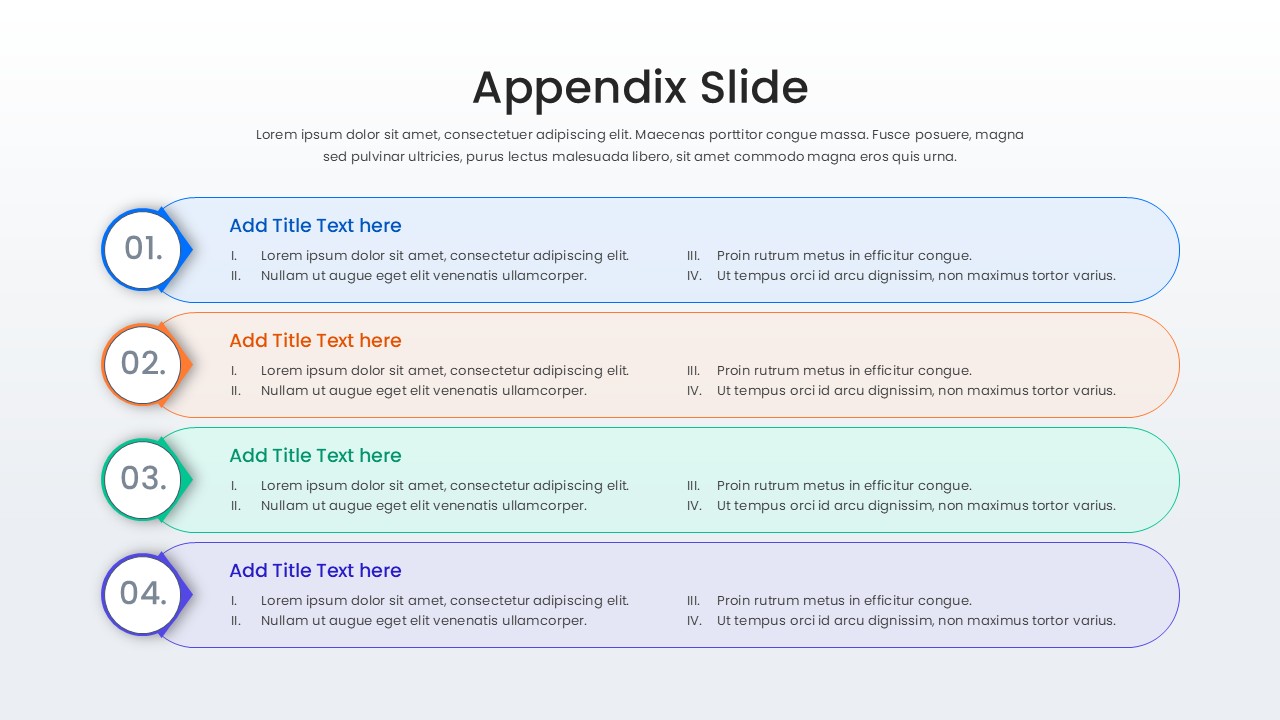
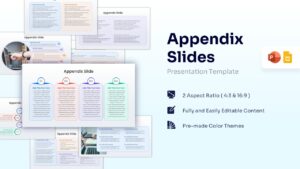
Download this Free Appendix Slide Infographic and use case to organize supplementary data, technical details, or extra resources at the end of your deck. Using a well-structured appendix ensures your main presentation remains focused while providing a professional “safety net” for deep-dive questions during Q&A sessions. This list infographic template offers various layouts—ranging from simple lists to image-supported frames—to help you house citations, methodology, or complex datasets without cluttering your core narrative.
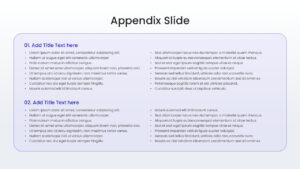
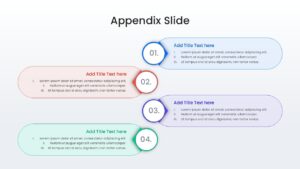
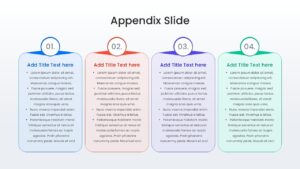
This Appendix PowerPoint template features a clean, professional design with multi-column text boxes and numbered list formats. It includes secondary keywords like supplemental information slides and backup data layouts to provide comprehensive coverage for your technical reports. The variety of designs ensures you can match the density of your information, whether you need a high-level list or a detailed breakdown of research findings.
These Appendix Layout can be used across numerous scenarios, such as corporate board meetings where financial disclosures are required, academic thesis defenses for detailed methodology, or marketing pitch decks needing data-backed evidence. These free designs are also perfect for project post-mortems and legal briefings where referencing source material is critical for credibility.
Why Use this Appendix Slide Template
- Keeps your main presentation lean while providing thorough documentation.
- Accelerates deck preparation with pre-formatted data list structures.
- Enhances professional credibility by showing you are prepared for detailed inquiries.
- Flexible layouts support both heavy text descriptions and visual references.
Who is it for – Business Analysts, Researchers, Project Managers, Academic Presenters
- Corporate professionals needing to document sources and extended data.
- Educators and students providing bibliographies or methodology notes.
- Consultants preparing detailed proposal backups for client review.
Key Features
- 100% Vector-Based Graphics
- Fully Layered & Organized
- Multi-Platform Support
- Theme Color & Theme Font
Frequently Asked Questions
- What is the best way to use an appendix in a presentation?
- An appendix should be placed after your concluding slide. Use it to store complex charts, raw data, or detailed bios that support your main points but are too dense for the primary presentation flow.
- Can I link these appendix slides to my main deck?
- Yes, you can easily use the hyperlink feature in PowerPoint or Google Slides to jump from a specific point in your presentation to a supporting appendix slide and back again.
- Are the colors and text boxes fully customizable?
- Absolutely. Every element, from the numbered badges to the background shapes, is 100% editable to align with your brand guidelines.