Modern Arrow Timeline Infographics Template for PowerPoint & Google Slides
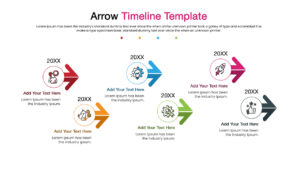
Linear Process Flow Presentation Template
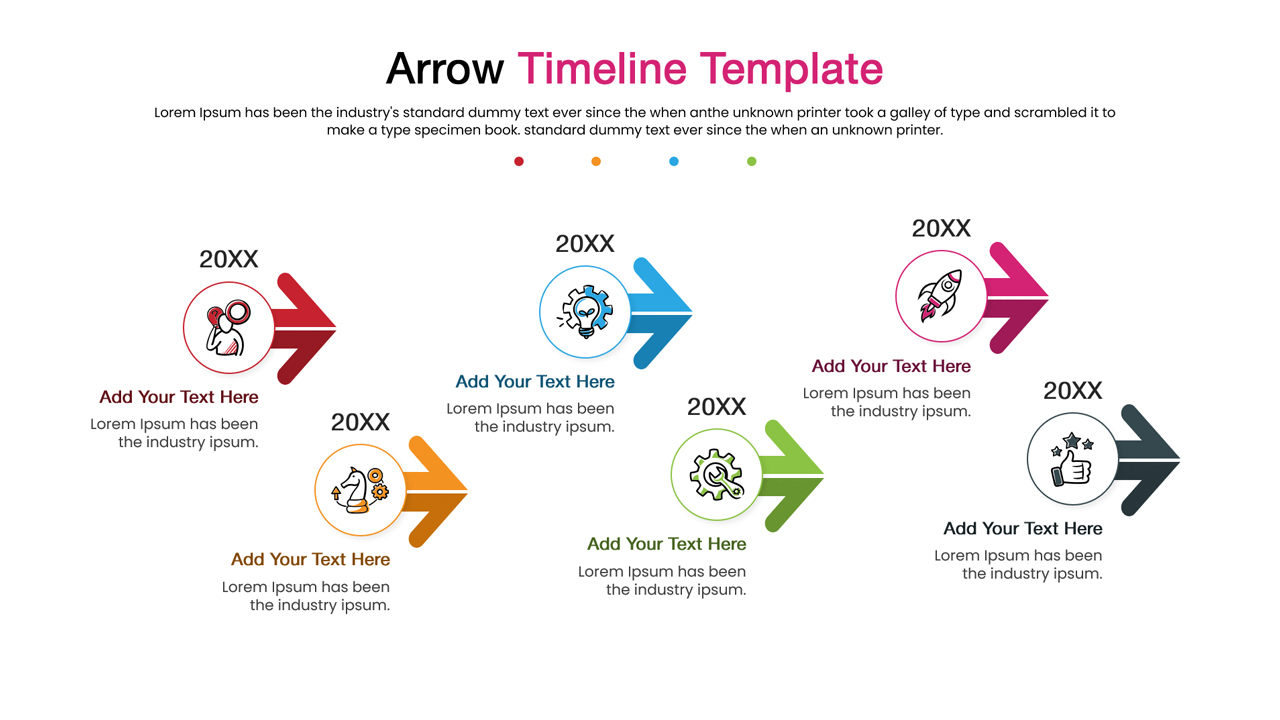
Download this Arrow Timeline Template to clearly visualize your project milestones and business processes with a professional touch. Whether you need to outline a five-year strategic plan, a product roadmap, or a simple step-by-step workflow, these slides help you present chronological data in a format that is easy for your audience to follow. The clean layout ensures that your key dates and events stand out, making it easier to communicate progress and future goals during meetings.
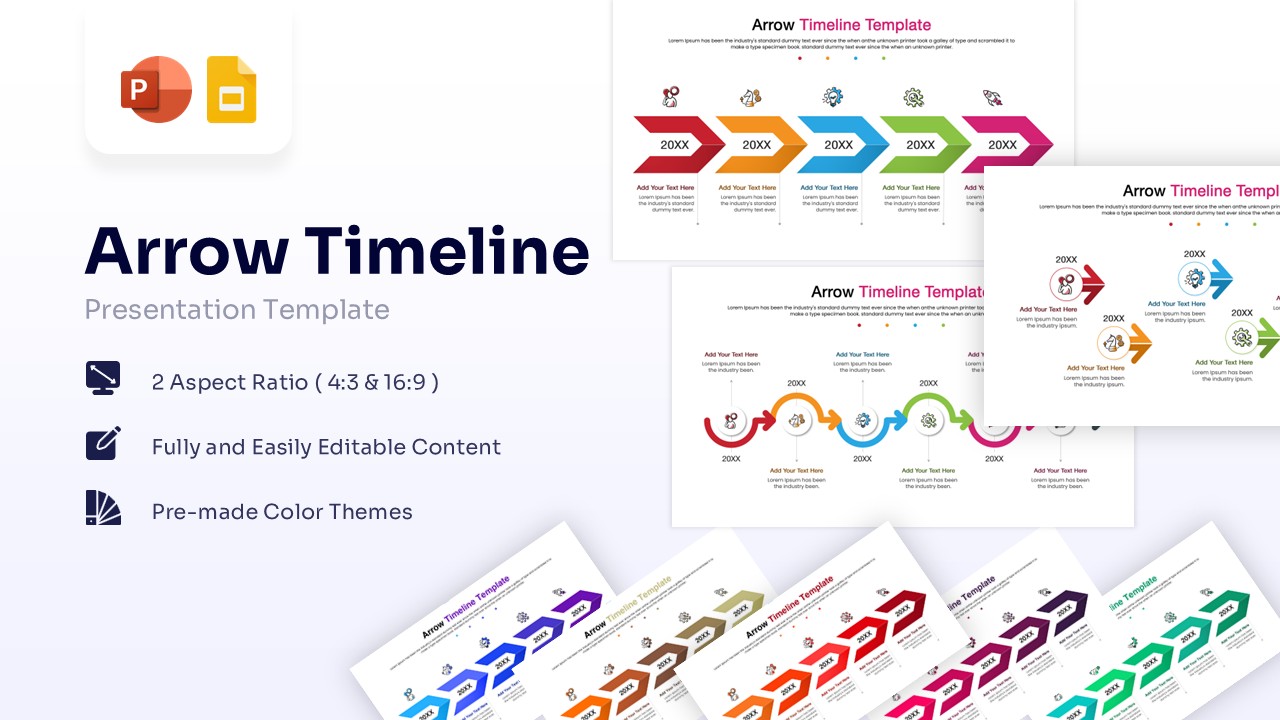
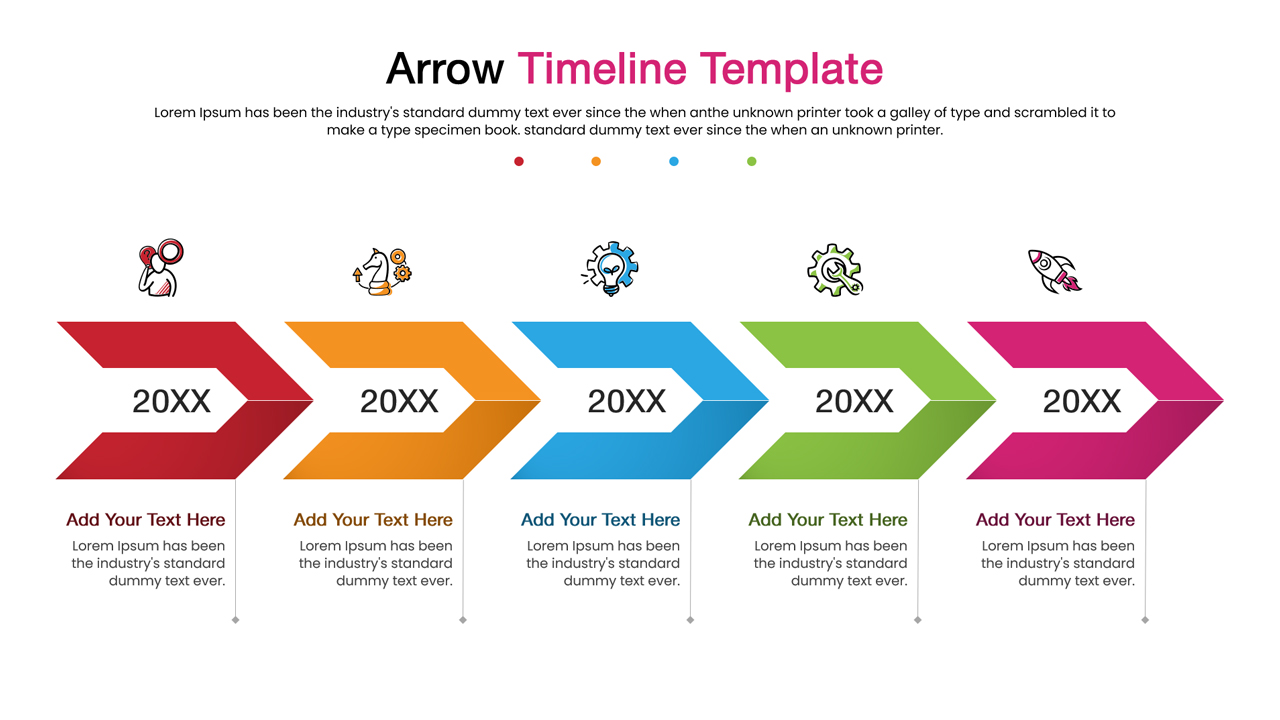
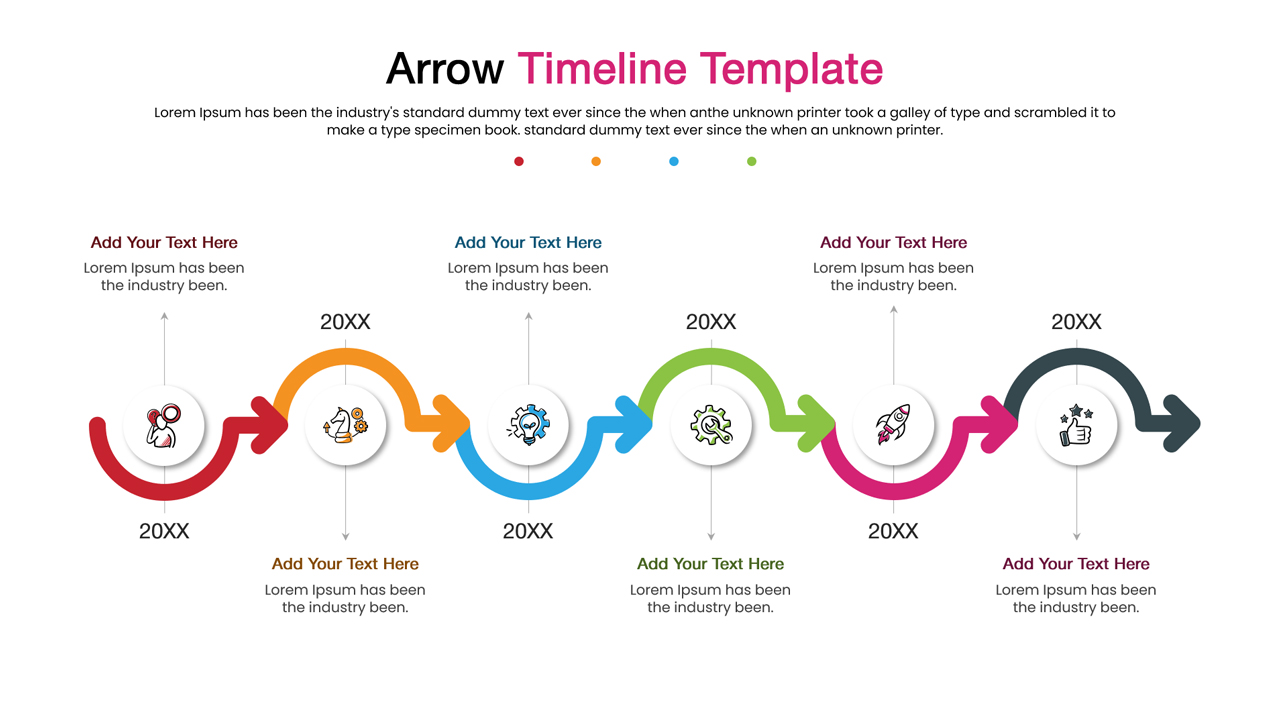
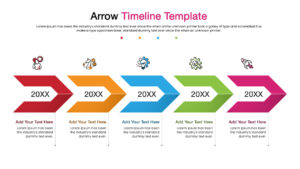
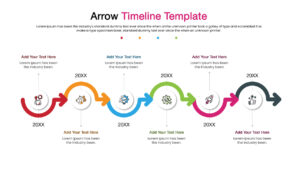
These infographic templates feature a variety of versatile arrow designs, including chevron styles, connected loops, and directional flows, all designed to represent continuity and momentum. With pre-made color themes and fully editable text placeholders, you can quickly adapt these roadmap slides to match your corporate branding or specific project requirements. The vector-based graphics allow you to resize elements without losing quality, ensuring your presentation looks sharp on any screen size.
These Arrow timeline infographics are incredibly useful for a wide range of professional scenarios. Use them to illustrate the history of your company, track the lifecycle of a product development phase, or map out a marketing launch campaign. They are also perfect for onboarding presentations where you need to show new hires the “before and after” of a process or the journey from initiation to completion. By visualizing the sequence of events, you keep your team aligned and focused on the path ahead.
Why use this Arrow Timeline Infographic Template
- Simplifies complex project schedules into a clean, visual flow.
- Helps stakeholders quickly understand the sequence of events and deadlines.
- Saves significant design time with ready-to-use, polished layouts.
- Ensures a consistent and professional look across your presentation deck.
Who is it for
- Project managers and business analysts tracking milestones and deliverables.
- Marketing strategists planning campaigns and product launches.
- Educators and trainers explaining historical events or procedural steps.
- Startup founders outlining their growth roadmap to investors.
Key Features
- 100% Vector-Based Graphics
- 2 Aspect Ratios (4:3 & 16:9)
- Fully Layered & Organized
- Pre-made Color Themes
- Editable Icons & Text
Frequently Asked Questions
- Can I change the colors of the arrows?
- Yes, all shapes are fully editable, so you can easily apply your brand colors.
- Is this template compatible with Google Slides?
- Yes, it works seamlessly with both PowerPoint and Google Slides.
- Can I add or remove steps in the timeline?
- Absolutely. You can duplicate or delete the arrow shapes to fit your specific timeline length.
Related Templates
-
-
 $2.99
$2.99 -
-