
Professional Bar and Column Charts Template for Data-Driven Presentations
High-Impact Bar and Column Chart PowerPoint Templates and Google Slides Designs to Visualize Comparative Data.
Sort by
-
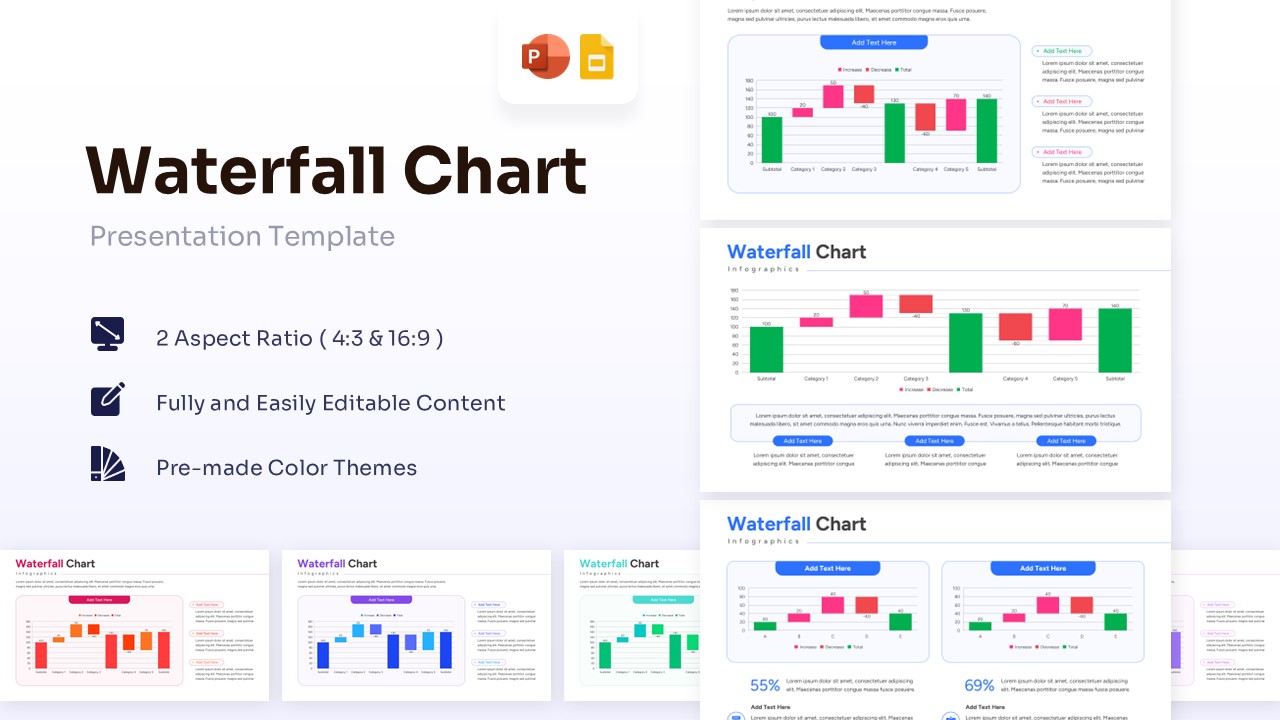
Waterfall Chart Template for PowerPoint & Google Slides
Bar and Column
$3.99 -
 $4.99
$4.99 -
 Free
Free -
 $3.99
$3.99 -
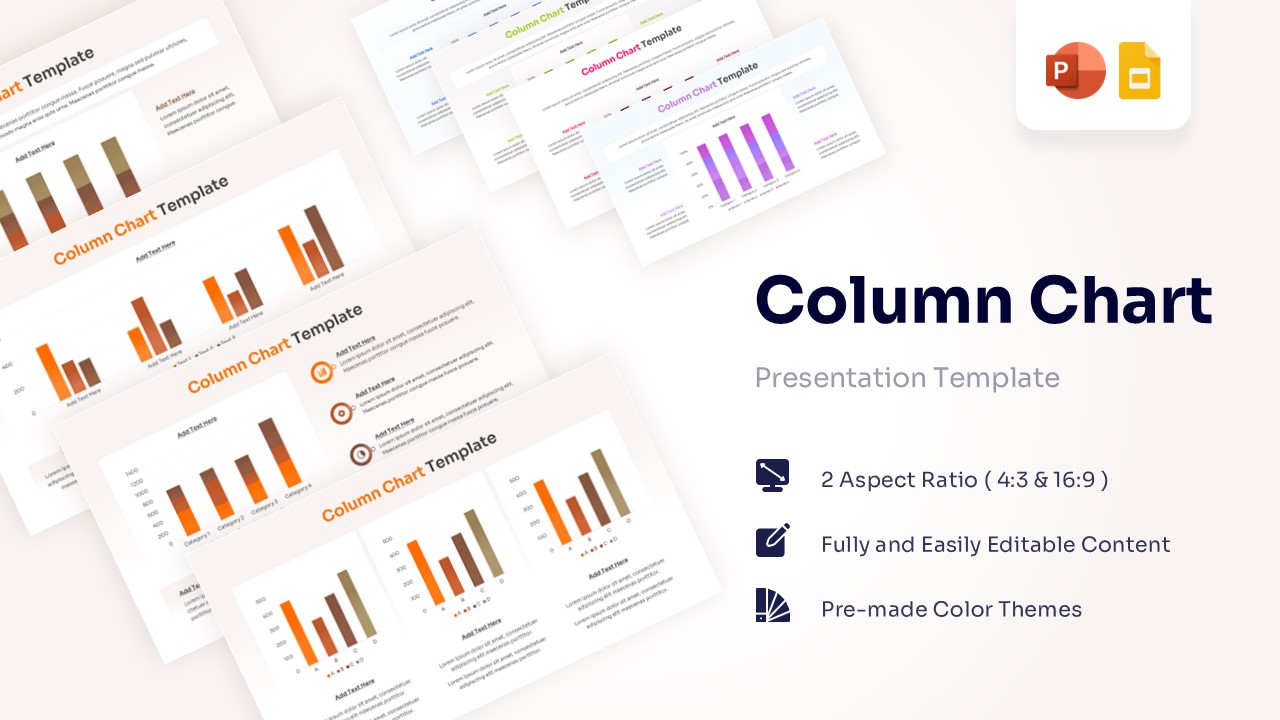 Free
Free -
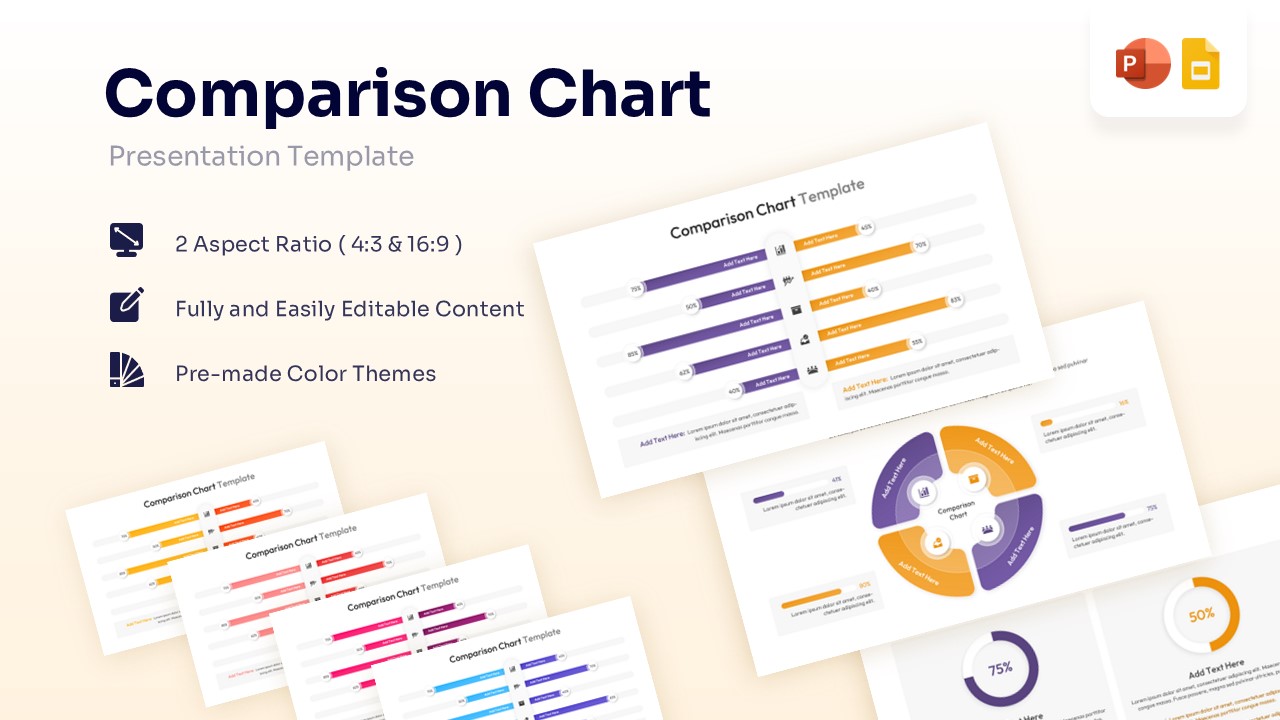
Comparison Chart Template for PowerPoint & Google Slides
Bar and Column
$3.99 -
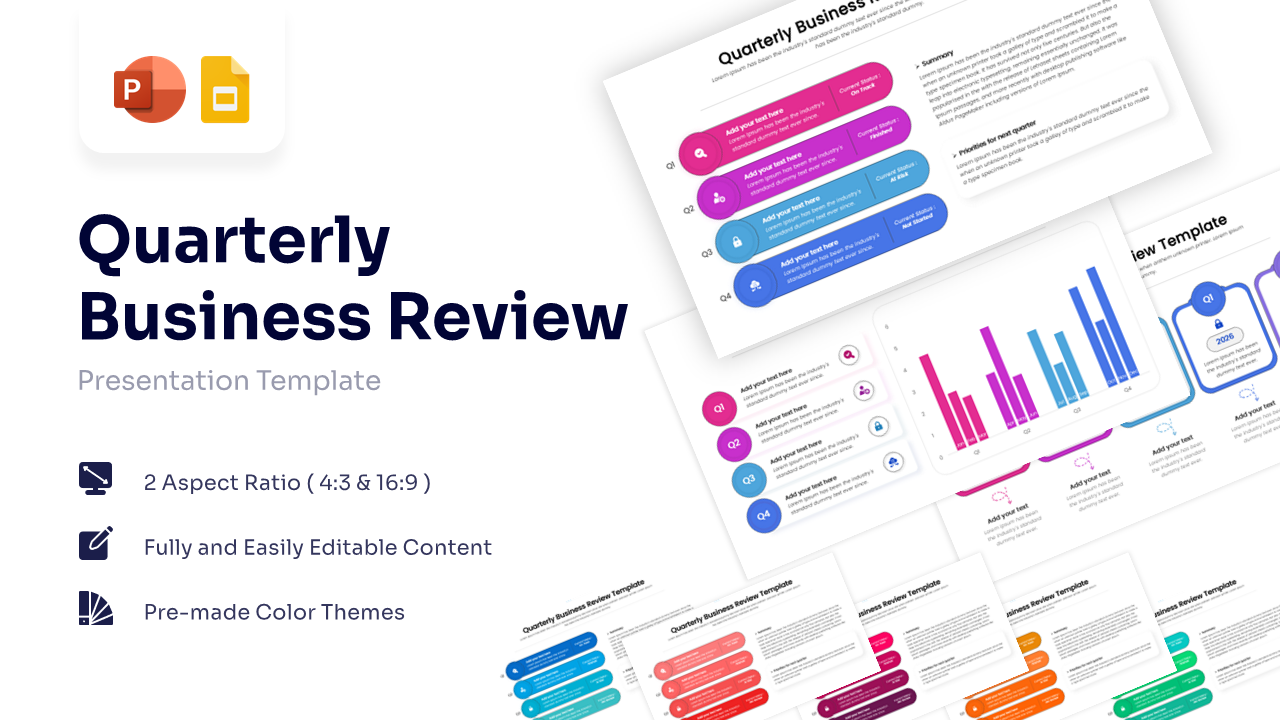 $2.99
$2.99
Frequently Asked Questions
How do I edit the data in these Bar and Column Charts Templates?
Updating your data is simple and fast. Since these are 100% editable layouts, you can right-click the chart in PowerPoint or Google Slides and select "Edit Data." This opens a spreadsheet where you can input your numbers, and the bars or columns will adjust automatically to reflect the changes.
Are these charts compatible with both PowerPoint and Google Slides?
Yes. Every Bar and Column Charts Template in our collection is fully optimized for both platforms. You can download the file and use it in Microsoft PowerPoint or upload it directly to Google Slides without losing any formatting or data integrity.
Can I change the colors of the bars to match my brand?
Absolutely. You have total control over the visual style. You can change the color of individual bars, specific data series, or apply one of our pre-made color themes to update the entire presentation's aesthetic in just a few clicks.
What is the difference between a stacked column chart and a clustered column chart?
A clustered column chart displays bars side-by-side to compare values across categories. A stacked column chart places data segments on top of each other to show how individual parts contribute to a total. Both are included in our template library to suit your specific reporting needs.
Are the text labels and axes easy to read on large screens?
Yes, our templates are designed with a "presentation-first" mindset. We use high-contrast fonts and optimized font sizes for both 16:9 (Widescreen) and 4:3 (Standard) aspect ratios, ensuring your data labels and legends are perfectly legible from the back of the room.
Can I import data from Excel into these templates?
Yes. You can easily copy and paste data from an Excel spreadsheet directly into the chart editor within the template. The Bar and Column Charts Template will instantly sync with your Excel values, making it an efficient tool for recurring monthly or quarterly reports.