Free Basic Timeline Roadmap Template for PowerPoint & Google Slides
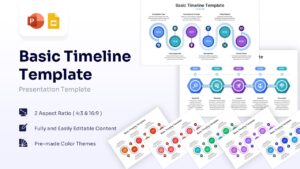
Strategic Business Process Timeline Presentation Template
Download this Basic Timeline Template for PowerPoint & Google Slides to streamline your planning and showcase milestones clearly. Whether you are presenting a detailed company history or outlining a future project roadmap, this slide ensures your audience understands the sequence of events instantly. It helps you organize dates and key deliverables into a cohesive narrative that keeps stakeholders aligned.
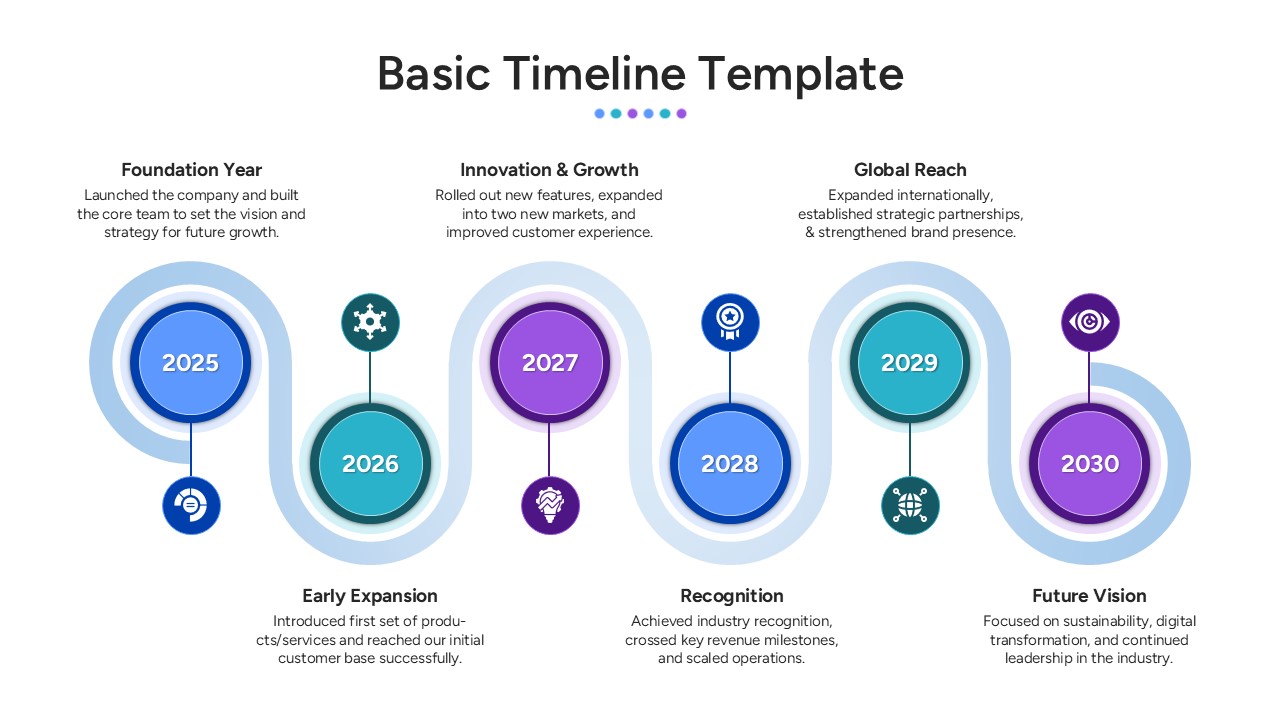
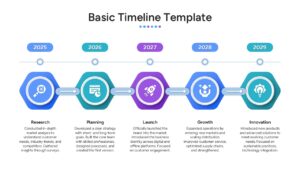
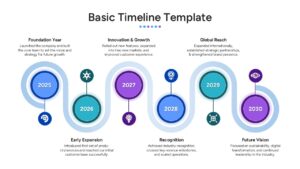
This timeline template features a modern, wave-like timeline design connecting six circular nodes, currently labeled from 2025 to 2030. Each year includes space for a distinct icon, a bold title, and a brief text block, making it easy to highlight key achievements like “Innovation & Growth” or “Global Reach.” The layout comes in two standard aspect ratios (4:3 and 16:9) and offers multiple pre-made color themes, allowing you to match your corporate branding with just a few clicks.
This visual tool is excellent for strategic planning meetings, investor pitches, and annual performance reviews. Use it to map out product launches, track operational phases, or visualize a 5-year business strategy with clarity. It also serves effectively for educational settings where historical progression or step-by-step processes need to be explained visually.
Why use this template
- Simplifies complex schedules into an easy-to-follow visual format.
- Helps stakeholders visualize critical deadlines and the sequence of events.
- Saves significant design time with a polished, pre-structured layout.
- Adapts easily to various contexts, from corporate roadmaps to educational timelines.
Who is it for
- Project Managers needing to present clear status updates and schedules.
- Entrepreneurs pitching company growth and future milestones to investors.
- Marketing teams outlining multi-year campaign strategies.
- Business analysts reviewing historical performance and trends.
Key Features
- 100% Vector-Based Graphics
- Fully Layered & Organized
- Multi-Platform Support (PowerPoint & Google Slides)
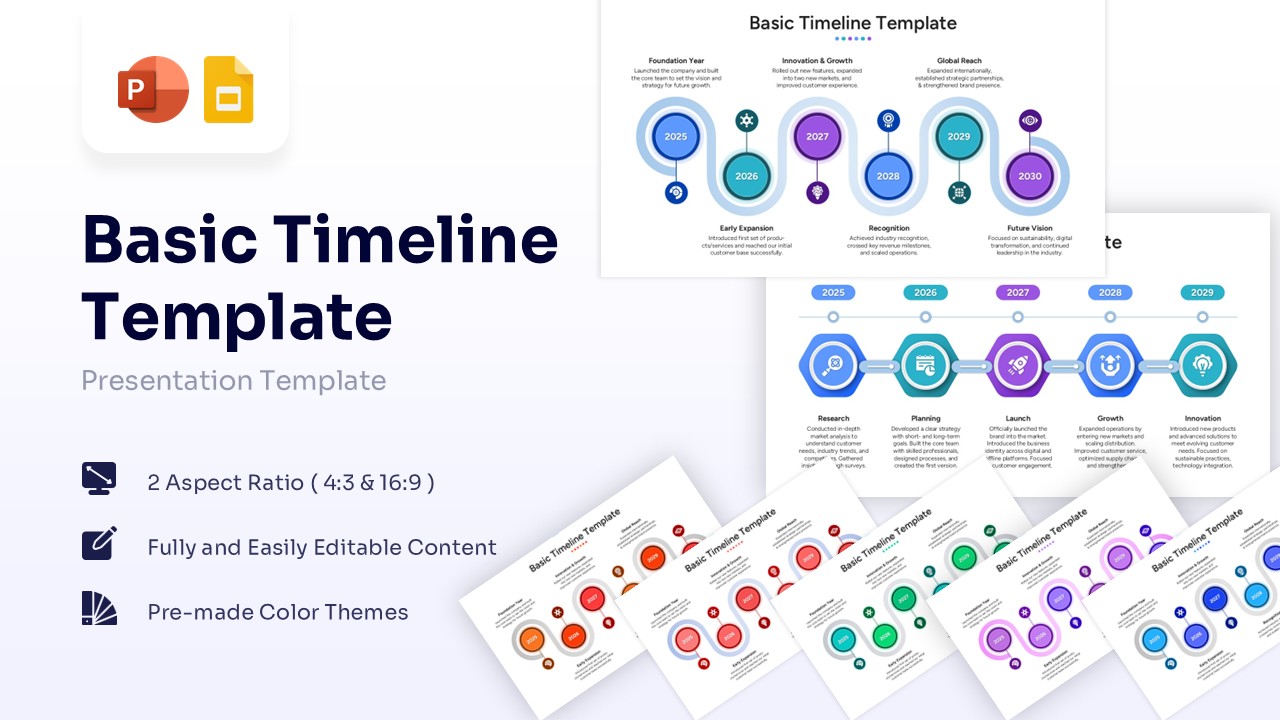
- 2 Aspect Ratio ( 4:3 & 16:9 )
- Theme Color & Theme Font
- Free to Use
Frequently Asked Questions
- Can I change the years and text in the timeline?
- Yes, every text box, including the years and descriptions, is fully editable so you can update them to fit your specific project timeframe.
- Does this template support different color schemes?
- Absolutely. The template is designed with theme colors, allowing you to quickly switch between the provided pre-made color themes or your own brand colors.
Related Templates
-
 $2.99
$2.99 -

-
-