
BOOST Feedback Model Template for PowerPoint & Google Slides
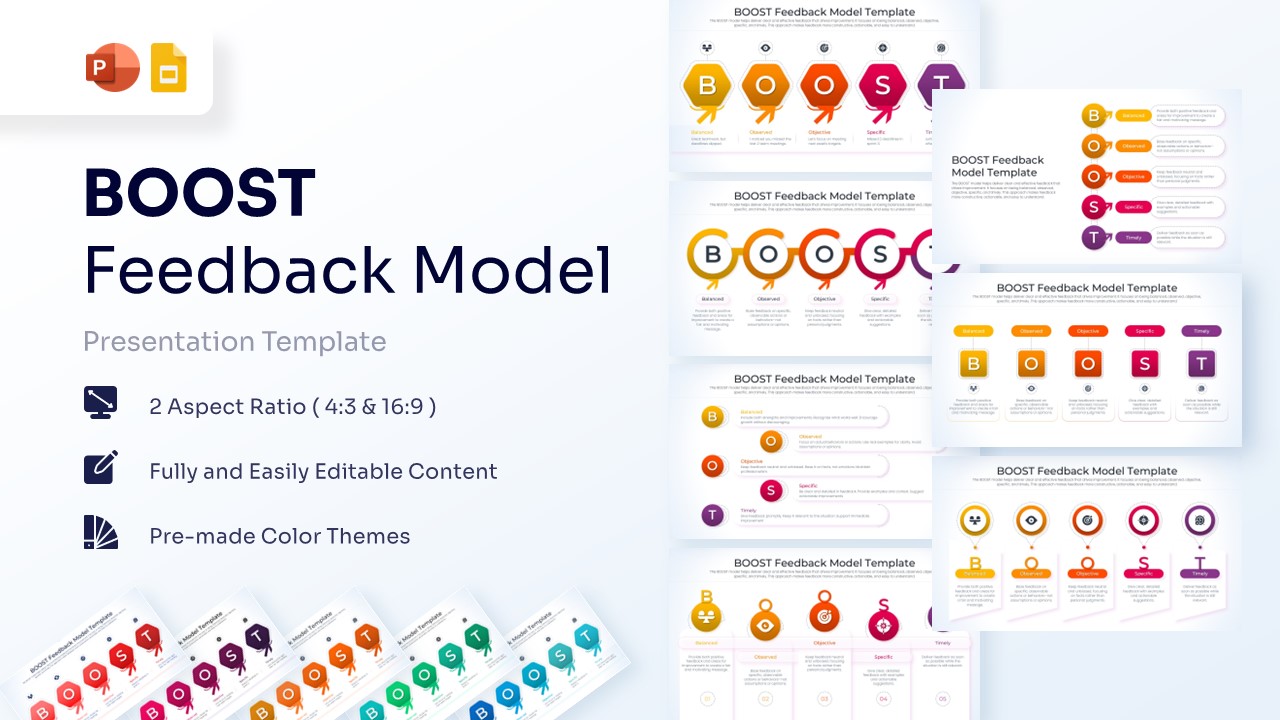
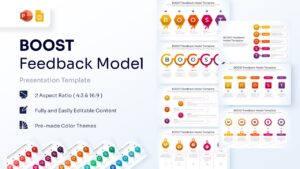
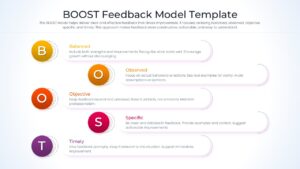
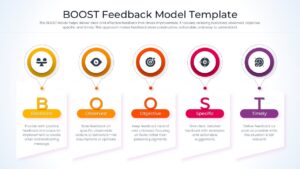

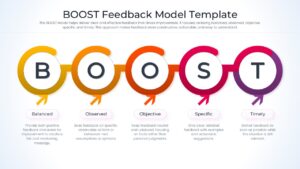
BOOST Framework Presentation Template
Download this BOOST Feedback Model Template, best suited for HR training sessions, leadership workshops, or quarterly performance reviews. Using a structured professional communication framework ensures that every critique is handled with grace and clarity. This approach makes feedback more constructive, actionable, and easy to understand for team members at all levels.
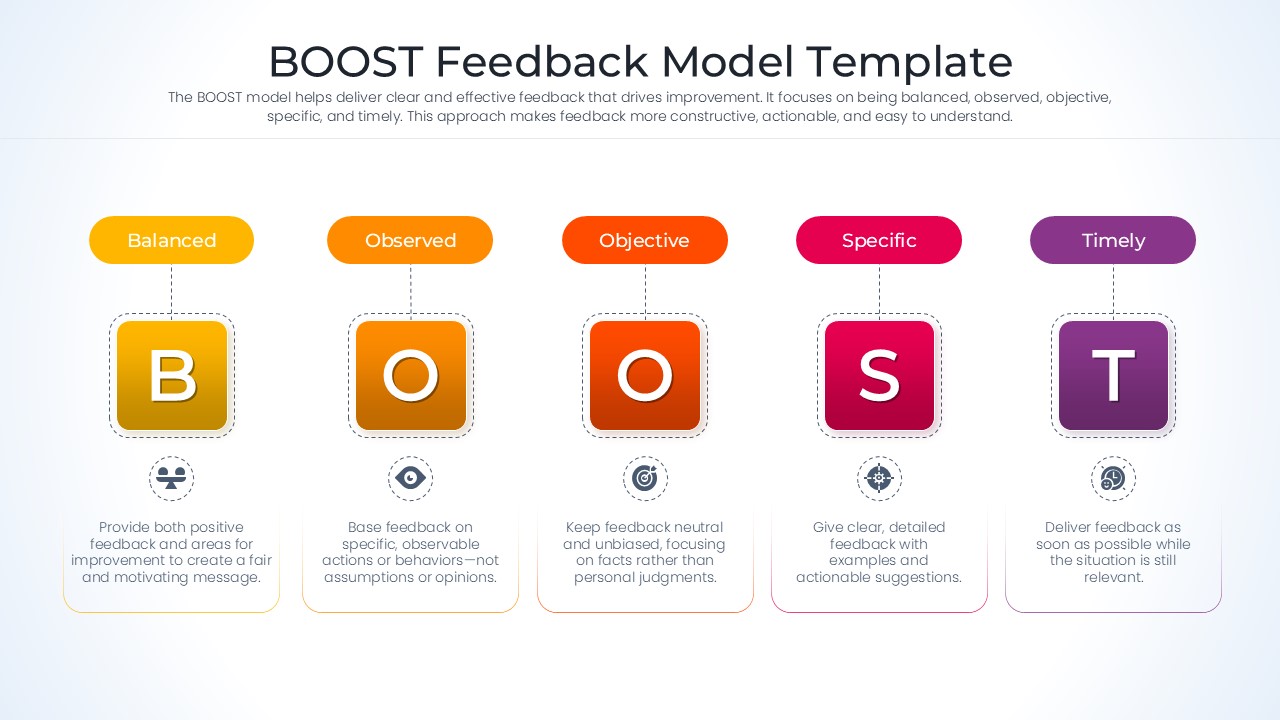
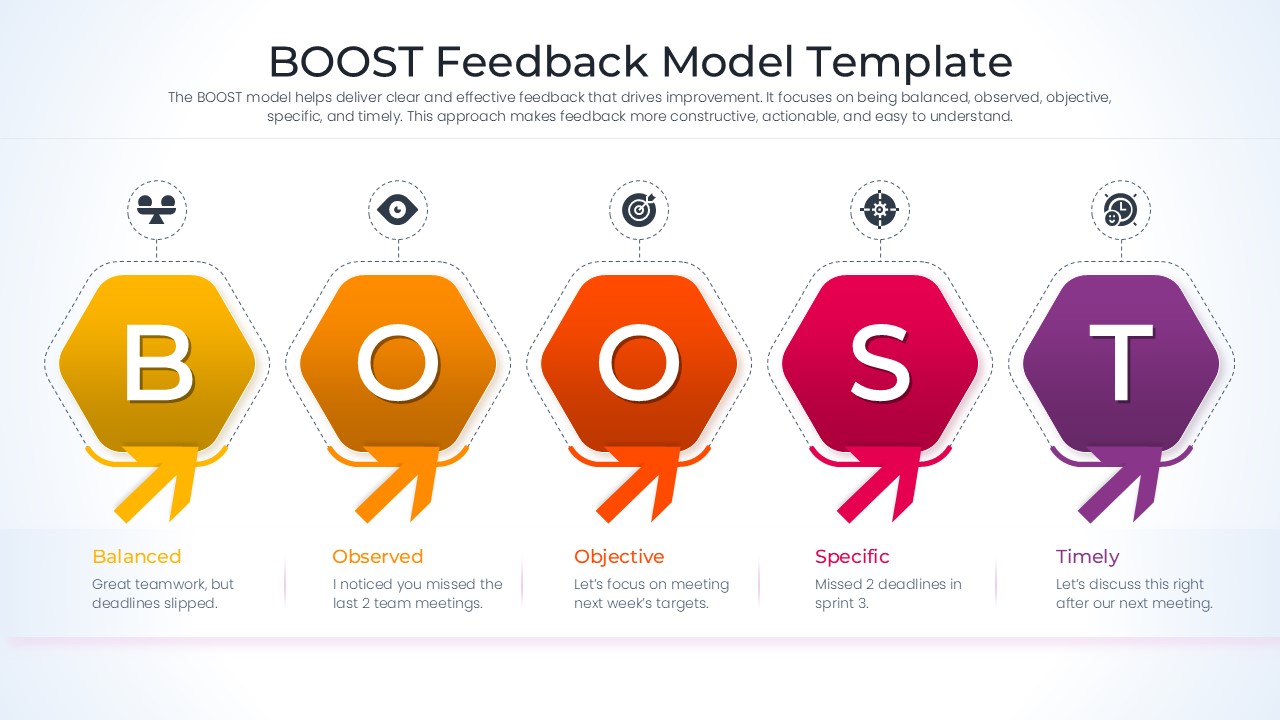
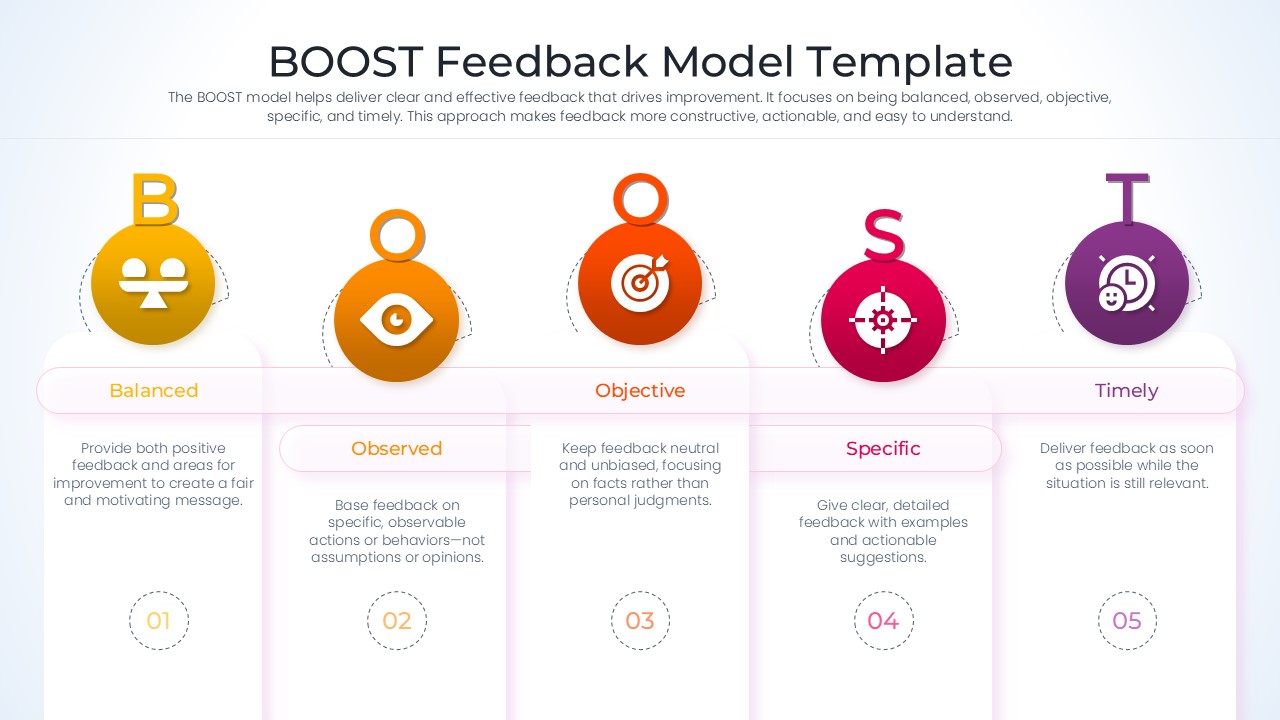
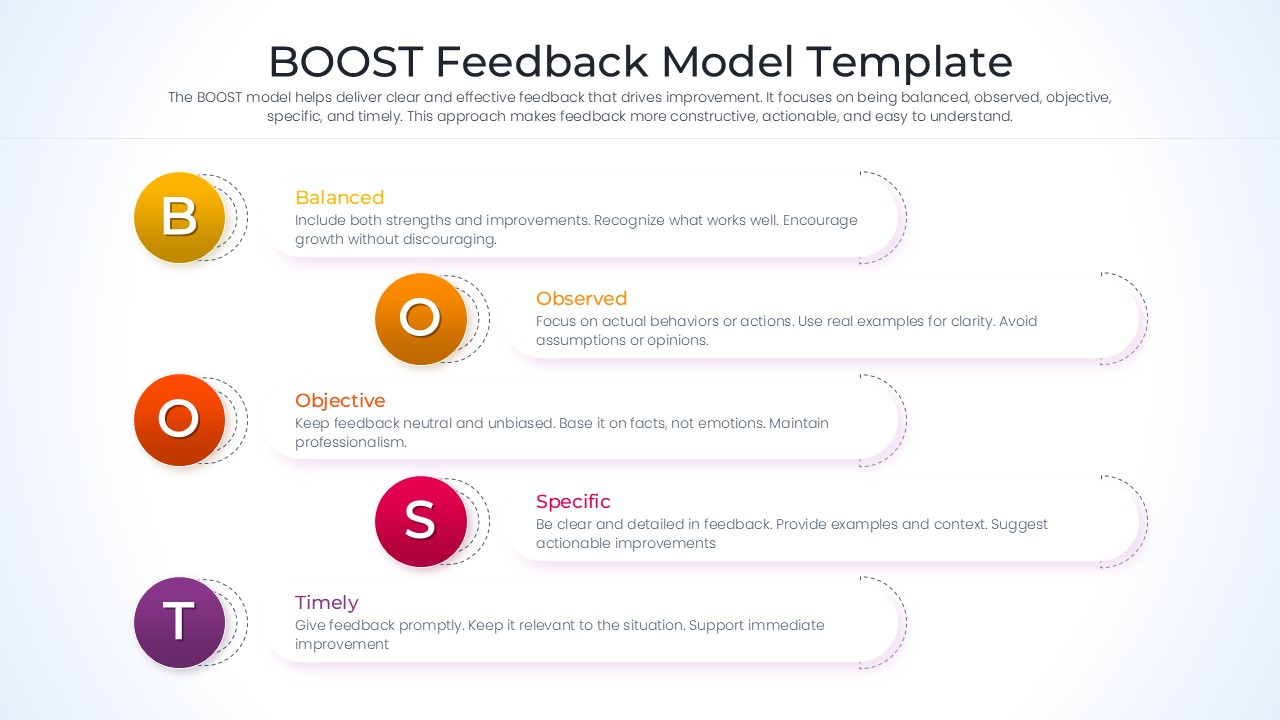
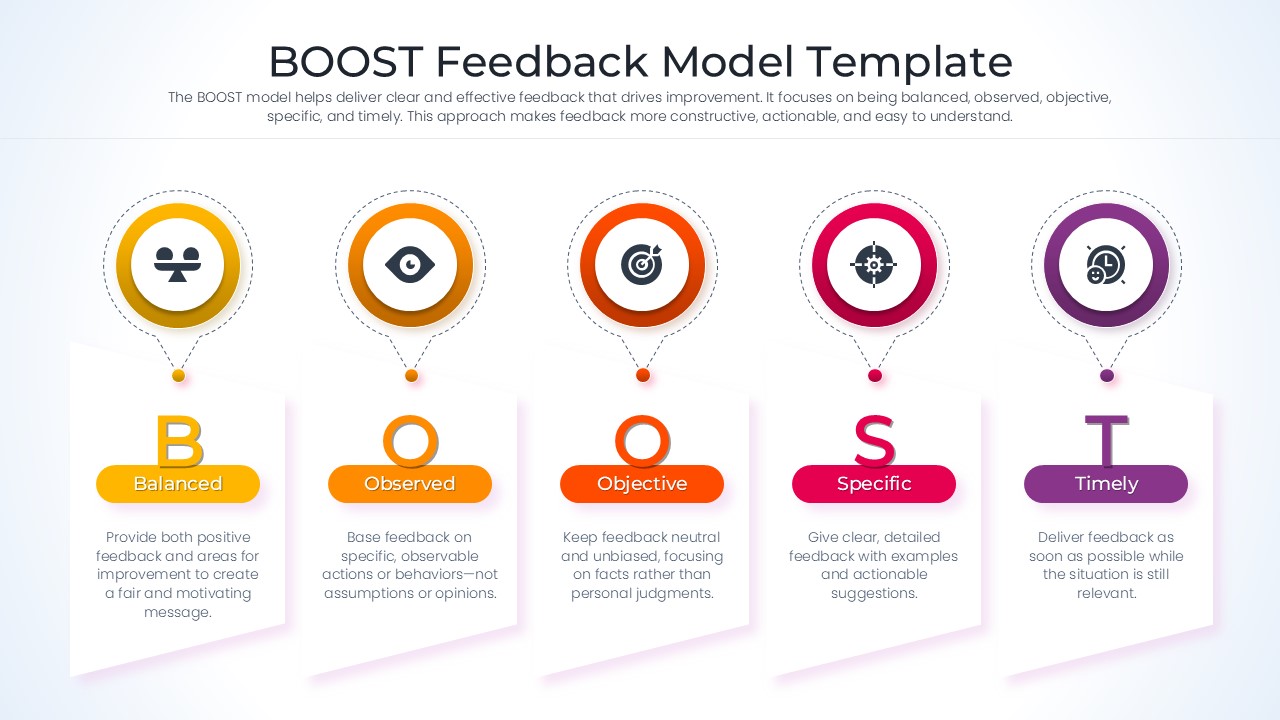
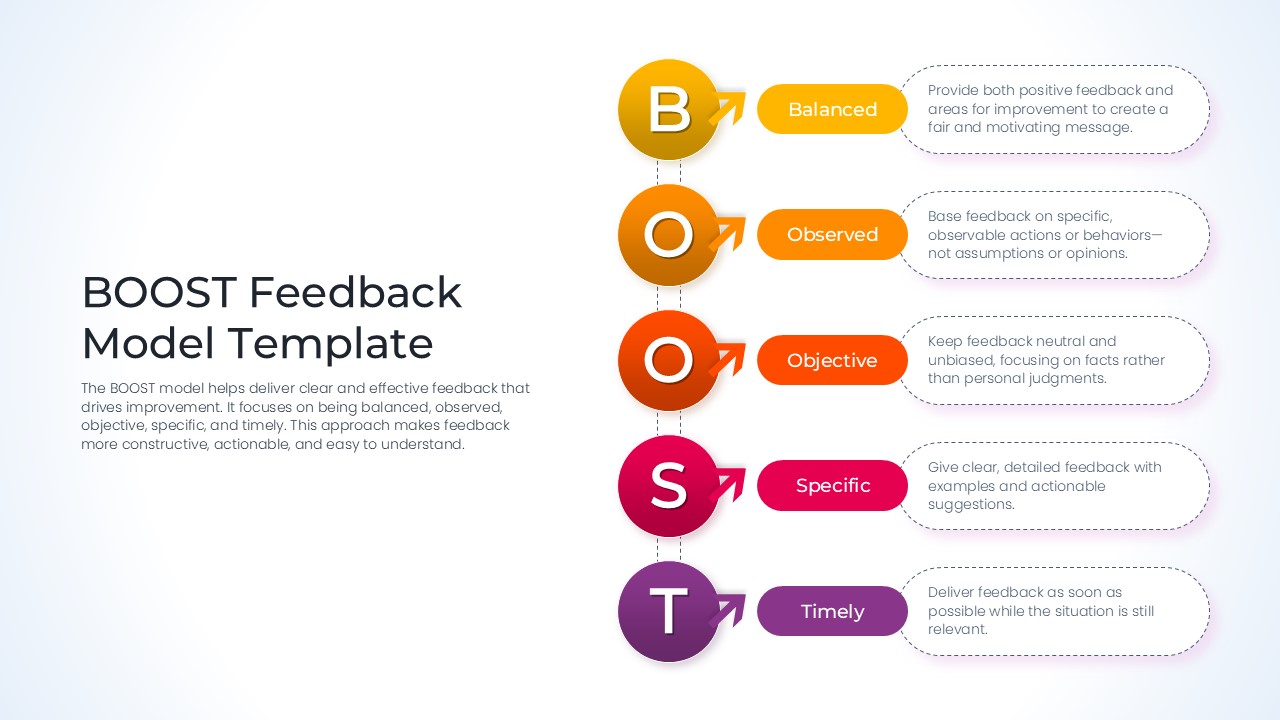
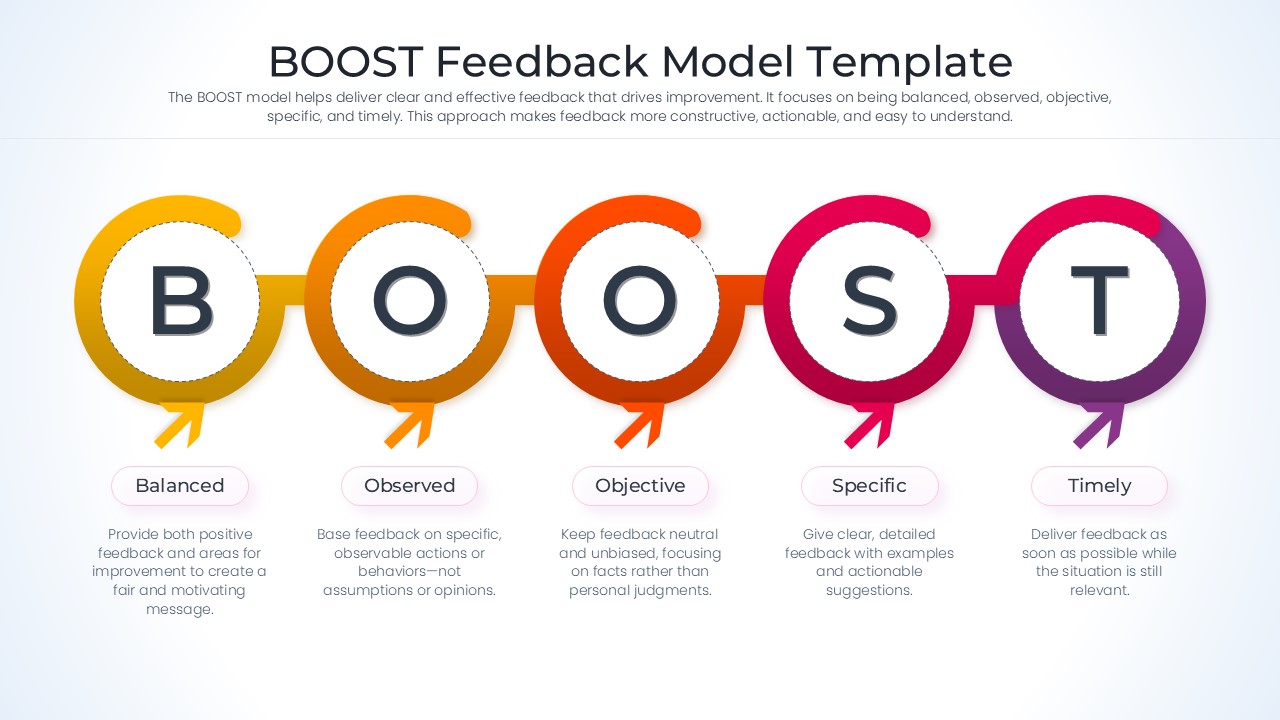
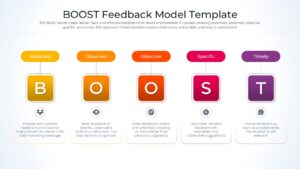
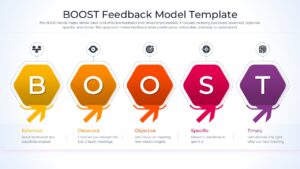
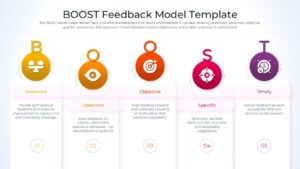
With this BOOST Feedback Slide, deliver clear and effective communication that drives professional improvement. By focusing on being balanced, observed, objective, specific, and timely, these infographic templates transform difficult conversations into growth opportunities. Whether you are a team lead or a department head, this business strategy framework provides a consistent methodology for nurturing talent and maintaining high organizational standards.
This BOOST Feedback Infographic is built using vector graphics, allowing you to resize and recolor elements without losing any image quality. Every text placeholder is ready for your specific data, making it the perfect tool for high-stakes executive meetings or internal team briefings.
Why Use these Constructive Feedback Slides – Performance Coaching Framework
- Provides a clear visual representation of the BOOST acronym to improve audience retention.
- Reduces prep time by using pre-designed layouts for professional feedback sessions.
- Ensures a professional look with a consistent design language across all evaluation slides.
- Allows for high levels of customization to highlight specific team metrics or behavioral goals.
Who Should Download this Professional Feedback Cycle – Constructive Feedback Slides
- Human Resource Managers and Corporate Trainers.
- Project Leads and Department Supervisors.
- Career Coaches and Management Consultants.
- Educators teaching organizational behavior or communication.
Key Features
- 100-percent Vector-Based Graphics
- Fully Layered & Organized
- Multi-Platform Support
- Theme Color & Theme Font
- Editable BOOST Acronym Icons
- Dual Aspect Ratio (4:3 & 16:9)
Frequently Asked Questions
- How can I use the BOOST Feedback Model in a team meeting?
- The BOOST model is best used by walking through each letter—Balanced, Observed, Objective, Specific, and Timely—to ensure your feedback is well-rounded and actionable for the recipient.
- Is the employee performance feedback content editable?
- Yes, all text boxes, colors, and icons are fully editable within PowerPoint and Google Slides, allowing you to tailor the content to your specific team\'s needs.
- Does this presentation layout support different screen sizes?
- Absolutely, the deck is provided in both 4:3 standard and 16:9 widescreen aspect ratios to ensure it looks professional on any projector or monitor.
Related Templates
-
-
-
 $3.99
$3.99 -
 $3.99
$3.99