Circle Diagram Template for PowerPoint & Google Slides
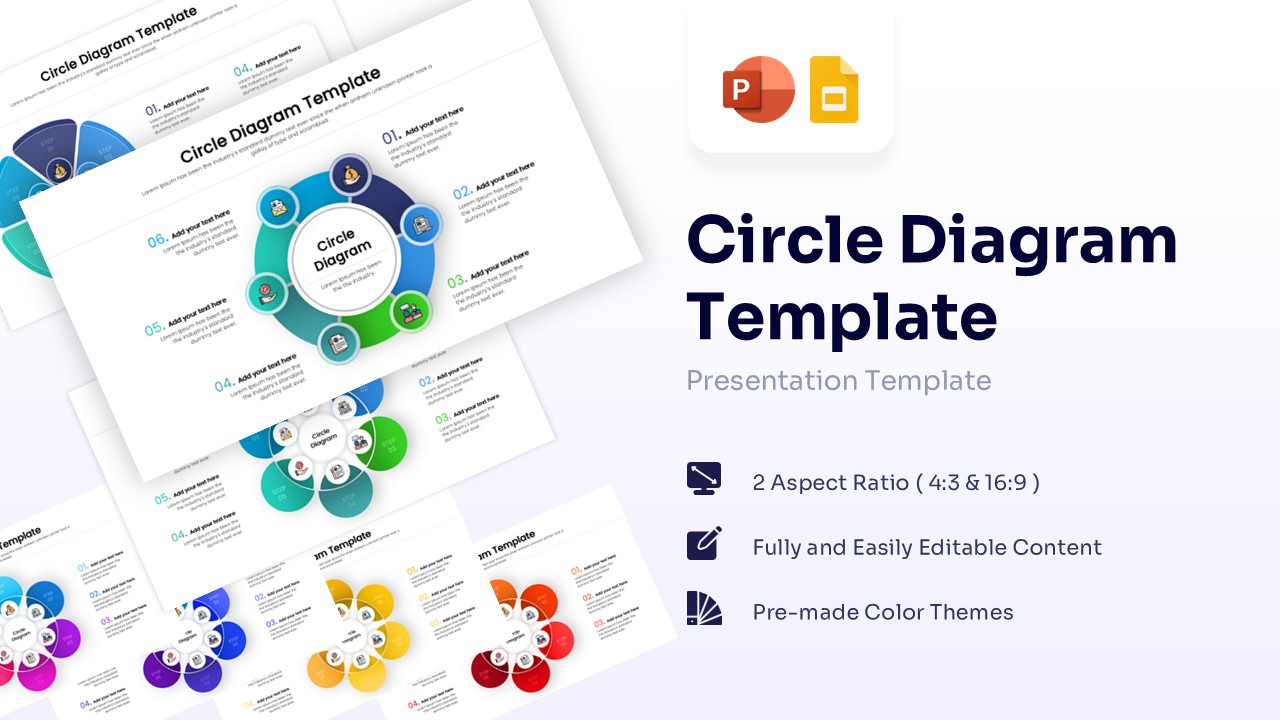
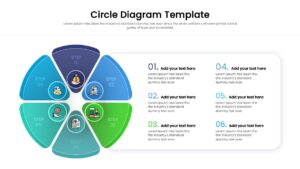
6 Step Circular Process Presentation Template
Download this Circle Diagram Template to clearly present processes, core concepts, or relationships in your next meeting. When you need to show how six distinct elements relate to a central theme, this visual layout is much more effective than a standard list of bullet points. It helps you organize your thoughts and ensures your audience can grasp the connections instantly, making you feel prepared and in control of your presentation.
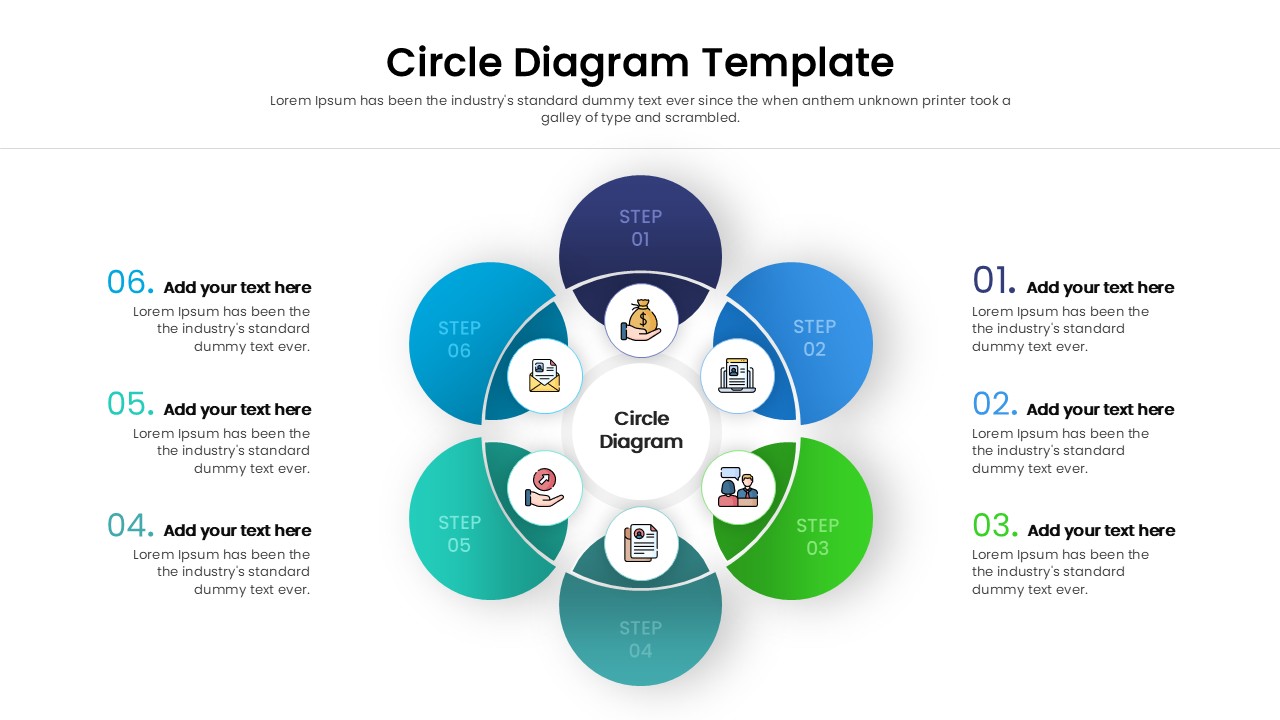
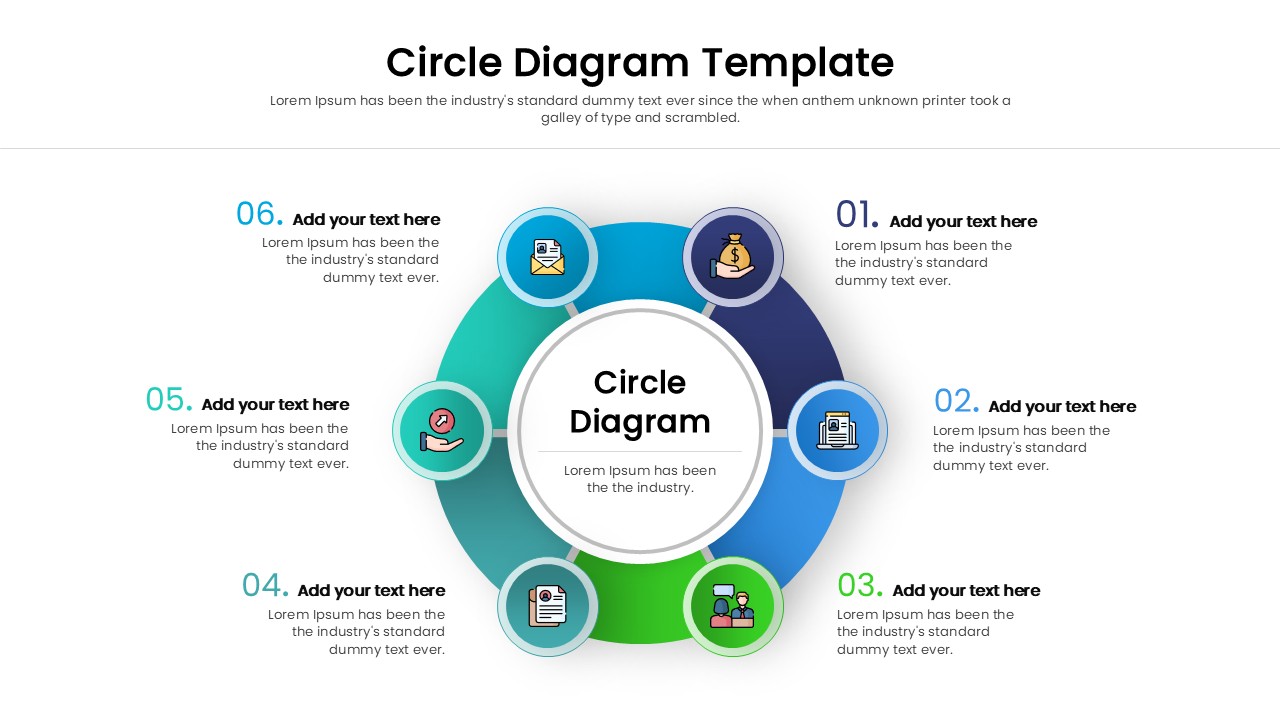
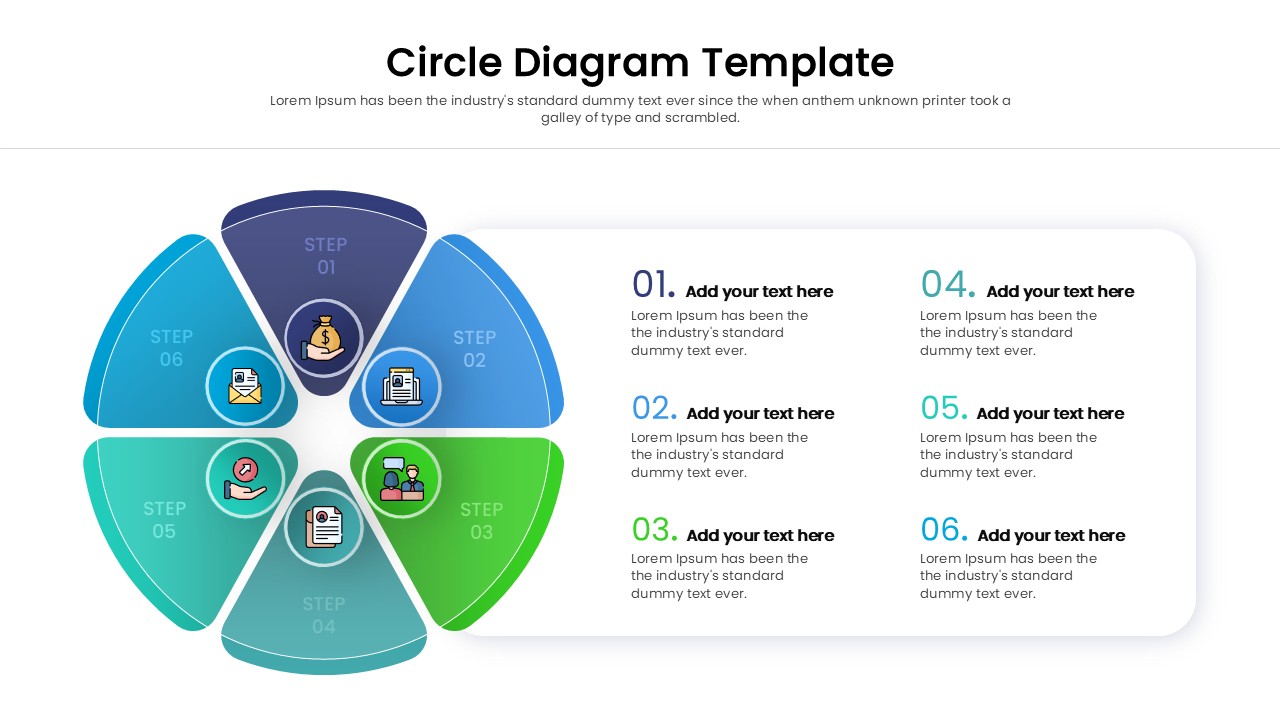
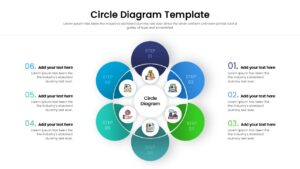
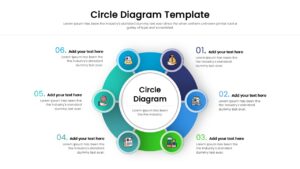
These circular diagram slides features a clean, modern design with a central hub surrounded by six colorful nodes. Each step in the circle includes a customizable icon and a dedicated text box, allowing you to explain each part of the process in detail. The layout is balanced and uses a multi-color scheme that distinguishes each section while keeping the overall look cohesive. Whether you are using PowerPoint or Google Slides, every element is fully editable, so you can easily adjust the colors, fonts, and icons to match your company branding.
This versatile presentation template is perfect for a wide range of professional scenarios. You can use it to display a six-step business cycle, outline the key features of a new product, or visualize your company’s core values. It is also an excellent choice for illustrating a marketing mix, a project lifecycle, or a hub-and-spoke distribution model. By turning complex information into a simple graphic, you help your stakeholders focus on the insights that matter most.
Why use this Circular Diagram Template
- Simplifies complex relationships into an easy-to-read visual format.
- Keeps your audience engaged with a colorful, structured design.
- Saves you time on design work so you can focus on your message.
- Helps you look polished and professional with minimal effort.
Who is it for
- Project managers outlining project phases or workflows.
- Marketing teams presenting campaign strategies or product features.
- Business consultants visualizing organizational structures or ecosystems.
- Educators and trainers explaining cyclic processes or core concepts.
Key Features
- 6-step circular layout
- Fully editable icons and text placeholders
- 4:3 and 16:9 aspect ratios
- Pre-made multi-color themes
- Vector-based graphics
Frequently Asked Questions
- Can I change the icons in the circles?
- Yes, all icons are fully editable. You can replace them with your own or choose from a library of vector icons within PowerPoint or Google Slides.
- Is this template compatible with Google Slides?
- Absolutely. This template is optimized for both Microsoft PowerPoint and Google Slides, ensuring a smooth experience on either platform.
- How do I change the colors to match my brand?
- You can easily change the fill color of the shapes using the standard formatting tools in your presentation software. The elements are grouped for easy editing.
Related Templates
-
 $2.99
$2.99 -
 $3.99
$3.99 -
-