
Circular Process Diagram Template for PowerPoint & Google Slides
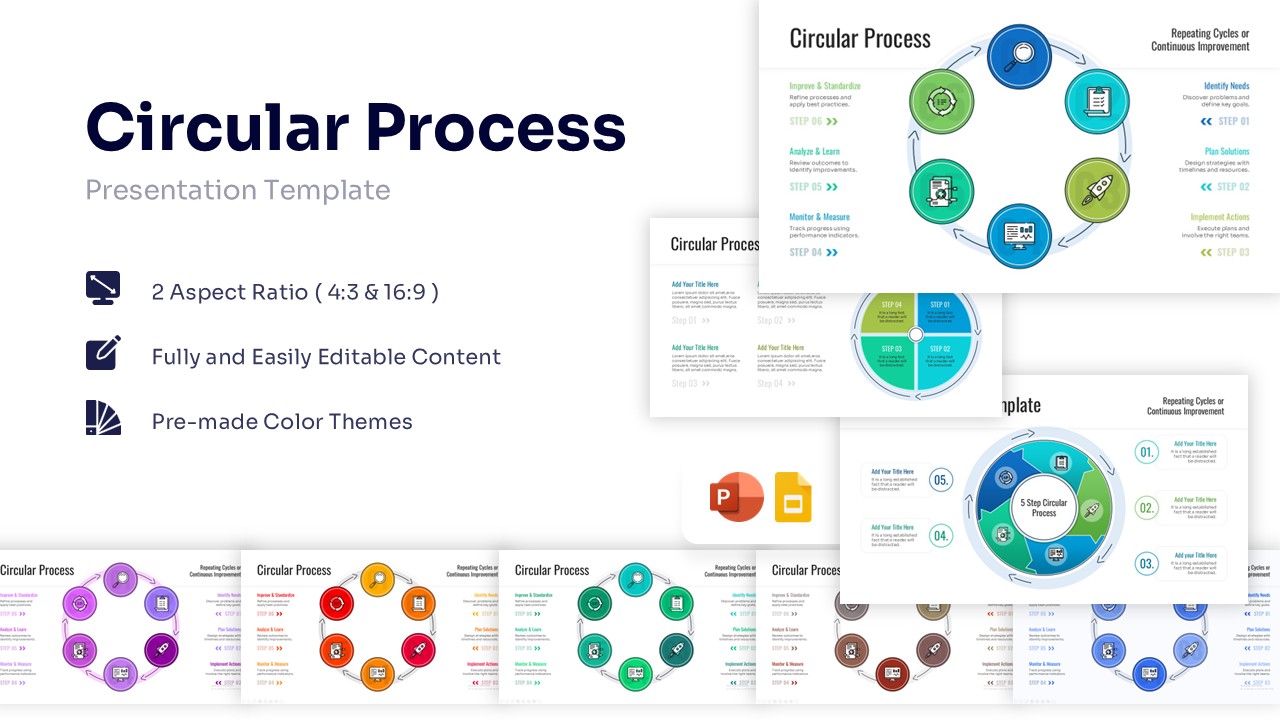
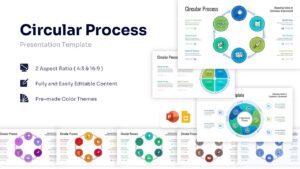
Circular Business Workflow Presentation Template
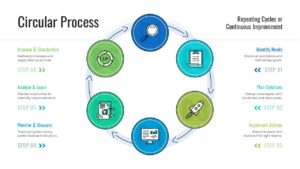
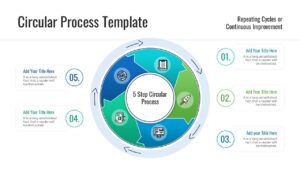
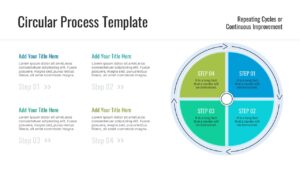
Download this Creative Circular Process Diagram to show repeating steps or continuous workflows in your next meeting. Whether you need to explain a business lifecycle, a quality control loop, or a recurring strategy, this slide helps you visualize the path clearly. It is designed to make complex flows easy to follow, ensuring your audience understands how one stage leads to the next without getting lost in text.
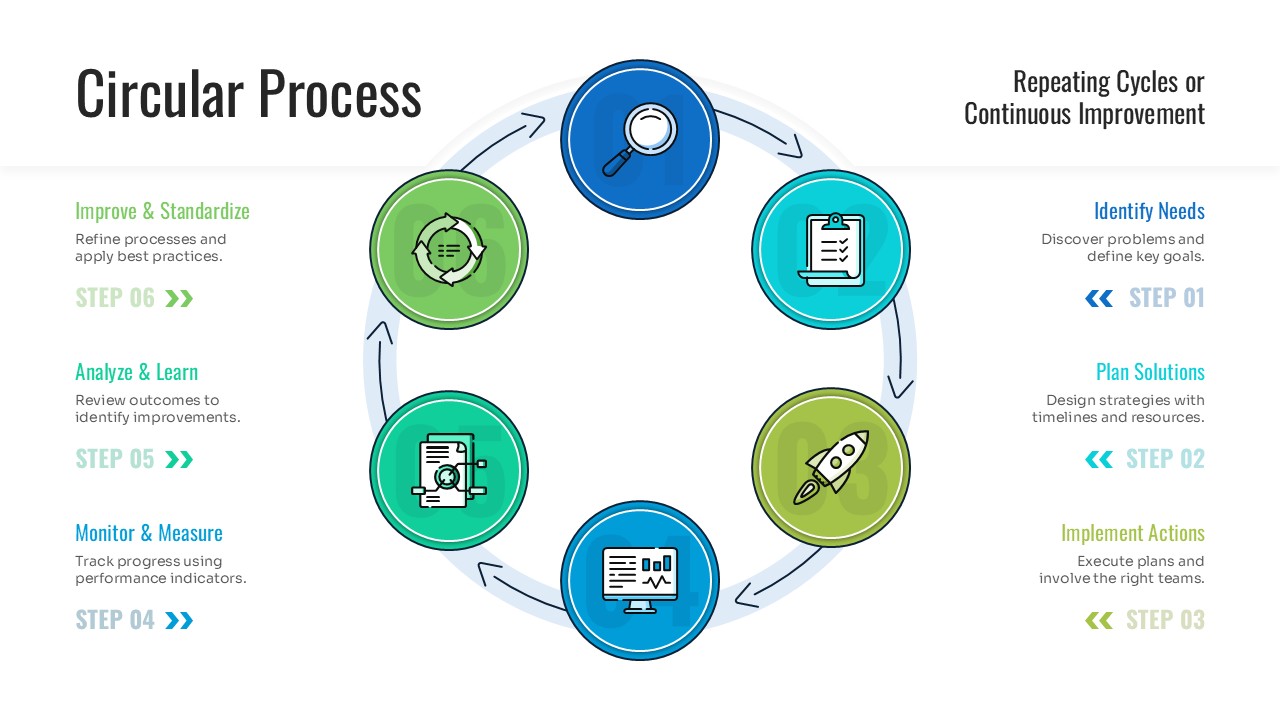
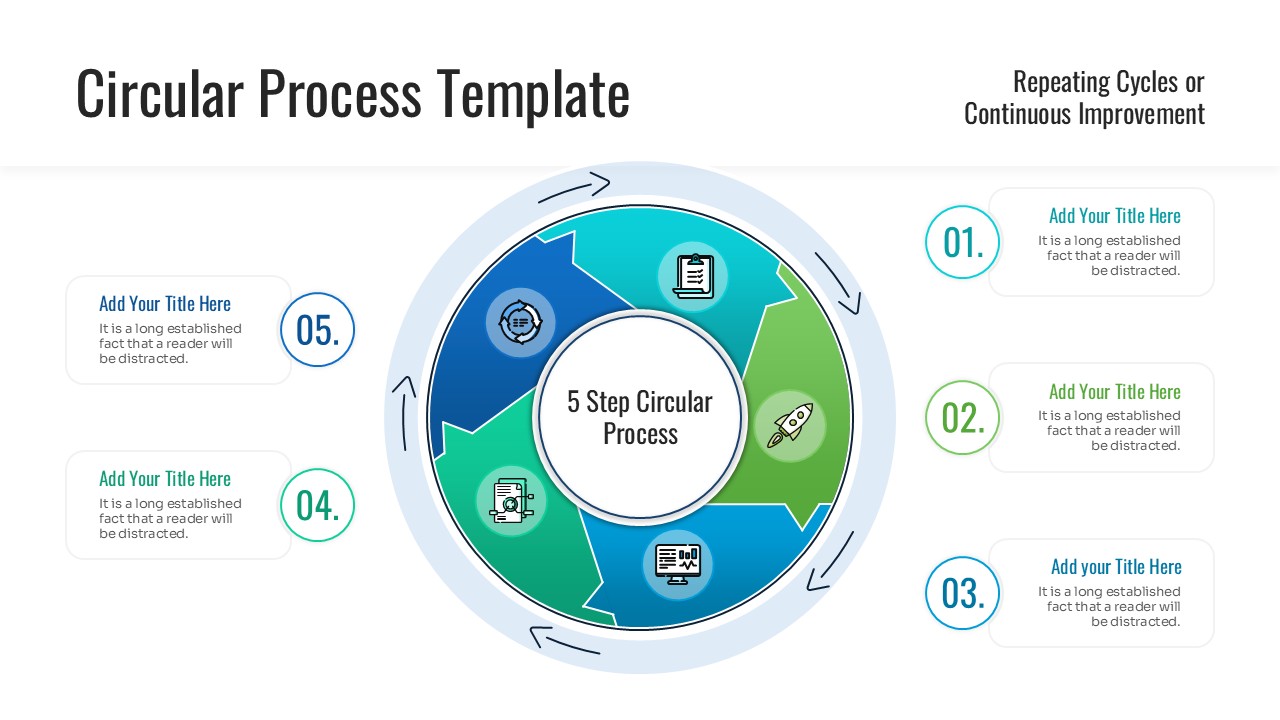
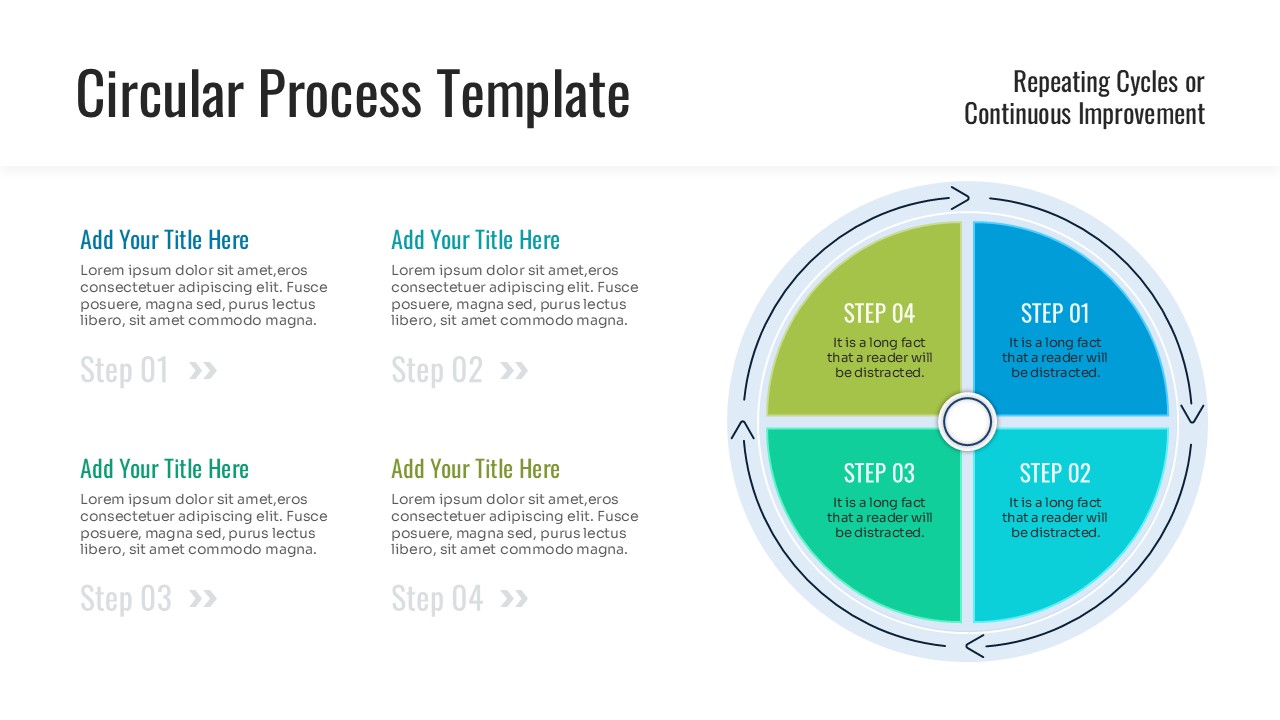
This circular process flow template set features multiple layout variations, including 4-step, 5-step, and 6-step cycles, giving you the flexibility to match the diagram to your specific process. The clean, modern design uses icons to represent each phase, which keeps the slide uncrowded and engaging. You can easily edit the text, resize the shapes, and swap the colors to fit your brand guidelines, making it a quick solution for professional presentations.
Use these modern PowerPoint diagrams for illustrating product development cycles, marketing flywheels, or supply chain loops. They are also excellent for educational settings to demonstrate scientific cycles or for HR presentations outlining employee onboarding and retention phases. The versatile structure supports any scenario where a process repeats, evolves, or improves over time, helping you turn abstract concepts into clear visual stories.
Why use this Circular Process Diagram
- Visualizes complex loops and repeating processes clearly for better audience retention.
- Saves you time with pre-designed layouts that only need your text and data.
- Offers multiple step variations (4, 5, 6 steps) to fit different workflow lengths.
- Ensures a consistent, professional look across your entire presentation deck.
Who Should Download this Circular Process Infographics
- Project Managers tracking iterative workflows and agile sprints.
- Business Analysts mapping out operational lifecycles or feedback loops.
- Marketing Teams visualizing campaign cycles or customer journeys.
- Educators and Trainers explaining recurring systems or scientific processes.
Key Features
- 100% Vector-Based Graphics
- Fully Layered & Organized
- Multi-Platform Support
- Theme Color & Theme Font
Frequently Asked Questions
- Can I change the number of steps in the circle?
- Yes, you can ungroup the elements to add or remove steps, though using the pre-made 4, 5, or 6-step variations provided is faster.
- Do the icons come with the template?
- Yes, the template includes the icons shown, and they are fully editable so you can resize or recolor them.
- Will the colors change if I apply my own PowerPoint theme?
- Yes, this template is built with theme colors, so it will automatically adapt to your company’s color palette when you copy it into your deck.
Related Templates
-
-
-
 $2.99
$2.99 -
 $2.99
$2.99