Modern Circular Timeline Template for PowerPoint & Google Slides

Creative Cycle Process Infographic Presentation Template
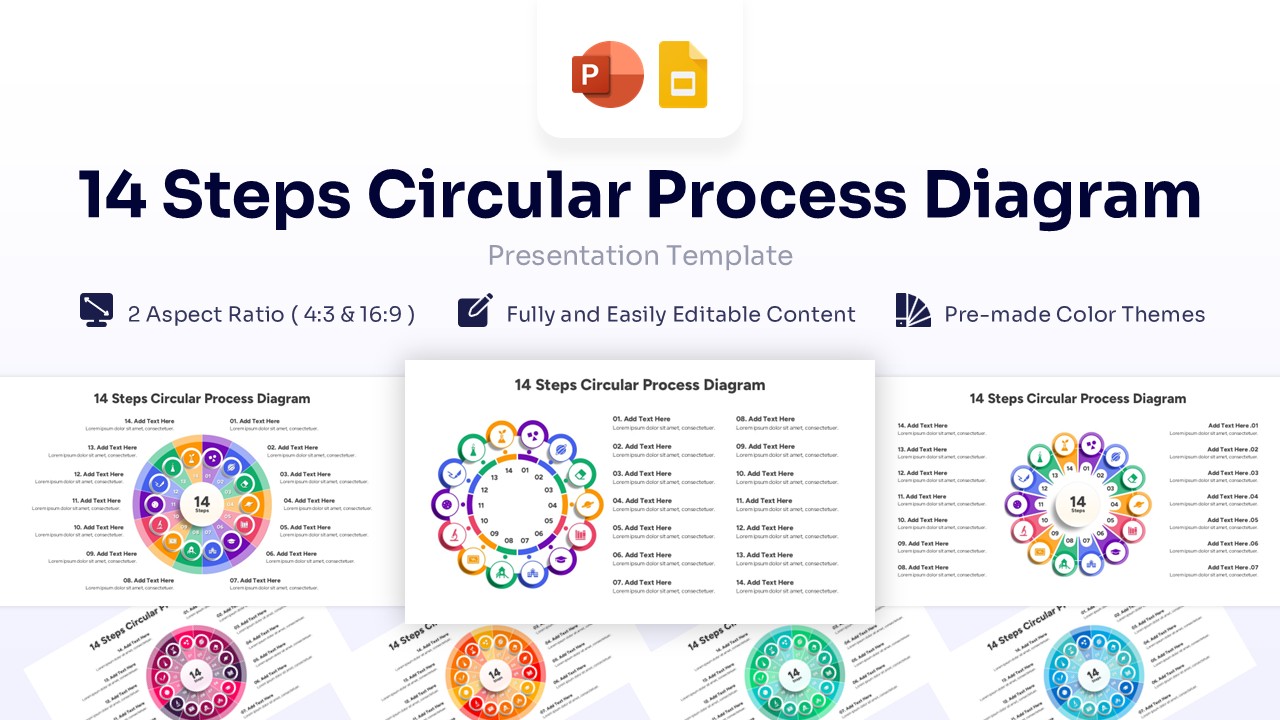
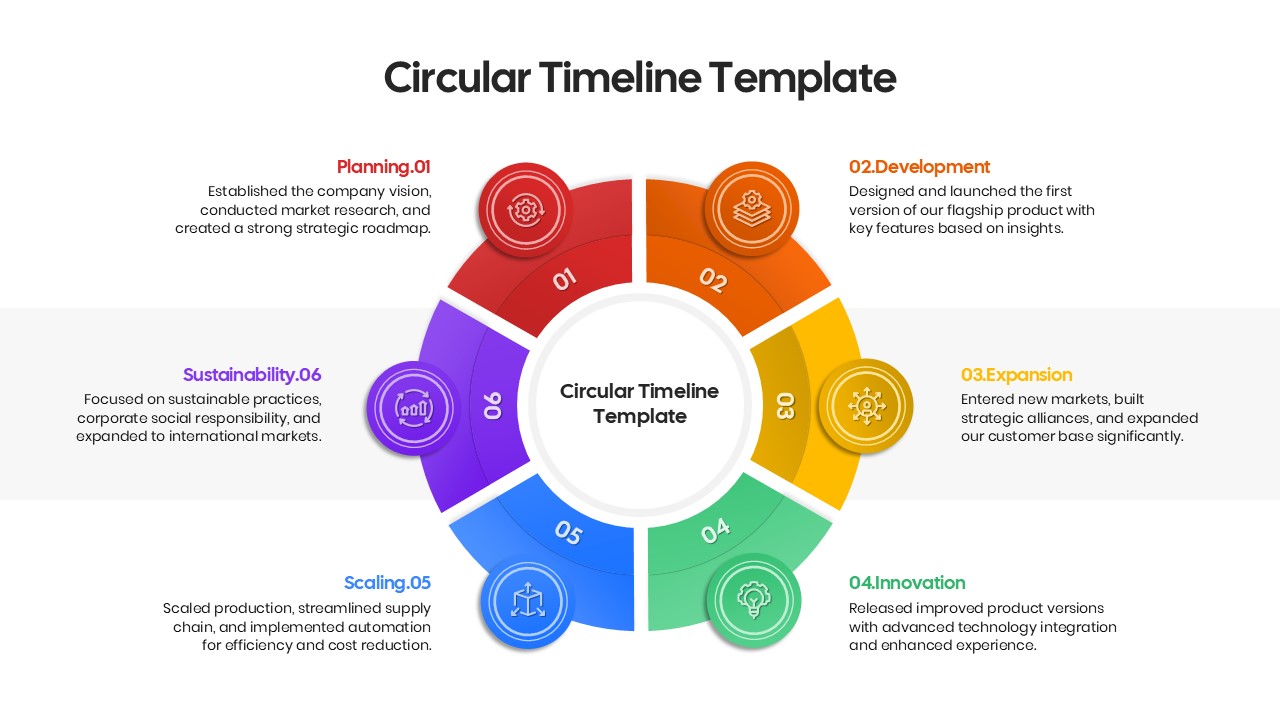
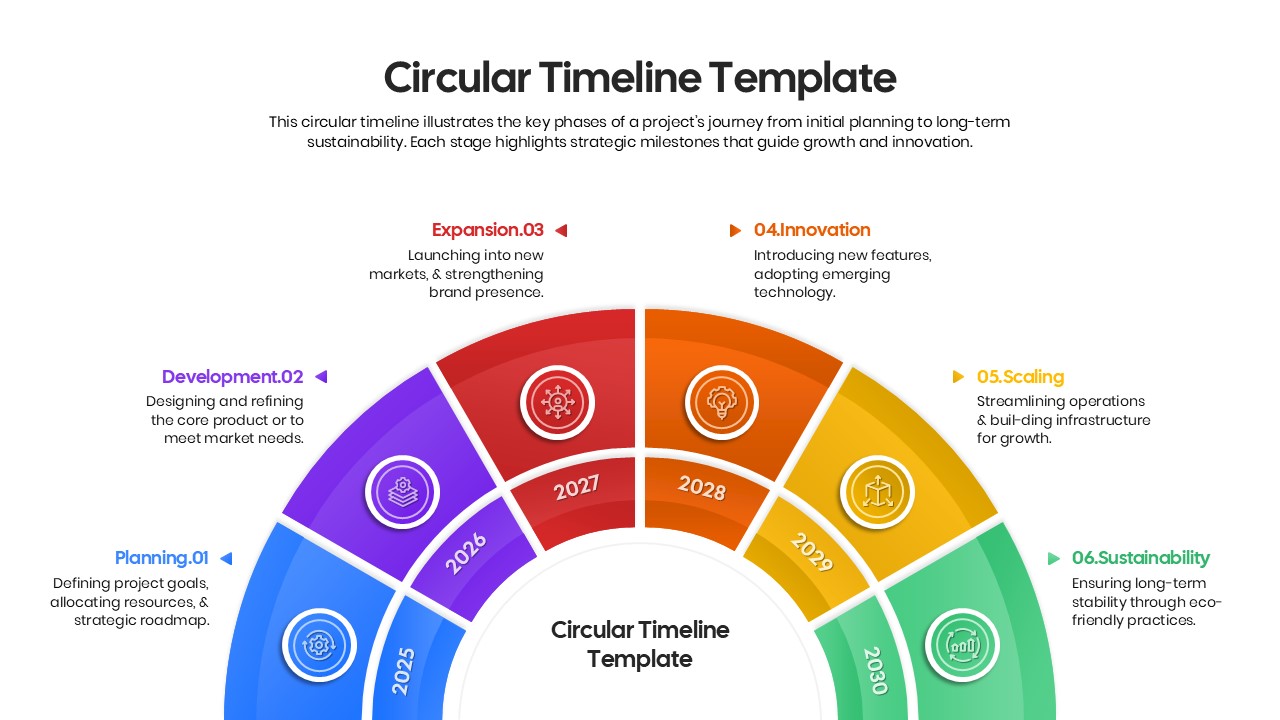
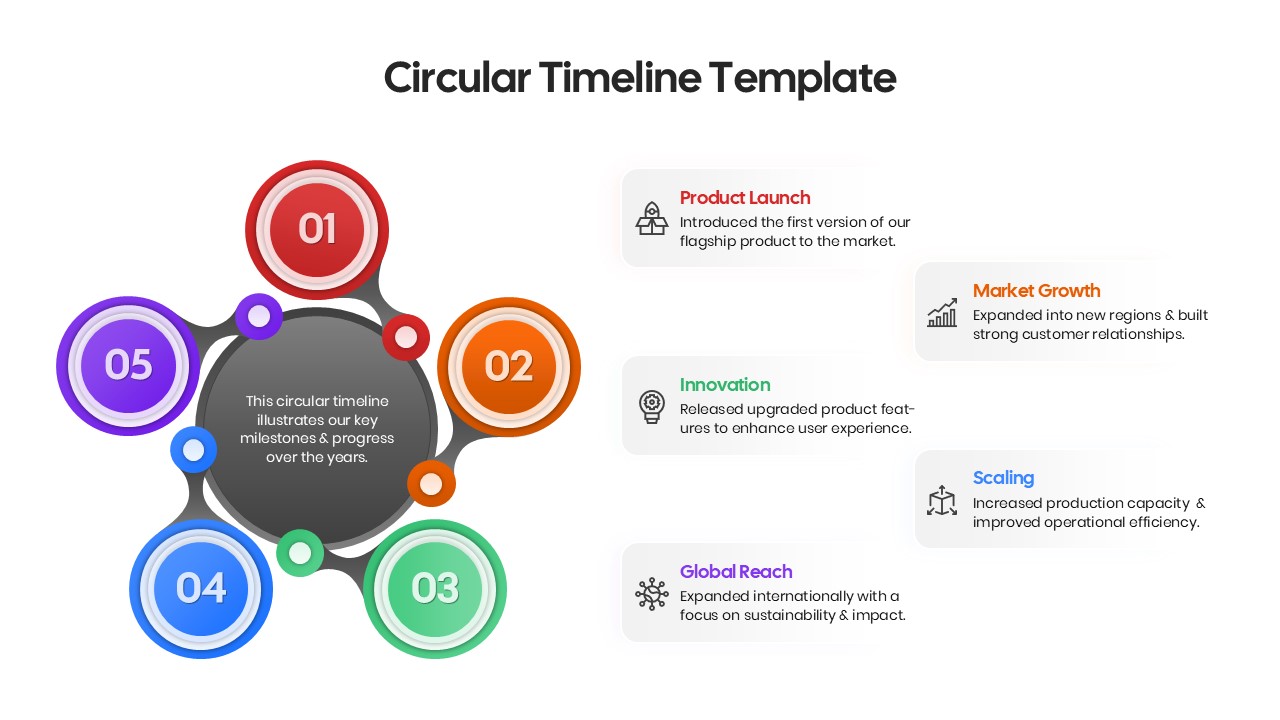
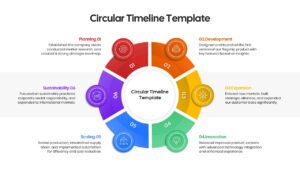
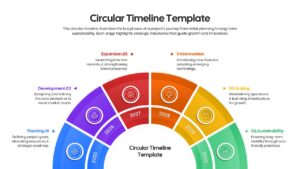
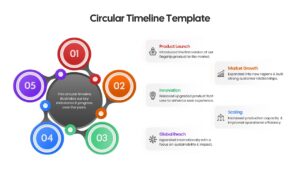
Download this Circular Timeline Template to visualize project phases and recurring milestones with clarity. This colorful circular infographic helps you present the journey of a project or a business cycle effectively, ensuring your audience understands the flow instantly without getting lost in heavy text. Whether you are outlining a history or a future plan, this layout keeps your narrative organized.
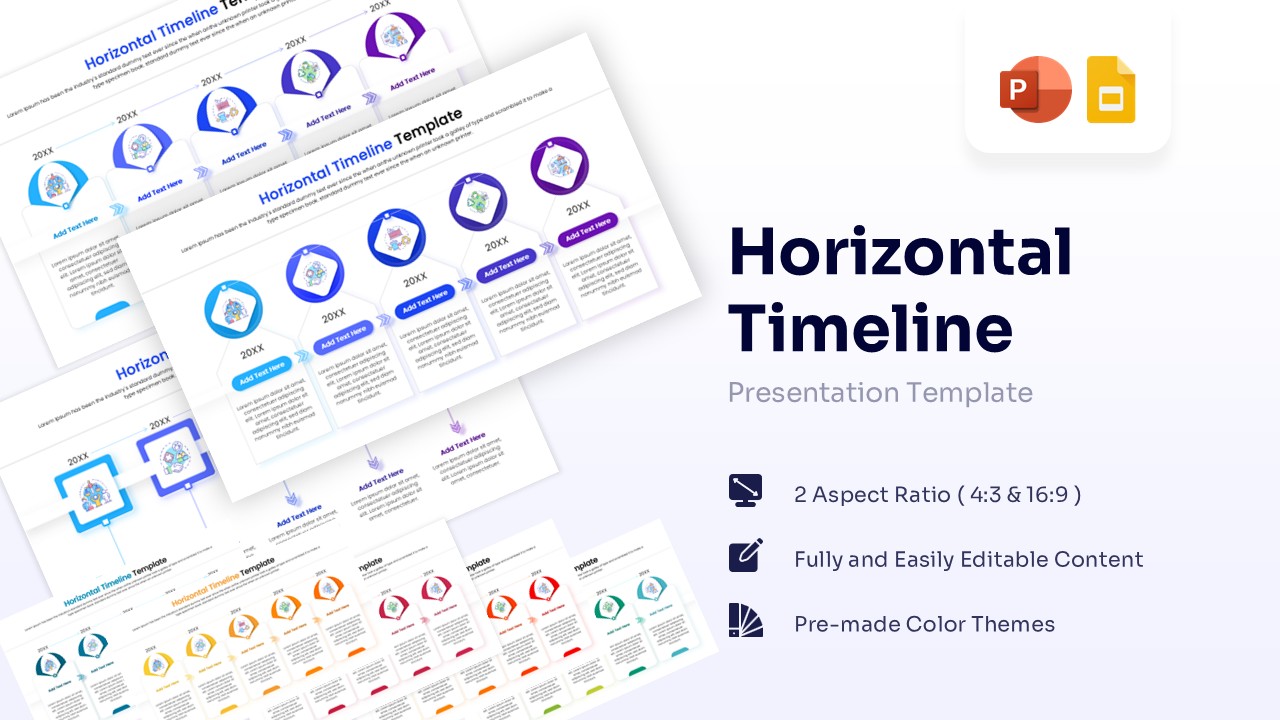
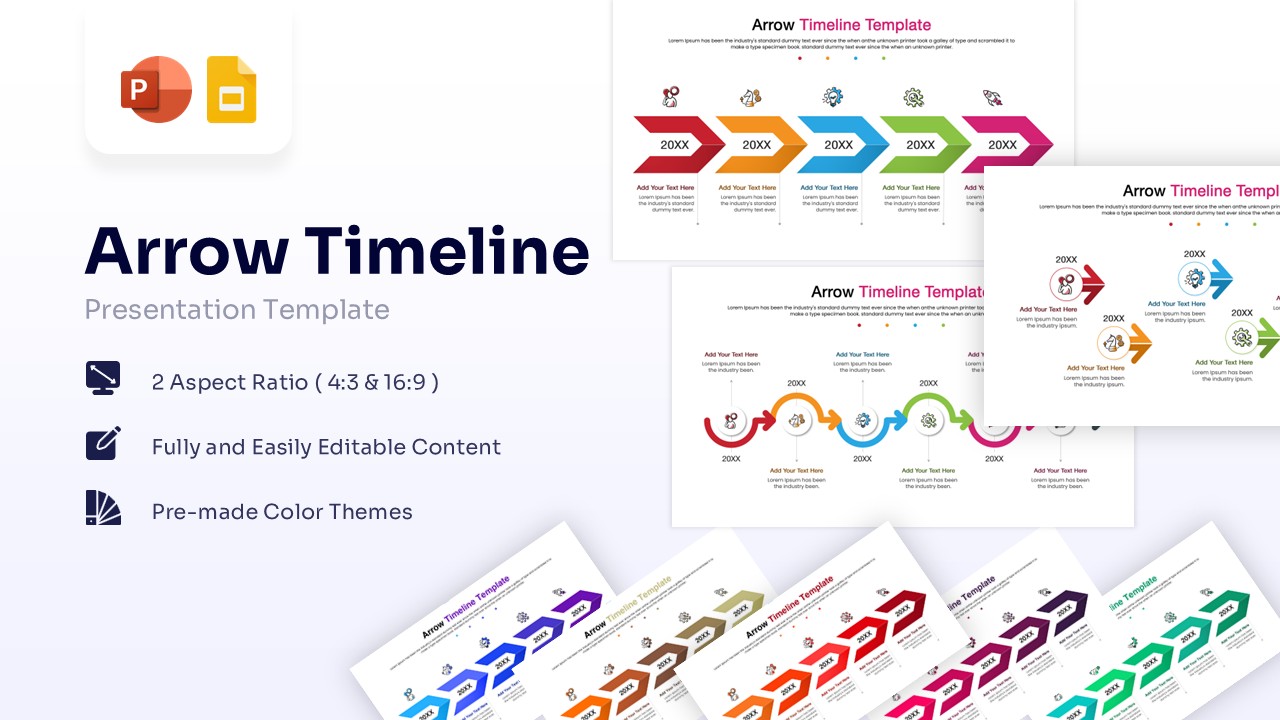
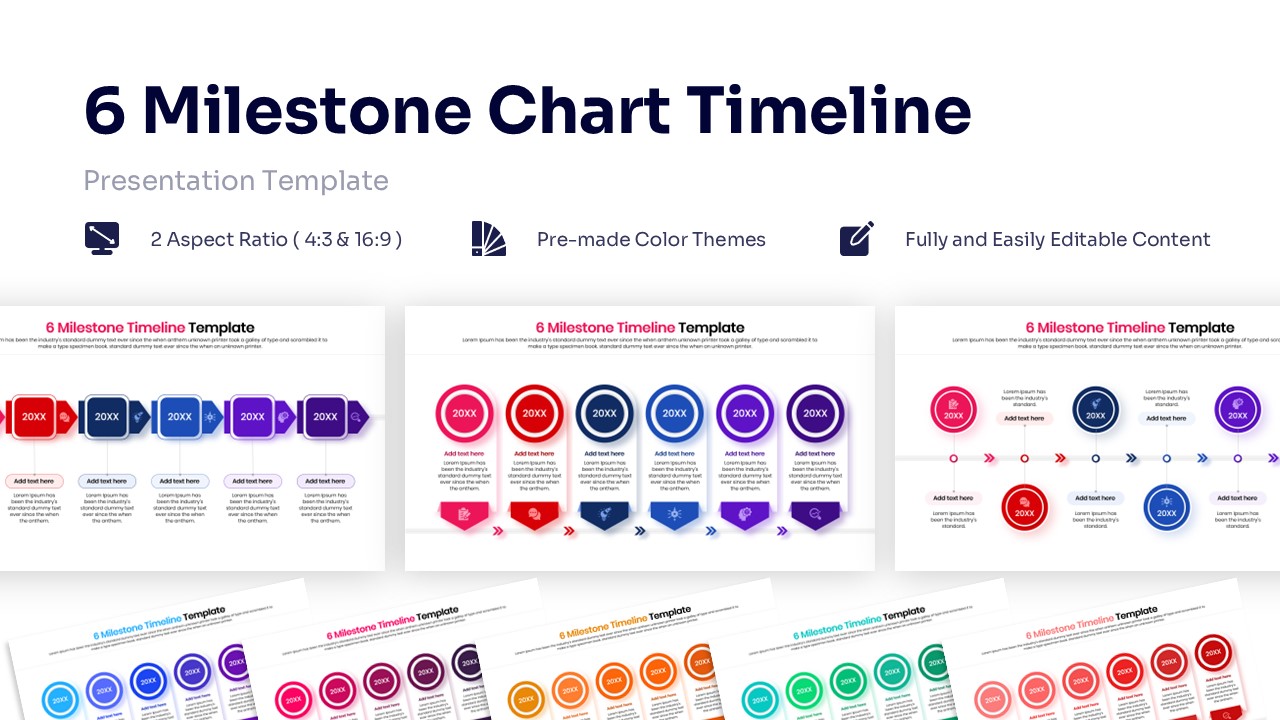
This circular templates features a collection of polished circular diagrams, offering layouts for different numbers of steps and stages. It supports both standard and widescreen formats, making it versatile for any screen or projector. The slides use a vibrant multi-color scheme to distinguish sections, but everything is fully editable so you can easily match your corporate branding or specific theme colors.
Use these infographic templates for product development roadmaps, annual strategic planning, or explaining a continuous improvement process. It is ideal for showcasing company history, future goals, customer journeys, or any workflow that repeats over time. These layouts are perfect for scenarios where you need to demonstrate progress, continuity, and the relationship between different stages of a plan.
Why use this Circular Timeline Infographic Template
- Visualizes time-based data in a compact, engaging way.
- Helps the audience grasp the sequence of events quickly.
- Fully customizable text and colors save you preparation time.
- Provides a professional, polished look with minimal effort.
Who is it for this Circular Diagram Template
- Project Managers tracking phases.
- Marketing Teams planning annual campaigns.
- Business Consultants presenting roadmaps.
- Educators explaining lifecycle concepts.
- Startups showcasing growth milestones.
Key Features
- 100% Vector-Based Graphics
- Fully Layered & Organized
- Multi-Platform Support
- Theme Color & Theme Font
- 2 Aspect Ratios (4:3 & 16:9)
Frequently Asked Questions
- Can I change the number of steps in the circle?
- Yes, the elements are vector-based, so you can ungroup them to add or remove steps, though using the pre-set variations included is faster.
- Is this template compatible with Keynote?
- While designed for PowerPoint and Google Slides, the file can usually be imported into Keynote with minor adjustments.