
Creative Meet the Team Template for PowerPoint & Google Slides
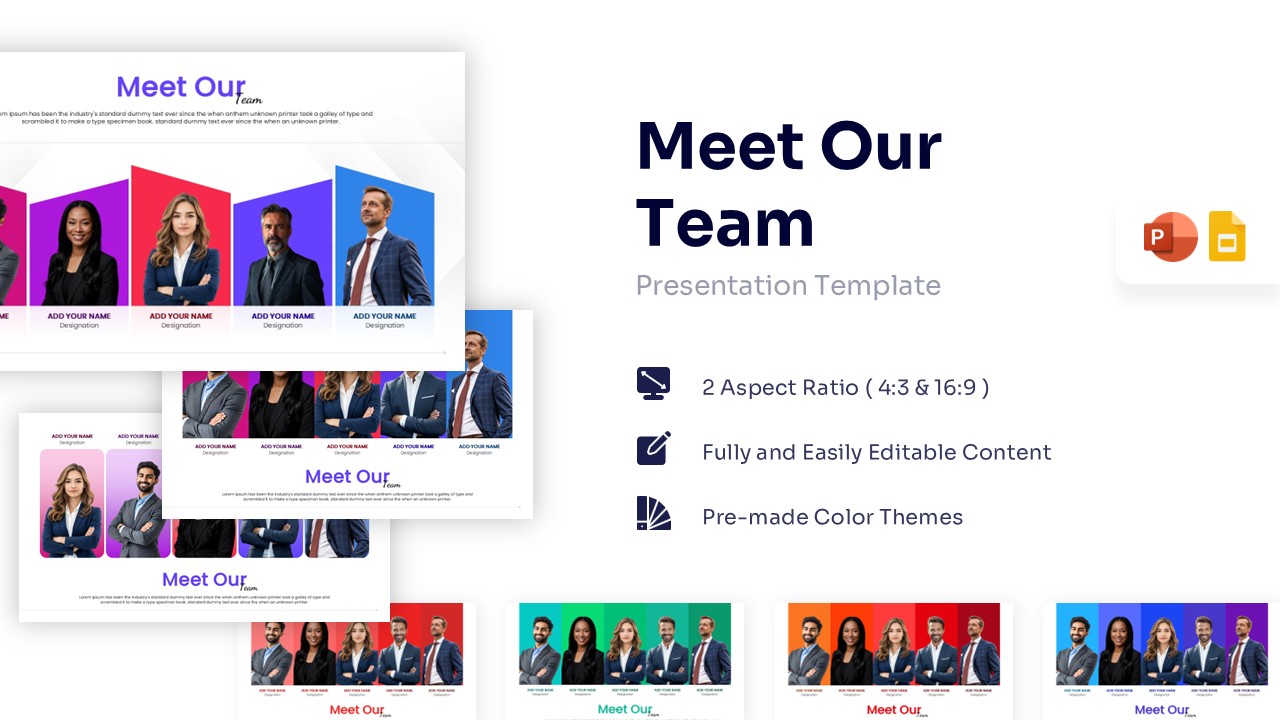
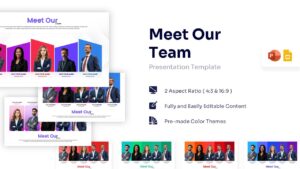


Team Introduction Slides for PowerPoint & Google Slides
Download this Meet the Team template to introduce your colleagues professionally. Whether you are preparing a client pitch, an internal meeting, or a company profile, this slide helps you showcase your workforce clearly. It ensures your audience knows exactly who is behind the work, building trust and personal connection with stakeholders.
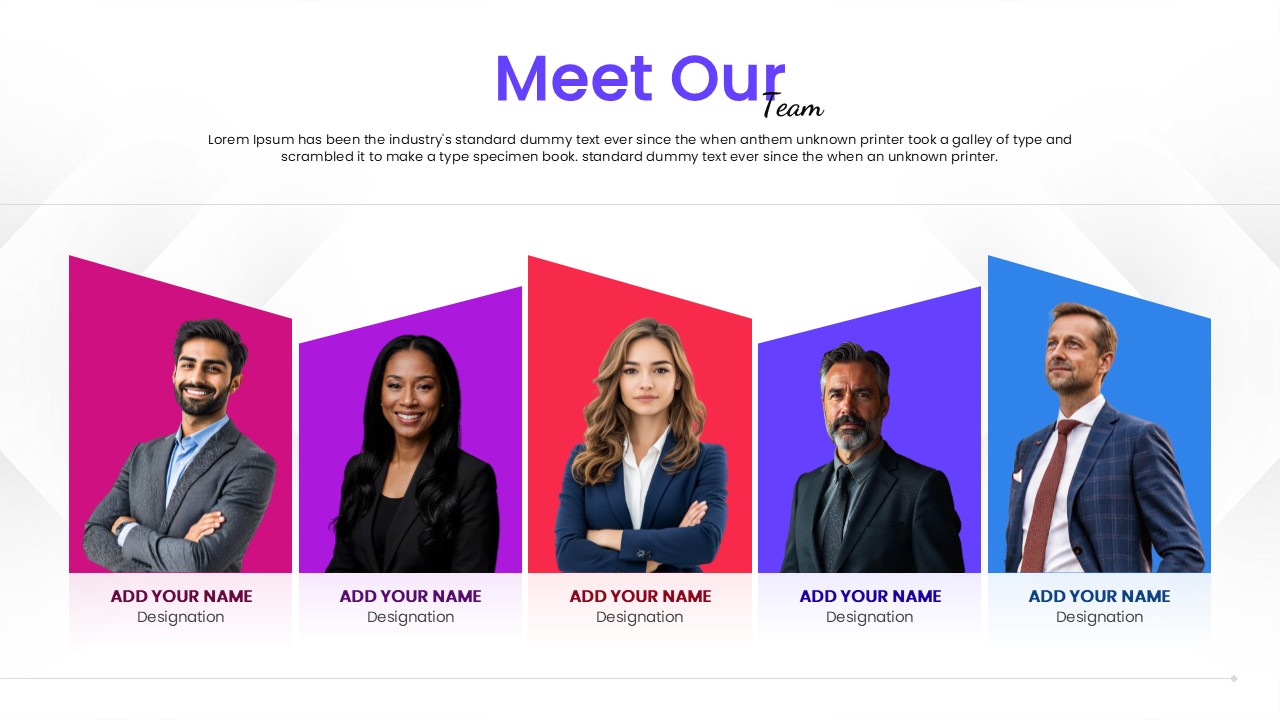
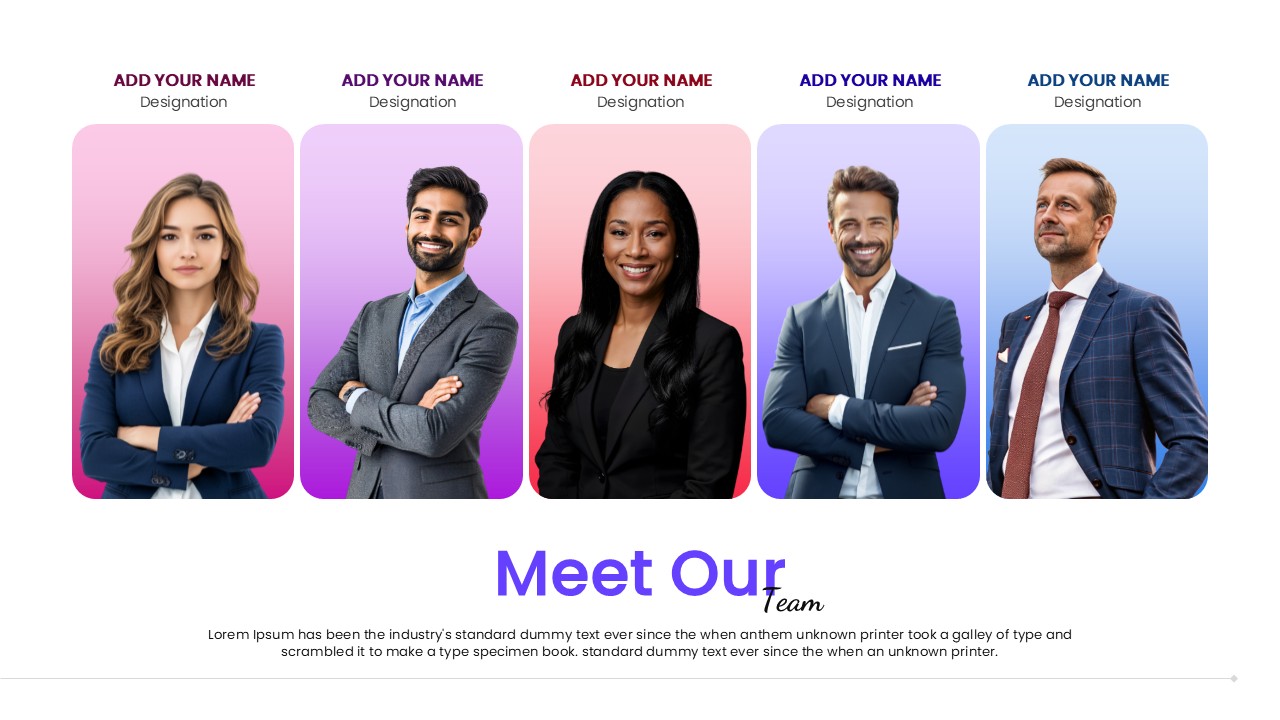
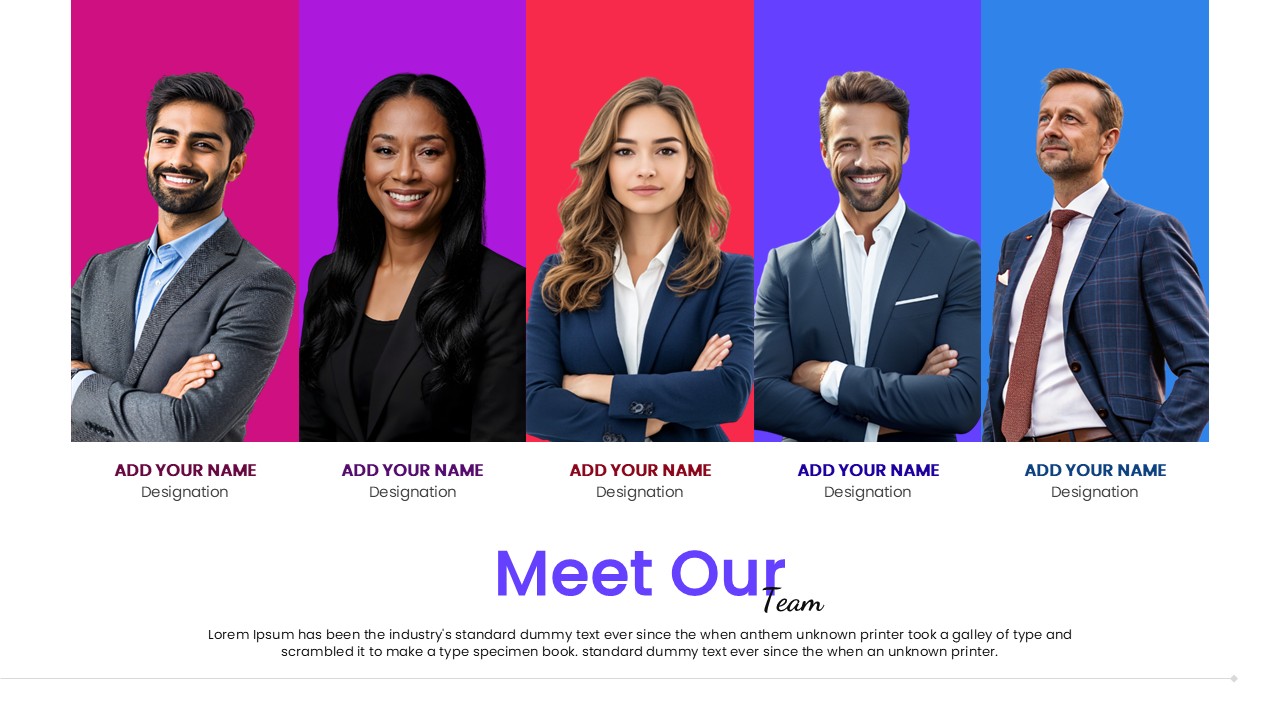
This team introduction template features stylish vertical geometric panels that frame your team members’ photos. You can easily insert your own images and update the text placeholders with names and designations. The design is fully editable and comes with pre-made color themes, ensuring it adapts perfectly to your corporate branding or creative style.
Use this slide for the “About Us” section of your business plan, a project kickoff meeting, or a new hire introduction deck. It serves as an excellent visual aid for organizational overviews, helping audiences identify key contacts and roles within your department quickly and effectively.
Why use this Meet Our Team Template
- Introduces your team with a polished, cohesive visual style.
- Saves design time with a structured, ready-to-use layout.
- Enhances audience trust by humanizing your business presentation.
- Allows for quick updates when team members or roles change.
Who Should Download this Meet the Team Template
- Startup Founders presenting their core team to investors.
- Project Managers introducing the project squad to clients.
- HR Professionals creating company handbooks or onboarding decks.
- Agency Leaders showcasing creative talent to prospective partners.
Key Features
- 100% Vector-Based Graphics
- Fully Layered & Organized
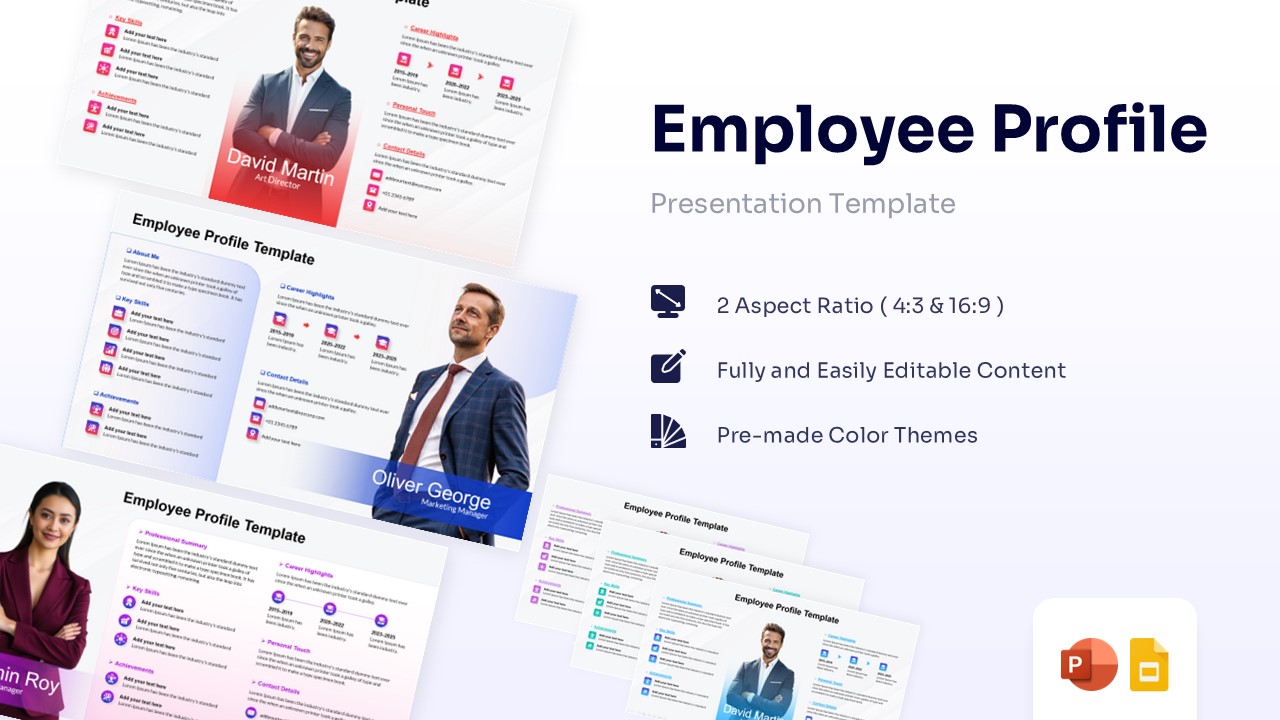
- 2 Aspect Ratio (4:3 & 16:9)
- Fully and Easily Editable Content
- Pre-made Color Themes
Frequently Asked Questions
- How do I replace the photos in the template?
- The template uses standard image placeholders. Simply right-click on the placeholder, select \"Change Picture,\" and upload your photo. The layout will automatically crop and fit the image into the vertical panel.
- Can I change the colors to match my brand?
- Yes, all shapes, fonts, and colors are fully editable. You can easily apply your company\'s color palette using the theme color settings in PowerPoint or Google Slides.
- Is this template compatible with Google Slides?
- Yes, this template is optimized for both PowerPoint and Google Slides. You can edit it seamlessly on either platform without losing formatting or quality.
Related Templates
-
-
-
 $2.99
$2.99 -
 $3.99
$3.99