Zig Zag Process Flow Infographic Template for PowerPoint & Google Slides
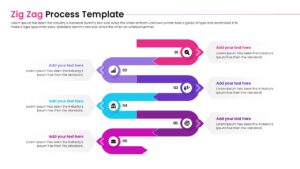
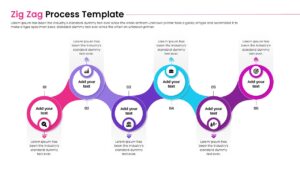
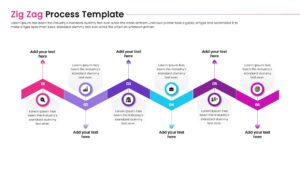
Creative Zig Zag Timeline Presentation Template
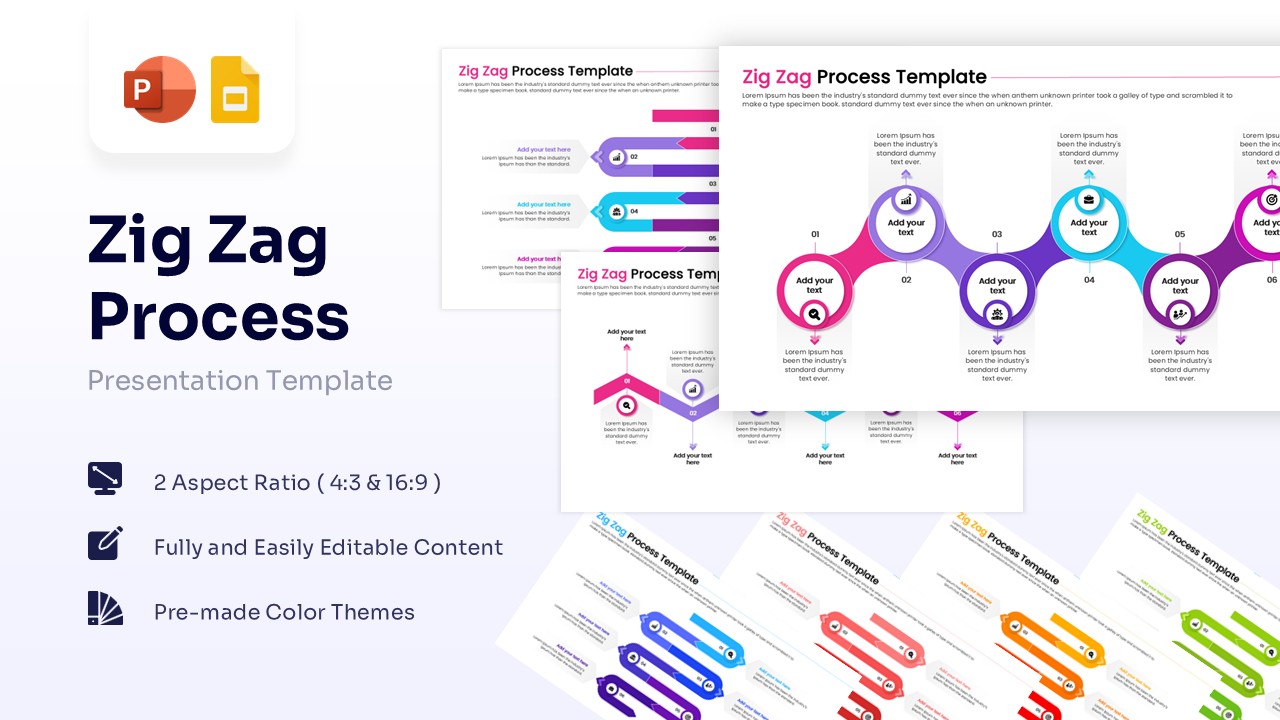
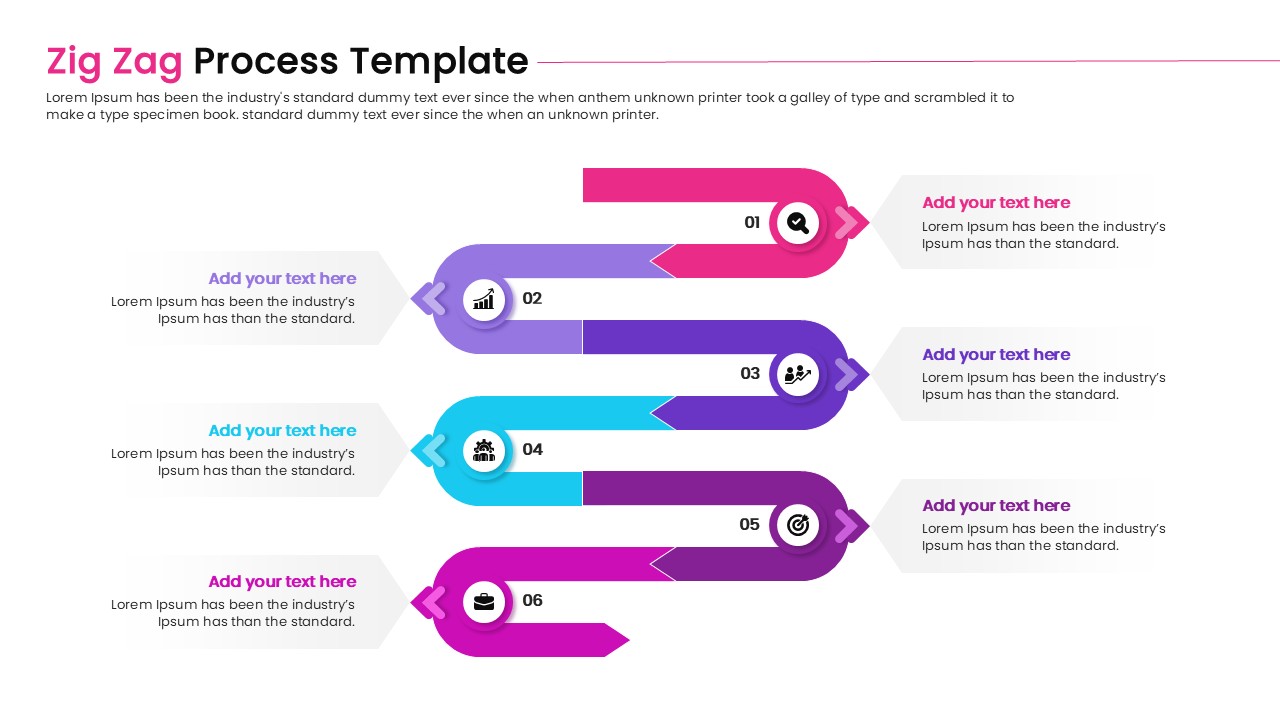
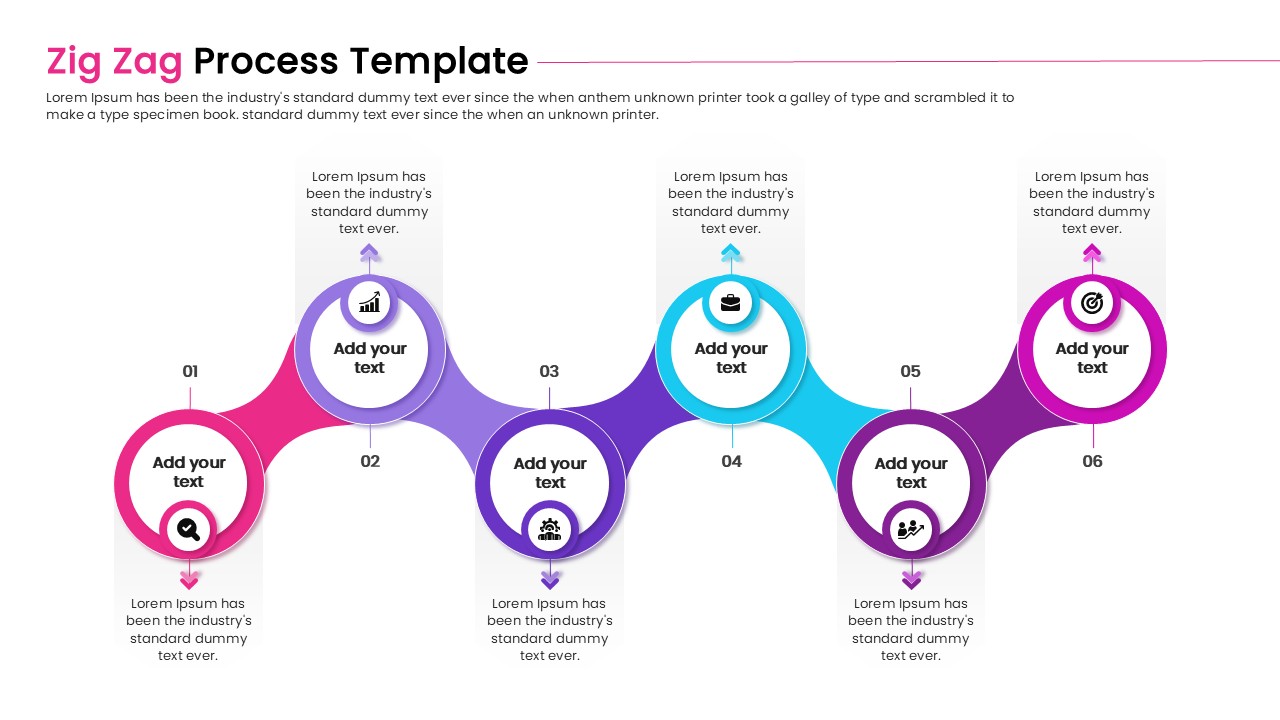
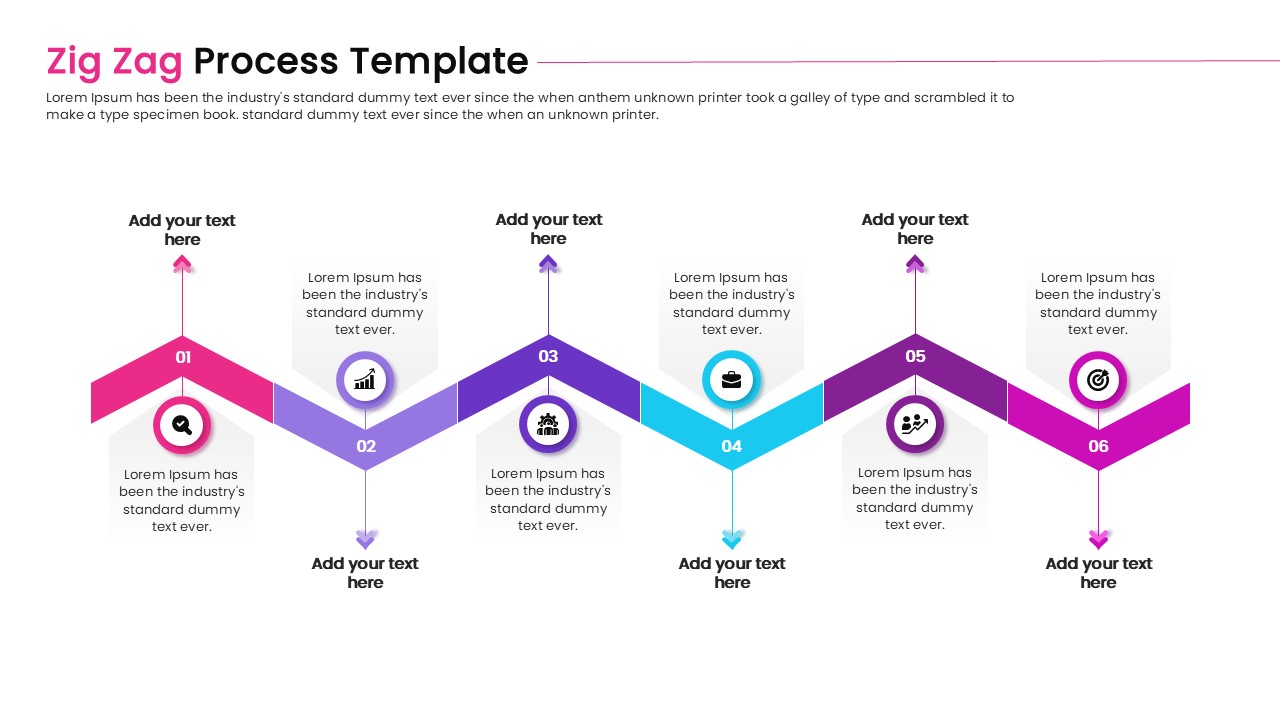
Download this Zig Zag Process Infographic template to visualize distinct stages, timelines, or workflows in a creative, winding layout. It is perfect for professionals who need to show a journey or progression, such as a product launch or a project lifecycle, ensuring your audience follows the narrative from start to finish. Using a structured path helps you present complex sequences simply, making you look prepared and organized.
This infographic template features high-quality vector graphics arranged in a serpentine path, allowing you to fit multiple steps on a single slide without it feeling crowded. The zig zag infographic elements come with pre-set gradients and icons, but every shape, color, and font is fully editable to align with your brand guidelines. You can easily adjust the nodes to match the specific number of steps in your workflow.
Use these Zig Zag infographics for showcasing business roadmaps, historical events, supply chain flows, or software development phases. The layout is versatile enough for manufacturing processes, educational lesson plans, or marketing funnels where direction and order are key. By guiding the viewer’s eye along the path, you ensure that no critical step is overlooked during your briefing.
Why use this Zig Zag Flow Process Diagram
- Transforms linear data into an engaging visual story.
- Saves hours of design time with pre-made, professional layouts.
- Makes complex processes easy to follow at a glance.
- Offers full customization to fit any brand identity or color scheme.
Who is it for this Zig Zag Infographic Template
- Project managers mapping out deliverables and milestones.
- Business analysts illustrating workflow improvements.
- Educators and trainers explaining step-by-step procedures.
- Marketing teams visualizing customer journeys or campaign timelines.
Key Features
- 100% Vector-Based Graphics
- Fully Layered & Organized
- Multi-Platform Support
- Theme Color & Theme Font
- 2 Aspect Ratios (4:3 & 16:9)
Frequently Asked Questions
- Can I change the colors of the zig-zag path?
- Yes, all shapes and gradients are fully editable in both PowerPoint and Google Slides.
- How do I add more steps to the process?
- Simply duplicate existing nodes and connectors to extend the path as needed.
- Does this template support widescreen displays?
- Yes, it includes layouts for both standard (4:3) and widescreen (16:9) aspect ratios.