Professional Escalation Matrix Template for PowerPoint & Google Slides
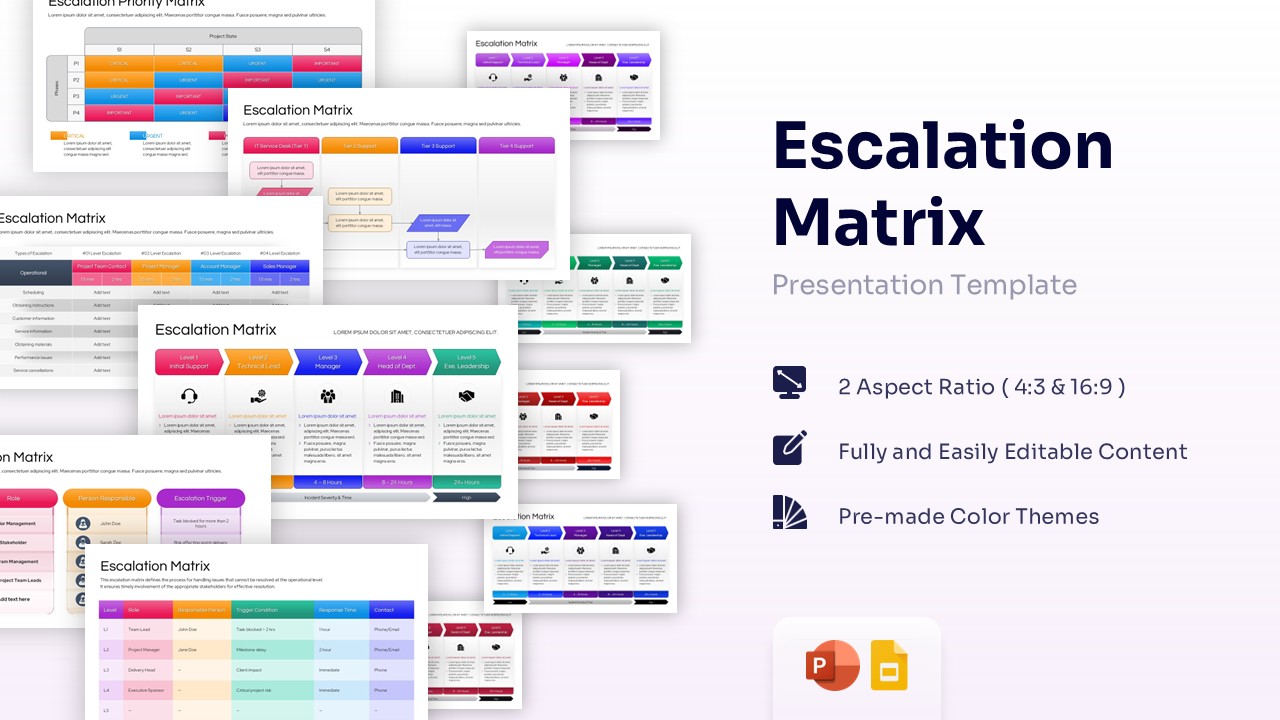
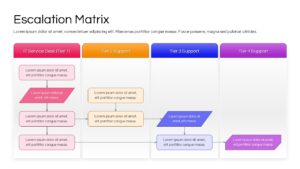
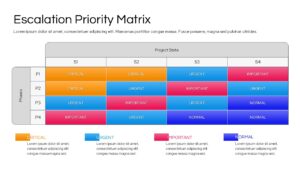
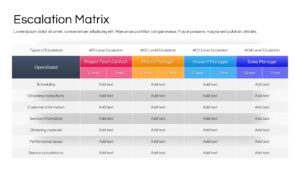
Escalation Process Flowchart Template for PowerPoint & Google Slides
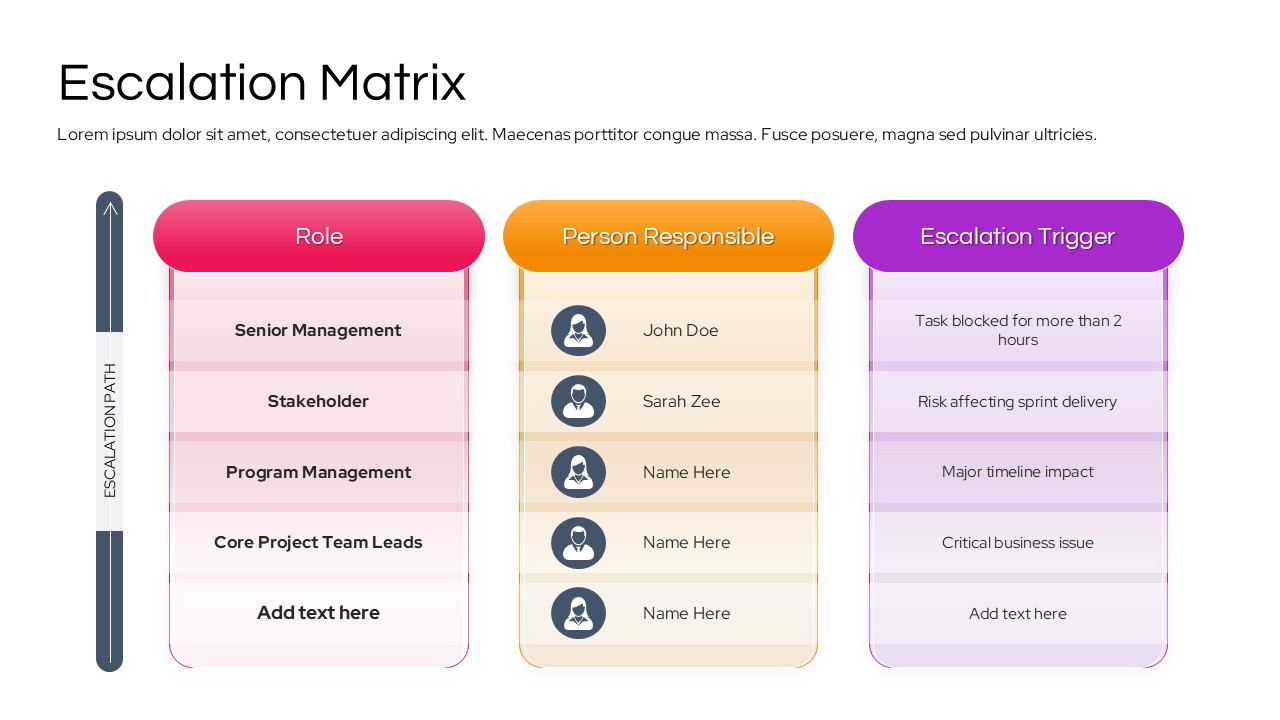
Download this Escalation Matrix Template to establish clear communication protocols and resolve project bottlenecks before they impact your deadlines. This comprehensive matrix diagram is designed to help project managers and department heads define exactly who to contact when issues arise, ensuring that every problem is handled by the right person at the right time. Whether you are managing a software development sprint or a corporate service desk, having a visual escalation path keeps your team aligned and gives stakeholders confidence that risks are being proactively managed.
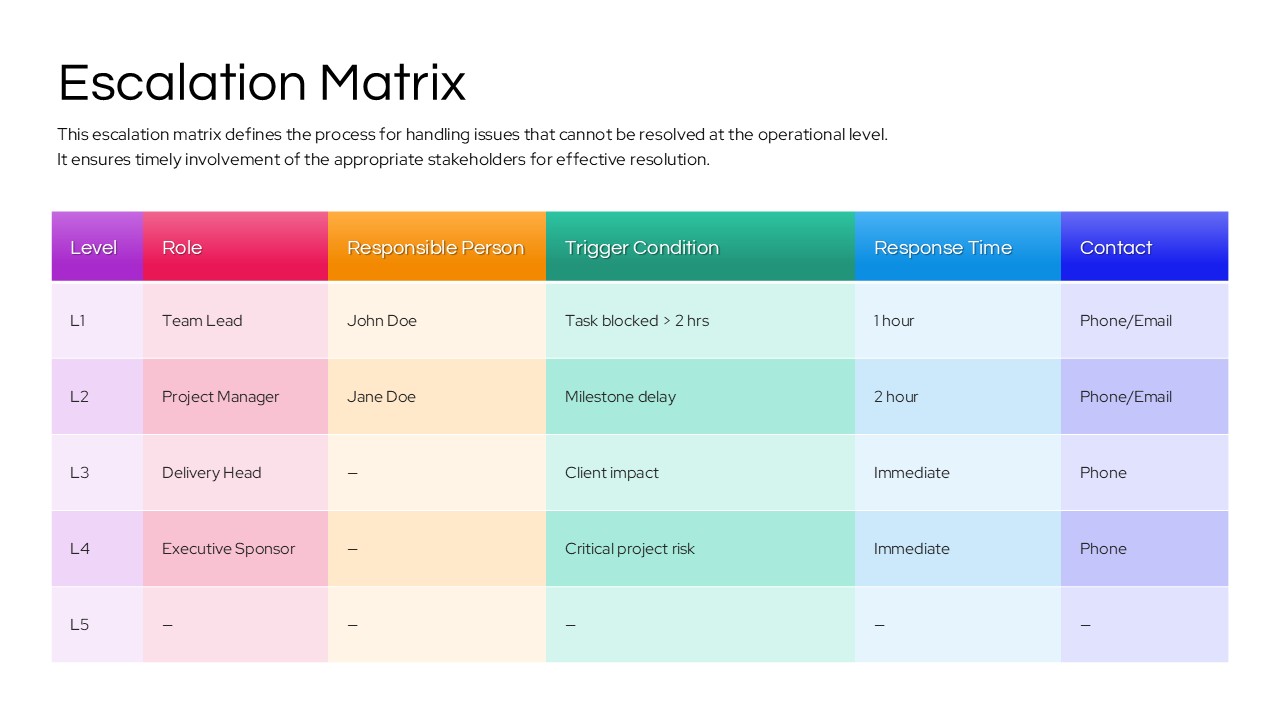
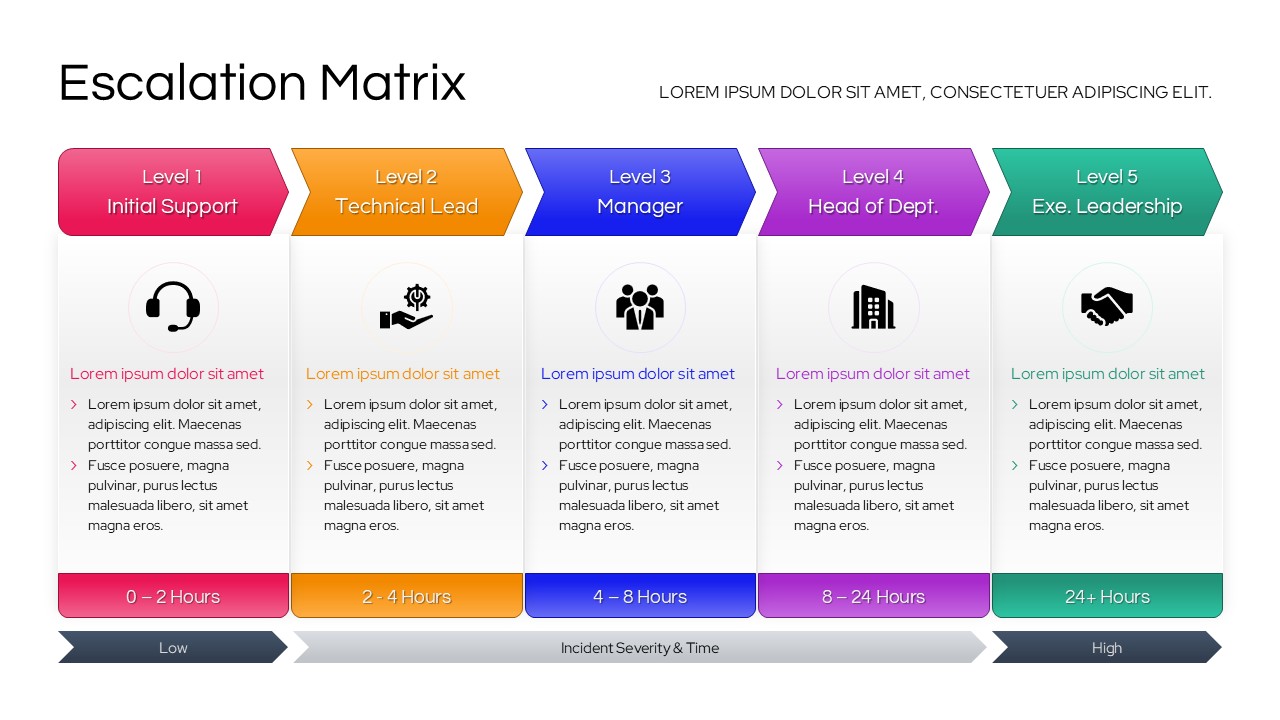
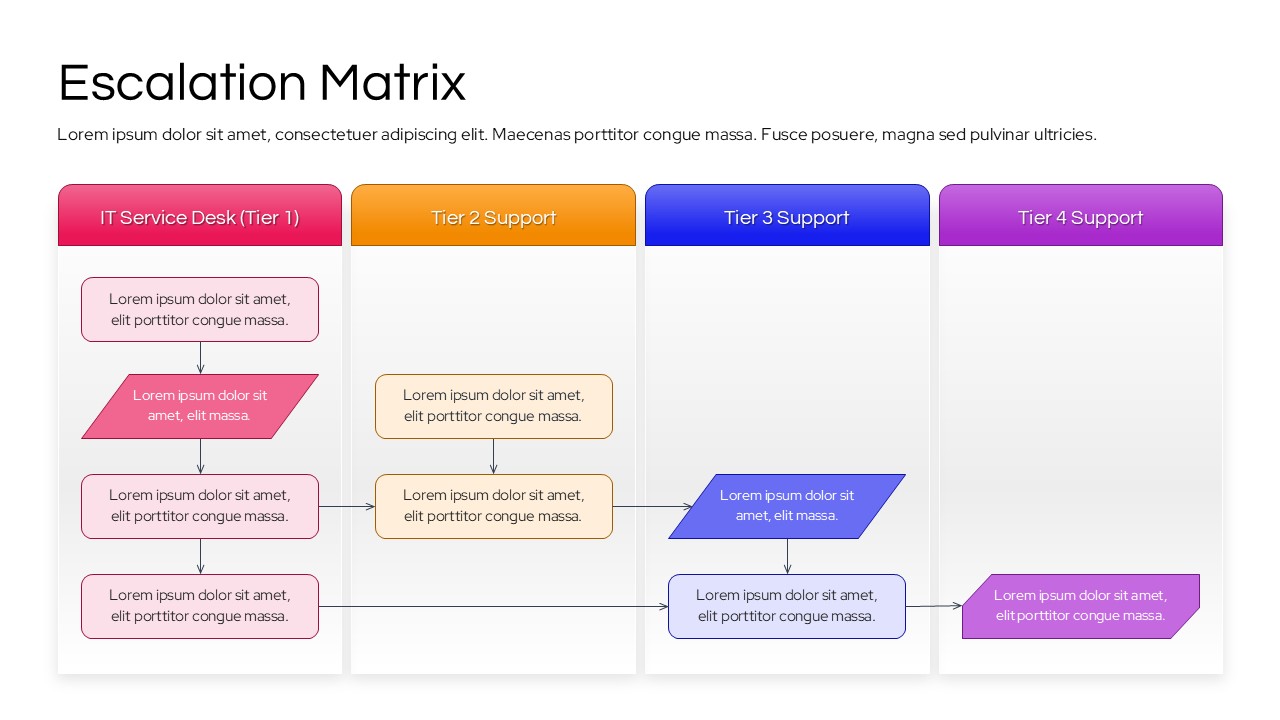
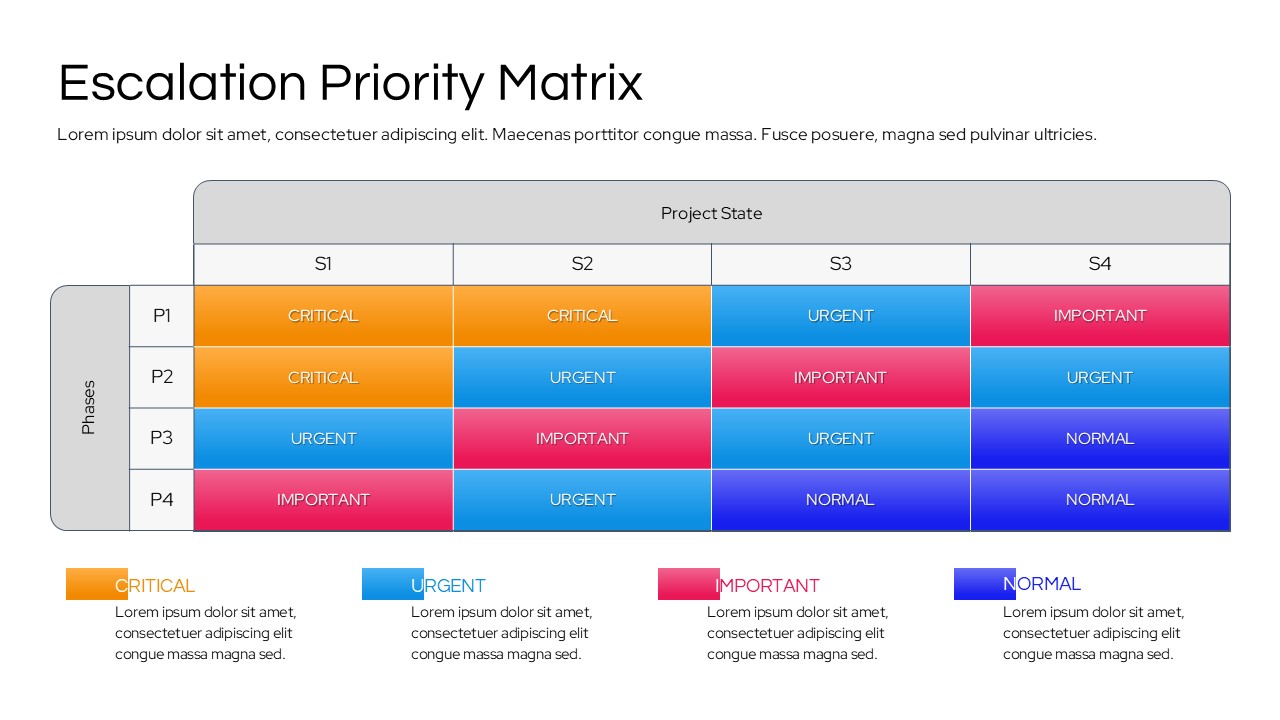
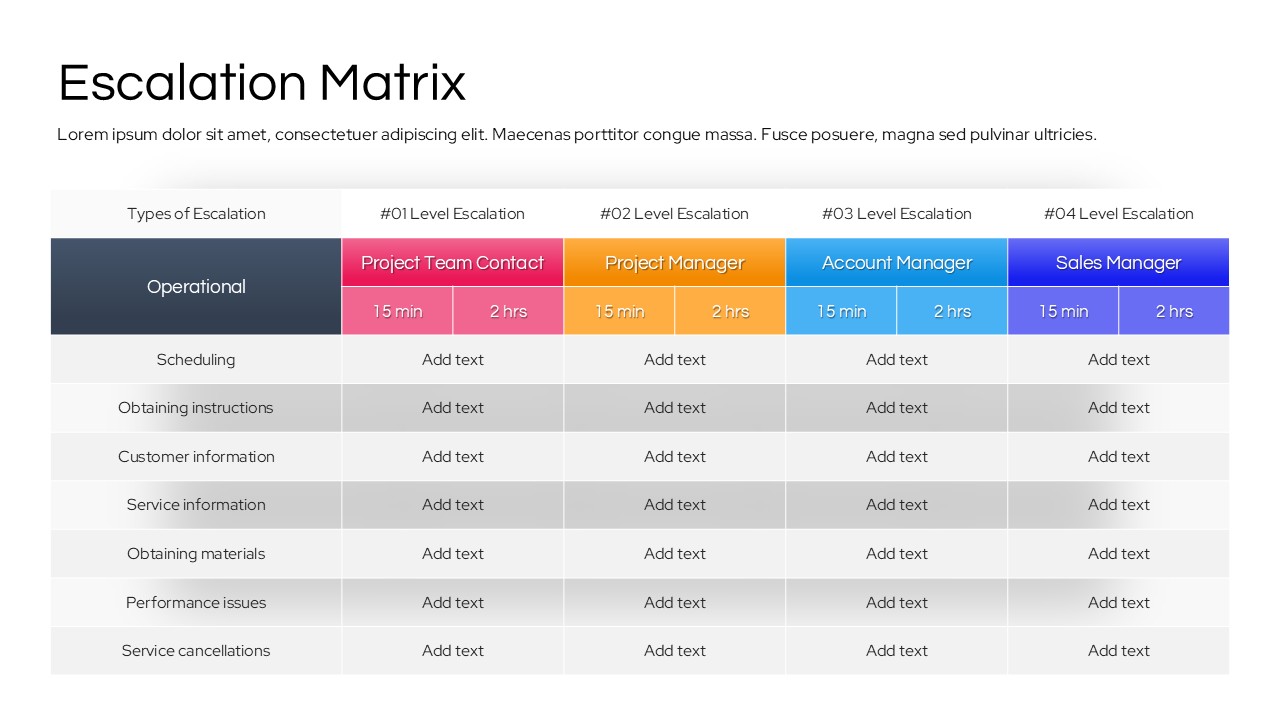
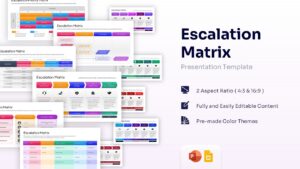
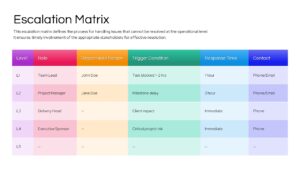
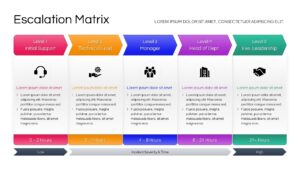
This escalation process template features a variety of layouts, including horizontal process flows, detailed data tables, and high-impact priority matrices. Use the level-based diagrams to showcase the transition from initial support to executive leadership, or utilize the grid-based priority matrix to categorize incidents by severity and project state. The clean, professional aesthetic ensures your protocols are easy to read during high-pressure meetings, helping you move from crisis to solution faster. Each presentation diagram slide is built with flexibility in mind, allowing you to map out specific trigger conditions and response times that fit your organization’s unique workflow.
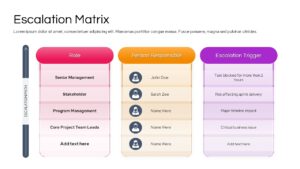
Beyond simple contact lists, these escalation matrix templates serve as a strategic tool for risk management and operational efficiency. You can use the tiered support diagrams to explain ITIL service desk structures or the stakeholder responsibility slides to clarify roles in complex consulting projects. By visualizing the “if-then” scenarios of your business processes, you reduce ambiguity and empower your team to take decisive action. These slides are fully compatible with both PowerPoint and Google Slides, ensuring you can collaborate with your team in real-time and present a polished, professional deck on any device.
Why Use this Escalation Matrix PowerPoint & Google Slides
- Standardize Response Protocols: Ensures every team member knows the specific trigger conditions for moving an issue to the next level.
- Enhance Stakeholder Transparency: Clearly communicates to clients and executives how their concerns will be prioritized and resolved.
- Reduce Resolution Time: Eliminates the “who do I call?” confusion, allowing for immediate action when critical risks appear.
- Improve Risk Mitigation: Helps identify potential project blockers early by defining clear paths for technical and management escalation.
Who Should Download this Escalation Matrix Diagram
Project managers, IT service desk leads, and operations directors who need to document formal communication plans. It is also ideal for customer success teams, HR managers for internal grievance procedures, and startup founders preparing investor decks that demonstrate operational maturity. This is a must-have for anyone involved in incident management, corporate governance, or cross-functional team leadership.
Key Features
- 100% Vector-Based Graphics
- Fully Layered & Organized
- Multi-Platform Support
- Theme Color & Theme Font
- Easy-to-Edit Data Tables and Flowcharts
Frequently Asked Questions
- What is an escalation matrix in project management?
- It is a visual guide that defines when and how a project issue should be moved up the chain of command to higher-level management for resolution.
- How do I customize the trigger conditions in these slides?
- Every text box is fully editable; simply click on the placeholder text to enter your specific time-based or risk-based triggers, such as \"Task blocked > 2 hours.\"
- Can I change the colors to match my company brand?
- Yes, the template uses theme colors, so you can change the entire palette with a few clicks in the \"Design\" tab of PowerPoint or by editing the \"Theme\" in Google Slides.
- Is this template suitable for ITIL frameworks?
- Absolutely. The tiered support slides (Level 1 to Level 5) are perfectly structured to represent ITIL-compliant service desk and technical support escalation paths.
Related Templates
-
-
 $3.99
$3.99 -
-