FAQ Templates for PowerPoint & Google Slides
Frequently Asked Questions Template for Presentation
Download this FAQ Templates for presentations to answer common queries clearly in your next presentation. Whether you are sharing project details with stakeholders or clarifying a new policy for your team, this slide helps you organize your answers so everyone understands. Instead of cluttering your deck with dense paragraphs, use this simple list infographics to make your Q&A section approachable and easy to read. It removes the guesswork for your audience and makes you look prepared and professional.
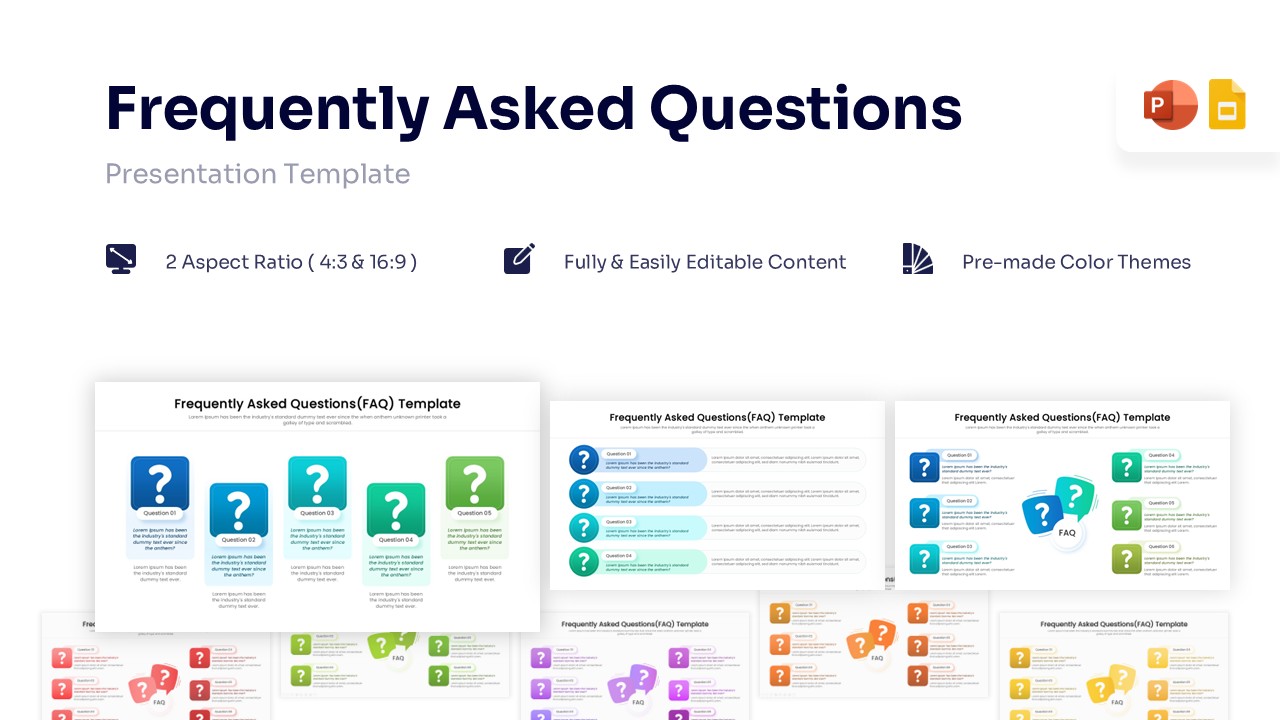
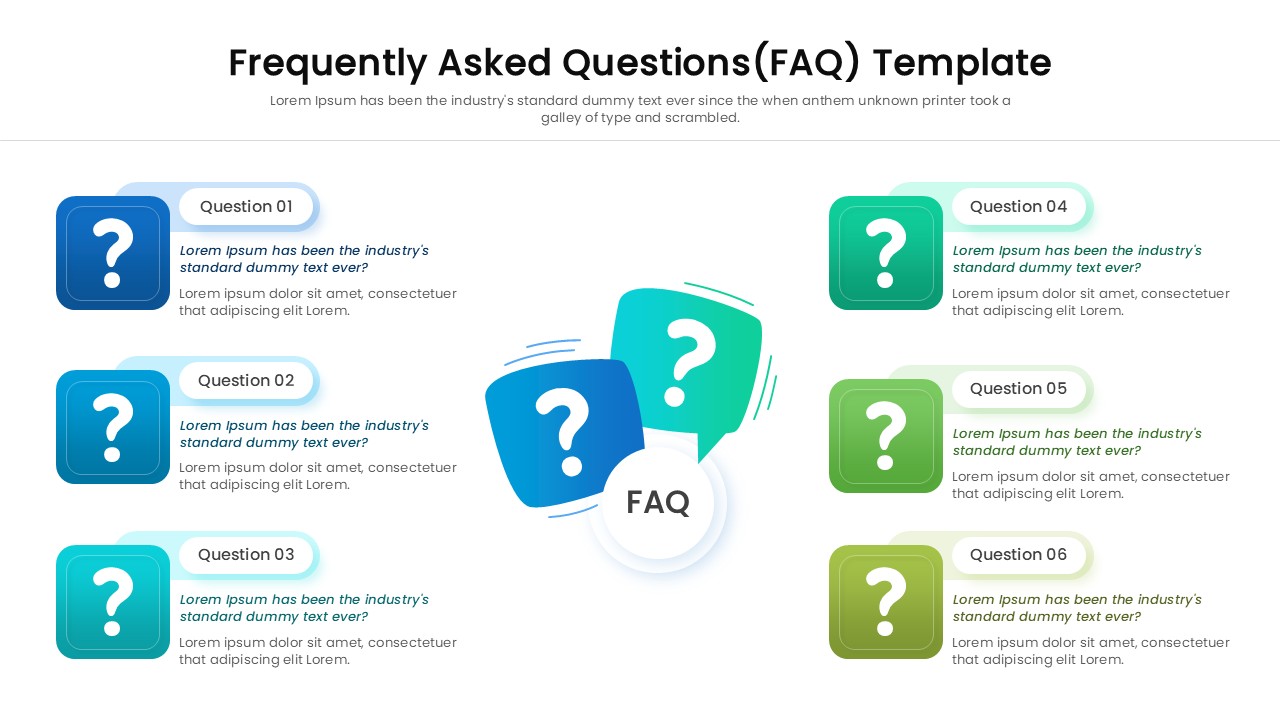
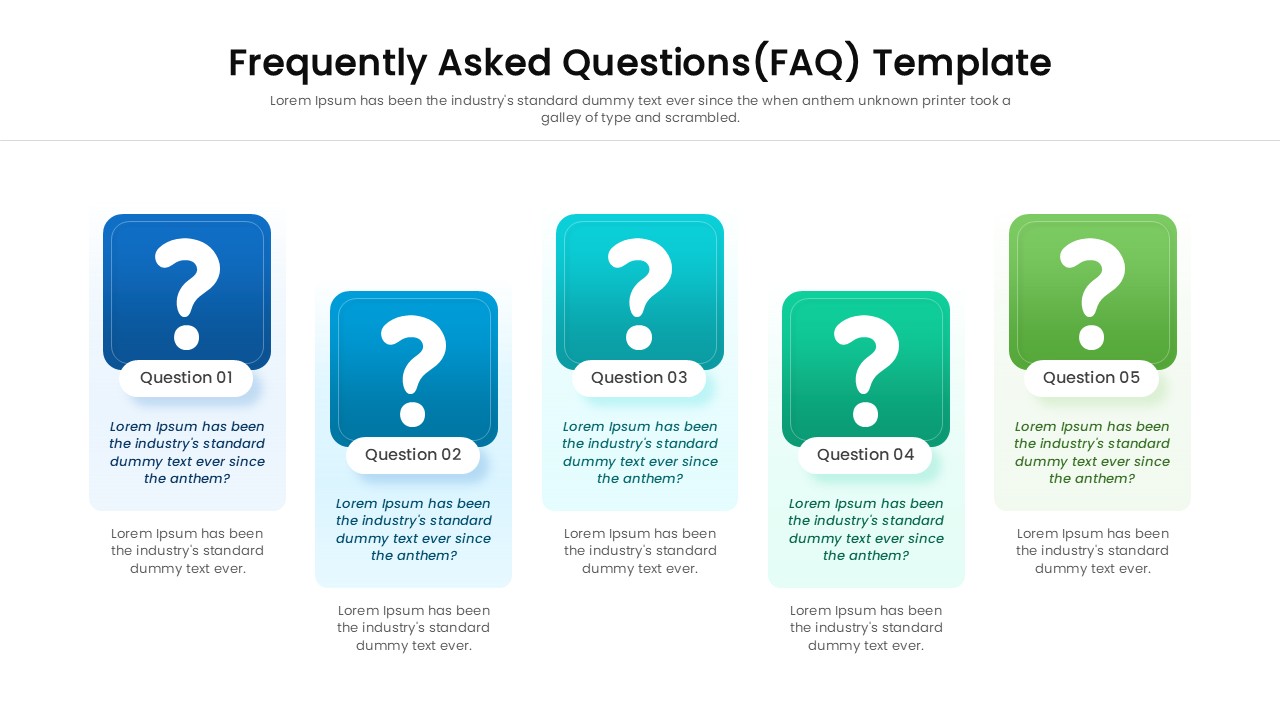
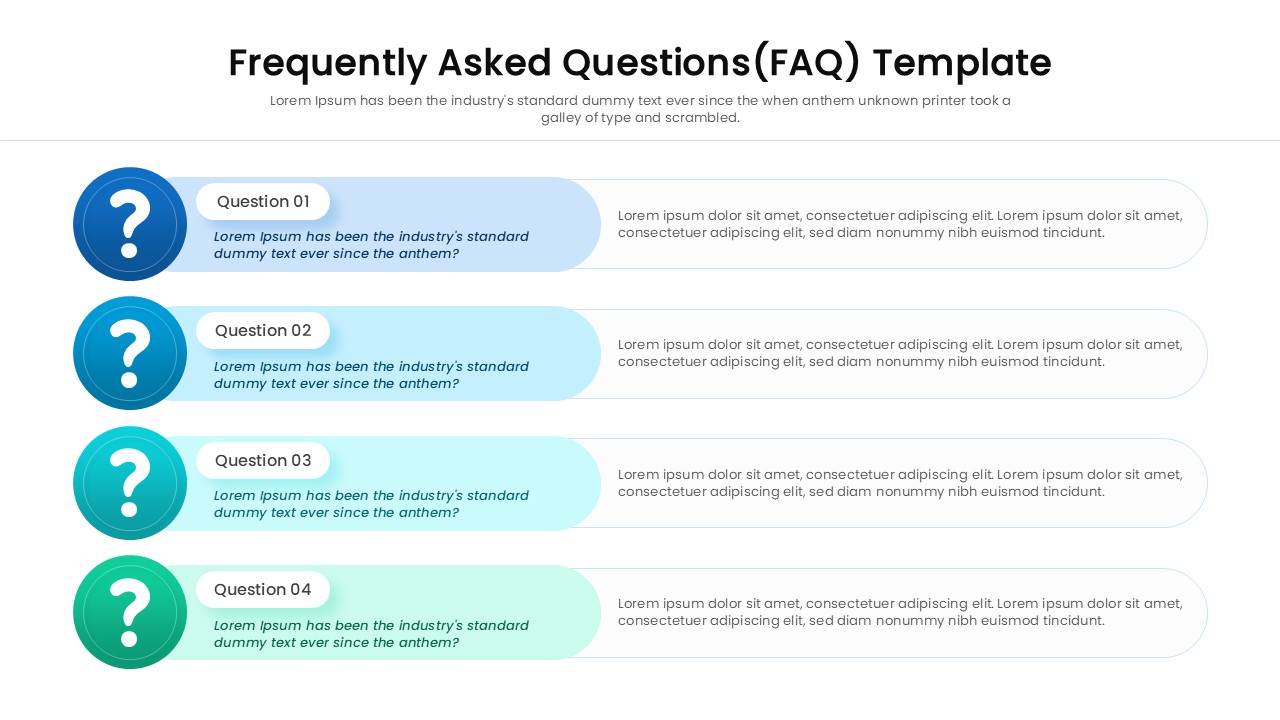
This Q&A presentation template gives you a clean, organized way to present information effectively. You can choose from different layouts, such as vertical lists, grids, or process flows, to fit your specific content needs. The clear question mark icons and dedicated text boxes help your audience distinguish between questions and answers instantly. Since the slide is fully editable, you can easily change colors, fonts, and shapes to match your company’s brand style without any design skills.
Use this template for investor pitch decks to answer potential questions about your business model before they are asked. It is also great for employee onboarding presentations to explain benefits and office rules, or for sales proposals to address common client concerns. Consultants can use it to define the scope of work, while educators can use it to recap lesson points. It serves as a valuable resource to ensure you end every meeting with clarity and confidence.
Why use this FAQ Templates
- Reduces the time spent formatting complex text slides.
- Clarifies doubts instantly with a structured and clean layout.
- Improves audience retention during Q&A sessions.
- Maintains a consistent and polished look across your entire deck.
Who Should Download this Frequently Asked Questions Template
- Project Managers explaining scope and deliverables to stakeholders.
- Sales Representatives addressing customer objections and queries.
- HR Professionals outlining company policies to new hires.
- Entrepreneurs preparing for investor Q&A rounds.
- Teachers and Trainers clarifying key lesson concepts.
Key Features
- 100% Vector-Based Graphics
- Fully Layered & Organized
- Multi-Platform Support
- Theme Color & Theme Font
- Two Aspect Ratios (4:3 & 16:9)
- Fully & Easily Editable Content
Frequently Asked Questions
- Can I change the colors of the question mark icons?
- Yes, every element in this template is 100% editable. You can change the fill colors of the icons, shapes, and backgrounds to align with your brand guidelines using the standard color tools in PowerPoint or Google Slides.
- Is this template suitable for a printed handbook?
- Absolutely. The high-resolution vector graphics ensure that the slide remains crisp and clear even when printed. It works perfectly for handouts, training manuals, or printed reports.
- Do I need special fonts to use this slide?
- No, this template uses standard theme fonts. However, you can easily switch them to your preferred corporate typography if needed.
- How many questions can I fit on one slide?
- The template comes with variations that support different numbers of questions. You can also duplicate the elements to add more items or duplicate the slide itself to spread questions across multiple pages.