
4 Quadrants Matrix Diagram Template for PowerPoint & Google Slides
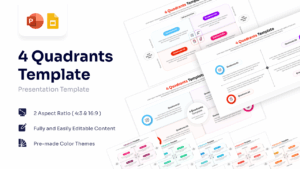
Four Part Business Grid Presentation Template
Download this 4 Quadrants Template to structure complex information into four clear, logical categories. Whether you are conducting a strategic review or organizing a project roadmap, this 4 step infographic template helps you present your ideas with clarity. It effectively breaks down data into manageable parts, making it easier for your audience to process key insights immediately.
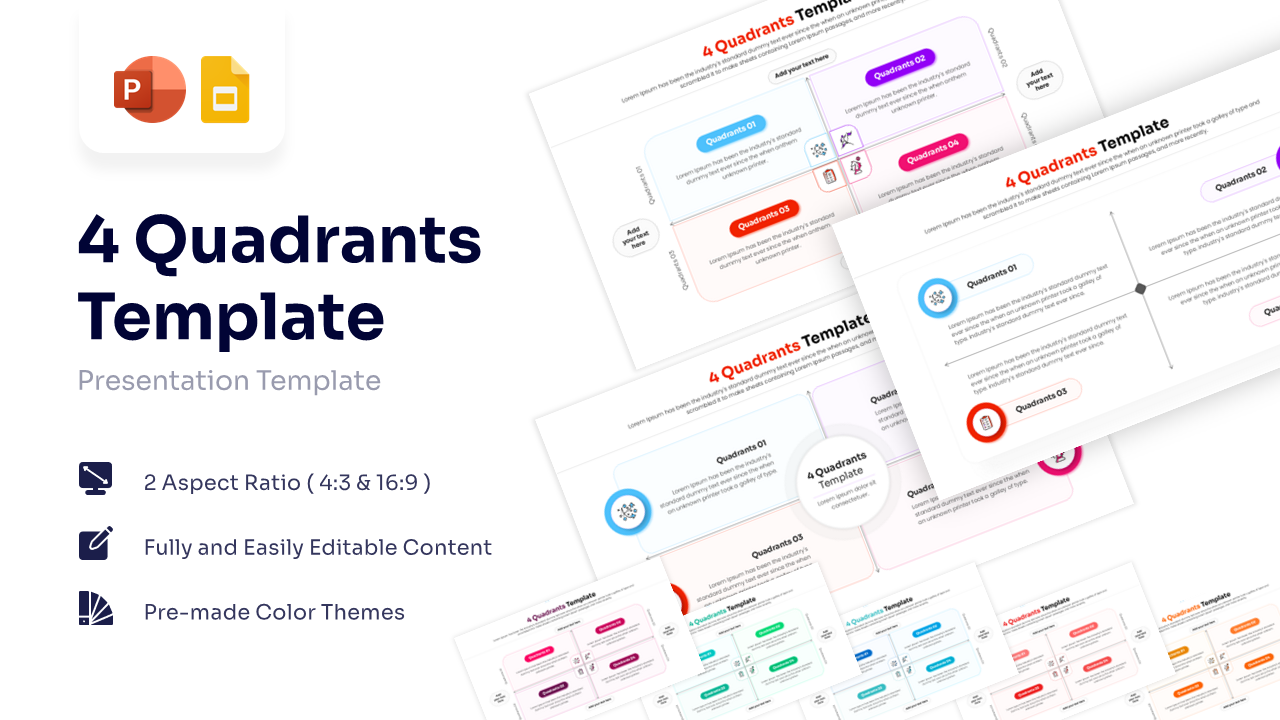
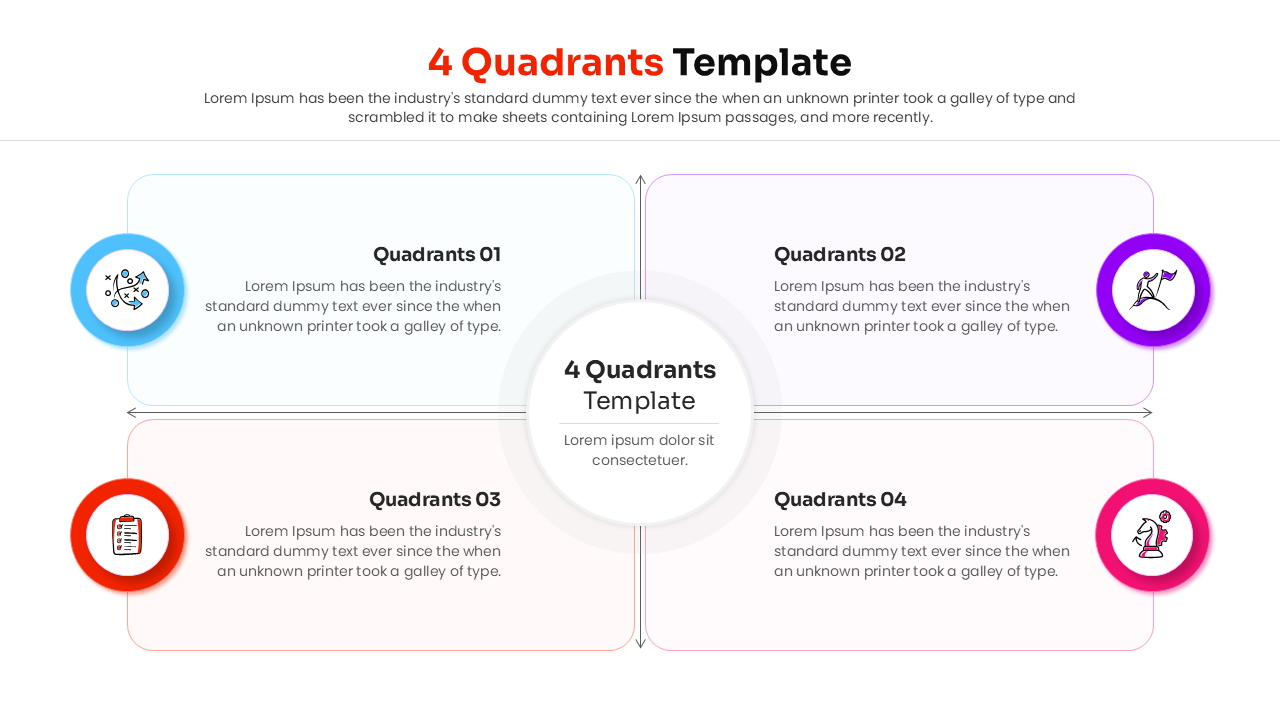
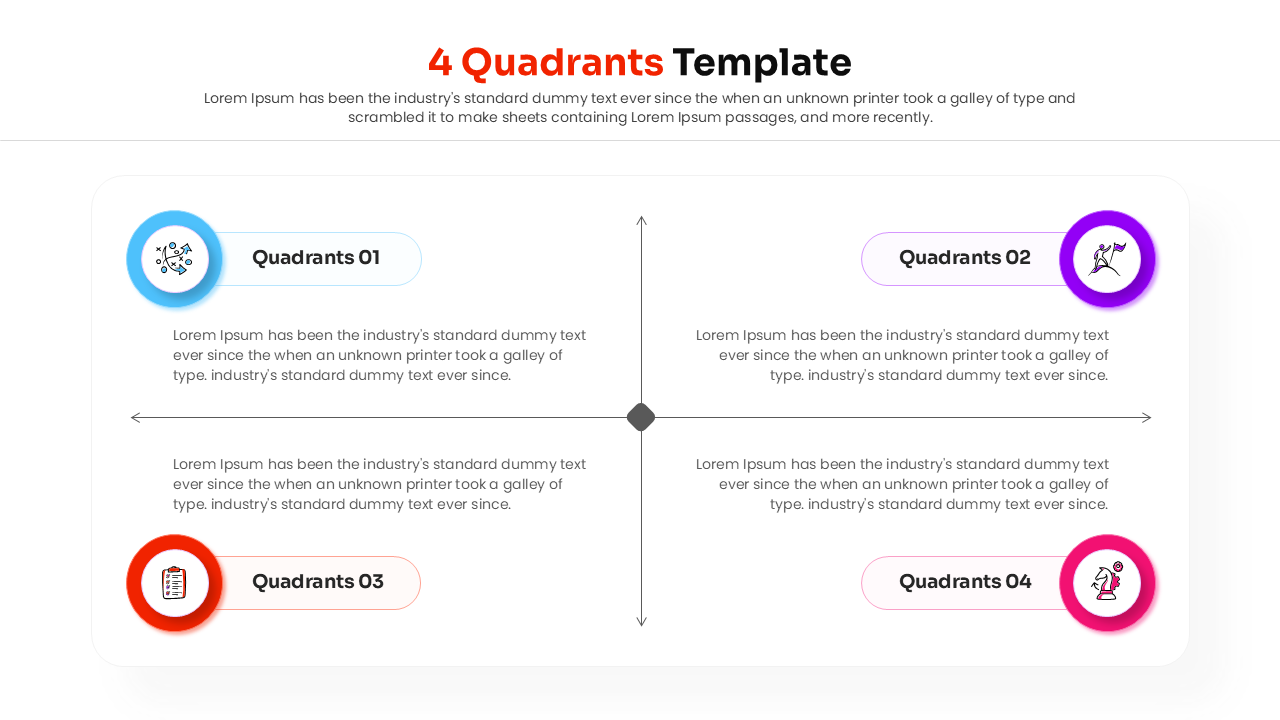
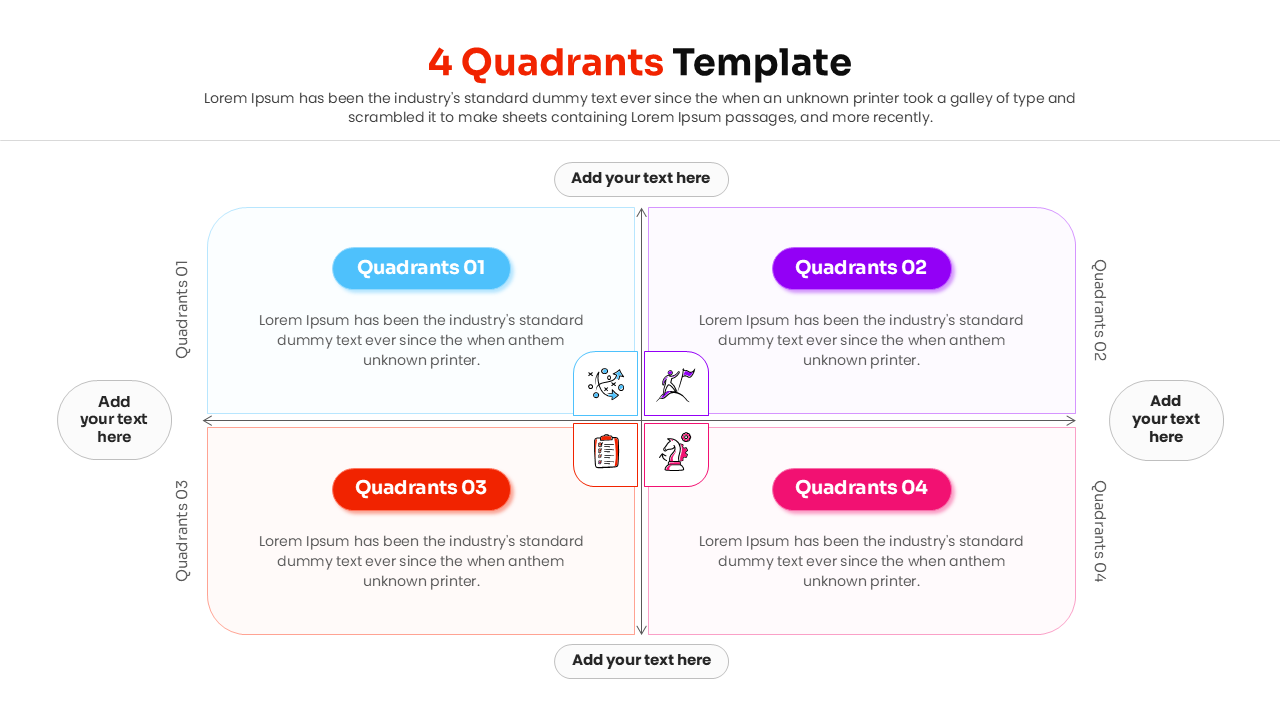
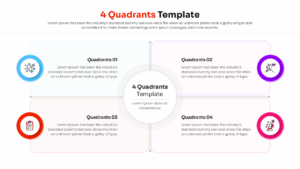
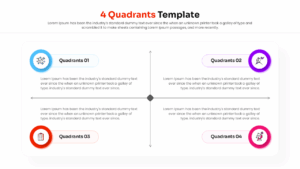
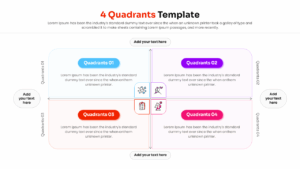
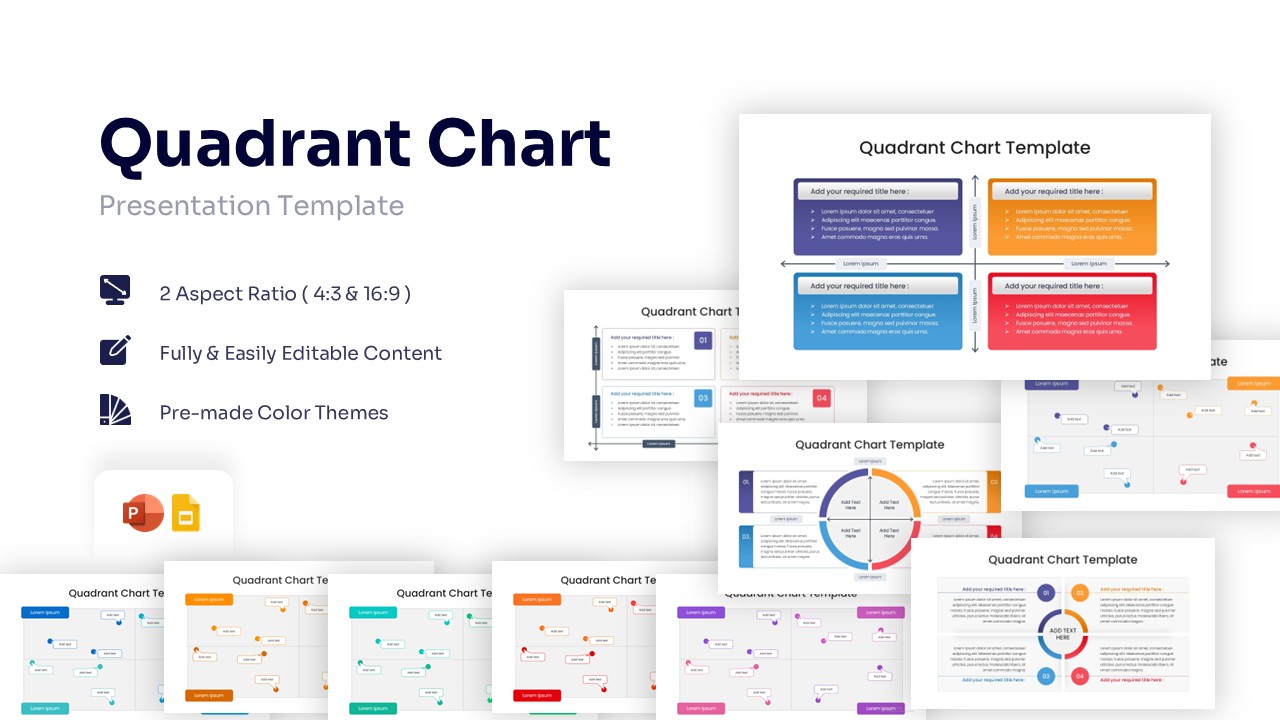
This 4 quadrant diagram features a professional matrix chart design with distinct color-coded sections—blue, purple, orange, and pink. It comes with fully editable text placeholders and intuitive icons, allowing you to customize the content for a SWOT analysis, risk assessment, or priority grid. The clean visual style ensures your message remains the focal point without unnecessary distractions.
You can use these 4 step process diagram for a variety of business needs, such as competitor comparisons, market segmentation, or decision-making frameworks like the Eisenhower Matrix. It is also an excellent tool for educational presentations, meeting agendas, and performance reviews where distinct categorization is required to drive understanding.
Why Use this 4 Quadrants Matrix Diagram
- Transforms dense information into an easy-to-read grid layout.
- Facilitates quick comparison between four distinct variables.
- Offers a polished, corporate look that saves you design time.
- Adapts seamlessly to different analytical models like SWOT or PEST.
Who Should Download this Quadrant Template
- Business Analysts evaluating strategic options using a detailed matrix diagram.
- Marketing Teams conducting a SWOT analysis or market segmentation review.
- Project Managers organizing tasks with a priority grid or action plan.
- Consultants presenting business frameworks and comparison charts to clients.
- Educators illustrating four-part models or concepts with clear visuals.
Key Features
- 100% Vector-Based Graphics
- Fully Layered & Organized
- Multi-Platform Support
- Theme Color & Theme Font
Frequently Asked Questions
- Can I change the colors to match my brand?
- Yes, all shapes and colors in this template are fully editable within PowerPoint and Google Slides.
- Is this suitable for a SWOT analysis?
- Absolutely. The four-quadrant layout is the standard format for presenting Strengths, Weaknesses, Opportunities, and Threats.
- Are the icons included?
- Yes, the template comes with the icons shown, which you can easily swap or resize.
Related Templates
-
-
-
 $3.99
$3.99 -
 $3.99
$3.99