Free Circular Infographic Template PowerPoint & Google Slides
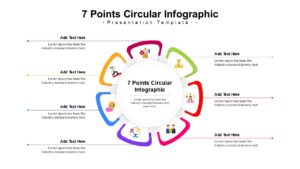
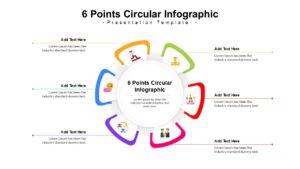
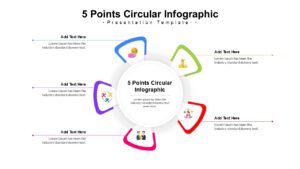
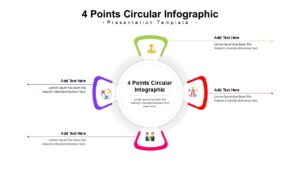
Multi-Step Circle Process Diagram Template
Download this Free Circular Infographic to visually organize your workflows and cyclical processes effectively. Whether you are outlining a business strategy or a continuous loop, this slide helps you present complex steps in a clear, easy-to-follow format. It allows your audience to grasp the flow of information instantly, ensuring your message lands with impact.
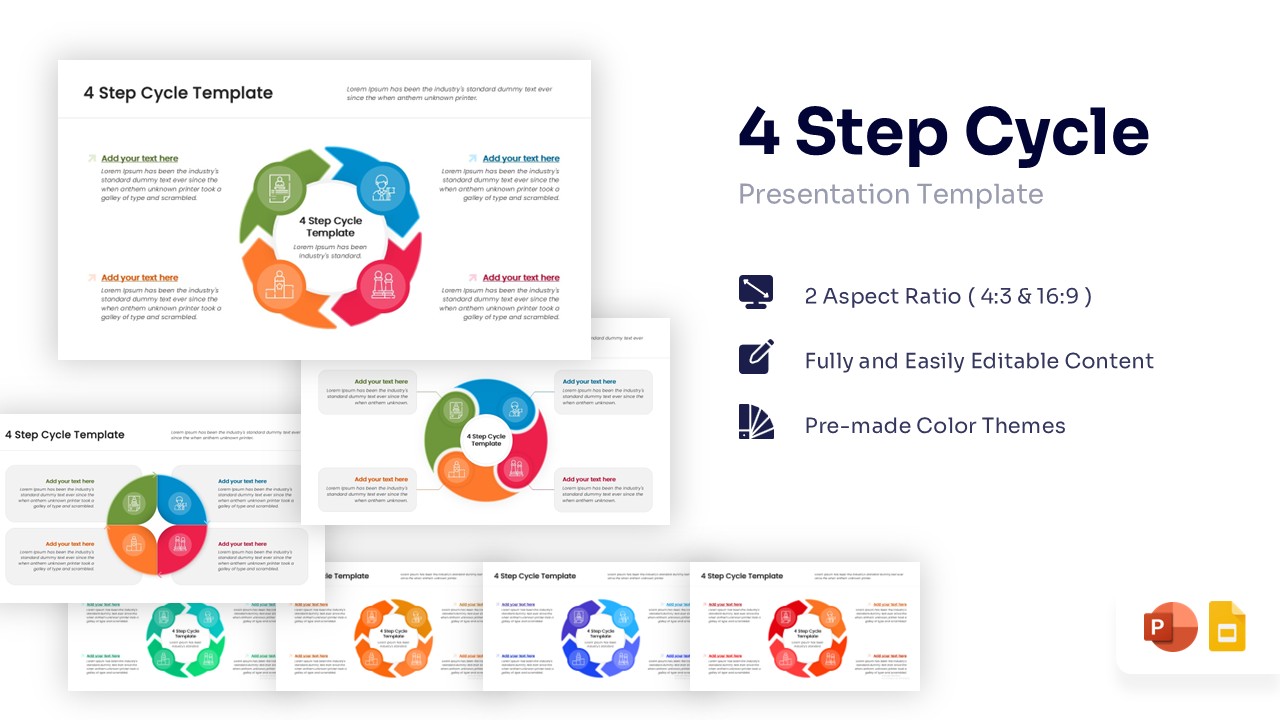
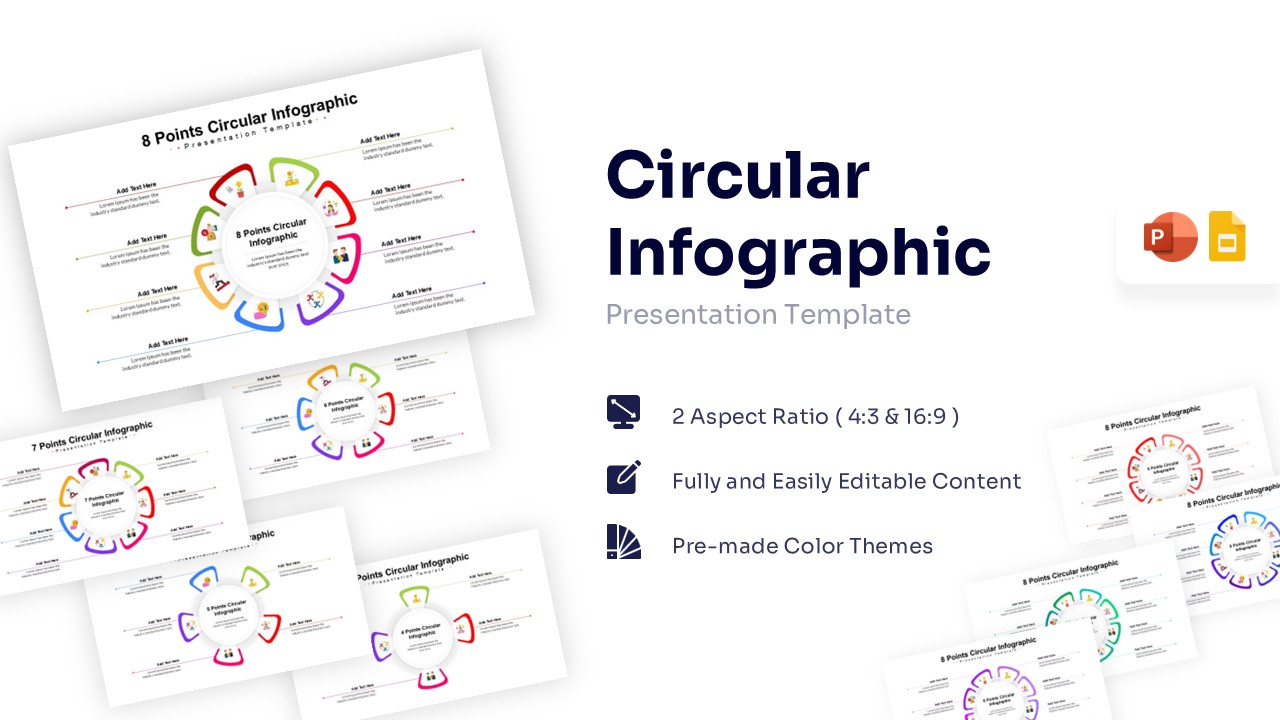
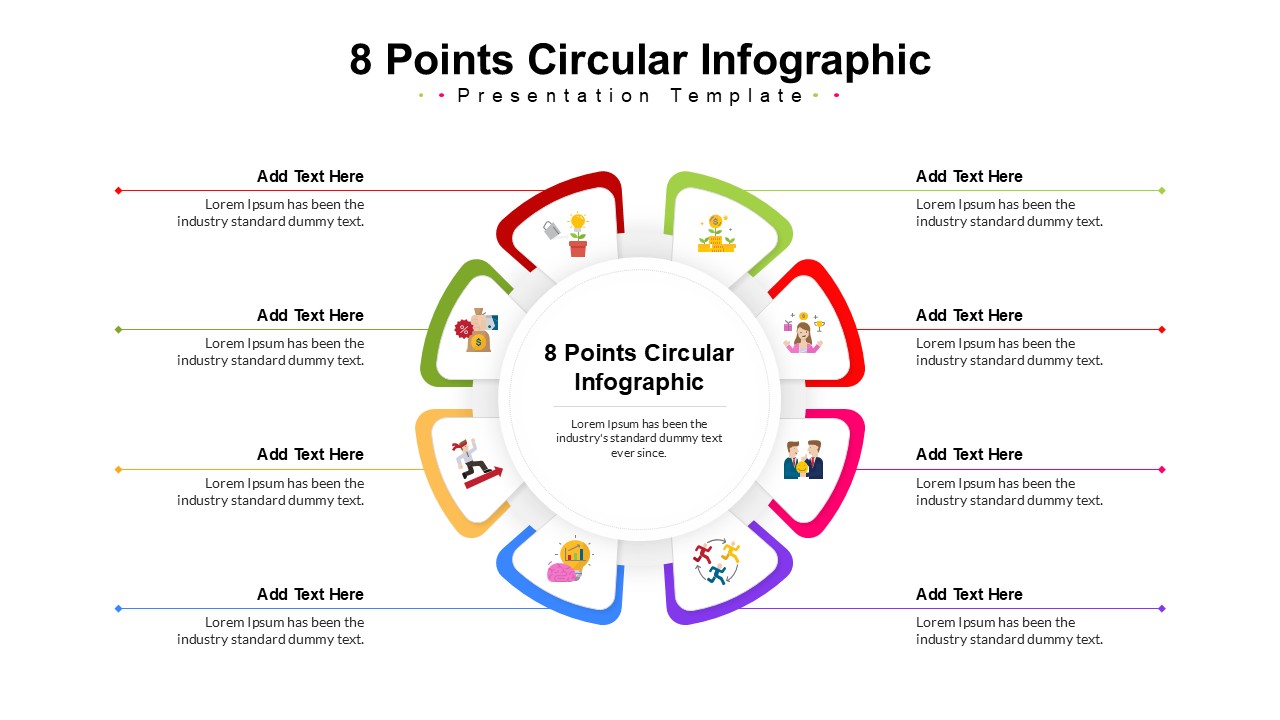
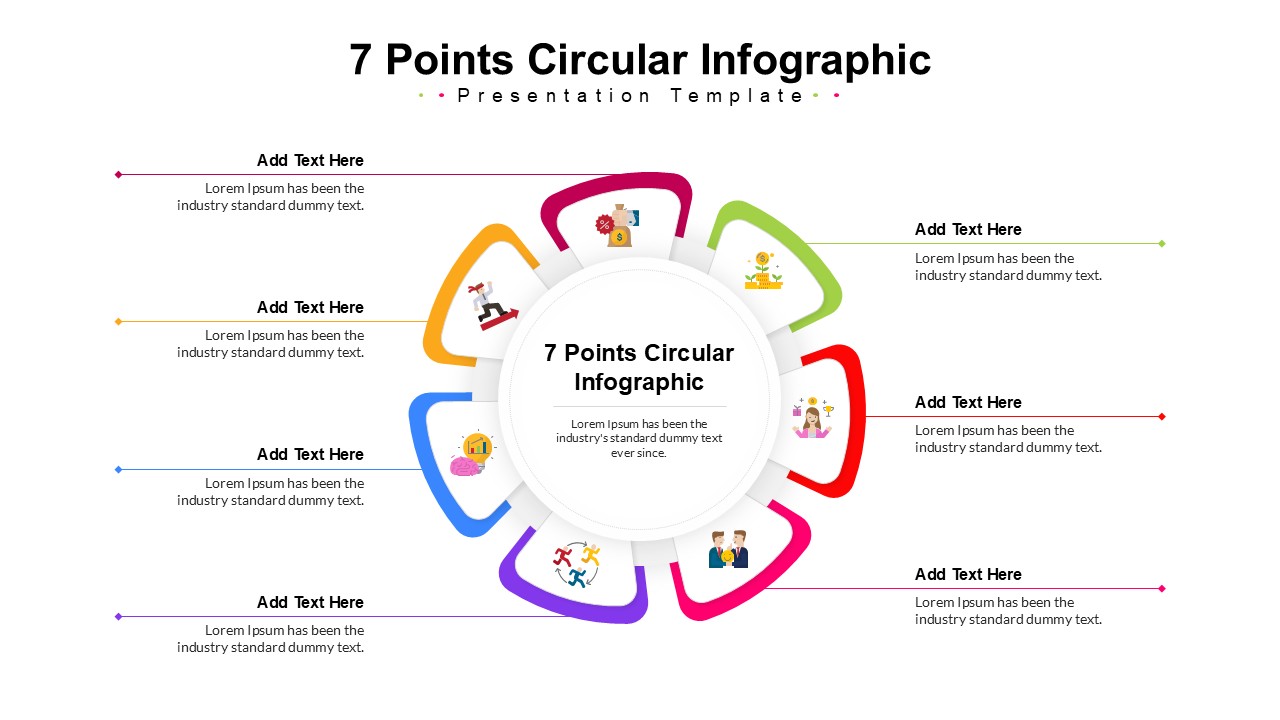
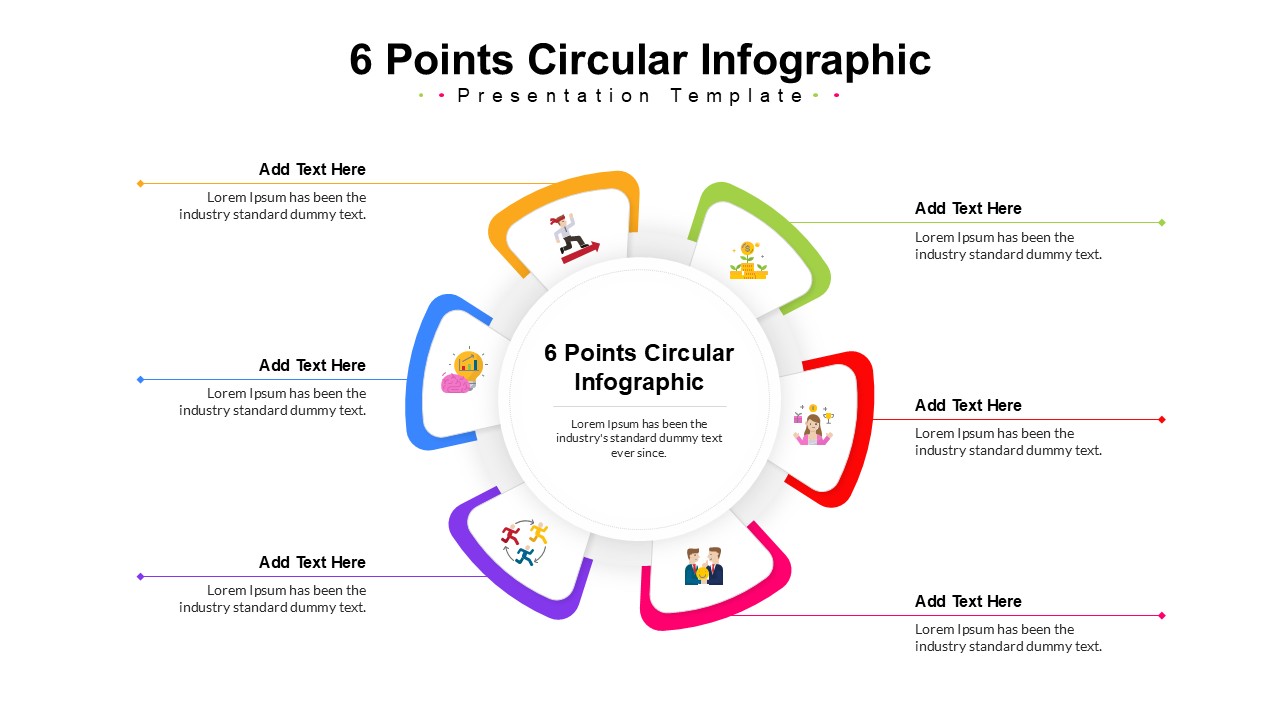
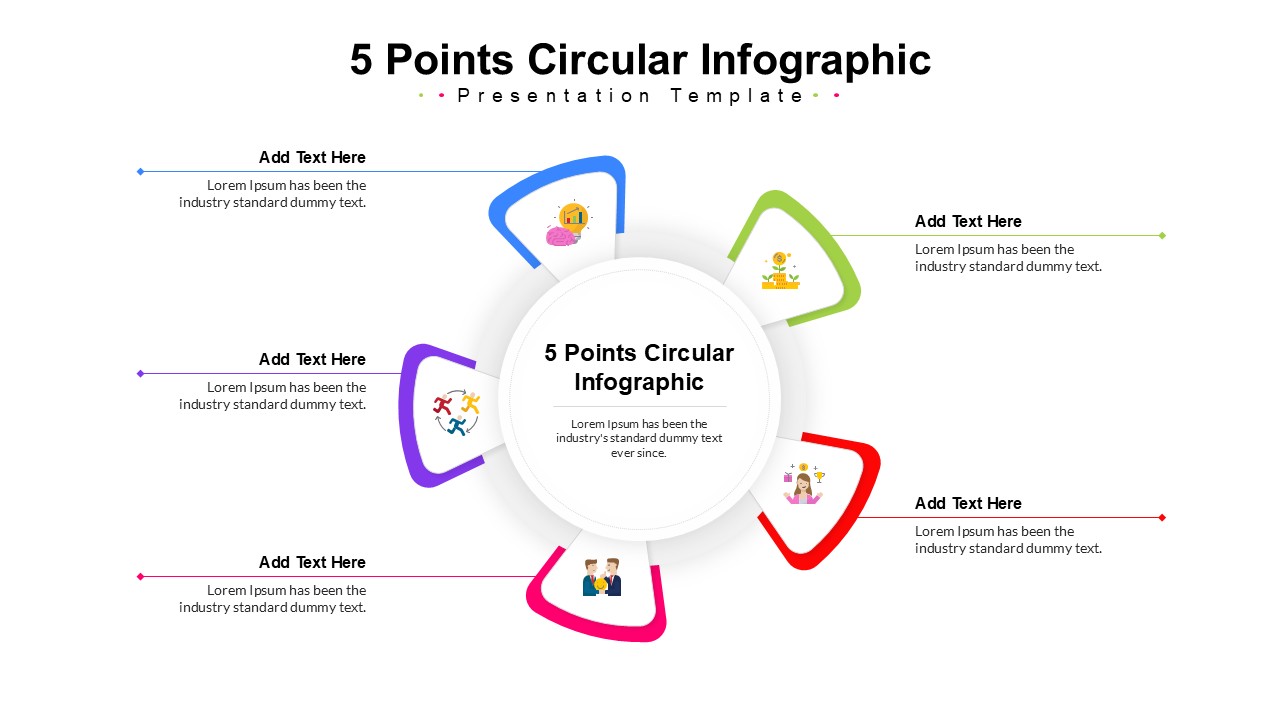
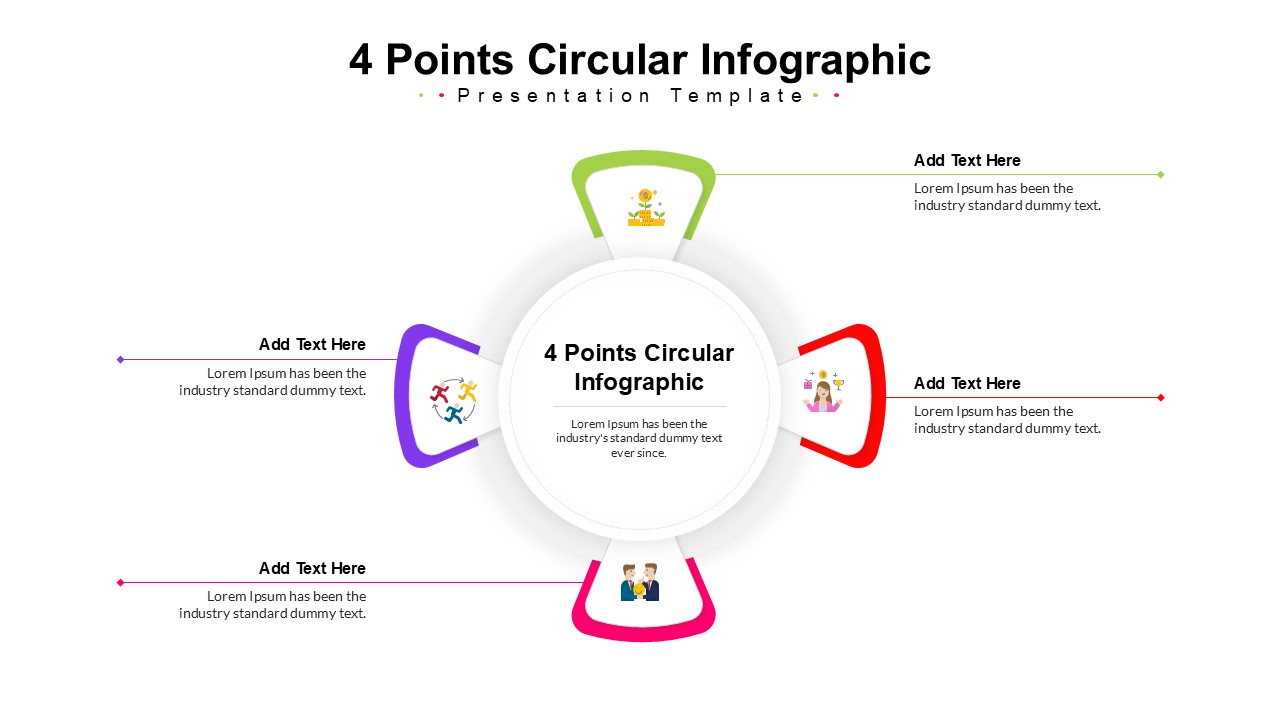
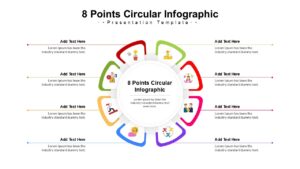
This circular diagram template features a versatile process diagram design with variations ranging from 4 to 8 steps. It includes fully editable vector graphics, allowing you to customize colors, resize icons, and adjust text to fit your branding needs perfectly. The layout supports both 4:3 and 16:9 aspect ratios, ensuring your slides look professional on any screen size without distortion.
You can use these professionally designed presentation templates for project lifecycles, marketing funnels, or educational explanations. The central hub design is perfect for showing how different elements connect to a core concept, making it adaptable for both corporate and academic settings. Simply choose the number of points you need and fill in your data to create a polished presentation in minutes.
Why use this Circular Diagram Templates
- Simplifies complex data into an easy-to-read visual cycle.
- Saves time with pre-designed structures that are ready to use.
- Ensures a consistent and professional look across your presentation.
- visualizes relationships between a central idea and its contributing parts.
Who is it for this Circle Infographics
- Project managers tracking continuous improvement loops.
- Marketing teams illustrating campaign lifecycles.
- Educators explaining repeating systems or feedback loops.
- Business consultants presenting strategy roadmaps or workflows.
Key Features
- Includes layouts for 4, 5, 6, 7, and 8-step circular diagrams
- 100% editable vector graphics and text
- Pre-made multi-color themes
- 4:3 and 16:9 screen aspect ratios
Frequently Asked Questions
- Can I change the number of steps in the diagram?
- Yes, this template includes separate slides for 4, 5, 6, 7, and 8 points, so you can select the exact layout that matches your content.
- Is this template compatible with Google Slides?
- Absolutely. This template is designed to work seamlessly in both Microsoft PowerPoint and Google Slides.
- Are the colors customizable?
- Yes, all shapes and lines are fully editable, allowing you to apply your own brand colors or theme preferences easily.